An Apple ID is the unified account used to access all Apple services, including the App Store, iCloud, Apple Music, iMessage, and FaceTime. Registration is a mandatory process that links your identity, contact information, and security preferences to Apple’s ecosystem, ensuring seamless synchronization across your devices while maintaining strict data privacy and encryption standards.
Understanding the Role of an Apple ID
At its core, an Apple ID acts as the master key to the digital environment provided by Apple. Whether you are using an iPhone, iPad, Mac, or a Windows PC, this single account synchronizes your purchases, personal data, and device settings. When you register, you aren't merely creating a login; you are establishing a secure identity that governs how you interact with Apple hardware and software services.
Without a valid Apple ID, you cannot download applications from the App Store, back up your device data to iCloud, or utilize Find My to locate lost hardware. It is the bedrock of the Apple ecosystem, designed to ensure that your digital footprint remains accessible only to you through encrypted authentication.
Prerequisites for Successful Registration
Before beginning the registration process, you must ensure you have three primary components ready. These requirements streamline the setup and prevent mid-process errors that often lead to account lockouts or verification failures.
1. A Valid Email Address
Your email address serves as your unique identifier and your primary method for recovering the account. It is highly recommended to use a permanent, personal email address rather than a work or school email, which you might lose access to in the future.
2. A Reliable Phone Number
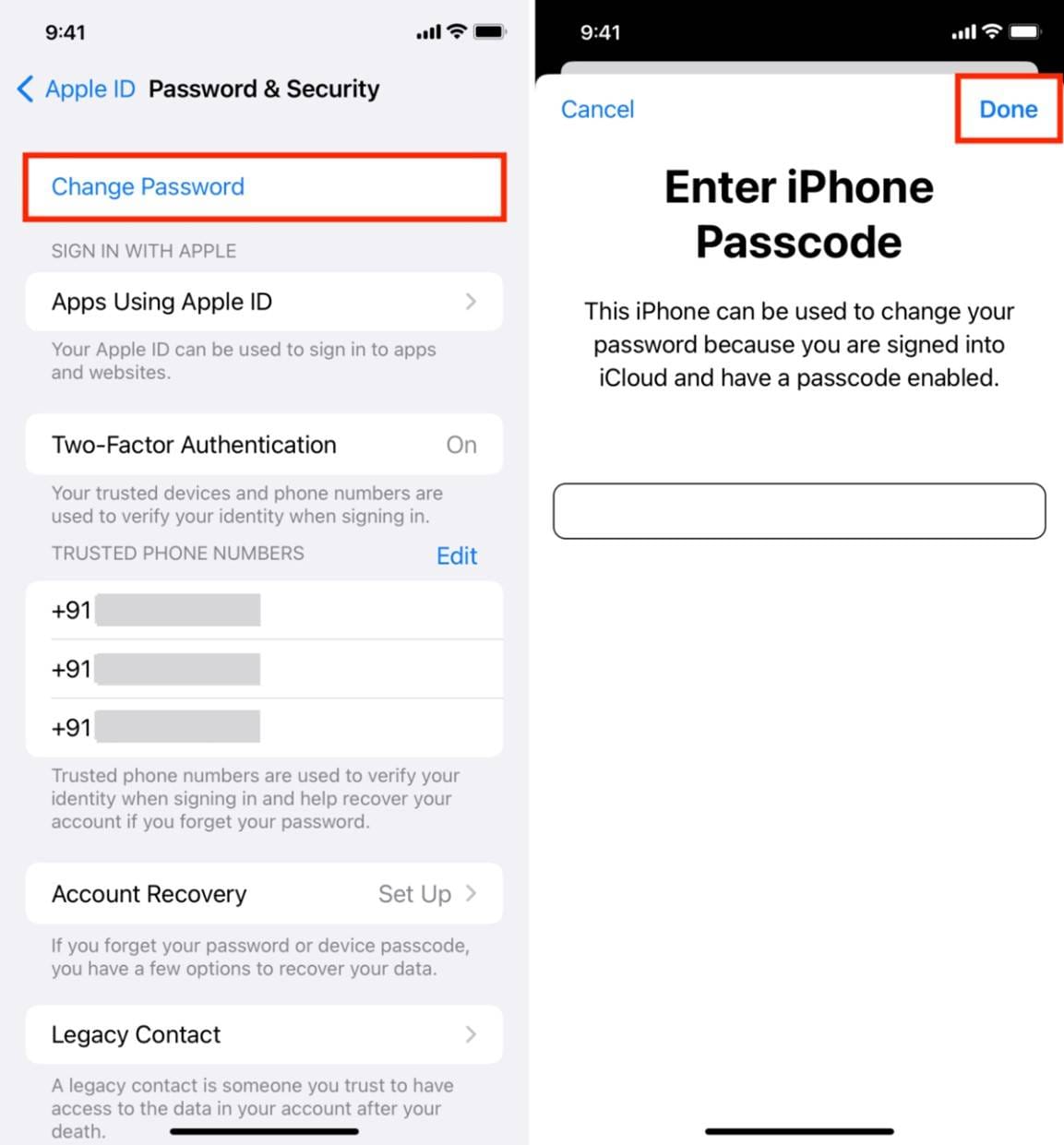
Apple requires a verified phone number for two-factor authentication (2FA). This number must be capable of receiving SMS messages or automated voice calls to receive security codes. In 2026, this remains the most critical security layer for preventing unauthorized access to your account.
3. Payment Information
While you do not need to add a payment method to create an Apple ID, you will likely need one to make purchases. Having a valid credit card, debit card, or a supported regional digital wallet ready will save you time if you intend to download paid apps or subscribe to services like Apple Music or iCloud+.
The Step-by-Step Registration Process
Registration can be completed via several pathways depending on the device you are currently holding. The steps below reflect the standard procedure for an Apple device running current operating systems.
Initializing on an iPhone or iPad
- Open Settings: Locate the Settings app on your Home Screen.
- Select Sign In: Tap the "Sign in to your [device]" banner at the top of the menu.
- Initiate Creation: Tap "Don't have an Apple ID or forgot it?" followed by "Create Apple ID."
- Data Entry: Enter your name, birthday, and email address. You will be prompted to create a password that meets Apple’s strict security complexity requirements.
- Verification: Follow the on-screen instructions to verify your email address and your phone number via the codes sent to your devices.
- Terms and Conditions: Review and accept the legal agreement.
Registration via Web Browser
If you do not have an Apple device immediately available, you can register through the official Apple ID management portal.
- Navigate to the official Apple ID account page in any standard web browser.
- Select "Create Your Apple ID."
- Complete the web form, which mirrors the device-based steps but requires manual entry of your security questions if the system prompts for them.
- Check your email inbox for a verification code provided by Apple to confirm your identity.
Comparison of Registration Methods
| Feature | On-Device (iPhone/Mac) | Web Browser (appleid.apple.com) |
|---|---|---|
| Setup Time | Typically under 5 minutes | Requires manual input of all fields |
| Authentication | Built-in biometric integration (FaceID/TouchID) | Requires manual verification code entry |
| Device Syncing | Automatic sign-in to local services | Manual sign-in required later |
| Security | Leverages Trusted Device protocols | Relies on browser security and 2FA |
Security and Two-Factor Authentication
In 2026, security is not optional; it is an integrated requirement of Apple ID registration. Two-factor authentication (2FA) is the standard for all new accounts. When you register, you are effectively opting into a system where your account cannot be accessed solely by a password.
Instead, any attempt to sign in on a new device will trigger a request for a six-digit verification code sent to your trusted devices or your verified phone number. This prevents attackers from gaining access to your personal cloud data, photos, and payment details, even if your password has been compromised elsewhere. It is essential to keep your recovery phone number updated; if you lose access to the phone number associated with your account, recovering your Apple ID can become a complex and time-consuming process.
Common Challenges and Troubleshooting
Despite the streamlined nature of the registration process, users occasionally encounter roadblocks. Understanding these common issues can save you significant time.
Email Already in Use
If you receive an error stating that the email is already in use, it is highly likely that an account was created with that address in the past. Attempt to use the "Forgot Password" function on the sign-in screen to recover the existing account rather than trying to create a new one.
Verification Code Delays
If you are not receiving your verification code via SMS, ensure that your device has a stable cellular or Wi-Fi connection. Verify that the phone number entered is formatted correctly for your region. If the issue persists, request a voice call verification code instead of an SMS text.
Password Complexity
Apple requires a strong password. If your registration is rejected, ensure your password includes a combination of uppercase letters, lowercase letters, and numbers. Avoid common words or patterns that are easily guessed by automated tools.
Managing Your Account Post-Registration
Once your registration is finalized, your Apple ID is ready for use. However, proactive management is recommended to avoid future issues. Regularly log in to the Apple ID web portal to ensure your contact information, trusted phone numbers, and security settings are accurate.
If you decide to change your primary email address, do so through your account settings rather than creating a secondary Apple ID. Creating multiple IDs leads to fragmented content, where your purchases become locked to different accounts, making it impossible to merge them later. By keeping all your services under one roof, you ensure that your digital life remains organized and secure.
Frequently Asked Questions
Is there a cost associated with registering an Apple ID?
No, registering an Apple ID is entirely free. Apple does not charge fees to create or maintain an account. While you may choose to add a payment method for purchasing apps or digital services, the registration itself involves no financial transaction.
Can I change my Apple ID email address later?
Yes. If you change your email provider or wish to use a different address, you can update the email associated with your Apple ID in the settings of your device or through the official Apple ID website. This will not affect your existing purchases or data.
What happens if I forget my password?
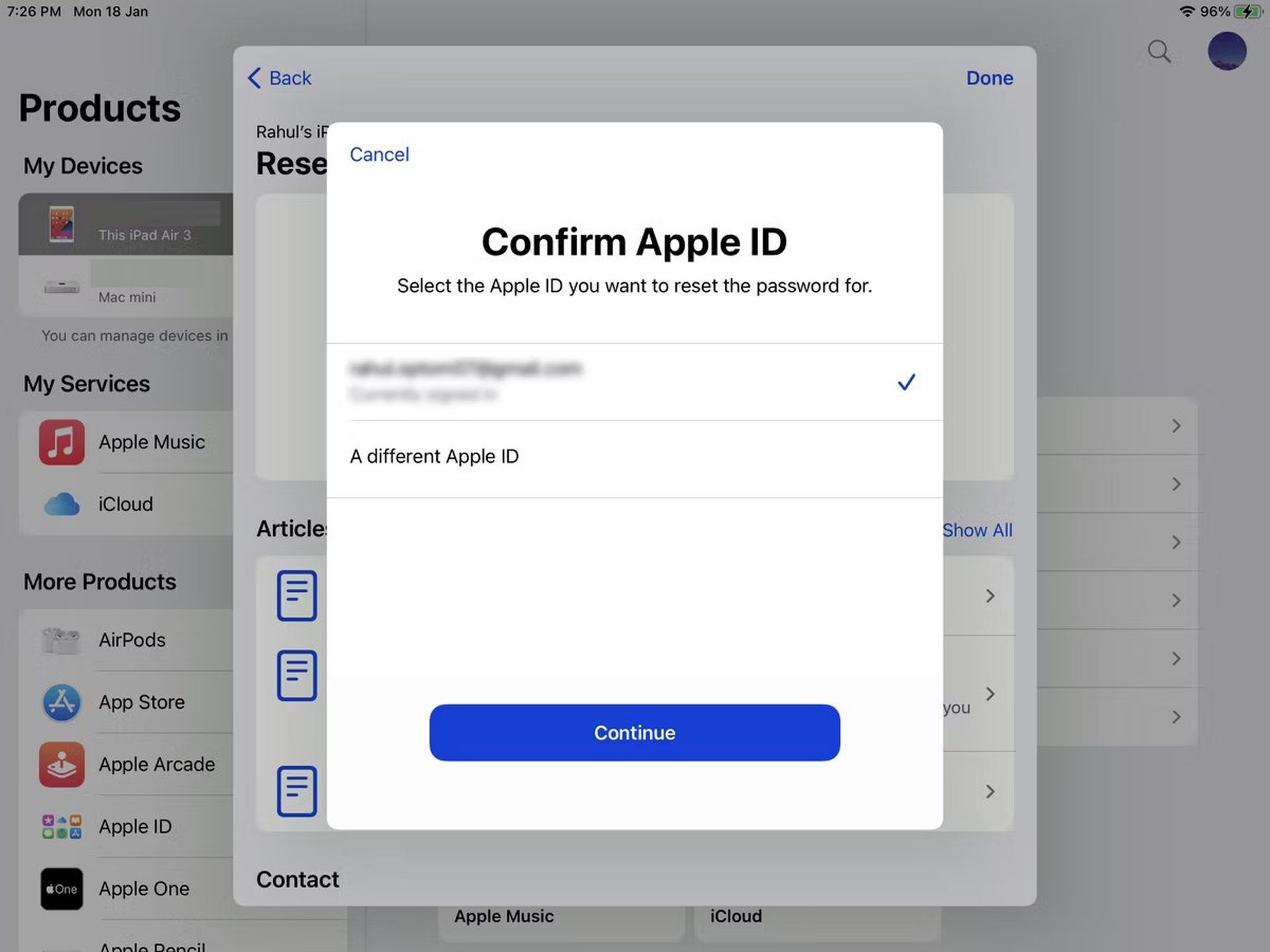
If you lose your password, navigate to the "Forgot Password" link on the sign-in screen. You will be able to reset it by answering security questions, verifying via your trusted phone number, or using another trusted Apple device.
Does my Apple ID work on non-Apple devices?
Yes. You can sign in to your Apple ID on a Windows PC to access iCloud.com, Apple Music, and the Apple TV app. While the full suite of integration features is optimized for Apple hardware, the account credentials remain universal across all supported platforms.
Can I share an Apple ID with family members?
It is strongly discouraged. Apple IDs are designed for individual use. Sharing an account results in the commingling of personal data, such as messages, call logs, and browser history. Instead, use "Family Sharing" to share subscriptions and purchases while keeping individual accounts secure and private.
What is the minimum age to register for an Apple ID?
The age requirement varies by country or region, generally between 13 and 16 years old. If a user is under the age of majority, they can be added to a Family Sharing group, which allows parents or guardians to manage the account settings, parental controls, and purchase approvals.
Final Recommendation
To ensure the most secure experience, register your Apple ID using your own primary email address and a unique, robust password. Enable two-factor authentication immediately upon setup and keep your recovery phone number current. If you ever lose access to your account, prioritize the official recovery channels provided at the official Apple support website to prevent falling victim to third-party phishing attempts. By maintaining one, well-protected account, you effectively secure your personal data and digital history for the long term.