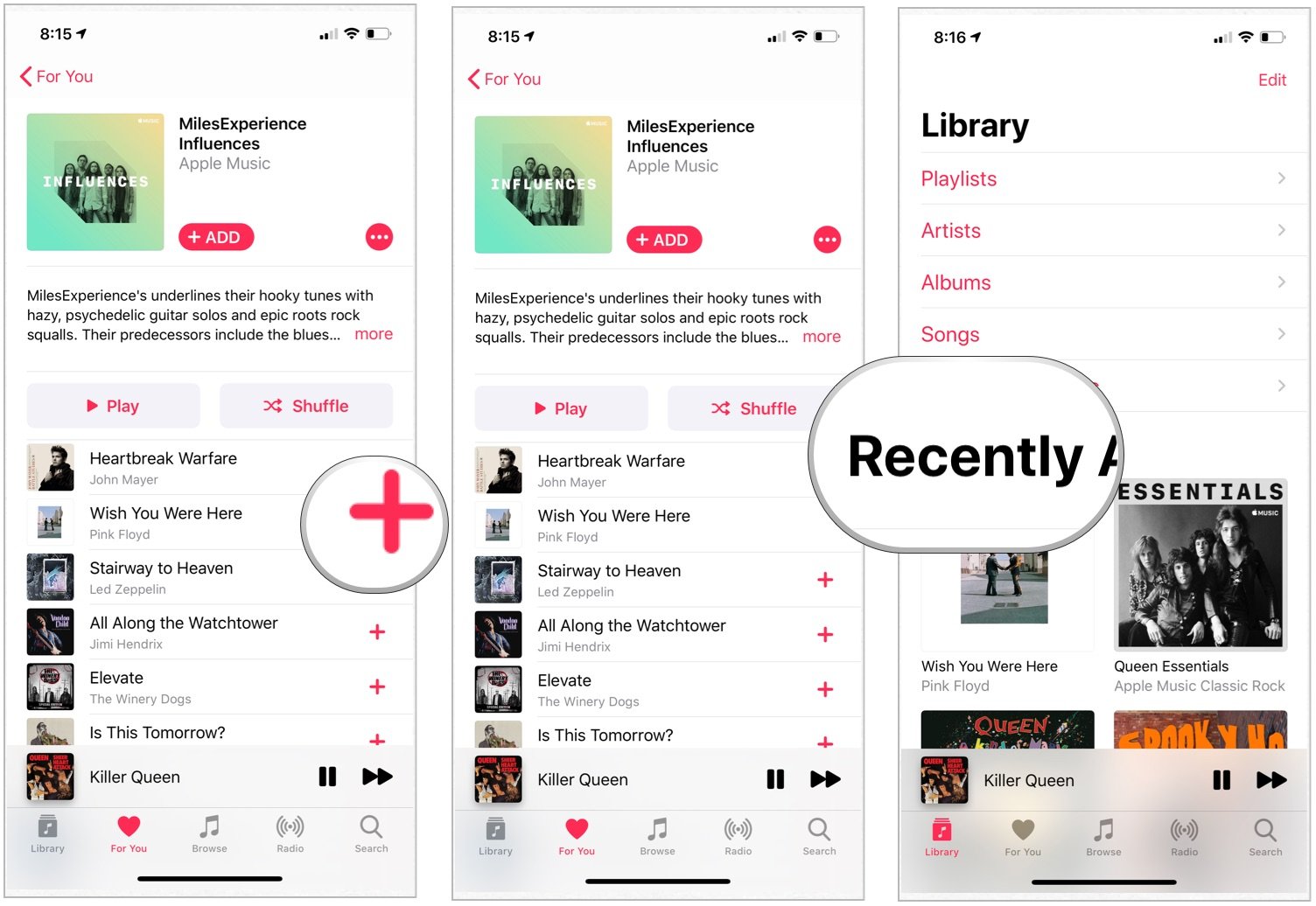
Apple Music does not offer a permanent, ad-supported free tier similar to competitors like Spotify or YouTube Music. While users can access specific features without a subscription, the service operates primarily as a premium, subscription-based platform. Understanding the distinction between limited free access and the full Apple Music experience is essential for determining if the service meets your listening requirements.
The Misconception of an Apple Music Free Tier
When users search for a "free version" of Apple Music, they are often seeking an entry point that provides unlimited streaming of the entire library without monthly costs. It is important to clarify that Apple Music is a paid digital music streaming service. Unlike services that subsidize access through advertising, Apple Music relies on a subscription model to pay royalties to artists and maintain its platform.
If you encounter websites or applications claiming to provide a "free version" or "modded" APK of Apple Music, these are unauthorized and potentially malicious. There is no legitimate software that bypasses the subscription requirement to grant access to the full Apple Music catalog. Access to the service is managed entirely through the Apple ID ecosystem, which verifies the active status of a user's subscription or trial period before allowing playback.
What You Can Access Without a Paid Subscription
While there is no "free tier," you are not entirely barred from the app if you do not have an active subscription. If you have an Apple ID, the Apple Music app serves as a management tool for your local media library and the iTunes Store.
1. iTunes Store Purchases and Downloads
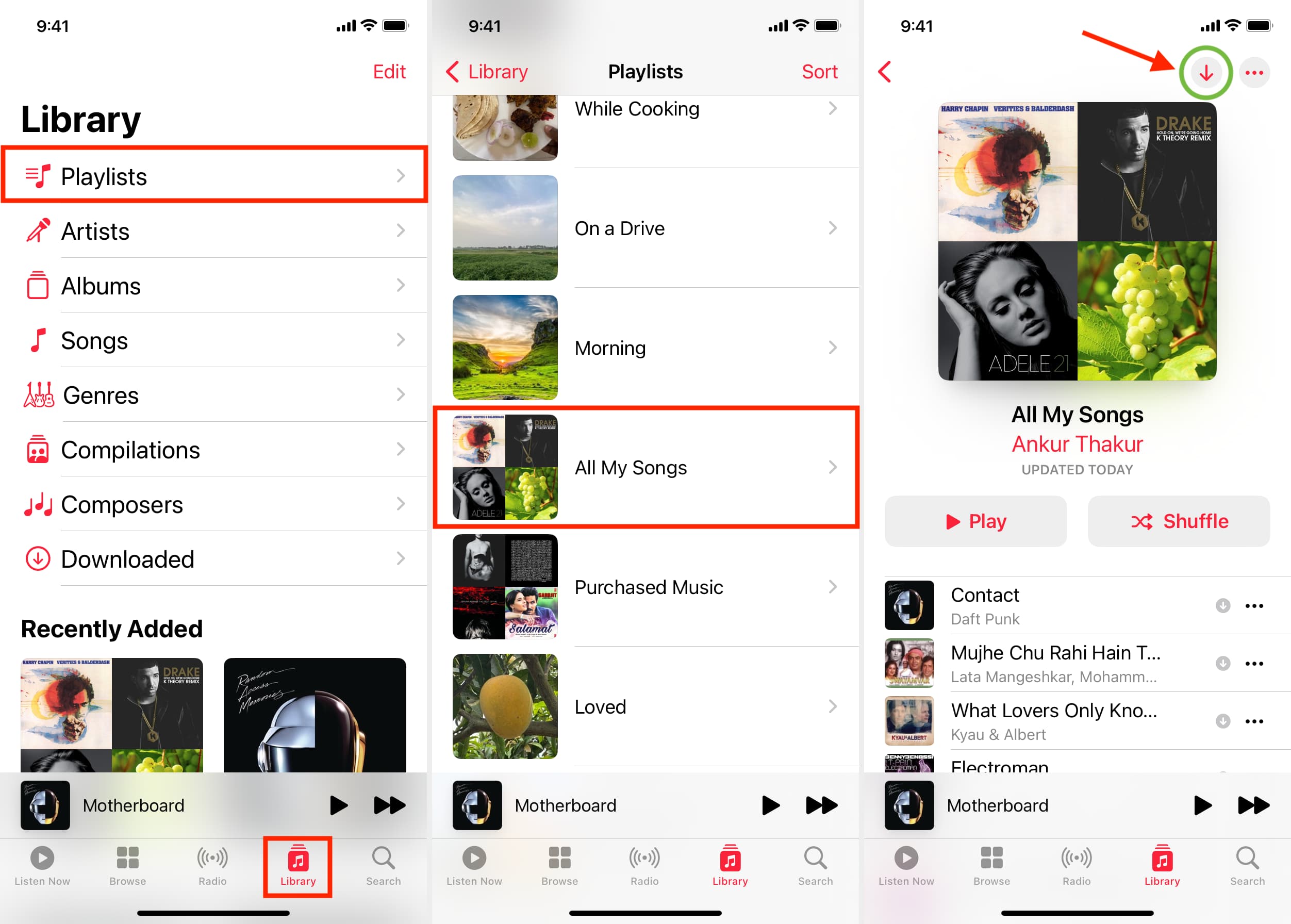
If you have purchased music or albums through the iTunes Store in the past, these files are available to you within the Apple Music app regardless of whether you have an active streaming subscription. You can listen to these tracks, download them to your device, and organize them into playlists.
2. Local File Playback
The Apple Music application functions as a local music player. If you have imported music files (such as MP3, AAC, or ALAC formats) into your computer’s music library and synced them to your device, the Apple Music app will play these files without issue. This is essentially the evolution of the original iPod-style music management system.
3. Listening to Podcasts and Radio
While the Apple Music app is primarily for music, it integrates with Apple’s ecosystem for other media. You can often access free, ad-supported radio streams provided by Apple or third-party broadcasters, as well as podcasts through the dedicated Podcasts app or integrated feeds.
The Role of Apple Music Trials
The closest experience to a "free version" is the promotional trial. Apple frequently offers introductory periods ranging from one to three months for new subscribers. This is not a free tier in the traditional sense, but it is the legitimate pathway to experiencing the full catalog of over 100 million songs, lossless audio, and Spatial Audio without an immediate charge.
To participate in these trials, you must provide valid payment information. The system is designed to automatically transition into a paid monthly subscription once the trial concludes. To avoid charges, you must manually cancel the subscription in your account settings at least 24 hours before the trial expires.
Comparative Overview of Access Methods
The following table clarifies the differences between various ways to interact with the Apple Music ecosystem as of 2026.
| Feature Type | Apple Music Subscription | iTunes/Local Library | Free Trial Period |
|---|---|---|---|
| Catalog Size | 100M+ Songs | Limited to Owned Files | 100M+ Songs |
| Ads | None | None | None |
| Offline Listening | Supported | Supported | Supported |
| Lossless/Spatial | Included | Only for High-Res Files | Included |
| Cost | Monthly Fee | One-time Purchase | $0 (Temporary) |
Requirements for Accessing the Full Service
To enjoy the full benefits of Apple Music, you must meet specific technical and administrative requirements. Understanding these prerequisites helps prevent technical friction when signing up.
- Hardware Requirements: You need a supported device, such as an iPhone, iPad, Mac, Apple TV, or an Android device running the latest compatible version of the Apple Music app.
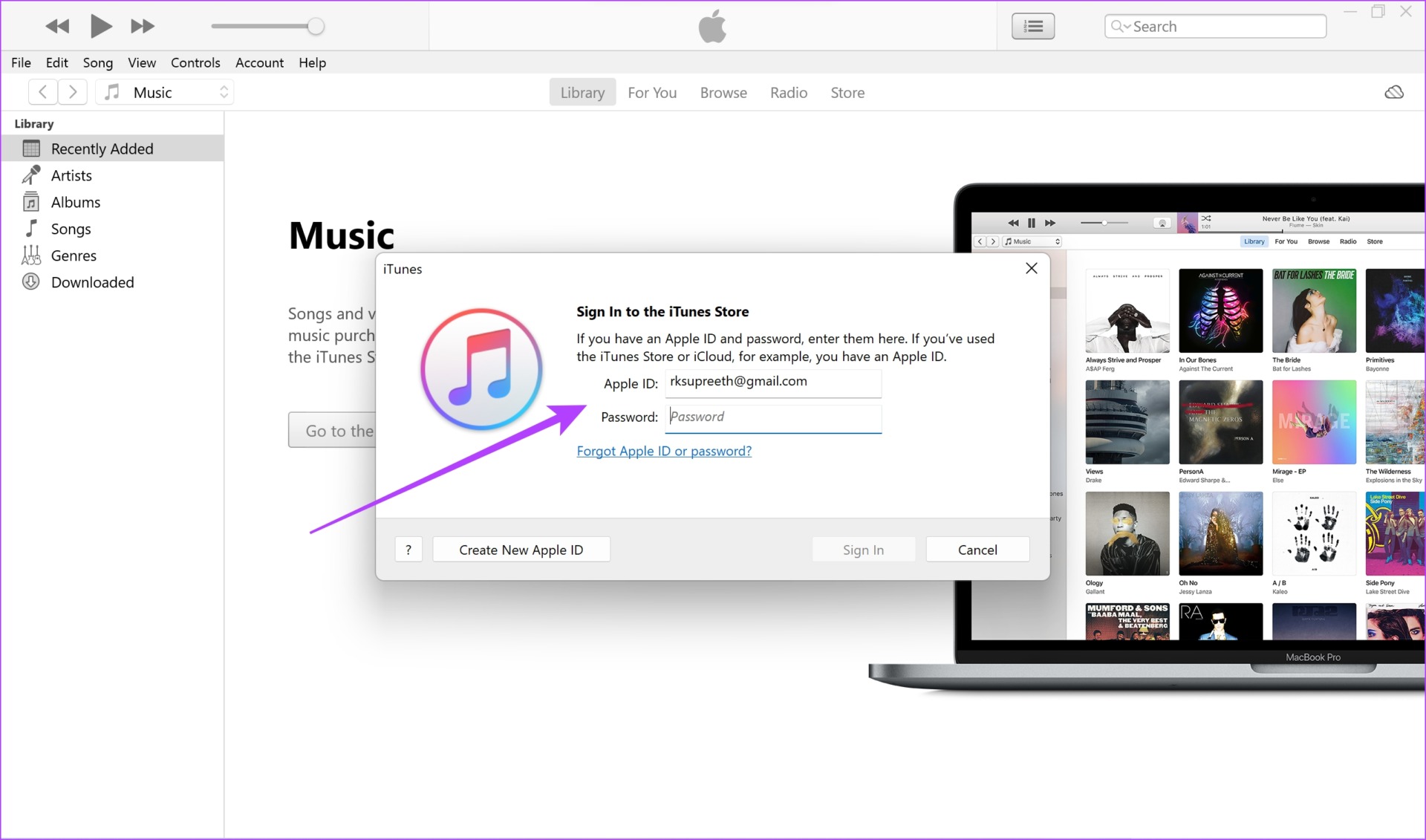
- Apple ID: A valid Apple ID is mandatory. This account serves as the central hub for your subscription, billing, and content licensing.
- Regional Availability: Apple Music is not available in every country. You must be located in a region where Apple provides the service, and your Apple ID billing address must correspond to an supported territory.
- Payment Method: Even for trial periods, Apple requires a valid, verified payment method linked to your account. This is a security measure to ensure the validity of the user and to facilitate the transition to a paid plan.
Addressing Common User Frustrations
Many users express frustration regarding the lack of a free tier. The primary reason for this is Apple’s business model, which emphasizes privacy and high-fidelity audio quality over ad-supported revenue. By avoiding an ad-heavy model, Apple positions its service as a premium experience, which includes features like "Lossless" audio compression and Dolby Atmos integration—technologies that are resource-intensive and expensive to distribute.
If you find that the subscription cost does not align with your usage patterns, consider the following alternatives within the Apple ecosystem:
- iTunes Match: If you have a large library of purchased or ripped music, this service keeps your library in the cloud so you can access it on any device without a full streaming subscription.
- Family Sharing: If you have family members who also use Apple products, an Apple Music Family plan allows up to six people to share a single subscription, significantly reducing the per-person cost.
- Student Discounts: Verified students are eligible for a discounted monthly rate, which includes access to Apple TV+ in many regions.
Troubleshooting Subscription and Access Issues
If you believe you should have access to the service but are hitting a paywall, check the following common failure points:
- Expired Trials: Verify the status of your subscription under "Media & Purchases" in your iPhone settings. If your trial has ended, the app will restrict your access to your local library only.
- Region Mismatch: If you moved to a new country, your Apple ID region settings might prevent you from accessing Apple Music. Ensure your billing address matches your current location.
- Sync Errors: Sometimes the music library fails to sync between the cloud and your device. Logging out of your Apple ID and signing back in—or toggling "Sync Library" off and on in settings—often resolves these handshake issues.
- Device Compatibility: Ensure your application is updated to the latest version. Older software versions may lose compatibility with Apple's authentication servers.
Frequently Asked Questions
Is there a way to listen to Apple Music for free by watching ads? No. Apple Music does not incorporate an ad-supported listening model. The service is strictly subscription-based or limited to your own locally owned files.
Do I lose my playlists if I cancel my subscription? Apple typically holds your data for a short period after a subscription lapses. However, you cannot access or stream those playlists until you renew your subscription. It is best to export your playlists if you plan to cancel for a long duration.
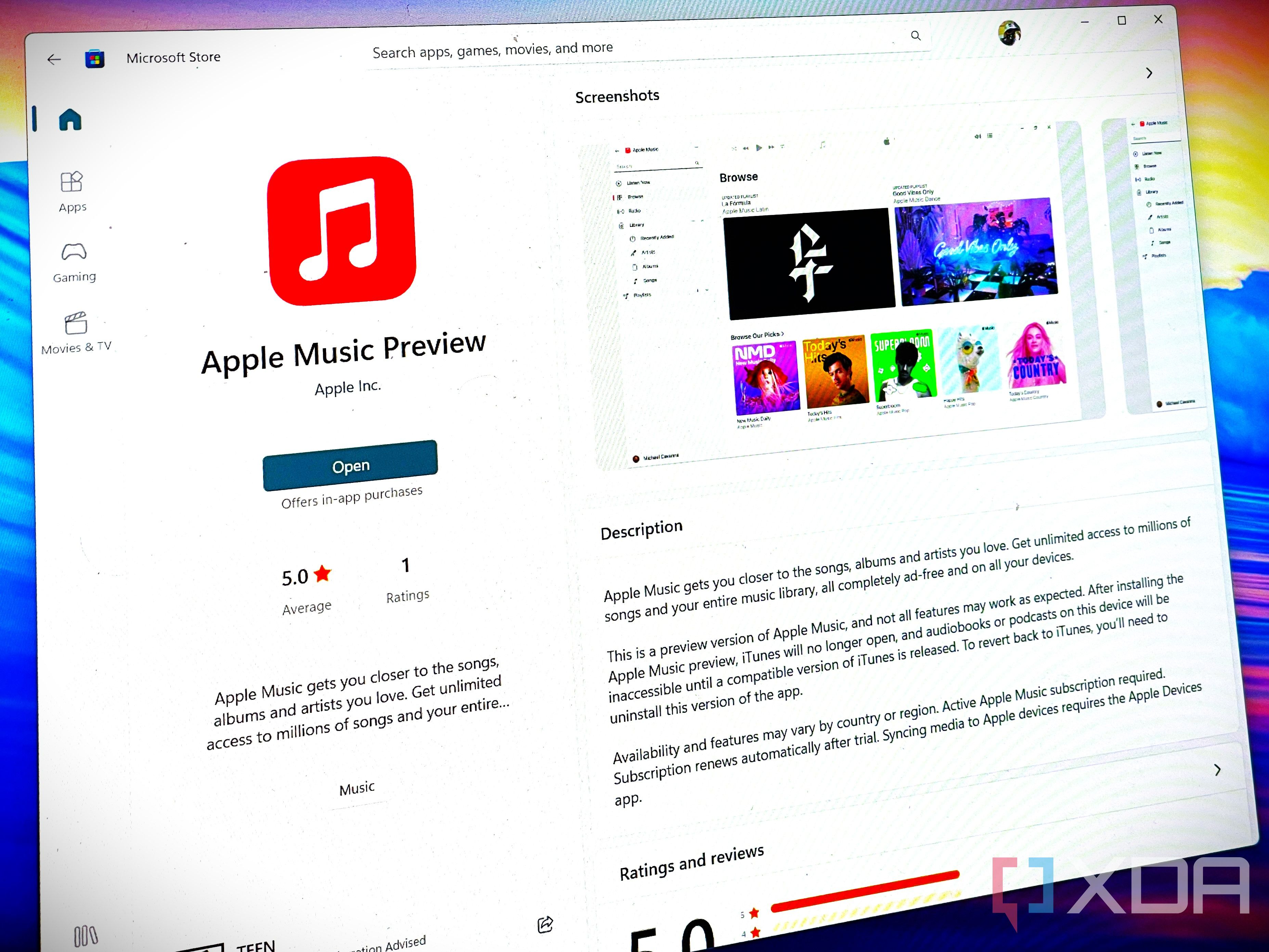
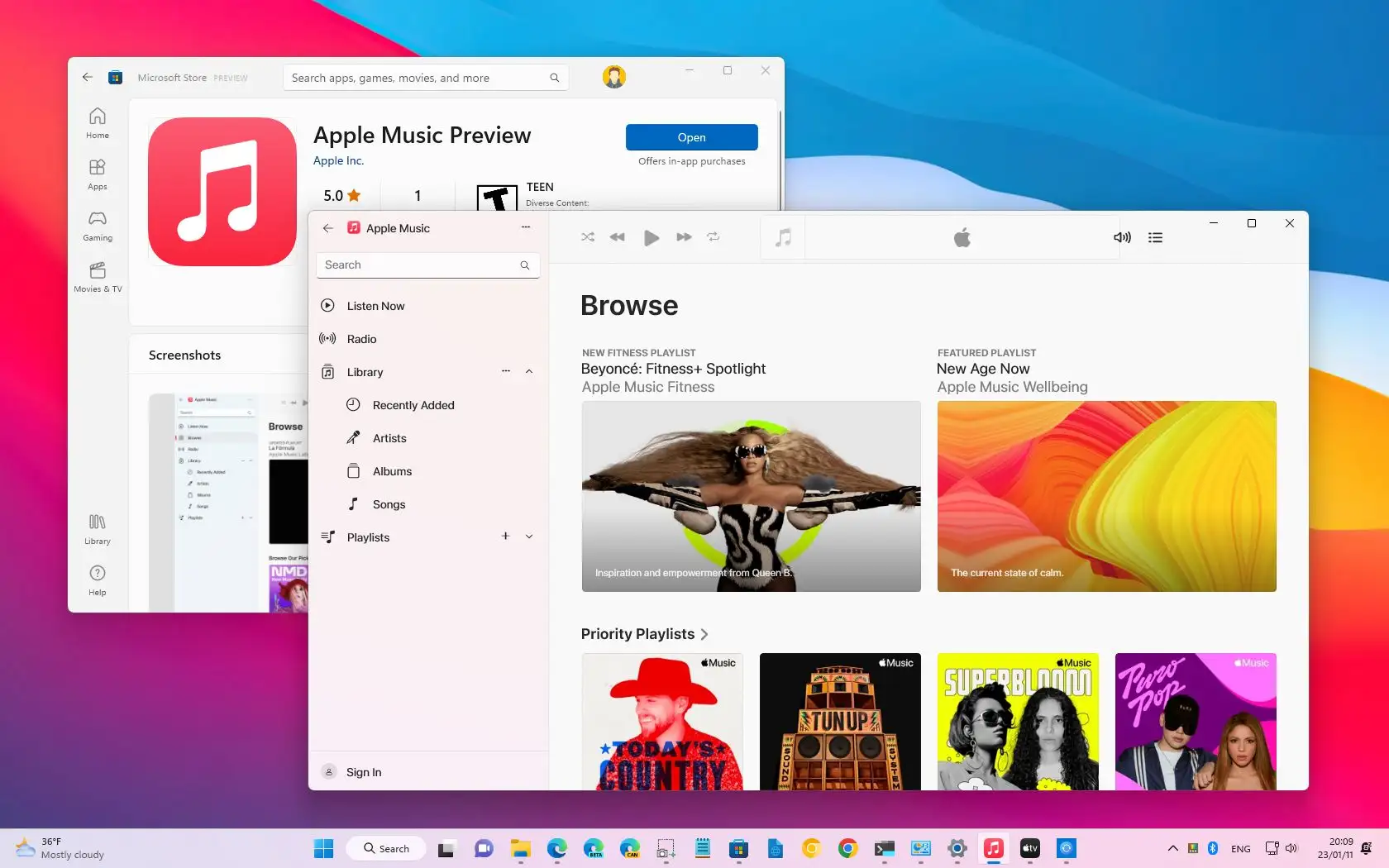
Can I use Apple Music on non-Apple devices? Yes. Apple Music is available on Android devices, Windows PCs via the Apple Music app or iTunes, and various smart speakers or gaming consoles. The subscription requirements remain the same regardless of the hardware.
What happens to my purchased music if I stop the subscription? Your purchased music remains yours. The subscription is a rental agreement for the streaming library; it does not replace the music you have bought through the iTunes Store or uploaded to your library.
Are there student or family plans available? Yes. Apple offers discounted rates for eligible students and plans for families of up to six people. These plans provide the same level of access as an individual subscription.
Next Steps for Users
If you are currently looking for a way to listen to music without a monthly fee, you may wish to evaluate if your current local music collection is sufficient for your needs. If you require access to the extensive global streaming library, verify your eligibility for a trial period through the official Apple Music website or your device's Settings app.
Always ensure you are using the official app from the App Store or Google Play Store to maintain the security of your account and device. Avoid third-party "unlockers," as these violate Apple’s terms of service and present significant security risks to your personal data.