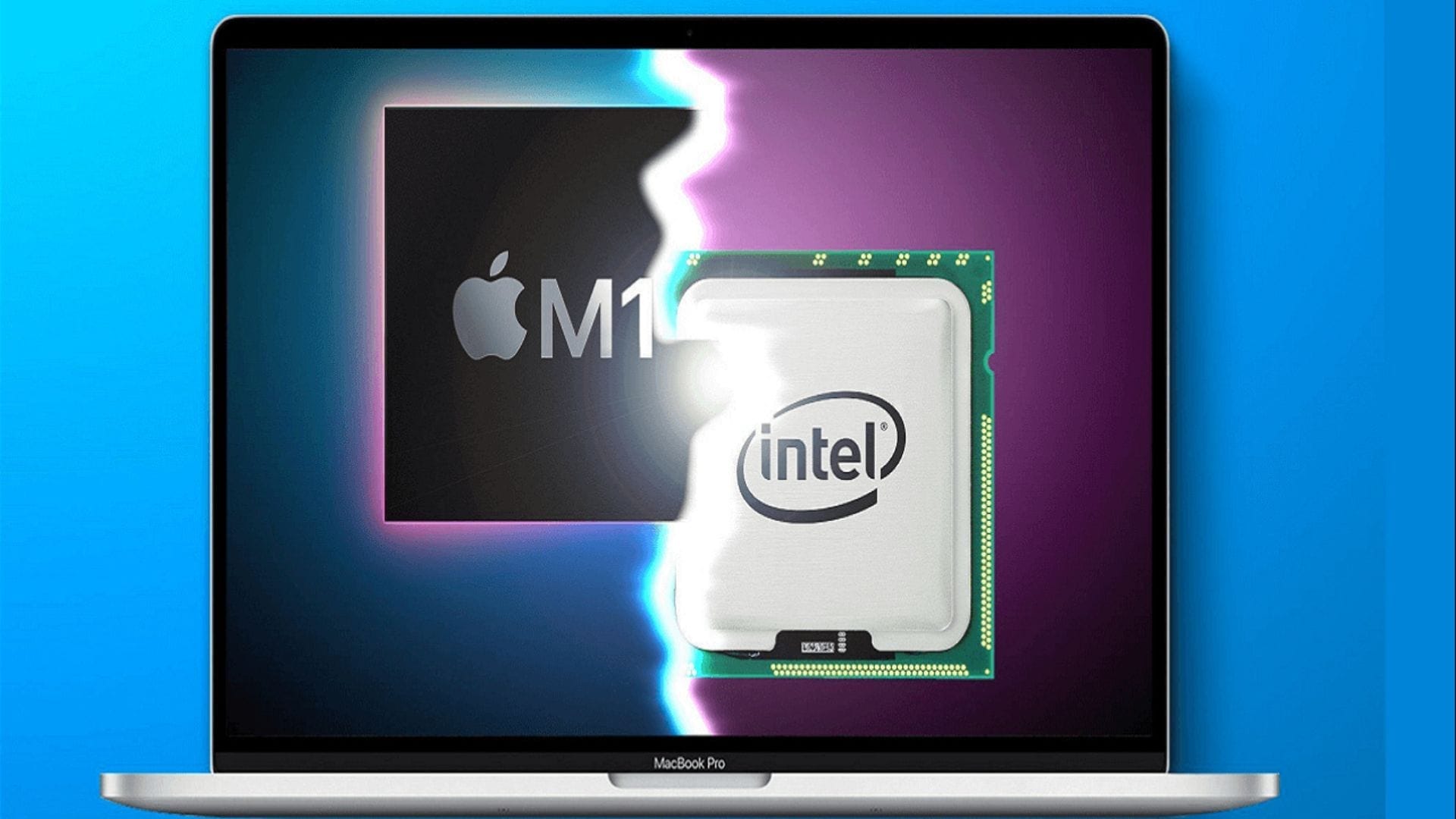
As of 2026, Apple has effectively transitioned its primary development focus to Apple Silicon, leaving Intel-based Macs in a state of diminishing software support. While legacy Intel machines remain functional, they are increasingly excluded from the latest macOS feature sets and security patches. Users must now balance hardware longevity against the requirements of modern, optimized operating systems that prioritize unified memory architecture and specialized neural engines.
The Shift to Apple Silicon and the Intel Lifecycle
The transition away from Intel processors began in 2020, marking a fundamental change in how Apple optimizes macOS. For nearly 15 years, the Intel x86_64 architecture powered the Mac lineup. However, Apple’s move to its own System on a Chip (SoC) architecture, known as Apple Silicon (M-series), allowed for a tighter integration of hardware and software.
By 2026, the divergence between these two platforms has widened significantly. Software developers are increasingly building applications that utilize the specific strengths of Apple Silicon—such as hardware-accelerated machine learning and high-efficiency media engines—which are either poorly supported or entirely absent on Intel-based hardware. This shift is not merely a marketing preference; it is a technical necessity for the modern macOS feature set.
Identifying Your Mac’s Processor Status
To determine your current standing in the Intel support lifecycle, you must first confirm the underlying architecture of your machine. Apple makes this information readily accessible via the "About This Mac" menu.
- Click the Apple Menu () in the top-left corner of your display.
- Select About This Mac.
- Look for the Processor or Chip field.
- If it lists Intel, you are using a legacy-architecture Mac.
- If it lists Apple M1, M2, M3, or later, you are using Apple Silicon.
Understanding this distinction is critical because Apple’s software update cycle, which historically supported machines for 6 to 8 years, is accelerating the deprecation of Intel support. As of 2026, many Intel models have reached the status of "Vintage" or "Obsolete," meaning they no longer receive the latest major version of macOS or, in many cases, critical security updates.
macOS Compatibility: Intel vs. Apple Silicon
The divide in macOS compatibility represents a two-tier support structure. Apple Silicon machines receive the latest operating system features, advanced security protocols, and performance optimizations. Intel-based Macs, meanwhile, are increasingly relegated to "Legacy Support" modes, where they may receive limited security patches but lose out on innovative system-wide features.
Comparative Overview of Support Capabilities
| Feature Category | Apple Silicon (M-Series) | Intel-based Macs (Late Stage) |
|---|---|---|
| Latest macOS Version | Fully Compatible | Limited or Incompatible |
| Neural Engine/AI | Integrated & Hardware Accelerated | Software Emulated (Slow) |
| Security Updates | Immediate/Full Support | Periodic/Restricted |
| Energy Efficiency | High (Optimized for SoCs) | Variable (Component Dependent) |
| Future OS Support | Guaranteed for next 5+ years | Likely ending soon |
Technical Challenges for Intel Users
The primary challenge for Intel Mac users in 2026 is the growing reliance on specific hardware instructions. Modern macOS versions use "feature-gating" to hide or disable tools that require Apple Silicon's unique hardware, such as advanced on-device language models or specific real-time video processing capabilities.
Furthermore, kernel extensions and low-level system drivers are increasingly optimized exclusively for the M-series architecture. This means that even if a user manages to install a newer version of macOS on an unsupported Intel machine, they often face performance bottlenecks, battery drain, or kernel panics. The software is simply not designed to communicate with the legacy Intel hardware efficiently, leading to a degraded user experience compared to the fluid integration found in modern M-series devices.
Managing Software Obsolescence
If your Intel Mac can no longer upgrade to the current version of macOS, your options for maintaining functionality fall into three distinct strategies:
1. Security-Focused Maintenance
If you must continue using an Intel Mac, prioritize security. Disable unnecessary background processes and remove unused software. While your OS may no longer receive full system updates, you can still protect your data by using robust, third-party security software that provides up-to-date threat definitions for legacy operating systems.
2. Virtualization and Emulation
For users who require specific legacy software that is incompatible with newer macOS versions, running a virtualized environment of an older, stable OS is a viable workaround. Using software like Parallels or VMware, you can encapsulate your legacy workflow, keeping the host machine as updated as possible while isolating the older, vulnerable environment.
3. Transition Planning
The most realistic path for long-term productivity is a migration plan. Intel Macs from 2018–2020 are currently the "last generation" still seeing some level of support. If your daily tasks involve high-intensity creative work or development, the hardware gap between an Intel processor and a modern Apple Silicon chip—even a base-model M-series—will feel substantial. Budgeting for a transition to Apple Silicon is recommended, as resale values for Intel Macs continue to decline sharply as software support expires.
Troubleshooting and Verification
Users frequently encounter errors when attempting to force-install newer macOS versions onto unsupported Intel hardware. The most common indicators of "forced" incompatibility include:
- System Stuttering: High CPU usage caused by the OS attempting to use missing hardware acceleration.
- Peripheral Incompatibility: Drivers for external audio interfaces or specialized hardware failing to initialize.
- Battery Degradation: Intel processors often run warmer and consume more power, causing the cooling system to work harder, which further shortens the life of internal components in aging laptops.
Always verify your hardware specifications against the official "Minimum Requirements" list found on the Apple support website before attempting a major OS update. If your model is not on the list, the system will prevent the installation naturally to preserve the integrity of your data.
Frequently Asked Questions
Will my Intel Mac stop working completely in 2026? No. An Intel Mac will continue to function as it does now. However, you will miss out on new software features, and your machine may become vulnerable to modern security threats as Apple stops issuing patches for older operating systems.
Can I upgrade my Intel processor to an Apple Silicon chip? No. Apple Silicon is a proprietary System on a Chip (SoC) architecture that is soldered onto the logic board. It is physically and logically incompatible with the socketed or soldered designs of Intel-based Macs.
Why does Apple stop supporting Intel Macs so quickly? It is not merely a matter of time, but of capability. The architecture of the M-series chips is fundamentally different from Intel. Maintaining two entirely separate development paths for the operating system requires massive resources and limits Apple's ability to innovate within the OS.
Is it safe to use an unsupported macOS version? It is not recommended for tasks involving sensitive financial or personal data. Unsupported operating systems do not receive the "Security Responses" that protect against newly discovered exploits, leaving your machine exposed to malware.
How do I know if my specific Intel model is reaching end-of-life? Check the official "Obsolete and Vintage" product lists on Apple’s website. If your model is listed, it means Apple no longer provides hardware service, and software updates are likely limited to critical security fixes only, if provided at all.
Final Recommendations
If your work requires high-level computing, your primary action should be to audit your current software requirements. If your essential applications are dropping support for your current OS, it is time to transition to a modern Apple Silicon device. For light, secondary usage, continue to use your Intel machine, but ensure you move sensitive data to a secure environment and avoid using the machine for high-risk web browsing or banking activities once your OS is no longer receiving security patches.