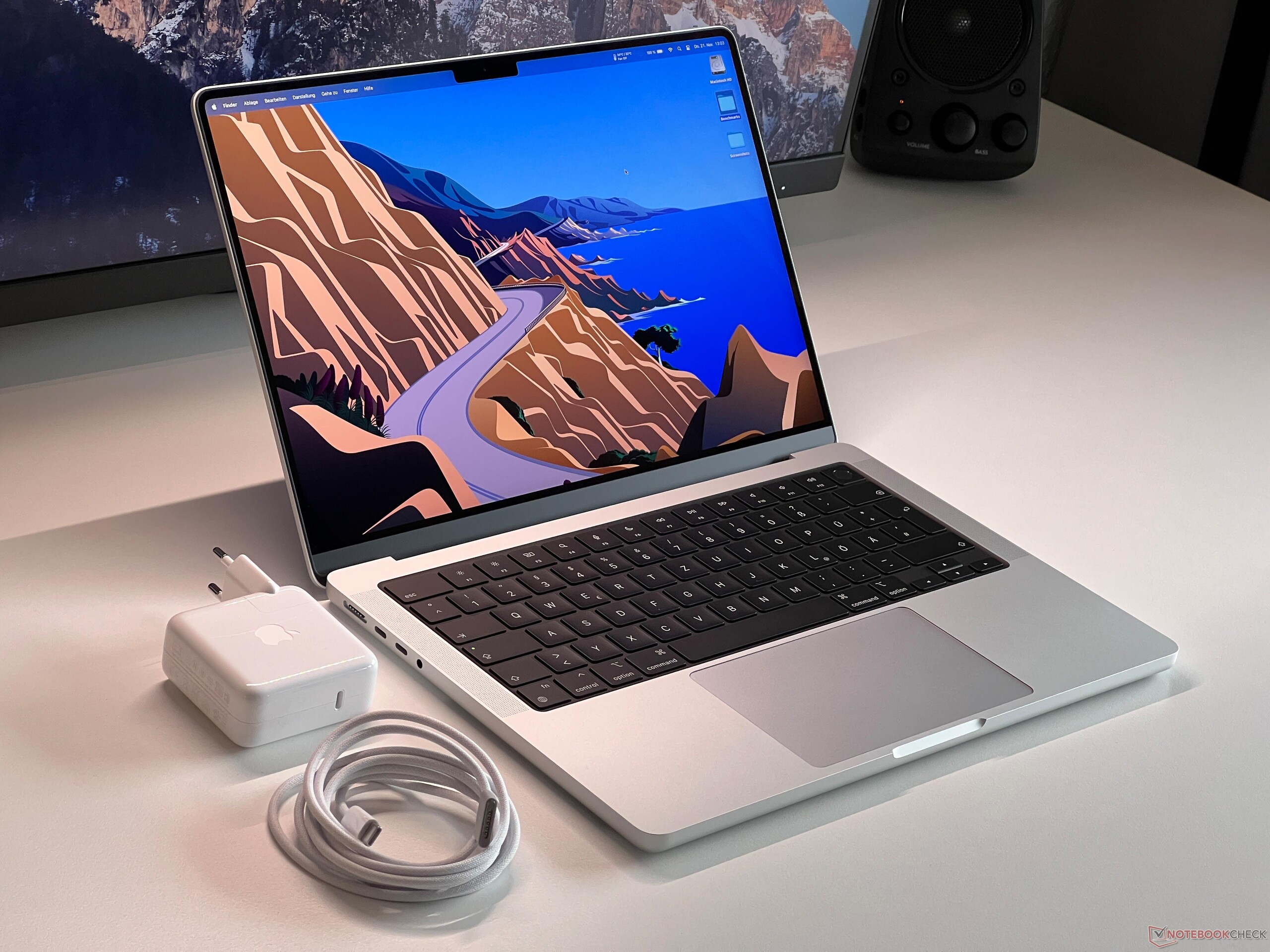
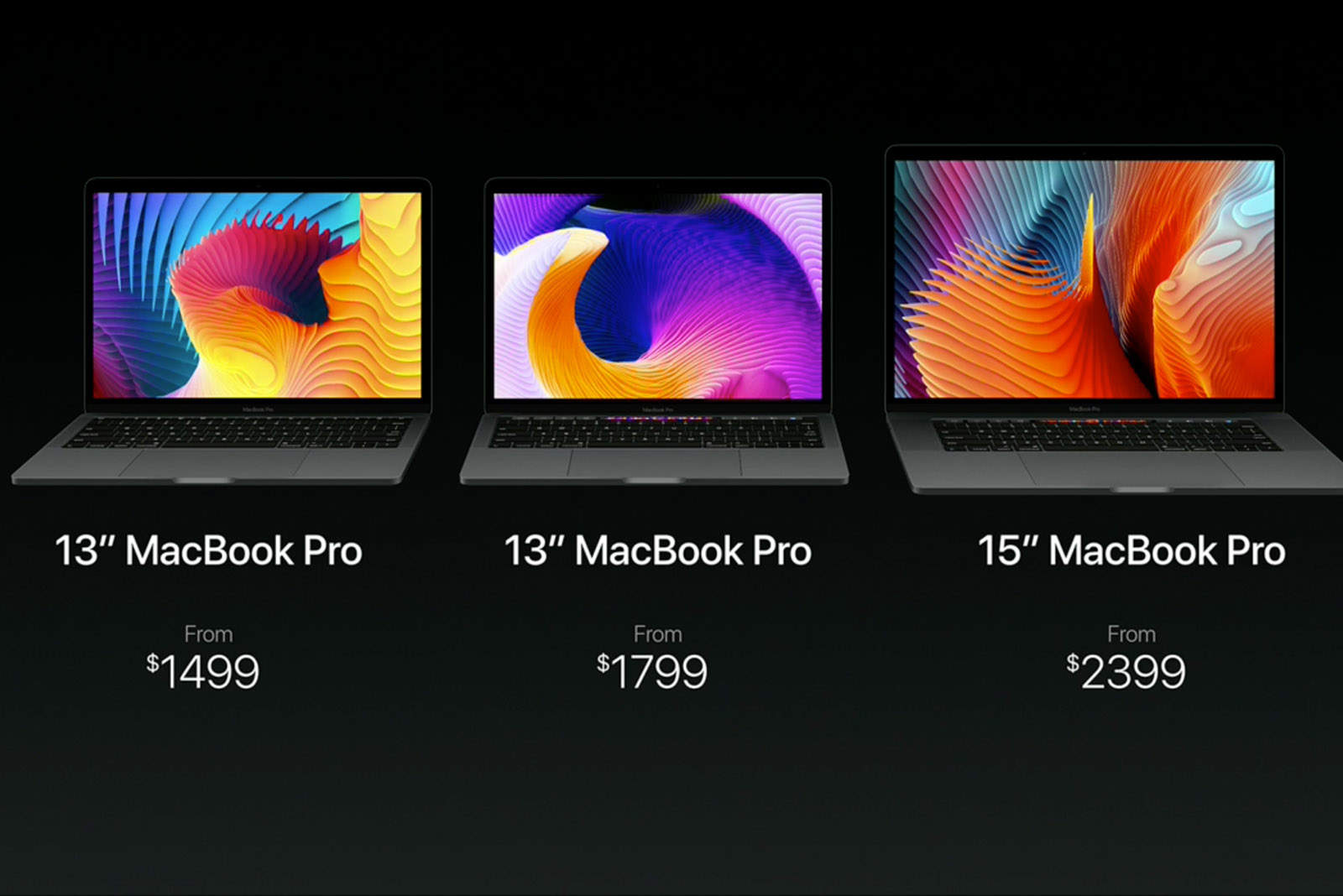
Apple’s education pricing offers a structured discount program for students, educators, and staff, allowing them to purchase MacBook Pro models at a reduced cost compared to the standard retail price. By verifying your eligibility through Apple’s official education store or UNiDAYS, you can save on hardware, accessories, and AppleCare+ plans, making high-performance computing more accessible for academic endeavors.
Understanding the Apple Education Discount Program
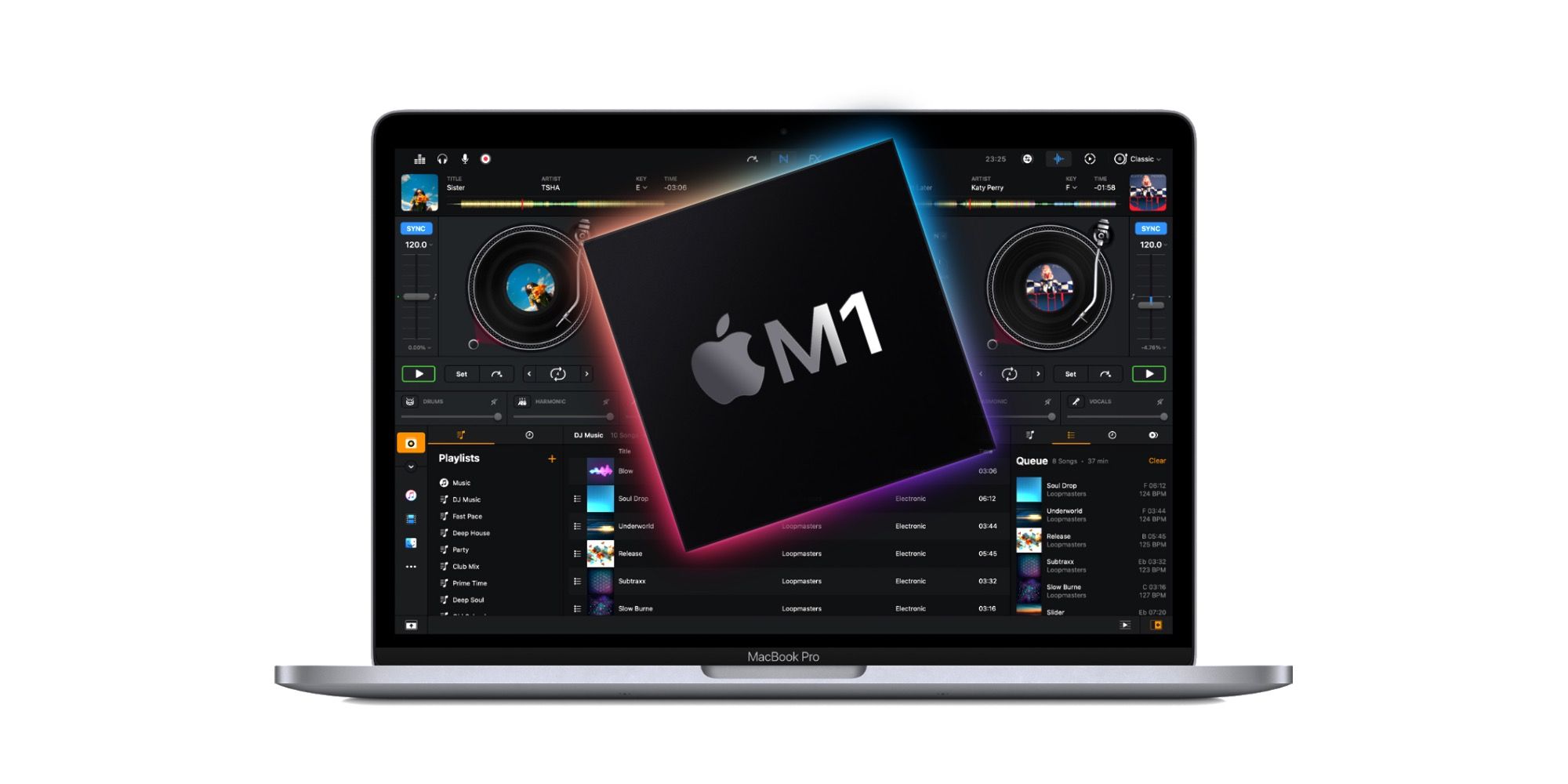
The Apple education discount is a permanent program designed to support the academic community by lowering the financial barrier to entry for professional-grade technology. Unlike temporary promotional events, this discount is available year-round to eligible individuals. The program specifically targets those enrolled in or employed by accredited educational institutions, recognizing that the MacBook Pro—with its M-series chips and high-fidelity displays—is a standard tool for demanding academic tasks like video editing, software development, and data analysis.
When you purchase a MacBook Pro through the Apple Education Store, you are essentially buying the same hardware as a standard retail customer, but the transaction is processed through a specialized portal that applies a tiered discount. In 2026, these savings typically range from $100 to $200 USD depending on the specific model configuration chosen. Beyond the immediate hardware discount, participants are often eligible for reduced pricing on AppleCare+ protection plans, which provide essential coverage for accidental damage and technical support throughout the duration of a multi-year degree program.
Determining Your Eligibility
Eligibility for Apple’s education pricing is strictly defined to ensure the program reaches its intended audience. Access is not open to the general public; it is restricted to specific cohorts within the education sector. Before attempting to purchase, it is important to confirm that you fall into one of the following categories:
- Higher Education Students: Individuals currently attending or accepted into a public or private university or college. This includes graduate students and international students studying at institutions within the region of purchase.
- Parents of Higher Education Students: Parents purchasing on behalf of a student currently enrolled in an accredited higher education institution.
- Faculty and Staff: Employees of public or private K-12 schools, as well as faculty and staff at public or private universities, colleges, and accredited vocational schools.
- Homeschool Teachers: Parents or legal guardians who act as primary instructors for students in a homeschool setting, provided they can offer documentation of their status as per local jurisdiction requirements.
Documentation requirements vary by region and method of purchase. When shopping online, Apple often uses third-party verification services like UNiDAYS to confirm your academic status in real-time. If you visit an Apple Store in person, you may be asked to present a valid student ID, an employee badge, or a letter of enrollment from your institution’s registrar.
Comparing Retail vs. Education Pricing
To understand the true value of the education discount, it is necessary to look at how Apple structures its pricing tiers. Standard retail prices are set to reflect current market value and manufacturing costs. The education discount acts as a subsidized price point where Apple absorbs a portion of the retail margin to foster brand loyalty among students and professionals.
The following table illustrates the conceptual difference between a base retail purchase and an education-subsidized purchase for a representative MacBook Pro model.
| Feature | Standard Retail Price | Education Pricing |
|---|---|---|
| Hardware Cost | MSRP (Full) | MSRP minus $100–$200 |
| AppleCare+ | Standard Rate | Discounted Rate |
| Accessories | Standard Rate | Occasional Bundle Savings |
| Verification | Not Required | Required (UNiDAYS/ID) |
| Sales Tax | Calculated on final price | Calculated on final price |
It is important to note that while the hardware discount is significant, the most substantial savings often occur when bundling AppleCare+ with the device. Protecting a MacBook Pro is a common necessity for students who move frequently between classrooms, libraries, and dorms; the education-specific rate for AppleCare+ can save a user an additional percentage off the total cost of the protection plan.
Step-by-Step Purchase Process
Navigating the purchase process requires attention to the verification stage. Failure to provide adequate proof of eligibility will result in the order being canceled or the discount being revoked during the checkout process.
- Select Your Region’s Education Store: Navigate to the Apple website and look for the link labeled "Education" or "Shop for College" usually located in the site footer. This ensures you are browsing the specific portal where the discounts are applied.
- Verify Your Credentials: You will likely be redirected to the UNiDAYS portal. You will need your institutional email address (.edu) or credentials that grant access to your school’s student portal. Once confirmed, you will be redirected back to the Apple store with the discounts automatically applied to the list prices.
- Choose Your Configuration: Select the MacBook Pro model that best suits your field of study. Ensure that you are viewing the prices displayed after the verification; the final price at checkout should reflect the education discount.
- Add AppleCare+: During the configuration process, the system will offer AppleCare+. Select this option to receive the education discount on the service plan as well.
- Finalize and Submit: Proceed to checkout. If you are buying in-store, bring your student or faculty ID. The staff will verify your eligibility on-site and apply the discount at the point of sale.
Limitations and Common Pitfalls
While the program is highly beneficial, there are strict limitations that users must respect to maintain their eligibility. Apple enforces an annual purchase limit to prevent the resale of discounted hardware. Typically, an eligible individual can purchase one laptop or desktop computer per academic year. Attempting to exceed this limit will trigger an audit, and subsequent orders may be flagged or declined.
Another common mistake is purchasing through the standard Apple homepage instead of the education-specific portal. Because the discounts are not retroactively applied to purchases made at standard retail prices, you must ensure the education discount is visible in your cart before you finalize the payment. If you have already made a purchase at the full retail price, Apple generally does not provide price adjustments, so double-check your portal access before clicking "Buy."
Furthermore, the education discount cannot be combined with all other promotional offers. While it often stacks with seasonal "Back to School" promotions—which may include gift cards or additional accessory credits—it does not usually stack with clearance pricing or refurbished hardware. Always check the terms and conditions specific to the promotion running at the time of your purchase.
Troubleshooting and Support
If you encounter issues during verification, the most common hurdle is an unrecognized institutional email. Many smaller or vocational schools may not be listed in the UNiDAYS database. In these instances, do not simply give up. You can contact Apple’s specialized education sales support via phone or visit an Apple Store with physical documentation, such as a student ID card with a date, a transcript, or a tuition bill. These physical documents are often sufficient for staff to override digital verification failures.
If you are an educator and your institution is not recognized, contact your IT or procurement department. Often, institutions have an official "Apple representative" or a volume purchasing account that manages these relationships. They can provide the necessary documentation or facilitate the purchase through the institution’s official procurement channels, which often yield even better pricing than the individual education store.
Frequently Asked Questions
Can I use my education discount for family members? The discount is intended for the personal use of the student, parent, or educator. While parents can purchase for their children, the hardware is intended for academic use. Misuse of the program, such as buying for friends or for resale, violates the terms of service and can lead to account suspension.
Does the education discount apply to refurbished MacBook Pro models? No, the education discount generally does not stack with Apple’s Certified Refurbished prices. Refurbished products are already deeply discounted, and the education pricing tier applies specifically to brand-new, factory-sealed units.
What happens if I graduate or leave my institution? You do not need to "return" the device or pay back the discount. The eligibility criteria only apply at the time of purchase. Once the MacBook Pro is yours, it remains your personal property, regardless of your future status as a student or employee.
Are accessories like Magic Mouse or keyboards discounted? Yes, the education discount often extends to select Apple-branded accessories and hardware peripherals when purchased alongside the MacBook Pro. Check the checkout screen to see if your chosen accessories receive a price reduction.
Can I finance my MacBook Pro through the education store? Yes, Apple offers monthly installment plans, including Apple Card Monthly Installments, which are available to education store customers. This allows you to split the cost of the discounted price into interest-free monthly payments, provided you meet the financial requirements of the financing partner.
Final Recommendation
To maximize the value of your purchase, identify the specific processing requirements of your software curriculum before selecting your MacBook Pro configuration. If you are entering a field like engineering or graphic design, prioritize RAM and storage, as these components cannot be upgraded after purchase. Once you have finalized your configuration, verify your status through the Apple Education Store early in your planning phase to avoid last-minute delays. By utilizing the education portal and bundling your purchase with a discounted AppleCare+ plan, you ensure both immediate savings and long-term hardware security for your academic career.