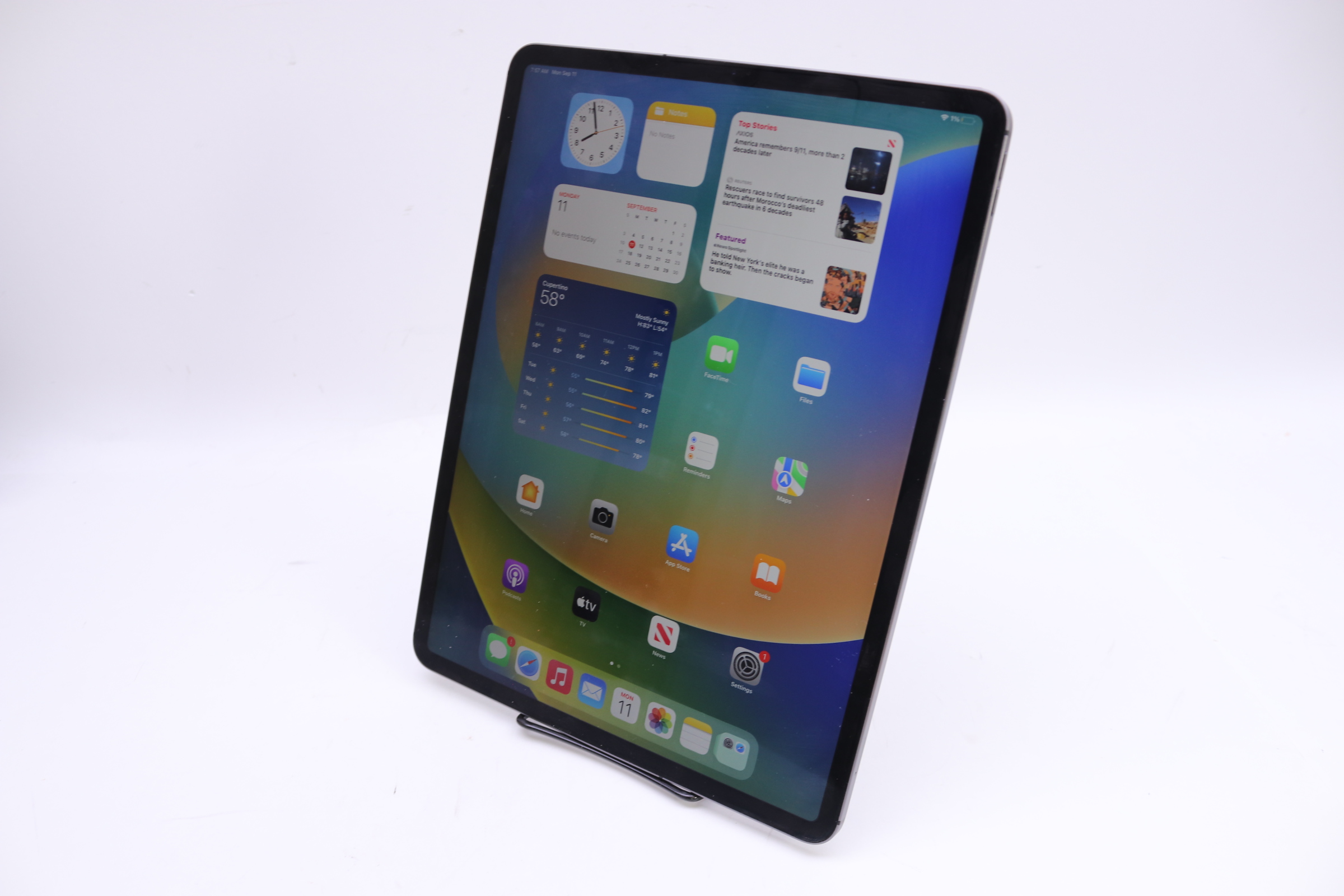
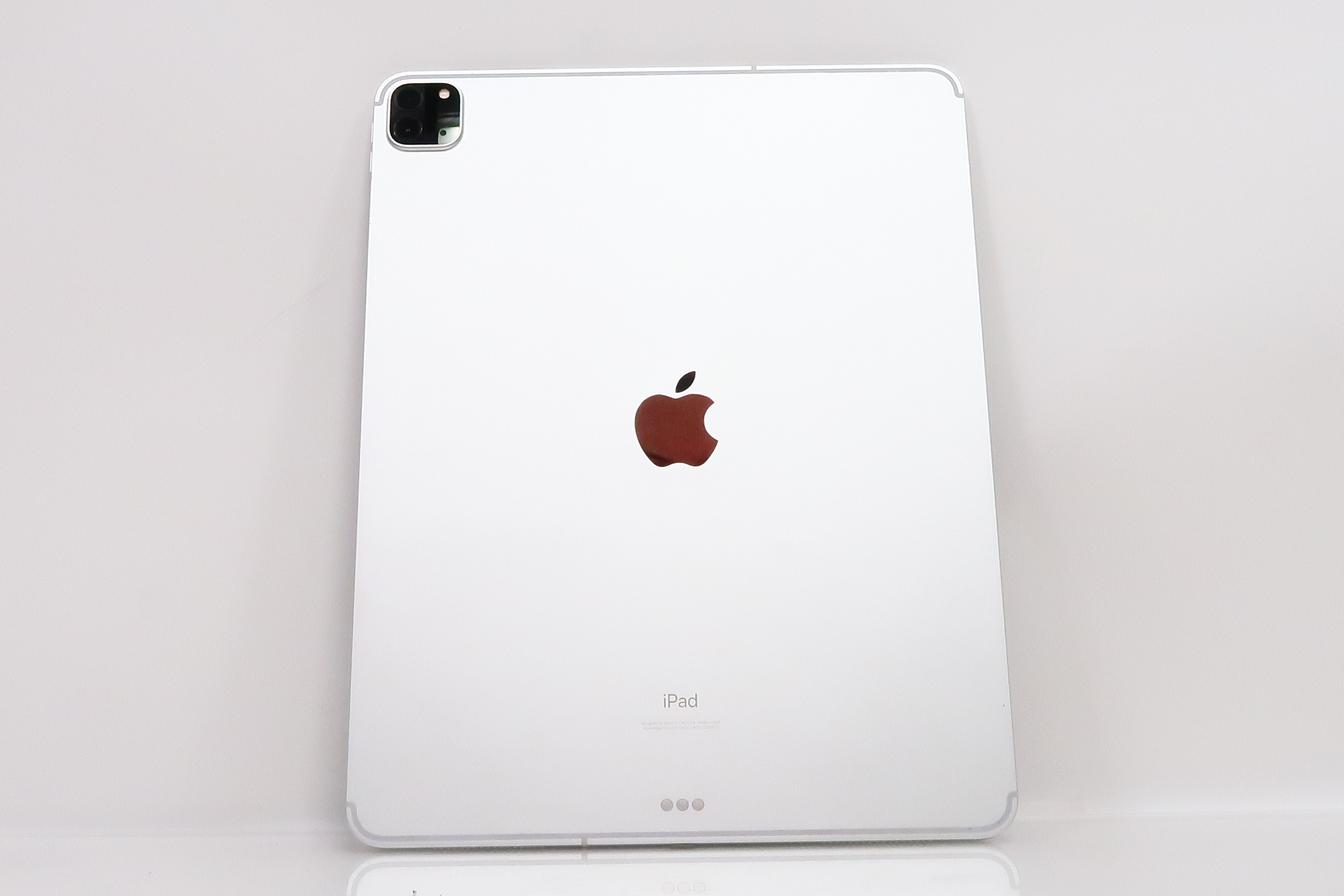
The Apple iPad Pro 4th generation was officially announced by Apple via a press release on March 18, 2020, and became available for purchase on March 25, 2020. This specific model, which updated the tablet lineup following the 2018 redesign, brought significant changes to camera systems, processor performance, and internal memory configurations to the flagship professional tablet line.
Historical Context: The 2020 iPad Pro Launch
To understand the significance of the 4th generation iPad Pro, it is essential to view it within the trajectory of Apple’s tablet hardware development. The 4th generation was not a complete chassis redesign like the 2018 3rd generation had been. Instead, it was an iterative, performance-focused update that introduced the A12Z Bionic chip, the ultra-wide camera, and the LiDAR (Light Detection and Ranging) scanner, marking the first time Apple integrated this depth-sensing technology into an iOS or iPadOS device.
When Apple released the 4th generation in March 2020, the world was in the early stages of a global shift toward remote work and distance learning. Consequently, the timing of the release positioned the device as a high-performance alternative to traditional laptops for professionals and students alike. Unlike previous years where major hardware shifts were accompanied by high-profile keynote events at the Steve Jobs Theater, the 2020 update was released during a period where public gatherings were restricted, leading to a direct-to-consumer digital announcement.
Determining the Model: Generational Confusion
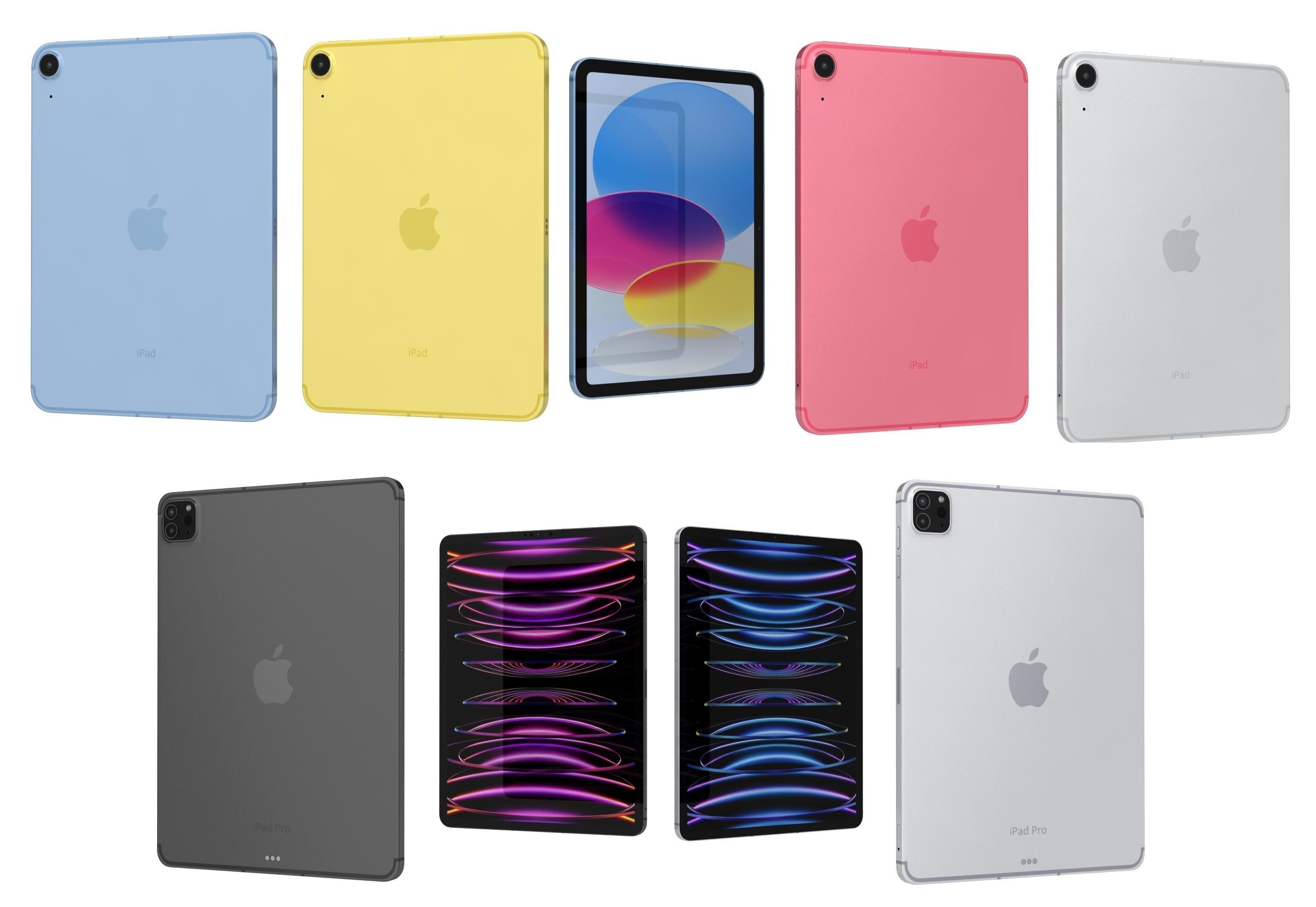
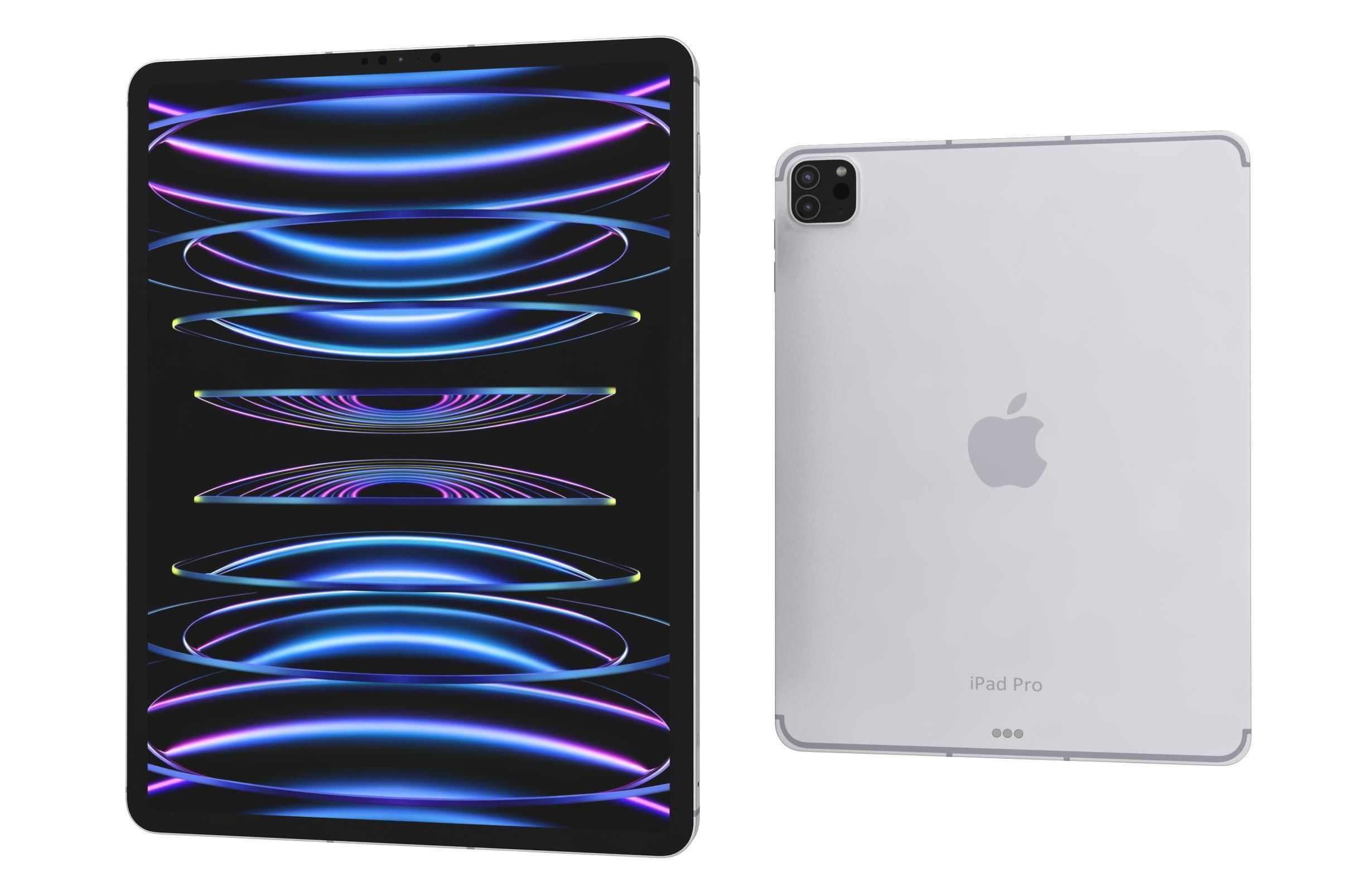
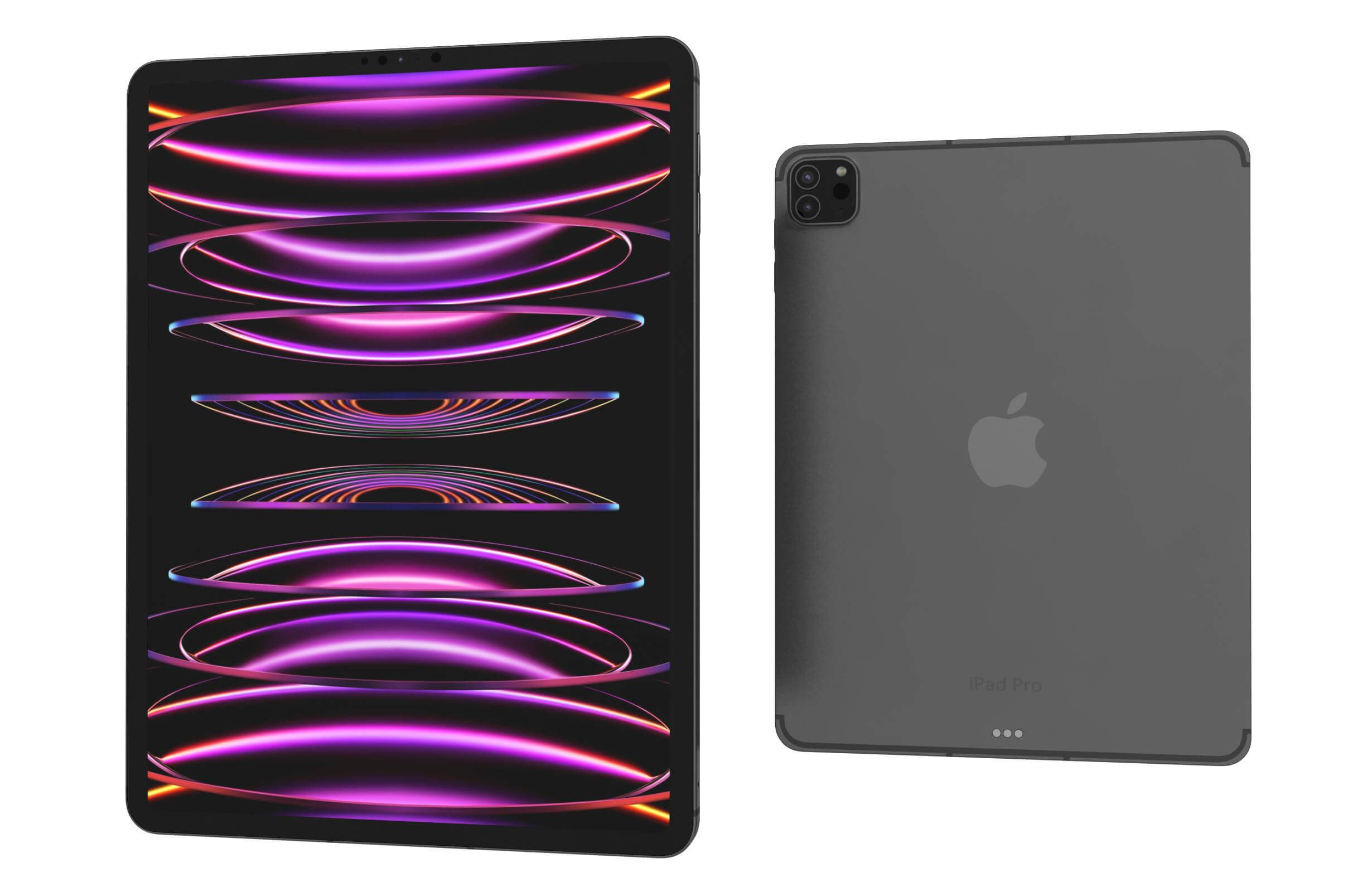
A frequent point of confusion among consumers involves the naming convention of the iPad Pro line. Because Apple produced both 11-inch and 12.9-inch variants, the "4th generation" label refers to the 12.9-inch model released in 2020. Simultaneously, the 11-inch model released in the same year was designated as the 2nd generation. This distinction is vital for users looking to purchase accessories, such as keyboards or screen protectors, as the physical dimensions and camera bump designs are specific to these generations.
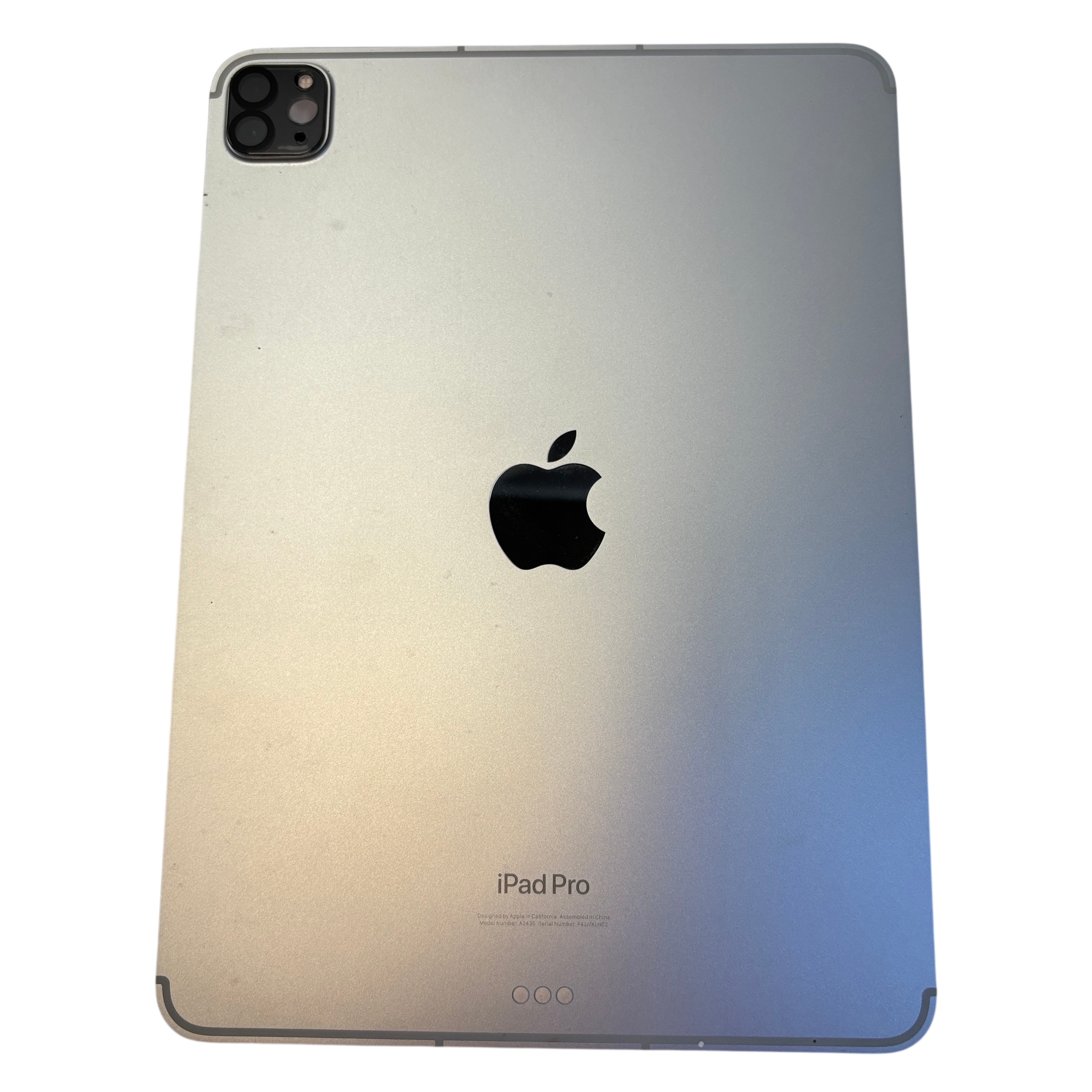
The 2020 iPad Pro models replaced the 2018 models in the Apple Store lineup. Identifying these devices often requires checking the model number on the back of the chassis or through the iPadOS Settings menu. The 12.9-inch 4th generation models are identified by the model numbers A2229 (Wi-Fi), A2069 (Wi-Fi + Cellular), and A2232 (Wi-Fi + Cellular, China mainland).
Technical Specifications and Performance
The 4th generation iPad Pro introduced several internal hardware improvements that defined its capability profile for its era.
- Processor: It utilized the A12Z Bionic chip. This was a notable transition, as it featured an eight-core GPU, which offered substantial improvements for graphics-intensive tasks like 4K video editing, 3D rendering, and augmented reality (AR) applications.
- Camera System: The device featured a dual-camera system, including a 12MP wide camera and a 10MP ultra-wide camera, alongside a LiDAR scanner. The inclusion of the LiDAR scanner was arguably the most forward-thinking feature of this hardware, allowing the tablet to map interior spaces with high precision for AR apps.
- Display: Both the 11-inch (2nd gen) and 12.9-inch (4th gen) models retained the Liquid Retina display with ProMotion technology, featuring a 120Hz refresh rate, P3 wide color gamut, and True Tone technology.
- Connectivity: These models were the last of the "Pro" line to use the A-series processors before the transition to M-series (Apple Silicon) chips in 2021. They utilized the USB-C port for charging and data transfer, which allowed for a wider range of peripherals than the legacy Lightning connector.
Comparison Table: 2020 iPad Pro Models
The following table differentiates the models released in the 2020 timeframe, which are often grouped together in consumer discussions regarding the "4th generation" era of iPad Pro devices.
| Feature | 11-inch (2nd Gen) | 12.9-inch (4th Gen) |
|---|---|---|
| Release Date | March 2020 | March 2020 |
| Chipset | A12Z Bionic | A12Z Bionic |
| Camera | Dual (Wide + Ultra Wide) | Dual (Wide + Ultra Wide) |
| LiDAR Scanner | Yes | Yes |
| Connector | USB-C | USB-C |
| RAM | 6GB | 6GB |
Practical Implications for 2026 Users
As of 2026, the 12.9-inch 4th generation iPad Pro remains a functional piece of hardware, though it is no longer the top-tier offering in Apple’s catalog. For users currently considering the purchase of a used or refurbished unit, it is important to note the limitations inherent to its age.
While the device continues to support many modern iPadOS features, the A12Z chip is significantly slower than the current M-series chips found in more recent iPad Pro models. Users who prioritize extreme multitasking, advanced video processing, or long-term software support should be aware that the device is approaching the older end of the supported hardware cycle.
Furthermore, the 2020 model lacks the Mini-LED (Liquid Retina XDR) display found on the later 12.9-inch 5th generation and subsequent models. This means it lacks the superior contrast ratios and HDR performance of the newer flagship models. However, for casual use, drawing, note-taking, and standard office tasks, the 4th generation still provides a high-quality experience due to its ProMotion display and sturdy build quality.
Troubleshooting and Verification
If you are trying to verify if your device is indeed the 12.9-inch 4th generation iPad Pro, you should navigate to Settings > General > About. Look for the "Model Name" and "Model Number." You can tap the Model Number to reveal the "A" series code. Once you have this code, it can be compared against Apple’s official support documentation to confirm the exact year and generation of your hardware.
Common issues for units of this age include battery degradation. Since these units were released in 2020, many will have undergone thousands of charge cycles by 2026. If the battery health—viewable in the battery settings on newer versions of iPadOS, or via third-party diagnostics—falls below 80%, you may experience decreased performance or shortened usage time.
Frequently Asked Questions
1. Was the 4th generation iPad Pro the first to feature the Magic Keyboard? Yes, the Magic Keyboard with a trackpad was announced alongside the 4th generation iPad Pro. This accessory fundamentally changed how the iPad was used, introducing cursor support in iPadOS that allowed the device to function more like a traditional computer for many users.
2. Can the 12.9-inch 4th generation iPad Pro use the Apple Pencil 2? Yes, this model is fully compatible with the Apple Pencil (2nd generation). It attaches magnetically to the side of the iPad Pro to pair and charge. It is not compatible with the Apple Pencil (1st generation) or the Apple Pencil Pro.
3. Is the 4th generation iPad Pro still supported by the latest iPadOS? As of 2026, the device maintains compatibility with current versions of iPadOS, though it does not support some of the most advanced AI-driven features that are hardware-locked to newer M-series or later silicon chips. Always check the official Apple compatibility list before attempting a major OS update.
4. Why did Apple switch from the 2018 model to the 2020 model? The primary motivation was to introduce the new dual-camera system and the LiDAR scanner to provide developers with a baseline for augmented reality apps, alongside a modest GPU performance bump provided by the A12Z chip's unlocked eighth core.
5. Is the camera on the 4th generation iPad Pro adequate for 2026? While it is capable of taking good photos and scanning documents with high clarity, it does not feature the latest image signal processing found in modern iPhones or newer iPads. It is perfectly suitable for document scanning and video conferencing, which are the most common "professional" use cases for a tablet camera.
Next Actions for Potential Buyers
If you are looking to acquire a 12.9-inch 4th generation iPad Pro today, ensure that you purchase from a reputable vendor that offers a warranty. Given the age of the device, checking the physical integrity of the USB-C port and the responsiveness of the screen edges is critical. If you intend to use the device for high-end professional work, verify that the applications you require are optimized for the A12Z processor, as newer software updates are increasingly demanding more memory and processing power.