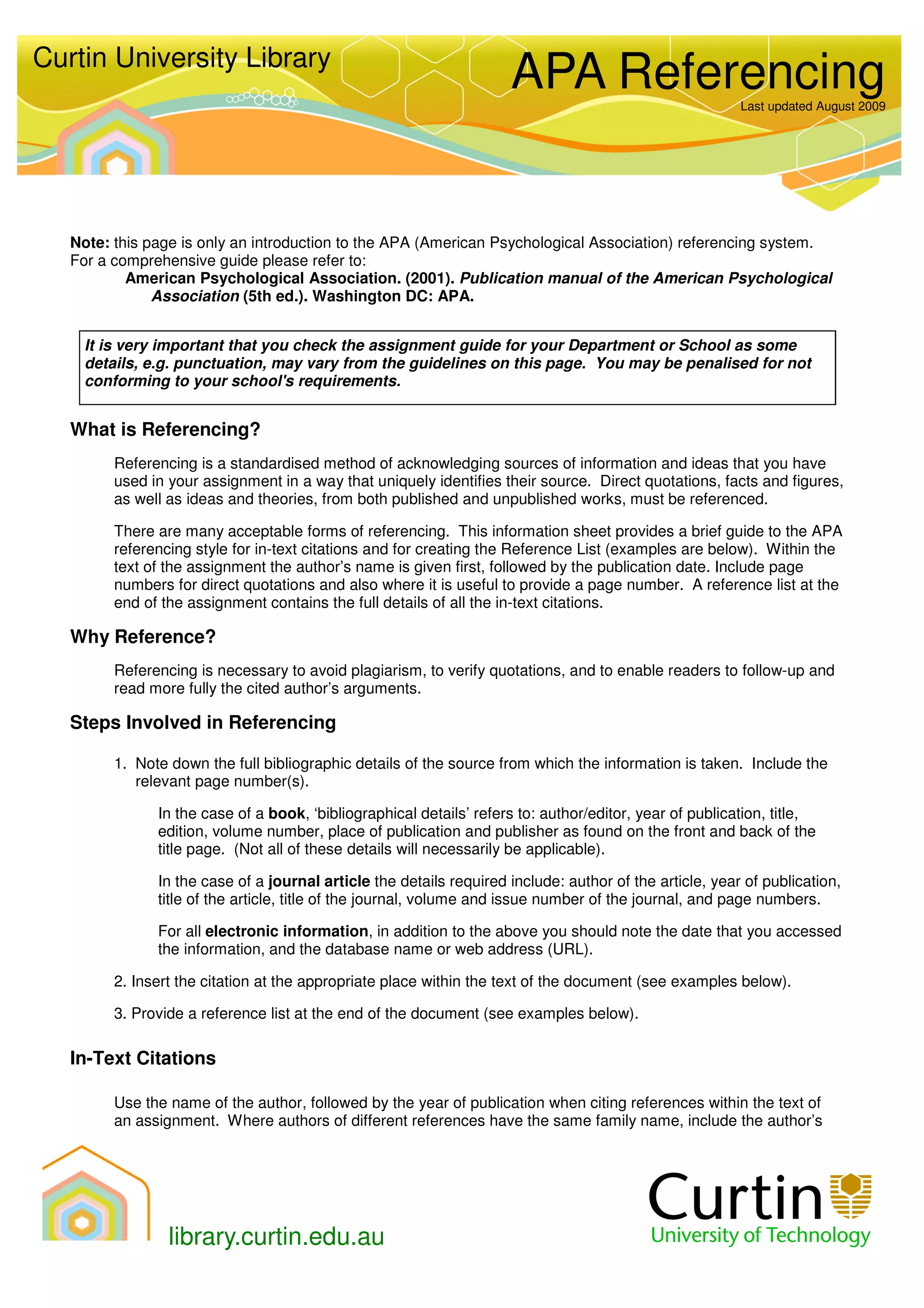
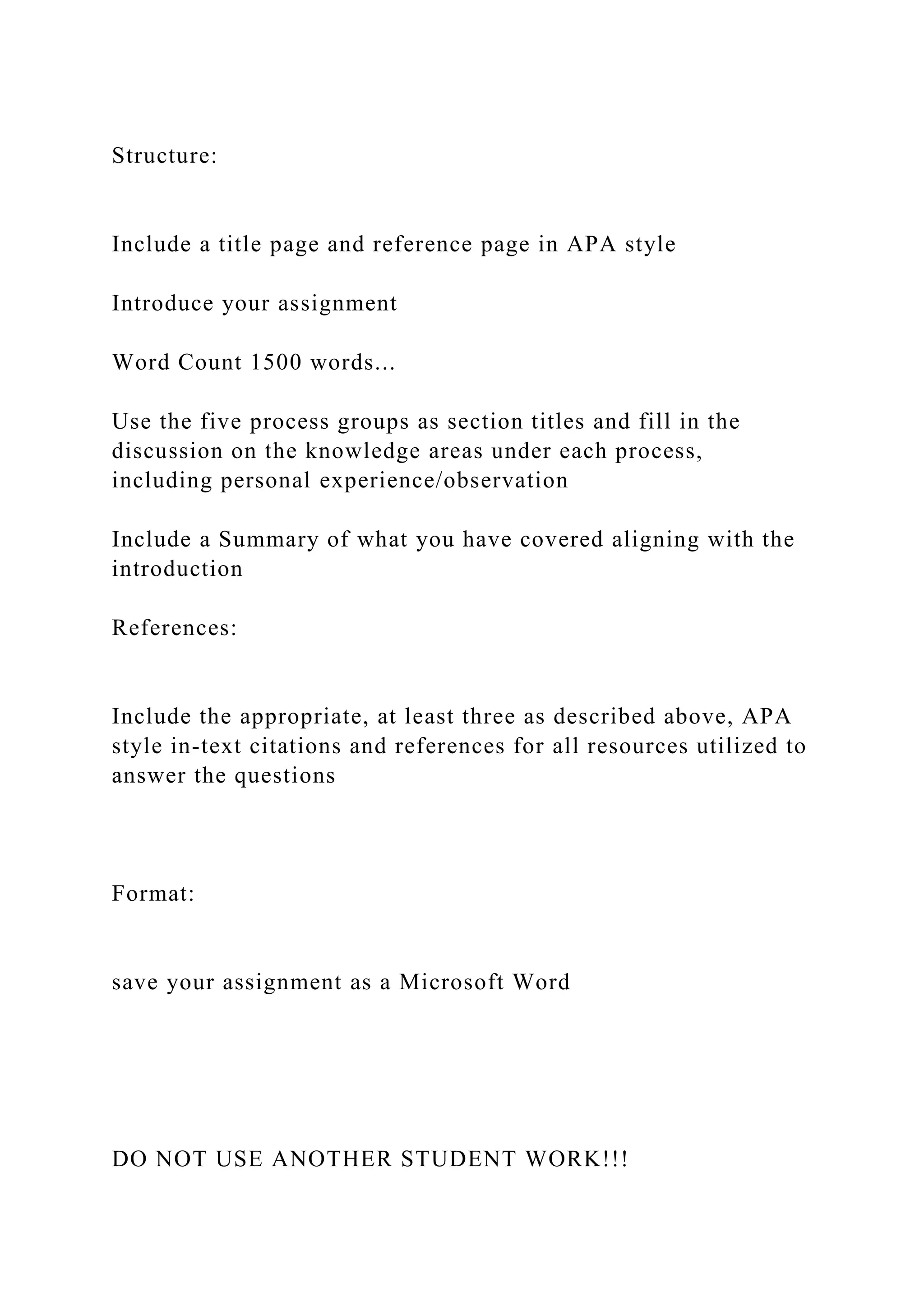
The primary APA introduction page requirements involve placing the paper’s full title at the top of the first page of text, centered and bolded, followed immediately by double-spaced body paragraphs with 0.5-inch indentations. Unlike other sections, the word "Introduction" is never used as a heading, as the title itself signals the start.
In academic writing, the introduction serves as the gateway to your research, establishing the context, importance, and specific objectives of your study. Following the American Psychological Association (APA) 7th Edition standards—the prevailing guidance in 2026—ensures that your work meets professional and scholarly expectations for clarity and consistency. While the "introduction page" is technically the first page of the main body of your paper (usually page 2 for students or page 3 for professional manuscripts), it carries specific formatting and structural burdens that differ from subsequent sections.
General Page Formatting and Layout
Before focusing on the text of the introduction itself, the physical layout of the page must conform to universal APA standards. These settings should be applied to the entire document to ensure a seamless transition from the title page and abstract to the introduction.
Margins and Alignment
Every page of an APA-style paper must have a 1-inch (2.54 cm) margin on all four sides: top, bottom, left, and right. The text should be aligned to the left margin, creating a "ragged" right edge. Do not use full justification, as this can create irregular spacing between words that disrupts readability.
Line Spacing and Paragraph Indentation
The introduction must be entirely double-spaced. This includes the space between the title and the first paragraph. There should be no extra "double-double" spacing between paragraphs or after the title. Each new paragraph must begin with an indentation of 0.5 inches. Most word processors allow you to set this automatically using the "First Line Indent" feature in the paragraph settings.
Font Selection
APA 7th Edition is flexible regarding fonts, prioritizing legibility over a single specific typeface. However, once a font is chosen, it must be used consistently throughout the paper. Common choices include:
- Serif Fonts: Times New Roman (12 point), Georgia (11 point), or Computer Modern (10 point).
- Sans Serif Fonts: Calibri (11 point), Arial (11 point), or Lucida Sans Unicode (10 point).
The First Page of the Main Body
The "introduction page" follows the abstract (in professional papers) or the title page (in student papers). It is characterized by specific elements that distinguish it from the preliminary pages.
Page Numbering
In 2026, the standard remains that every page of an APA paper includes a page number in the top right-hand corner of the page header. The introduction page is typically page 2 for student papers and page 3 for professional papers. The number should be in the same font and size as your body text.
The Running Head (Professional Papers Only)
For professional manuscripts intended for publication, a "running head" is required in the page header. This is a shortened version of your title (maximum 50 characters, including spaces), written in all capital letters and aligned to the left. Student papers do not require a running head unless specifically requested by an instructor.
The Title Placement
The most common mistake on the introduction page is the use of the word "Introduction" as a heading. According to APA Style guidelines, the first paragraphs of a paper are understood to be introductory, making a heading redundant.
Instead, you must:
- Repeat the full title of your paper at the top of the first page of text.
- Center the title.
- Use Bold formatting.
- Apply Title Case Capitalization (capitalize all major words).
- Do not use italics, underlining, or a larger font size for the title.
Structural Components of an APA Introduction
Beyond the visual formatting, the content of the introduction must follow a logical progression. Academic readers expect a "funnel" approach: starting with a broad overview of the field and narrowing down to your specific research question or thesis.
The Opening Hook and Problem Statement
The first few sentences should identify the specific problem or phenomenon under investigation. You should explain why the topic is important and why it warrants further study. Avoid "dictionary definitions" or overly broad "since the beginning of time" openings. Instead, ground the problem in current research or real-world implications.
Review of Relevant Literature
The introduction must summarize the current state of knowledge. This is not a full literature review but rather a curated selection of studies that lead directly to your research question. When discussing previous work, you must use APA-compliant citations.
- Parenthetical Citations: (Author, Year).
- Narrative Citations: Author (Year) argued that...
Each claim made about the field must be supported by evidence. This demonstrates your "academic due diligence" and provides the necessary context for your own contributions.
Identification of the Gap
After establishing what is known, the introduction must highlight what is not known. This is the "gap" in the literature. Perhaps previous studies had small sample sizes, focused on a different demographic, or failed to account for a specific variable. By identifying this gap, you justify the existence of your own paper.
Statement of Purpose and Hypotheses
The final portion of the introduction should explicitly state the goal of your paper. For an empirical study, this includes your formal hypotheses or research questions. For a theoretical or review paper, this includes your central thesis statement. This section tells the reader exactly what to expect in the following pages.
Student vs. Professional Requirements
While the core formatting remains similar, there are nuanced differences between student assignments and professional manuscripts in 2026.
| Feature | Student Paper Requirements | Professional Paper Requirements |
|---|---|---|
| Running Head | Not required (unless requested) | Required (all caps, left-aligned) |
| Page Number | Starts on Page 1 (Title Page) | Starts on Page 1 (Title Page) |
| Abstract | Usually not required | Required before the introduction |
| Author Note | Not required | Required on the title page |
| Title Format | Bold, centered, page 2 | Bold, centered, page 3 |
| Indentation | 0.5 inches for all paragraphs | 0.5 inches for all paragraphs |
Heading Levels within the Introduction
While you cannot use "Introduction" as a heading, you may use subheadings within your introduction if the complexity of the topic requires it. APA uses a five-level heading system. Within the introduction, you would typically use Level 2 and Level 3 headings.
- Level 1 Heading: Centered, Bold, Title Case (Note: Your title serves as the Level 1 heading for the intro).
- Level 2 Heading: Flush Left, Bold, Title Case. These are used for major sub-topics within the introduction, such as "Historical Context" or "Theoretical Framework."
- Level 3 Heading: Flush Left, Bold Italic, Title Case. These are used to further break down Level 2 topics.
Using headings can improve the navigability of long, complex introductions, especially in graduate-level theses or long-form journal articles.
Common Pitfalls to Avoid
Adhering to APA introduction page requirements involves avoiding several common formatting and stylistic errors that can undermine the perceived professionalism of your work.
- Labeling the Section: As mentioned, never label the first section "Introduction." The paper's title serves this purpose.
- Over-Citing or Under-Citing: Every factual claim needs a citation, but avoid "string-citing" (listing ten authors for one basic fact) unless you are conducting a meta-analysis.
- The "Introduction" as an Abstract: Do not simply repeat your abstract. The abstract is a summary of the whole paper; the introduction is a deep-dive into the rationale for the paper.
- First-Person Overuse: While APA 7th Edition allows the use of "I" and "we" to avoid ambiguity (e.g., "I conducted the study" instead of "The study was conducted by the author"), the introduction should still maintain a professional, objective tone. Focus on the research, not the researcher.
- Font Inconsistency: Ensure that the font in your header (page number) matches the font in your body text. This is a common "default setting" error in many word processors.
Practical Steps for Setting Up Your Page
To ensure your introduction page meets all 2026 standards, follow these technical steps in your word processing software:
- Set Margins: Go to Layout > Margins > Normal (1" all around).
- Select Font: Choose an approved font like Times New Roman 12pt or Arial 11pt.
- Insert Page Number: Go to Insert > Page Number > Top of Page > Plain Number 3.
- Set Spacing: Select the entire document and set line spacing to 2.0. Remove any "after paragraph" spacing.
- Format the Title: On the first line of the first page of text (after the title page/abstract), type your title, center it, and make it bold.
- Indicate Paragraphs: Set the "First Line Indent" to 0.5 inches. Ensure this does not apply to the title itself.
FAQs About APA Introduction Pages
Does the introduction page start on page 1?
No. In APA style, page 1 is always the title page. In student papers, the introduction usually begins on page 2. In professional papers that include an abstract on its own page, the introduction typically begins on page 3.
Should I include a table of contents before the introduction?
A table of contents is not a standard requirement for APA journal articles or short student papers. However, for very long documents like dissertations or theses, a table of contents is usually included before the introduction. Check your specific institutional guidelines for these long-form projects.
Can I include figures or tables in my introduction?
While possible, it is rare. Figures and tables are generally reserved for the Results or Methods sections. If a figure is essential for explaining a theoretical model mentioned in the introduction, it must be properly labeled (e.g., Figure 1) and cited within the text.
How long should the introduction be?
There is no strict word count for an APA introduction. In a typical 10-page student paper, the introduction is usually 1.5 to 2 pages long. The goal is to provide enough context so the reader understands the "why" behind the study without including unnecessary history.
Do I need to cite every sentence in the introduction?
No. You do not need to cite common knowledge or your own original thoughts and hypotheses. However, any sentence that describes someone else's research, data, or theories must have an in-text citation.
Is the running head still required in 2026?
The rules established in the APA 7th Edition remain the standard in 2026. The running head is required for professional manuscripts but is omitted for student papers unless an instructor specifically asks for it.
Final Recommendation for Researchers
When preparing your introduction, the most effective strategy is to use a template that pre-sets the margins, font, and header requirements. This allows you to focus on the logical flow of your argument. Remember that the introduction is your only chance to "sell" the importance of your research to the reader. By strictly following APA introduction page requirements, you remove formatting distractions and allow your scholarly voice to remain the central focus. Always perform a final check of your title's capitalization and bolding, as these are the most scrutinized elements of the first page of text.