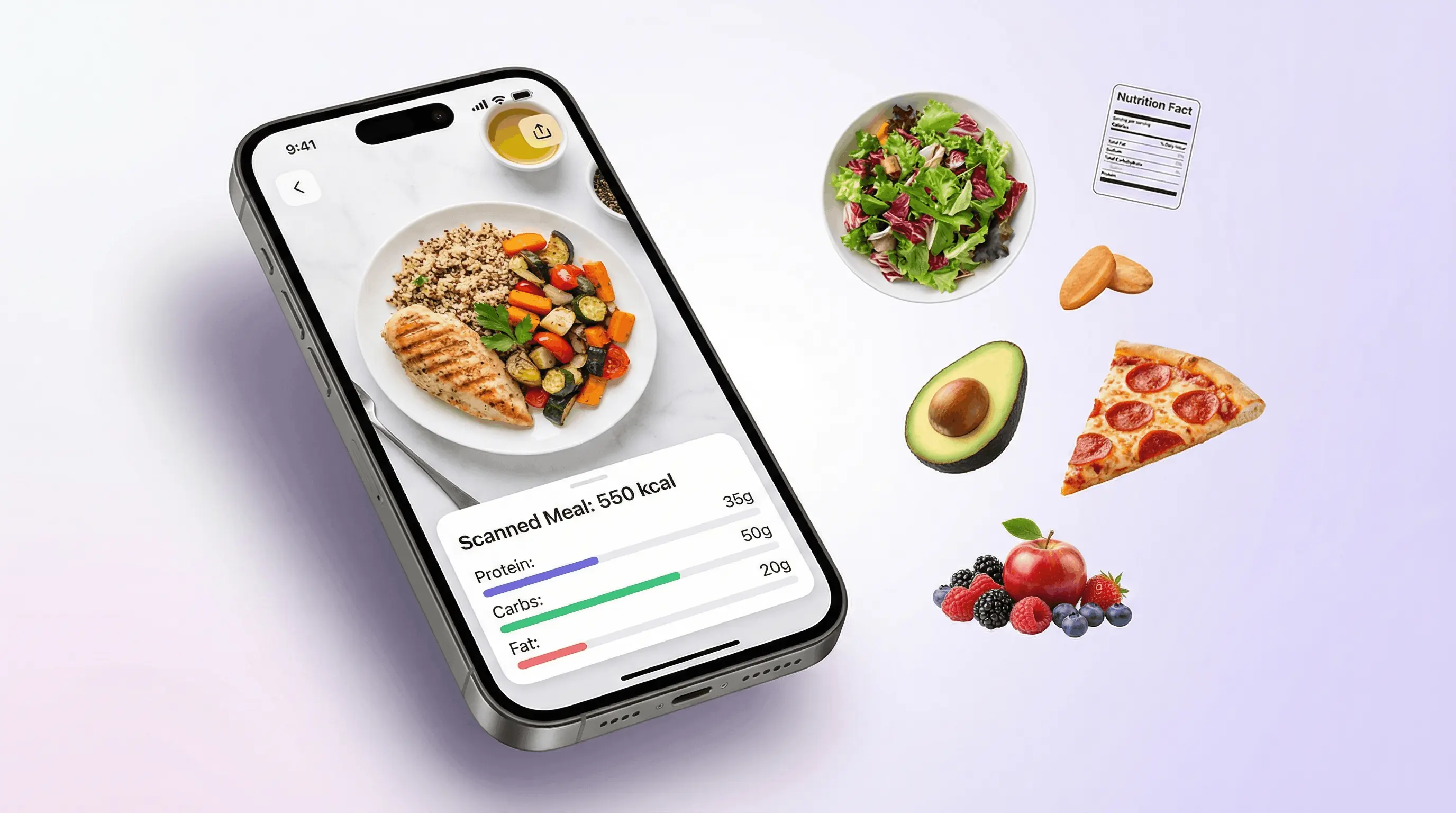
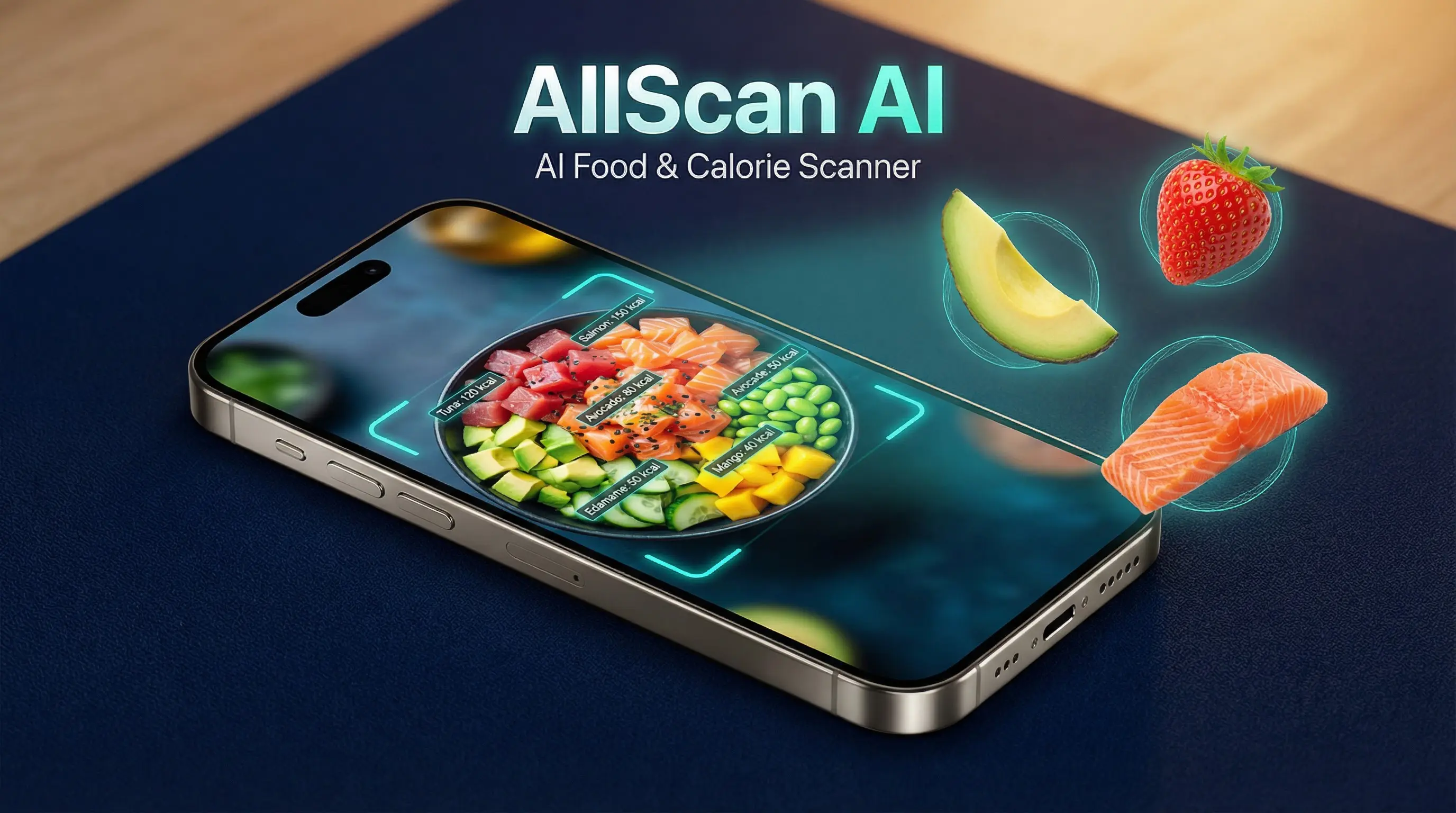
An app to scan food calories uses smartphone cameras, artificial intelligence (AI), computer vision, or barcode databases to identify food items, estimate portion sizes, and calculate total caloric and macronutrient content instantly. Users simply point their device camera at a meal or packaged food label to eliminate manual searching and streamline daily nutritional tracking.
Understanding Food Calorie Scanning Technology
Mobile nutrition tracking has evolved from manual diary logging to automated computer-vision analysis. Understanding how camera recognition and barcode lookup systems process meal data helps users choose the right platform and set realistic expectations for tracking accuracy.
- Input Method Selection
- Packaged Products (UPC / EAN Barcode)
- Global Database Lookup (Direct Manufacturer Specs)
- Whole Foods (Plated Meal Photo)
- Deep Learning Classification (Bounding Box & Segmenting)
- Volume / Density Estimation Model
- Deep Learning Classification (Bounding Box & Segmenting)
- Packaged Products (UPC / EAN Barcode)
- Macronutrient & Calorie Output (Protein, Fats, Carbohydrates, Total Kilocalories)
Barcode Scanning vs. Computer Vision Recognition
Calorie scanning applications rely on two distinct underlying technologies: Universal Product Code (UPC) database matching and artificial intelligence computer vision.
- Barcode Scanning: When a user points a camera at a packaged food barcode, the app extracts the numerical GTIN (Global Trade Item Number) or UPC and queries a nutritional database. This method offers high precision because manufacturer-submitted nutrition labels define the exact calories, serving sizes, and macronutrient breakdowns.
- Computer Vision and Image Recognition: When scanning unpackaged whole foods, restaurant meals, or homemade plates, the app uses convolutional neural networks (CNNs) and deep learning models. The software identifies distinct visual elements on the plate (e.g., distinguishing grilled chicken breast from roasted potatoes), creates bounding segments, and references standardized nutritional tables such as the USDA FoodData Central repository to calculate caloric values.
The Physics of Volumetric Estimation
The most complex technical challenge in photo-based calorie scanning is 3D volumetric estimation. A two-dimensional photograph provides height and width data, but estimating depth, interior density, and weight requires advanced algorithmic modeling.
Modern scanning platforms attempt volumetric calculation using several techniques:
- Reference Object Anchoring: Using known dimensions (such as a standard eating utensil, coin, or predefined plate size) to calibrate spatial scale within the frame.
- Monocular Depth Sensing: Leveraging multi-camera smartphone hardware or LiDAR (Light Detection and Ranging) sensors to construct a three-dimensional point cloud of the meal surface.
- Density Factor Modeling: Applying estimated density multipliers based on the identified food type (for instance, cooked rice has a higher density per cubic centimeter than leafy spinach).
Comparative Analysis of Leading Calorie Scanning Apps
Different applications emphasize distinct feature sets, ranging from strict clinical tracking with verified food databases to rapid AI-driven photo analysis.
| Application | Primary Scanning Tech | Primary Database Source | Portion Estimation Method | Subscription Model | Ideal Target User |
|---|---|---|---|---|---|
| MyFitnessPal | Barcode & AI Meal Scan | User-contributed & Verified Brand Database | User prompt after AI photo recognition | Free tier available; Premium required for full scanning features | General fitness tracking, body composition management |
| Lose It! | SnapIt AI Photo Scan & Barcode | Verified Brand & Restaurant Database | Image pattern recognition with manual gram/cup overrides | Free tier available; Premium unlocks full AI meal scanning | Calorie counting focus, weight loss tracking |
| Foodvisor | AI Computer Vision & Barcode | Custom Nutritionist-Curated Database | Automated volume estimation based on visual scale | Subscription-based after limited trial | Visual logging preference, balanced nutrition coaching |
| Cronometer | Barcode & Image Recognition | Clinical Databases (NCCDB, USDA, ESHA) | Precise weight/volume input based on photo identification | Free basic tier; Gold subscription for advanced features | Micronutrient tracking, athletic optimization, keto/diet protocols |
| MacroFactor | High-Precision Barcode & Text AI | Verified Research Databases | Manual weight entry prompted by instant AI item recognition | Paid subscription only (No free tier) | Bodybuilders, evidence-based fitness practitioners |
| Yuka | Barcode Scan (Nutritional & Additive Focus) | Open Food Facts Database | Fixed per 100g standard evaluation | Free tier available; Paid optional upgrade | Health-conscious shoppers evaluating food quality over raw calories |
Detailed Evaluation of Top Calorie Scanning Platforms
MyFitnessPal (Snap & Log Feature)
MyFitnessPal remains one of the largest nutrition platforms worldwide, supported by a massive database containing tens of millions of food items. Its logging suite includes barcode scanning alongside an AI-powered visual recognition engine.
- Core Strengths: Extensive barcode library covering global regional brands; seamless synchronization with major smartwatch platforms and fitness apps; robust community integration.
- Operational Limitations: The image recognition feature acts primarily as an item identifier rather than an accurate volumetric scale. Users must manually review and select portion sizes (e.g., cups, grams, or ounces) after the camera identifies the food components. Additionally, certain barcode features require a paid premium tier depending on region and device platform.
Lose It! (SnapIt Engine)
Lose It! pioneered direct visual meal recognition with its SnapIt feature. When a photograph is captured, the application analyzes the plate and offers a list of suggested food candidates for each identified region on the dish.
- Core Strengths: Rapid multi-item recognition within a single dish photograph; smooth interface design tailored for weight loss workflows; built-in barcode scanner.
- Operational Limitations: Complex mixed dishes (such as stews, casseroles, or curries) often yield generic component recommendations, requiring manual adjustment of oil, butter, and sauce quantities.
Foodvisor
Foodvisor was engineered specifically around camera-based volumetric recognition. Unlike applications that add photo capabilities onto existing text databases, Foodvisor's interface centers on the camera viewfinder.
- Core Strengths: Built-in spatial algorithms attempt to estimate portion weight directly from the photograph; visual presentation displays macro distributions directly over the recognized food items on screen.
- Operational Limitations: Volumetric estimates require ideal lighting conditions and clear background contrast. Non-standard plate geometry can throw off density estimations, leading to volume discrepancies.
Cronometer
Cronometer prioritizes data integrity by sourcing information exclusively from verified research databases, including the Nutrition Coordinating Center Food and Nutrient Database (NCCDB) and the USDA.
- Core Strengths: Eliminates duplicate or inaccurate user-submitted entries; tracks up to 84 micronutrients alongside core calories and macronutrients; highly reliable barcode scanning system.
- Operational Limitations: Image-recognition features focus on identifying the specific food item to pull precise scientific database entries, but manual weight inputs (using a digital kitchen scale) are strongly recommended for maximum accuracy.
How Accurate Are AI Food Scanning Apps?
While photo-scanning applications offer convenience, peer-reviewed nutritional research highlights structural limitations in automated optical calorie estimation.
- Visual Capture (Smartphone Camera)
- Primary Detection Variables
- Surface Area
- Visible Items
- Critical Blind Spots
- Hidden Fats (Cooking Oils, Butter)
- Ingredient Density & Hydration
- Internal Fillings & Dressings
The Challenge of Hidden Calories and Preparation Methods
Computer vision operates exclusively on visible surface geometry and color distribution. It cannot detect invisible macro ingredients added during food preparation, such as:
- Cooking Oils and Fats: A single tablespoon of olive oil or butter adds 100 to 120 kilocalories. If a pan-seared chicken breast absorbs 1.5 tablespoons of cooking oil, a visual scan registers only the chicken breast dimensions, underestimating total meal energy by 150–180 calories.
- Added Sugars and Marinades: Clear glazes, liquid syrups, and dissolved marinades alter caloric density without significantly modifying the 3D surface footprint of the meal.
- Variable Fat Content in Proteins: Visual scans struggle to differentiate between a 90/10 lean ground beef patty and an 80/20 patty of identical dimensions, despite a 25–30% variation in calorie count due to fat density.
Volumetric Margin of Error
Evaluating camera-based nutrition applications reveals that while top-tier deep learning models achieve high accuracy (often exceeding 85–90%) in identifying the correct food category, their standalone estimates for weight and portion volume exhibit a variable margin of error, frequently ranging between 15% and 35%.
To put this into perspective, a 20% underestimation on a targeted 2,000-calorie daily budget equates to 400 unrecorded calories per day—enough to offset a intended weight-loss calorie deficit entirely over time.
Step-by-Step Guide to Maximizing Scanning Accuracy
To achieve accurate nutrition tracking while using optical calorie scanning apps, follow this standardized workflow:
- STEP 1: OPTIMIZE ENVIRONMENT & VISUAL CAPTURE
- Place meal on a contrasting background under direct, even lighting.
- Angle camera at 45 degrees to capture both top profile and side depth.
- STEP 2: DISAGGREGATE & VERIFY COMPONENTS
- Separate mixed foods visually across the plate when possible.
- Review AI-detected labels to ensure all items are identified correctly.
- STEP 3: MANUAL ADJUSTMENT FOR UNSEEN VARIABLES
- Manually add 1-2 tsp of cooking oil/butter for pan-cooked meals.
- Cross-reference estimated portion weights against a digital scale periodically.
Step 1: Optimize Camera Framing and Lighting
- Maintain Top-Diagonal Angle: Position your smartphone camera at a 45-degree angle relative to the plate, approximately 12 to 18 inches away. This angle captures both the top surface area and the vertical profile necessary for depth calculation.
- Ensure Uniform Overhead Lighting: Avoid harsh side shadows that distort food boundary detection models.
- Use Standard Background Contrast: Place the plate on a neutral table surface (such as wood or a solid placemat) so the computer vision model cleanly segments the dish boundary from the background.
Step 2: Disaggregate Mixed Foods
- Deconstruct Plates: Where practical, keep individual protein, starch, and vegetable components separated on the plate rather than stacked. Stacking hides underlying foods from the camera lens.
- Scan Dressings and Sauces Separately: Photograph salad dressings, dips, and gravies in their side containers before pouring them over the meal.
Step 3: Audit and Calibrate with Manual Scale Measurements
Use photo scanning as an immediate intake log, but calibrate the app's portion estimates periodically:
- Allow the application to estimate the item weight via photo scan.
- Weigh the food on a digital kitchen scale (in grams).
- Adjust the app's logged serving size to match the scale reading.
- Add a dedicated manual log entry for added cooking fat (e.g., 10g olive oil) if the meal was prepared commercially or pan-fried.
Privacy, Data Security, and System Integrations
Integrating calorie scanning applications into your mobile ecosystem involves considerations regarding personal health data handling and software connectivity.
Health Platform Integration
Modern scanning tools interface with centralized mobile health framework services:
- Apple Health (HealthKit): Syncs dietary energy, macronutrients, water intake, and micronutrients bidirectionally across iOS apps and devices.
- Google Health Connect: Serves as the standardized Android repository, aggregating calorie intake alongside active calorie expenditure from wearable sensors.
These integrations allow calorie-scanning software to automatically balance nutritional intake against basal metabolic rate (BMR) and exercise expenditure tracked by smartwatches or fitness trackers.
Data Privacy and Image Processing
When scanning meals with AI applications, photos are transmitted to cloud server infrastructure for GPU-accelerated deep learning processing. Users concerned about data privacy should verify:
- Cloud Retention Policies: Whether food photographs are permanently stored on remote servers to train proprietary AI models or deleted immediately after inference processing.
- Health Data Encryptions: Ensuring that nutrition logs synced across servers utilize end-to-end encryption compliant with standards such as HIPAA (in the U.S.) or GDPR guidelines (in the EU).
Frequently Asked Questions
Can an app scan food calories accurately from a homemade meal?
An app can accurately identify the individual ingredients of a homemade meal, but it struggles to determine exact cooking oil, salt, and hidden liquid ingredients. For homemade meals, logging raw ingredient weights into the app's recipe builder yields far higher accuracy than relying solely on a photo scan of the finished dish.
Are food calorie scanner apps free to use?
Most calorie scanning applications use a freemium software model. Basic text logging and manual database searching are usually free, while advanced camera features—such as continuous AI photo estimation and automated volume calculation—frequently require a monthly or annual premium subscription.
How do barcode scanner apps handle regional or imported products?
Barcode scanner accuracy depends on the size and localization of the app's underlying database. Leading applications pull from global open databases like Open Food Facts alongside proprietary merchant indexes. If an imported barcode is unrecognized, most apps allow users to photograph the nutrition panel to automatically populate the entry via OCR (Optical Character Recognition).
Do calorie scanner apps work for fast food and restaurant meals?
Yes, apps perform well with branded fast food because restaurant chains publish standardized nutrition data. When you photograph a recognized fast-food item, the app matches the visual identity to the chain's official database entry rather than estimating volume from scratch.
Is camera scanning better than using a digital kitchen scale?
A digital kitchen scale remains the gold standard for accurate calorie tracking. Photo scanning offers speed, convenience, and low friction—making it ideal for eating out or maintaining consistent tracking habits—but it carries a higher margin of error compared to mass-based gram measurements on a scale.
Actionable Recommendation: Optimizing Your Tracking Strategy
To get the best results from a food calorie scanner app, match the tool to your specific health objective:
- For Strict Medical or Bodybuilding Protocols: Use Cronometer or MacroFactor. Pair barcode scanning with physical weight inputs on a digital scale to eliminate database errors and portion uncertainty.
- For General Weight Loss and Lifestyle Management: Use Lose It! or MyFitnessPal. Leverage AI photo recognition for rapid meal tracking, but manually audit serving sizes by adding 1 tablespoon of oil or butter whenever consuming restaurant or pan-cooked foods.
- For Visual Learners and Convenience Tracking: Use Foodvisor. Ensure your photos are taken at a 45-degree angle in bright light, and verify component weights periodically to keep volumetric estimates calibrated.
By combining AI visual scanning for fast identification with manual scale validation for dense or hidden ingredients, you can build a sustainable, highly accurate nutrition tracking routine.