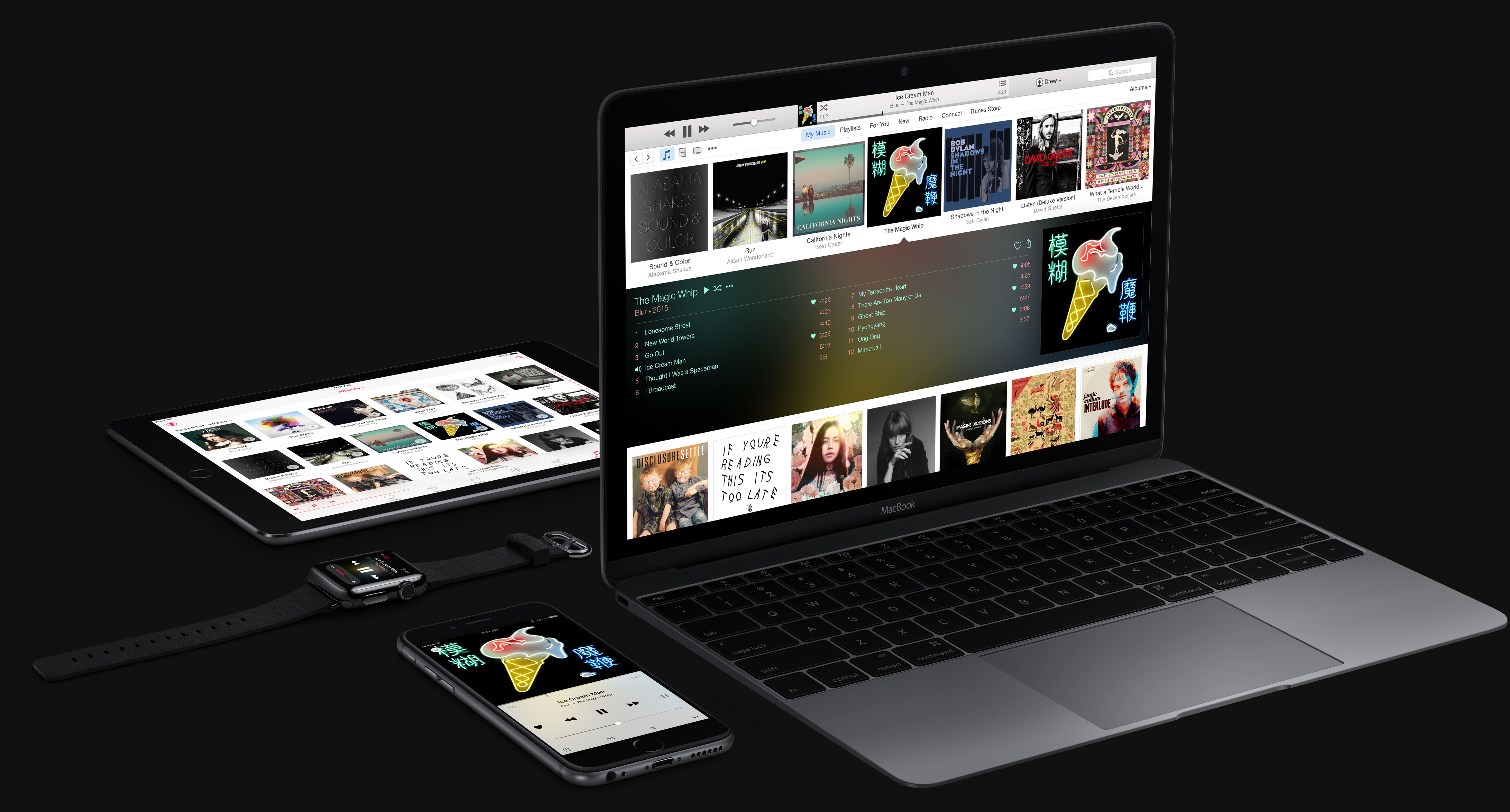
Achieving the highest quality playback on Apple Music requires a specific combination of hardware, software settings, and connection management. Users can access Apple Music Lossless and Hi-Res Lossless audio by manually enabling these features in the settings of their Apple devices, ensuring that their playback chain—from the digital file to the final output—supports the necessary high-resolution data streams.
Understanding Apple Music Audio Formats
To stream at the highest quality, it is essential to first understand what "highest quality" means within the Apple Music ecosystem. Apple categorizes its audio streaming into three primary tiers: AAC (Advanced Audio Coding), Apple Music Lossless, and Apple Music Hi-Res Lossless.
The standard Apple Music stream uses AAC at 256 kbps. While this format is highly efficient and provides quality indistinguishable from the original source for most listeners under normal conditions, it is "lossy," meaning data is discarded to compress the file size.
Lossless audio refers to the ALAC (Apple Lossless Audio Codec) format. Apple’s standard "Lossless" tier spans from CD quality (16-bit/44.1 kHz) up to 24-bit/48 kHz. The pinnacle, "Hi-Res Lossless," extends this to 24-bit/192 kHz. When you stream at these higher resolutions, you are receiving a bit-for-bit recreation of the original studio master, containing significantly more data than standard compressed streams.
Prerequisites for High-Resolution Streaming
Streaming at the highest quality is not a simple toggle; it requires a specialized hardware chain. Because high-resolution audio files contain significantly more data, you must account for three specific variables: the playback device, the connection to that device, and the audio output hardware.
The Device
You must be running the latest version of the Apple Music app on an iPhone, iPad, Mac, or Apple TV 4K. While Android devices are also capable of playing Apple Music Lossless, the specific software implementation varies. Ensure your operating system is updated to the latest version to maintain compatibility with the Apple Music server requirements for 2026.
The Hardware Chain
The most common mistake users make is assuming that Bluetooth headphones are capable of playing Apple Music Lossless or Hi-Res Lossless. Bluetooth technology relies on compression, meaning the high-resolution file is down-sampled or re-compressed before it reaches your ears. To truly experience Lossless or Hi-Res Lossless, you must use a wired connection.
For iPhone and iPad, this means using a Lightning or USB-C to 3.5mm headphone jack adapter, or ideally, an external Digital-to-Analog Converter (DAC). A DAC is a device that translates the digital bits from your Apple device into an analog signal for your wired headphones or speakers. Without a dedicated DAC, your device’s internal converter may limit the resolution, particularly for files exceeding 24-bit/48 kHz.
Configuring Apple Music Settings
Once your hardware is prepared, you must configure the Apple Music app to request the highest available quality from Apple’s servers.
- Open Settings on your iOS or iPadOS device.
- Scroll down to Music and tap it.
- Select Audio Quality.
- Toggle on Lossless Audio.
- Adjust the stream settings: Here you will see separate options for "Wi-Fi Streaming" and "Mobile Data Streaming." Set both to "Hi-Res Lossless (ALAC up to 24-bit/192 kHz)."
Note on Data Usage: Selecting "Hi-Res Lossless" for mobile data will consume significantly more bandwidth. A single high-resolution song can take up to 145 MB of data, compared to roughly 6 MB for standard AAC. If you have a limited data plan, consider keeping mobile streaming at a lower setting and reserving Hi-Res Lossless for Wi-Fi environments.
The Role of the External DAC
If you are aiming for Hi-Res Lossless (anything above 24-bit/48 kHz), an external DAC is not optional; it is a physical requirement. Apple’s internal converters in mobile devices are generally capped. A portable or desktop DAC allows the device to output the raw digital signal via the USB/Lightning port, bypassing the device's internal audio limitations.
When choosing a DAC, ensure it supports the sample rates you intend to play. Most high-fidelity DACs will clearly state their support for 192 kHz sample rates. When connecting to a Mac, you must also adjust your audio settings in the "Audio MIDI Setup" utility to match the source file’s sample rate, otherwise, the computer may perform a digital resample that degrades the quality.
Comparison of Audio Quality Settings
| Quality Setting | Format | Resolution | Bandwidth Usage | Hardware Needed |
|---|---|---|---|---|
| High Efficiency | AAC | 256 kbps | Low | Any |
| Lossless | ALAC | 16-bit/44.1 kHz | Moderate | Wired Connection |
| Hi-Res Lossless | ALAC | 24-bit/192 kHz | Very High | Wired + External DAC |
Troubleshooting Common Issues
Even with the correct settings, you may encounter issues where the music does not sound as expected or the app behaves inconsistently.
- The "Lossless" Badge is Missing: If you do not see the Lossless badge on the Now Playing screen, ensure that the specific track you are playing actually supports Lossless. Not all tracks in the Apple Music catalog have been mastered in high resolution.
- Audio Stuttering: High-resolution files require a stable and fast internet connection. If you experience buffering, your network speed may be insufficient to handle the large data packets associated with 24-bit/192 kHz audio. Switch to a lower quality setting or download the tracks for offline playback.
- Volume Limitations: When using an external DAC, your device's volume control may be disabled. This is normal behavior, as the DAC now controls the signal output. You must adjust the volume on your amplifier or the DAC's specific hardware controls.
Practical Steps for Implementation
To verify that your setup is functioning correctly, perform these three actions:
- Use Wired Headphones: Plug your wired headphones into your DAC or adapter. Avoid all Bluetooth transmitters.
- Verify the Badge: Navigate to an album you know is available in Hi-Res Lossless. Check that the "Hi-Res Lossless" indicator appears in the player.
- Check MIDI Settings (Mac): If using a Mac, open the "Audio MIDI Setup" app. Ensure your external DAC is selected as the Output device and that the format is set to the highest frequency offered, typically 192 kHz.
By strictly following these requirements, you bridge the gap between compressed streaming and true studio-quality playback. The transition to high-resolution streaming is ultimately an exercise in removing bottlenecks from your signal path, ensuring that the file Apple delivers reaches your ears with its original fidelity intact.
Frequently Asked Questions
Does Apple Music sound better than Spotify? Apple Music’s Lossless and Hi-Res Lossless tiers provide higher bitrates and file resolutions than standard streaming formats. While perceived "better" sound is subjective, Apple Music technically provides more data-dense, uncompressed audio files, which can offer greater clarity when paired with high-end audio equipment.
Can I play Hi-Res Lossless on AirPods? No. All current models of AirPods, including AirPods Max, rely on Bluetooth, which does not currently support the transmission of Apple Music’s Lossless or Hi-Res Lossless codecs. Even with a wired connection for AirPods Max, the internal processing of the headphones converts the signal, preventing true lossless playback.
Why does my data usage spike so much? Hi-Res Lossless files can be up to 20 times larger than standard AAC files. Because the file size is significantly larger, the cellular data required to stream that file in real-time is much greater, which can lead to faster depletion of your monthly data allotment.
Is 192 kHz always better than 44.1 kHz? Not necessarily. While 192 kHz is the technical "highest" resolution, the human ear cannot detect frequencies above 20 kHz. The primary benefit of higher sample rates is the precision of the anti-aliasing filters during the original recording and mastering process. For most listeners, 24-bit/48 kHz is effectively transparent, while 192 kHz is largely for archiving and specialized audiophile needs.
Do I need a paid subscription for this? Yes, Apple Music Lossless and Hi-Res Lossless are features of the standard Apple Music subscription service. There is no additional cost to enable these settings, but the service subscription is mandatory.