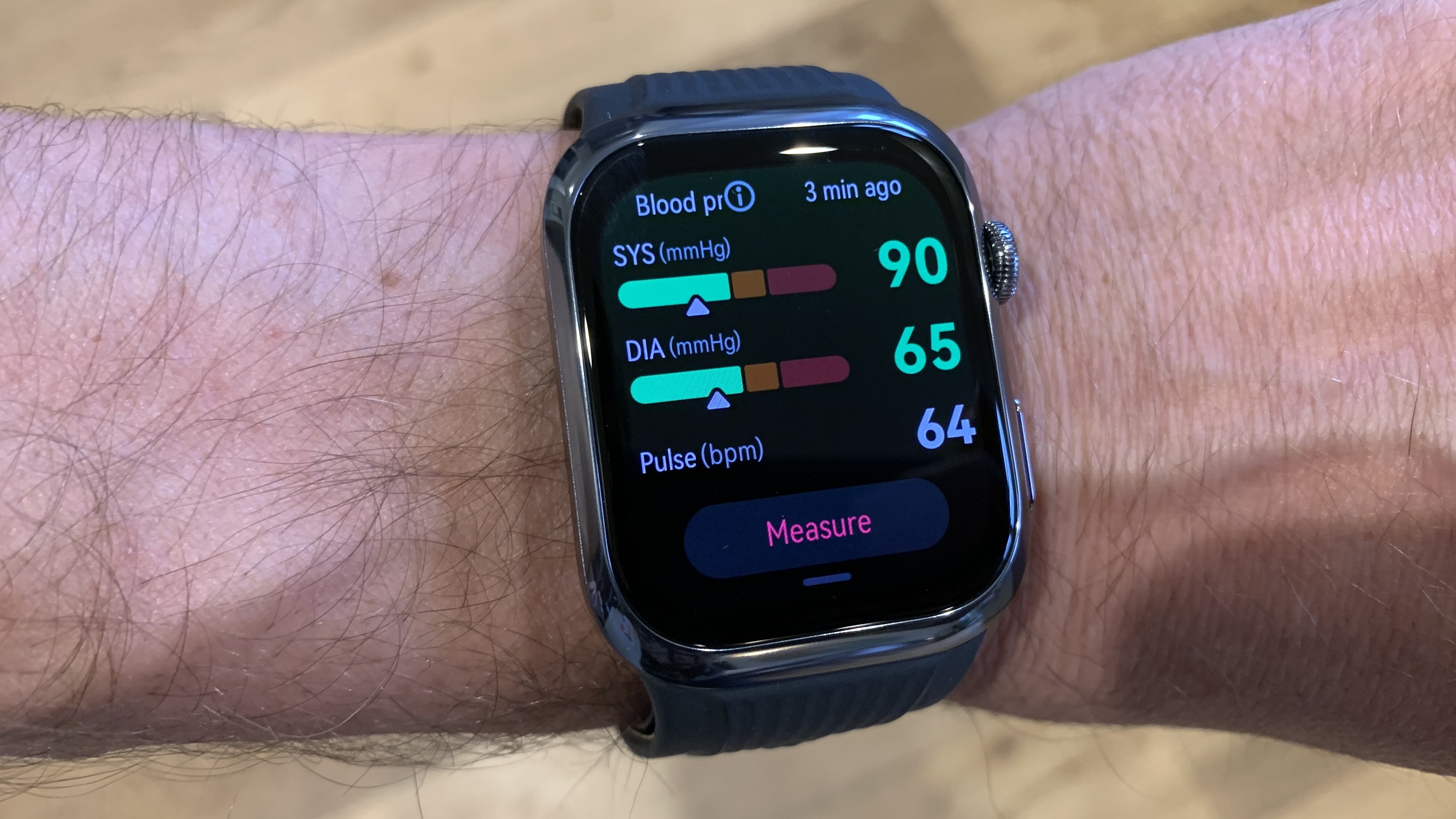
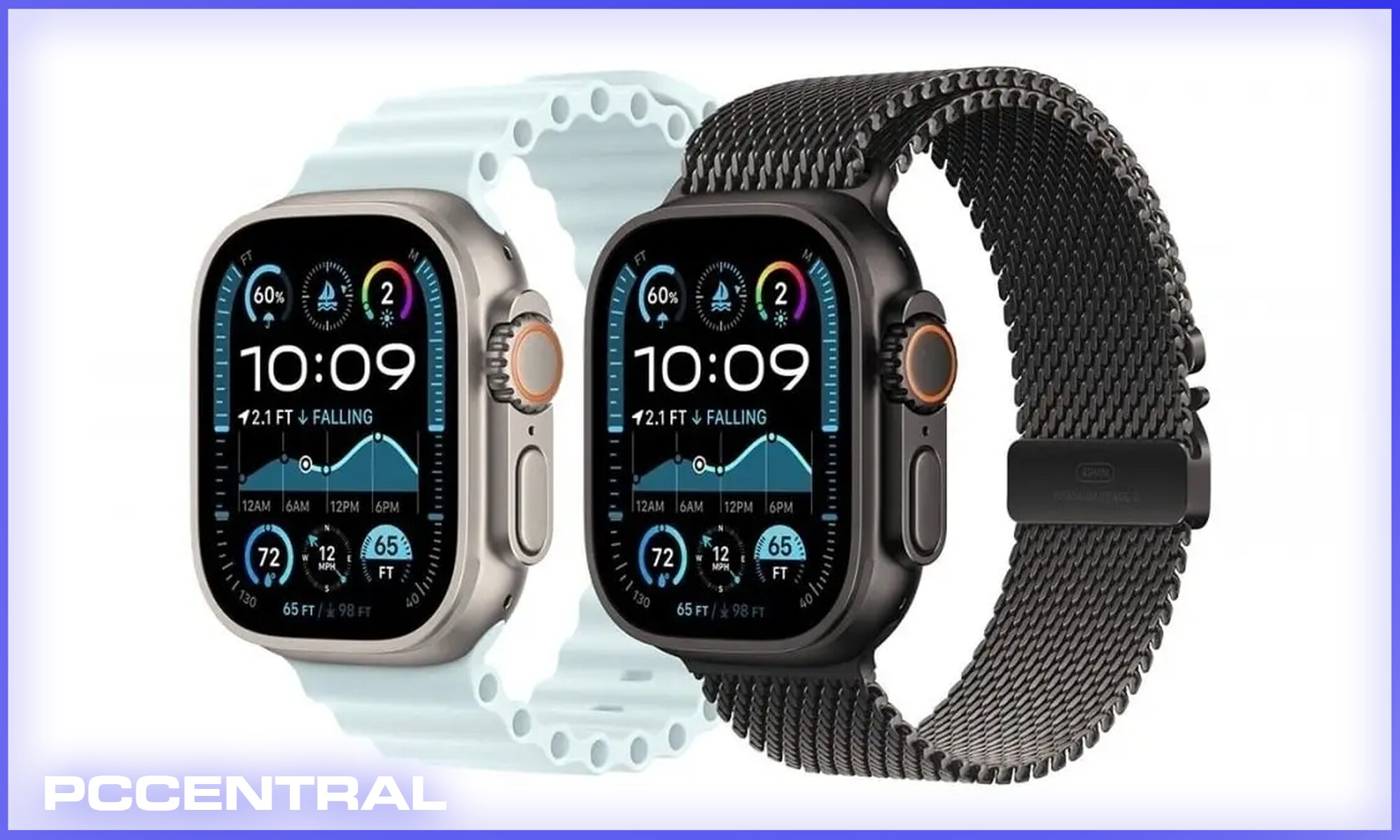
As of 2026, the Apple Watch provides sophisticated hypertension trend detection and notification features, though it does not replace the traditional inflatable cuff for absolute millimetric readings. Using advanced optical sensors and pulse wave analysis, the watch monitors for signs of elevated blood pressure and prompts users to seek clinical verification.
Blood pressure monitoring has long been the "holy grail" of wearable health technology. For years, users relied on bulky upper-arm cuffs that, while accurate, were inconvenient for frequent daily monitoring. In 2026, the integration of blood pressure capabilities into the Apple Watch ecosystem—specifically within the Apple Watch Series 10, Series 11, and Ultra 3—has shifted the focus from reactive measurements to proactive cardiovascular health management.
The Technology: How Apple Watch Tracks Blood Pressure Trends
The Apple Watch does not use an inflatable bladder to constrict blood flow. Instead, it relies on a sophisticated branch of technology known as photoplethysmography (PPG) combined with pulse wave analysis.
Inside the back crystal of the Apple Watch, a series of LEDs (green, red, and infrared) shine light into the wrist's blood vessels. The light reflected back is captured by photodiodes, which measure the volume of blood passing through the wrist at any given moment. By analyzing the "shape" and timing of these pulse waves, Apple’s proprietary algorithms can estimate changes in arterial pressure.
A key metric used in this process is Pulse Transit Time (PTT). This is the time it takes for a pulse wave to travel from the heart to the wrist. Generally, when blood pressure is higher, the arteries are stiffer, and the pulse wave travels faster. By monitoring these microscopic timing variations, the Apple Watch can detect if a user’s baseline blood pressure is trending upward toward hypertension.
Understanding Trend Detection vs. Absolute Measurement
It is vital to distinguish between "trend detection" and "absolute measurement." As of the 2026 software updates (watchOS 12 and 13), the Apple Watch functions primarily as a screening tool rather than a diagnostic one.
- Trend Detection: The watch monitors your cardiovascular system throughout the day and night. If it detects a consistent pattern of elevated pressure over several days, it issues a Hypertension Notification. This alert suggests the user may be at risk and should use a medical-grade device for a formal reading.
- Absolute Measurement: A traditional blood pressure monitor (sphygmomanometer) provides a specific reading, such as 120/80 mmHg. The Apple Watch does not currently display a live "on-demand" systolic and diastolic number in the same way it displays heart rate. Instead, it populates the Health app with "High," "Normal," or "Elevated" status logs based on its longitudinal data.
This approach is designed to avoid the "white coat effect," where a user's blood pressure spikes simply because they are nervous about taking a measurement. By taking hundreds of passive readings during sleep and inactivity, the Apple Watch provides a more comprehensive view of a user’s vascular health than a single daily cuff reading.
Requirements and Calibration for 2026 Models
To utilize the blood pressure features on supported Apple Watch models in 2026, users must follow a specific onboarding and maintenance protocol. This ensures that the sensors remain accurate to the individual's unique physiology.
- Hardware Compatibility: The feature requires the upgraded sensor array found in the Series 10, Ultra 3, and subsequent models. Older models lack the specialized infrared sensors and processing power necessary for pulse wave analysis.
- Initial Calibration: Upon first setup, the user is required to calibrate the watch using a traditional, validated upper-arm blood pressure cuff. The user enters their cuff readings into the Health app, which provides the Apple Watch with a "baseline" to measure variations against.
- Monthly Re-calibration: To maintain accuracy, Apple recommends (and the Health app prompts) a re-calibration every 30 days. This accounts for physiological changes, such as weight loss, medication adjustments, or aging of the arterial walls.
- Proper Fit: The watch must maintain consistent skin contact. A loose band can introduce "noise" into the PPG signal, leading to inaccurate trend data. Apple’s Solo Loop or Sport Band is often recommended for the most stable sensor positioning.
Comparison of Wearable Blood Pressure Technologies
As the market for health wearables has matured by 2026, several different approaches to wrist-based monitoring have emerged. Understanding where the Apple Watch sits in this landscape helps users choose the right tool for their needs.
| Feature | Apple Watch (Series 10/Ultra 3) | Samsung Galaxy Watch (6/7/8) | Omron HeartGuide | Traditional Arm Cuff |
|---|---|---|---|---|
| Measurement Method | PPG / Pulse Wave Analysis | PPG / Calibration-based | Oscillometric (Mini-Cuff) | Oscillometric (Full Cuff) |
| Accuracy Level | Trend-based / Screening | Trend-based / Screening | Medical-Grade | Clinical Gold Standard |
| Calibration Required | Yes (Monthly) | Yes (Every 4 weeks) | No | No |
| FDA Status | Cleared (De Novo) | Cleared (Certain regions) | FDA Cleared (Device) | FDA Cleared (Device) |
| User Effort | Passive (Automatic) | Manual / Semi-Passive | Manual (Button press) | Manual |
The Role of the Health App and Data Integration
The data collected by the Apple Watch is useless without context. In 2026, the Apple Health App acts as the central intelligence hub for blood pressure management.
When the watch detects a trend toward hypertension, the Health app categorizes this data alongside other metrics like sleep quality, activity levels, and sodium intake (if logged). This holistic view allows users to see why their blood pressure might be rising. For example, a user might notice that their blood pressure trends higher on weeks when their "Stand Hours" are low or their "Sleep Duration" is under six hours.
Furthermore, Apple has streamlined the process of sharing this data with healthcare providers. Users can generate a "Health PDF" that summarizes blood pressure trends over 30, 90, or 365 days. This report highlights occurrences of "Elevated" readings, providing doctors with actionable data that goes beyond a single in-office measurement.
Challenges and Limitations of Wrist-Based Monitoring
While the 2026 Apple Watch represents a massive leap forward, it is not without technical limitations. Users must be aware of these factors to avoid a false sense of security.
Movement Artifacts: The PPG sensors are highly sensitive to motion. If you are walking, exercising, or even moving your arm significantly, the light signal can become distorted. This is why most "validated" trend readings are taken while the user is still or asleep.
Skin Tone and Perfusion: Optical sensors can face challenges with very dark skin tones or low peripheral perfusion (poor blood flow to the extremities). While Apple has significantly improved its sensor sensitivity to be more inclusive, individual variations can still impact the consistency of pulse wave capture.
Arterial Stiffness: The algorithms rely on the way pulse waves bounce off arterial walls. For individuals with advanced atherosclerosis or significant arterial stiffness, the "bounce" may be less predictable, leading to less reliable trend data. This makes the device a better screening tool for the general population than a monitoring tool for those with advanced cardiovascular disease.
Regulatory Landscape: The Path to FDA Clearance
In the United States, the Food and Drug Administration (FDA) regulates blood pressure monitoring features as medical software. Apple’s journey to 2026 involved rigorous clinical trials to prove that their "Hypertension Notifications" were both specific (low false positives) and sensitive (low false negatives).
The FDA's De Novo classification for Apple’s blood pressure feature recognizes it as a "software as a medical device" (SaMD) intended for screening purposes. It is important to note that this is different from the clearance given to a diagnostic tool. The FDA warns that users should never change their medication or treatment plan based solely on an Apple Watch notification without consulting a physician.
For more information on how the FDA evaluates these technologies, you can visit the official FDA website.
Practical Tips for Accurate Monitoring in 2026
To get the most out of an Apple Watch for blood pressure management, users should adopt the following best practices:
- Consistency is Key: Wear your watch to sleep. Nighttime readings are often the most accurate because the body is at rest and movement is minimal.
- Verify with a Cuff: If you receive a notification that your blood pressure is trending high, do not panic. Use a validated home blood pressure cuff to take three separate readings, spaced one minute apart, and record them.
- Keep Sensors Clean: Sweat, lotion, and debris can film over the back crystal of the watch, scattering the LED light. Wipe the sensors with a non-abrasive, lint-free cloth daily.
- Update Software: Apple frequently refines its cardiovascular algorithms. Ensure your iPhone and Apple Watch are running the latest versions of iOS and watchOS to benefit from the most recent clinical data sets.
Frequently Asked Questions
Does the Apple Watch 2026 show my blood pressure in real-time? No, it does not provide a "live" systolic and diastolic reading like a heart rate monitor. It monitors your trends in the background and notifies you if your baseline shifts toward hypertension. You can view your recent "Status" (e.g., Normal, Elevated) in the Health app.
Can I use the Apple Watch to replace my blood pressure medication tracking? Absolutely not. The Apple Watch is a screening and lifestyle tool. Any decisions regarding hypertension medication must be made by a licensed healthcare professional based on clinical-grade measurements.
Why does the Apple Watch require a separate cuff for calibration? Because the Apple Watch uses optical sensors rather than physical pressure, it needs a "known value" to map your pulse wave characteristics to specific pressure levels. The cuff provides the "ground truth" that allows the watch to interpret its sensor data accurately for your specific body.
Is the blood pressure feature available in all countries? Availability depends on local regulatory clearance (such as the CE mark in Europe or FDA in the US). While widely available in 2026, some regions may still have the feature disabled due to pending healthcare software certifications.
Will tattoos on the wrist affect blood pressure readings? Yes, heavy ink can block the light from the PPG sensors. If you have a solid tattoo on your primary wrist, you may need to wear the watch on the other wrist or use a different monitoring method, as the ink can interfere with the sensor's ability to "see" the blood flow.
The Future of Preventive Health
The integration of blood pressure trend monitoring into the Apple Watch is a milestone in preventive medicine. By providing users with a low-friction way to monitor one of the most significant "silent killers"—hypertension—Apple has empowered millions to seek medical advice earlier than they otherwise would. As we move beyond 2026, the goal remains the same: moving from a world of episodic "sick care" to one of continuous, wearable-enabled "well care."
For those looking to improve their heart health, the best next action is to ensure your Health app profile is complete, your calibration cuff is validated by the American Heart Association, and you have a scheduled check-up to discuss your wearable data with your doctor.