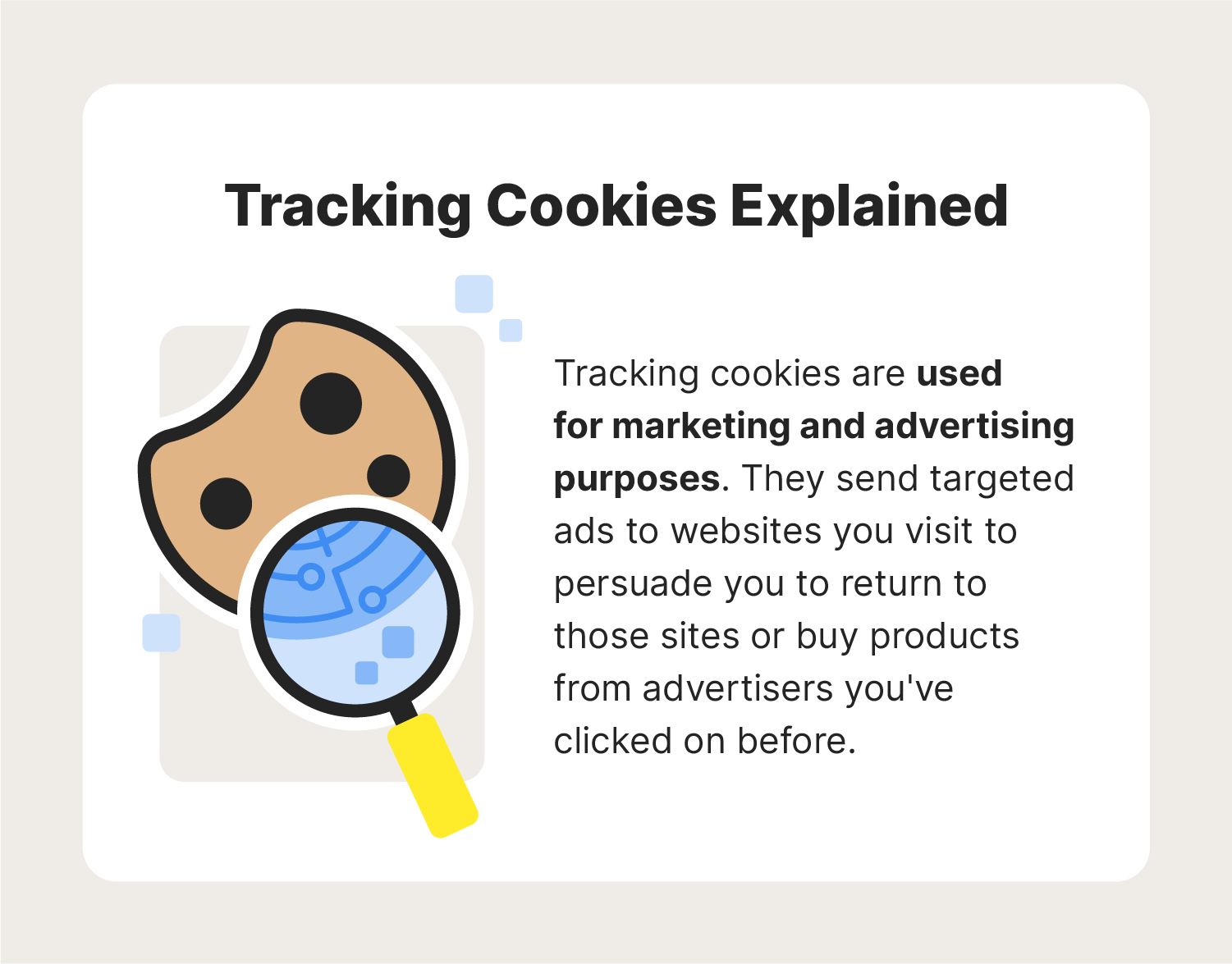
Tracking cookies are not inherently dangerous software like malware, spyware, or ransomware, as they cannot execute code, corrupt system files, or directly compromise device security. However, they present significant privacy risks by systematically monitoring browsing habits, harvesting personal data, and enabling continuous behavioral profiling across the internet.
Understanding Tracking Cookies: What They Are and How They Function
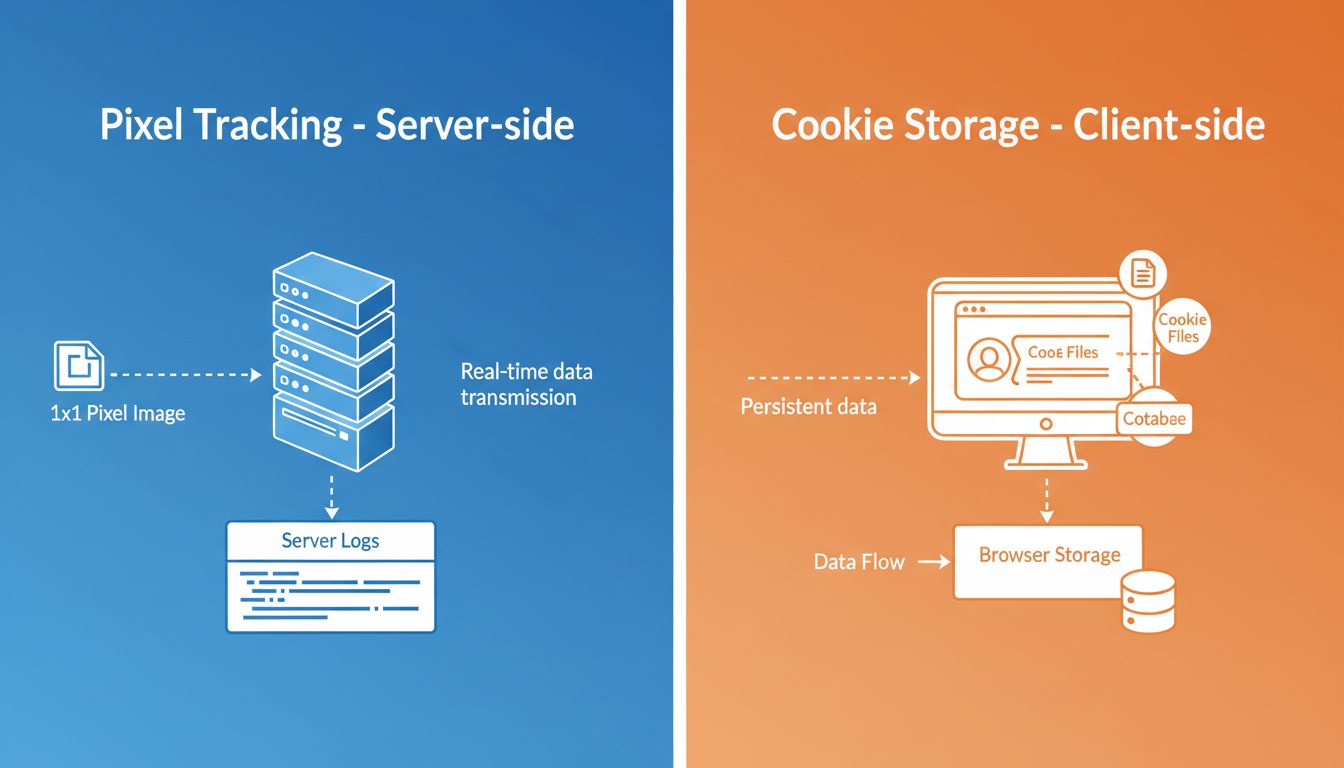
To determine whether tracking cookies pose a threat, it is necessary to examine what they are from a technical standpoint. A cookie is a small text file that a website saves on a user's local device through a web browser. While functional cookies serve benign purposes—such as remembering login credentials, maintaining shopping cart items, or storing language preferences—tracking cookies are designed for a different objective: surveillance and data aggregation.
Tracking cookies typically originate from third-party domains rather than the specific website the user is actively visiting. When a user loads a webpage containing embedded elements like analytics scripts, social media buttons, or advertising banners, the browser makes a background request to an external server. This external server sets a unique identifier (UID) via a cookie on the user’s machine. As the user navigates to other websites that load resources from the same ad network or analytics provider, that exact same tracking cookie transmits the user's browsing activity back to the data collector.
This mechanism allows third-party entities—including adtech firms, data brokers, and analytics corporations—to construct a detailed longitudinal profile of an individual. This profile frequently incorporates the following data points:
- Search queries and clicked links
- Visited URLs and timestamps
- Time spent on specific pages
- Approximate geographical locations derived from IP addresses
- Device specifications, operating systems, and browser configurations
The Actual Risks: Privacy vs. System Security
A common misconception conflates tracking cookies with malicious code. To evaluate them accurately, security professionals divide risks into two distinct categories: security threats and privacy violations.
| Risk Category | Technical Nature | Potential Impact | Severity Level |
|---|---|---|---|
| System Security | Executable code / Malware | File corruption, data theft, remote control | High |
| Data Privacy | HTTP text files / Trackers | Behavioral profiling, targeted ads, surveillance | Moderate to High |
| Data Integrity | Session hijacking / XSS | Unauthorized account access | High (if protections fail) |
System Security Implications
From a strict computer security perspective, tracking cookies are inert text files. They lack the structural capability to execute binaries, install payloads, or alter system registries. A tracking cookie cannot autonomously extract local files from a hard drive or access sensitive folders outside the web browser's isolated storage sandbox.
Data Privacy and Surveillance Risks
While tracking cookies do not damage hardware or operating systems, they represent a profound challenge to digital privacy. The primary risk lies in behavioral micro-targeting and data aggregation. As third-party trackers compile vast dossiers on individuals, this information is frequently shared, pooled, or sold within programmatic advertising marketplaces.
These aggregated profiles can reveal highly sensitive personal attributes, including medical conditions, financial struggles, political affiliations, and religious beliefs, often inferred entirely from browsing patterns without the user's explicit consent. Furthermore, these profiles can be utilized for dynamic pricing discrimination, where online vendors alter prices for goods, airline tickets, or hotel rooms based on a user's perceived affluence or urgency as registered by tracking history.
First-Party vs. Third-Party Trackers
Distinguishing between first-party and third-party cookies is essential for understanding how data collection operates and why regulatory bodies have moved to restrict certain types of storage.
First-Party Trackers
First-party cookies are created and read exclusively by the domain the user is directly visiting. For example, if a user browses an online bookstore, that bookstore sets a first-party cookie to remember search filters or keep items in a cart. Generally, first-party trackers are considered low-risk because their scope is limited to the interacting website, though they can still be used for internal analytics and tracking within that specific ecosystem.
Third-Party Trackers
Third-party cookies are set by a domain different from the one displayed in the browser's address bar. These are the primary engines of cross-site tracking. Because a single advertising network might serve banners across millions of unrelated websites, third-party cookies enable that network to track a user across the entire web. This persistent cross-site tracking is what prompted major web browsers and privacy regulators to phase out or restrict third-party cookie functionality entirely.
Regulatory Responses and Modern Browser Mitigations
The privacy risks associated with tracking cookies have triggered significant policy responses and engineering shifts across the technology sector.
Industry-Wide Phasing Out of Third-Party Cookies
Major web browsers—including Apple Safari, Mozilla Firefox, and Google Chrome—have implemented or announced systemic changes to block or restrict third-party cookies. Apple introduced Intelligent Tracking Prevention (ITP) in Safari to limit cross-site tracking capabilities, while Firefox deployed Enhanced Tracking Protection (ETP) by default. Google initiated measures within its Privacy Sandbox initiative to restrict third-party tracking cookies in Chrome, shifting the advertising ecosystem toward alternative privacy-preserving measurement APIs.
Legislative Frameworks
Governments worldwide have established strict legal boundaries governing how cookies collect personal data. The European Union's General Data Protection Regulation (GDPR) and the ePrivacy Directive require websites to obtain explicit, informed consent before deploying non-essential tracking cookies. Similarly, state-level regulations in the United States, such as the California Consumer Privacy Act (CCPA) and its successor the California Privacy Rights Act (CPRA), grant consumers the legal right to opt out of the sale or sharing of their personal information gathered via cookies and similar trackers.
Actionable Steps to Mitigate Tracking Risks
Users seeking to minimize their digital footprint and limit tracking cookie exposure can implement several effective technical countermeasures.
- Configure Browser Settings: Adjust native browser preferences to block third-party cookies entirely. Modern browsers often provide toggles specifically designed to prevent cross-site tracking without breaking website functionality.
- Deploy Privacy-Focused Extensions: Utilize reputable open-source browser extensions—such as uBlock Origin, Privacy Badger, or EFF's Privacy Badger—that automatically block known tracking scripts and advertising beacons before they load.
- Establish Routine Clearing Habits: Regularly clear browser cache, local storage, and cookies. While this may require re-entering login credentials on frequently visited sites, it prevents long-term profile persistence.
- Leverage Encrypted Private Browsing Modes: Use incognito or private browsing windows for sensitive research. These modes isolate cookie storage to the active session and automatically purge tracking files when the window is closed, though they do not conceal network traffic from internet service providers or network administrators.
- Utilize Privacy-Centric Alternatives: Switch to web browsers or search engines designed with data minimization as a core principle, reducing reliance on ecosystems built around behavioral monetization.
Frequently Asked Questions
Can tracking cookies steal my passwords or credit card numbers?
No. Tracking cookies cannot read local files, log keystrokes, or extract stored passwords and credit card numbers from a browser's secure vault. However, if a user's session is compromised through vulnerabilities like cross-site scripting (XSS), an attacker could theoretically hijack an active session cookie to gain unauthorized access to an open account.
Do tracking cookies slow down my computer?
Individual tracking cookies are minuscule text files—usually only a few kilobytes in size—and do not directly impact computer hardware performance. However, accumulating thousands of tracking cookies and local storage items can bloat browser databases, occasionally leading to slower browser startup times and increased memory usage.
Are tracking cookies the same thing as computer viruses?
No. Viruses and malware are executable programs designed to replicate, infect, and damage systems or steal local data. Tracking cookies are passive text files that cannot run code or execute commands. Their danger lies strictly in privacy intrusion rather than system destruction.
What happens when third-party cookies are completely blocked?
Blocking third-party cookies prevents external ad networks and analytics providers from tracking browsing activity across different domains. While this significantly enhances privacy, it can occasionally disrupt certain cross-site functionalities, such as embedded social media login widgets, cross-domain shopping carts, or personalized ad delivery mechanisms.
Should I accept or reject cookie consent banners?
Users should generally click "Reject All," "Manage Preferences," or select only "Strictly Necessary" cookies when interacting with cookie consent banners. Rejecting non-essential cookies prevents the deployment of marketing and analytics trackers while maintaining access to core website features.
Conclusion and Recommended Next Actions
While tracking cookies do not pose a direct threat to device security or system integrity, their continuous surveillance capabilities represent a substantial risk to personal privacy and data ownership. To maintain control over digital footprints, users should audit their browser privacy settings, enable third-party cookie blocking, and consistently reject non-essential tracking permissions across web portals.