Apple Developer Program support provides registered developers with assistance for account management, membership renewal, app distribution, App Store Review inquiries, and code-level troubleshooting. Support is accessed primarily through the official Apple Developer portal, offering direct web forms, phone call-back requests, and Technical Support Incidents tailored to specific technical or administrative challenges.
Understanding Apple Developer Program Support Channels
Developing applications for iOS, iPadOS, macOS, watchOS, tvOS, and visionOS requires navigating a robust ecosystem of APIs, administrative policies, and deployment rules. When issues arise—whether a build fails during app submission, an account verification stalls, or a complex API behaves unexpectedly—knowing which Apple Developer support channel to use is critical for swift resolution.
Apple divides its developer support services into three core domains: administrative and account support, app review and policy guidance, and technical code-level support. Reaching out to the wrong department often leads to delays, as developer support representatives cannot bypass App Store Review guidelines, nor can App Store reviewers debug custom Swift or Objective-C source code.
- Apple Developer Program Support
- Account & Access Support
- D-U-N-S verification
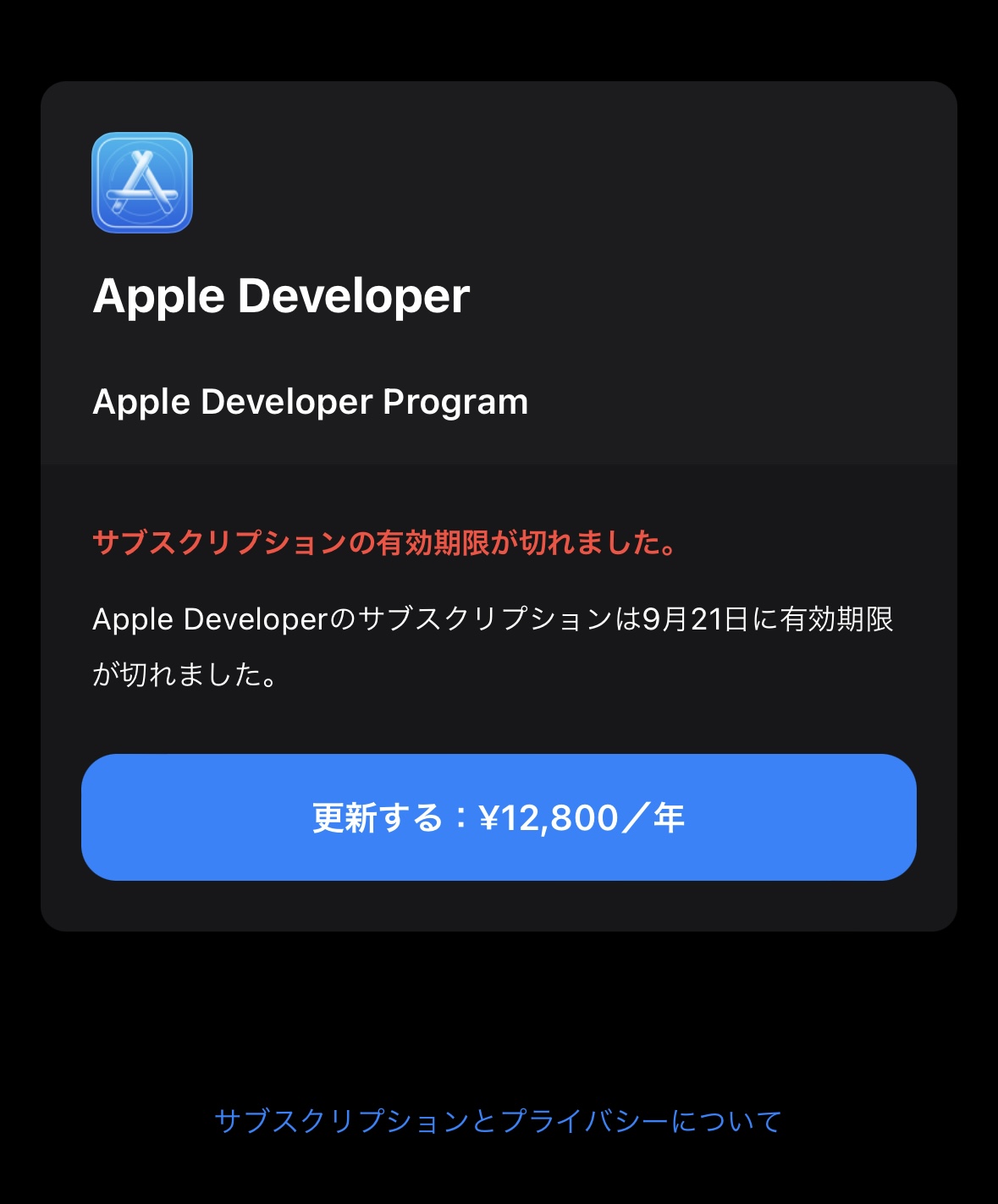
- Membership renewals
- Team roles & access
- App Store Review Support
- Rejection appeals
- Expedited reviews
- Guideline clarification
- Technical Support Incidents (TSIs)
- Code-level debugging
- API integration
- Xcode build failures
- Account & Access Support
Membership, Billing, and Account Management Support
Account and membership support handles the operational baseline of an Apple Developer Account. This includes individual and organization enrollment verification, identity confirmation, team member role management, legal agreement acceptance, and annual membership renewals.
If an organization experiences issues with its Dun & Bradstreet (D-U-N-S) Number validation during initial setup, account support is the primary point of contact. This team also assists when legal contact details change, ownership transfers occur within an organization, or payment processing fails during the annual program renewal. Account support is available via web submission forms and, in select geographic regions, localized phone callback options during standard business hours.
App Store Review and Expedited Review Requests
App Store Review support handles app submissions pending approval, rejections based on App Store Review Guidelines, and request escalations. When an application is rejected during the review process, communication takes place directly inside App Store Connect via the Resolution Center.
For situations where urgent policy clarification is required or an unexpected bug fix must reach users immediately, developers can submit an Expedited Review Request or appeal a rejection directly to the App Review Board. While the App Review team operates under strict confidentiality and evaluation parameters, providing detailed context, repro steps, and video demonstrations often resolves misunderstandings without unnecessary submission cycles.
Technical Support Incidents (TSIs) and Code-Level Assistance
Code-level technical support is a specialized service designed to help developers implement Apple frameworks, troubleshoot native API behavior, and diagnose compiler or runtime errors. Unlike general customer care, Technical Support Incidents (TSIs) connect developers directly with Apple Developer Technical Support (DTS) engineers.
A TSI provides one-on-one technical assistance for specific issues, such as isolating a memory leak in Metal, configuring complex SwiftData migrations, or troubleshooting background fetch tasks in iOS. Every paid Apple Developer Program membership includes two complimentary TSIs per membership year, with additional TSI allocations available for purchase if needed.
Eligibility, Account Roles, and Prerequisites for Support
Accessing support features within the Apple Developer ecosystem requires an active program membership and appropriate role permissions within App Store Connect or the Developer Portal.
| Support Category | Required Minimum Role | Primary Access Point |
|---|---|---|
| Account & Legal | Account Holder | Apple Developer Portal Contact Us |
| Billing & Sales | Account Holder, Admin | App Store Connect Help & Care |
| App Review | Admin, App Manager | App Store Connect Resolution Center |
| Technical (TSIs) | Account Holder, Admin | Developer Account Services Portal |
Account Holder vs. Admin and Developer Roles
Permissions in the Apple Developer ecosystem follow a strict access hierarchy. Understanding these distinction prevents delays when attempting to open tickets or submit requests:
- Account Holder: The legal entity or individual responsible for the account. Only the Account Holder can sign legal agreements, transfer app ownership, request identity changes, or nominate new legal representatives.
- Admin: Admins can manage team access, edit app metadata, manage certificates, identifiers, and profiles, and submit App Store Review inquiries or TSIs on behalf of the organization.
- App Manager: App Managers can edit app configuration details, initiate review submissions, and manage App Store Connect Resolution Center tickets, but cannot request structural account modifications or submit TSIs.
- Developer: Developers can access build tools, test applications via TestFlight, and inspect certificates, but cannot submit support requests that involve financial accounts, formal appeals, or TSI redemptions without higher permissions.
Membership Requirements and Annual Entitlements
To redeem Technical Support Incidents or request direct phone assistance, developers must maintain an active Apple Developer Program membership ($99 USD per year) or an Apple Developer Enterprise Program membership ($299 USD per year).
Members enrolled in the free Apple Developer Account level can access public developer forums, documentation, and the Feedback Assistant tool, but lack direct access to TSIs, phone callbacks, or App Store Connect review resolution support.
Step-by-Step: How to Contact Apple Developer Support
Reaching the correct support representative requires choosing the right workflow inside the Apple Developer portal. Below are the exact procedures for initiating administrative, technical, and review support.
- Identify Issue Type (Account, App Review, or Code/TSI)
- Account Issue
- Navigate to Developer Portal Contact Us
- Select Category
- Request Phone Callback / Email Ticket
- App Review Issue
- Open App Store Connect Resolution Center
- Select Rejected Build
- Reply to Reviewer / Appeal
- Code / API Issue
- Open Developer Account Services
- Select Support Incidents
- Submit Diagnostic Logs & Sample Project
- Account Issue
Requesting Support for Account and Enrollment Issues
- Log in to the Developer Account Portal: Visit the official Apple Developer Contact Us Page using the Apple Account associated with your developer profile.
- Select the Relevant Topic Category: Choose from categories such as Membership and Account, Enrollment and Verification, App Setup and Management, or Agreements, Tax, and Banking.
- Choose the Preferred Contact Method: Select Email to generate a trackable ticket, or select Phone (where available) to request an immediate or scheduled call back from an Apple representative.
- Provide Context: Enter your organization's legal name, D-U-N-S number (if applicable), and clear details regarding your issue.
Submitting a Technical Support Incident (TSI)
- Isolate the Problem: Ensure the bug or unexpected behavior is reproducible. DTS engineers require structured technical detail.
- Navigate to Support Incidents: Go to your Developer Account dashboard, select Support, and click Technical Support Incidents.
- Fill out the Request Form: Provide a concise description of the issue, including the affected framework (e.g., SwiftUI, CoreData, ARKit), target OS version, and Xcode build version.
- Attach Diagnostic Logs and Sample Projects: Upload a minimal sample project demonstrating the issue along with relevant
.crashfiles or sysdiagnose logs. - Submit and Track: Once submitted, one TSI credit is deducted from your annual balance, and a DTS engineer will reply via email within standard response windows.
Escalating App Store Review Delays or Rejections
- Review the Rejection Message: Access the Resolution Center in App Store Connect to read the specific guideline clauses cited by the review team.
- Submit a Detailed Reply: If clarification is needed, respond directly to the reviewer inside the Resolution Center before submitting a new build.
- File an Appeal (Optional): If you believe your app complies with the guidelines, file a formal appeal through the App Review Board appeal form on the Apple Developer website.
- Request an Expedited Review: For critical security updates or time-sensitive event apps, fill out the Expedited Review Request form, clearly stating the business justification and impact of delay.
Technical Support Incidents vs. Feedback Assistant vs. Forums
Choosing the correct tool for technical troubleshooting ensures faster resolution and prevents wasted resources. The table below outlines how Apple's various technical support mechanisms differ.
| Service Channel | Primary Purpose | Cost / Requirement | Apple Response Guarantee | Best Used For |
|---|---|---|---|---|
| Technical Support Incident (TSI) | One-on-one code-level debugging & API guidance | Included (2/year with paid membership) | Yes (Direct DTS engineer support) | Complex API bugs, framework implementation blocks, crash analysis |
| Feedback Assistant | Reporting system bugs, API defects, & feature requests | Free (Apple Account required) | No (Engineering reviews internally) | OS bugs, Xcode crashes, system-level unexpected behaviors |
| Developer Forums | Peer-to-peer discussion & community answers | Free (Apple Account required) | Partial (Apple staff & MVPs monitor threads) | Best practices, architectural design patterns, general queries |
| App Store Review Inquiries | Clarifying policy rejections & guidelines compliance | Free (Active app submission required) | Yes (Resolution Center response) | Guideline 2.1 compliance, metadata rejection resolution |
| Account & Membership Care | Enrollment, billing, D-U-N-S, legal access | Free for program applicants & members | Yes (Phone callback or ticket support) | Account lockout, organization transfer, payment failures |
Troubleshooting Common Developer Support Scenarios
| Problem | Solution |
|---|---|
| Identity & D-U-N-S Verification Stalled | Verify official business details on Dun & Bradstreet; ensure address match in Apple Developer Account. Contact Account Support directly. |
| Unexpected App Rejection under Guideline 2.1 (Performance/App Completeness) | Test using clean environment; supply demo login credentials and video walkthrough in App Store Connect Resolution Center. |
| API Runtime Crash in Production Release | Symbolic crash logs using Xcode Organizer; submit TSI with crash report and minimal reproducible build. |
Resolving Account Status, Identity Verification, and D-U-N-S Issues
Organizations enrolling in the Apple Developer Program must undergo business identity verification. This process requires a legal entity name and matching D-U-N-S number. Common points of failure include:
- Name Mismatch: The organization name on the D-U-N-S profile must match the legal entity name entered on the Apple Developer registration page down to punctuation (e.g., "LLC" vs "Inc.").
- Outdated Contact Details: Apple manually calls the primary business contact listed in the D-U-N-S directory to verify signing authority. Ensure your phone extensions and email addresses are updated at Dun & Bradstreet prior to enrollment.
- Resolution Action: If account verification takes longer than seven business days, submit a ticket under Enrollment and Verification via the contact page, referencing your D-U-N-S lookup sequence number.
Handling App Store Rejections and Guideline Violations
App Store rejections often stem from incomplete metadata, missing test accounts, or misunderstandings of guideline requirements. To navigate a rejection effectively:
- Avoid Submitting New Builds Immediately: Resolving a rejection through discussion in the Resolution Center is usually faster than re-uploading a binary unless the rejection requires a code fix.
- Provide Video Evidence: If an reviewer cannot access a feature, record a video of the feature operating on a physical test device, upload it to a secure link (e.g., iCloud link or unlisted YouTube video), and provide it in your reply.
- Maintain Professional Tone: State clearly how your app complies with the relevant section of the App Store Review Guidelines.
Preparing Minimal Reproducible Builds for Technical Support
When requesting code-level assistance through a TSI, a clear submission helps DTS engineers diagnose the issue faster:
- Isolate the Code: Extract the problematic API implementation into a clean, standalone Xcode project. Remove all third-party dependencies (such as CocoaPods, Swift Package Manager packages, or third-party analytics SDKs).
- Include Diagnostic Artifacts: Provide complete crash logs with symbolic names (symbolicated
.crashor.ipsfiles), console outputs, and hardware specification details (e.g., testing on iPhone 16 Pro running iOS 19 vs Xcode Simulator). - State Expected vs. Actual Behavior: Clearly document what should happen when executing the code versus what actually occurs.
Best Practices for Maximizing Support Ticket Efficiency
- Leverage Public Resources First: Check official Apple Developer Documentation, WWDC Session Videos, and the Apple Developer Forums before using a TSI. Many common integration bugs and API shifts are documented there.
- Report System Bugs via Feedback Assistant: If an API crashes or behaves inconsistently across all projects, it may be an OS bug. Submit a bug report via Feedback Assistant rather than using a TSI. Provide the Feedback ID (e.g.,
FB12345678) in any subsequent developer support inquiries. - Track Annual Incidents Carefully: Unused complimentary TSIs expire at the end of each membership year and do not roll over. Utilize them for complex architecture evaluations or performance optimizations before your membership renewal date.
- Maintain Authorized Contact Lists: Ensure your organization's legal Account Holder updates authorized Admin users in App Store Connect. Only registered team members with suitable roles can interact with Developer Support on behalf of the entity.
Frequently Asked Questions
How many Technical Support Incidents (TSIs) do I get with an Apple Developer Program membership?
An individual or organization Apple Developer Program membership includes two complimentary Technical Support Incidents (TSIs) per membership year. Additional TSI packs can be purchased through your developer account dashboard if required. Unused TSIs expire at the end of each membership year and do not roll over to the next billing cycle.
Can I call Apple Developer Support directly by phone?
Apple does not publish a direct inbound telephone line for developer support. However, registered developers can request a phone callback through the Apple Developer Contact Us portal during local business hours in supported regions, including North America, Europe, and select parts of Asia-Pacific.
How long does Apple Developer Support take to respond to inquiries?
Response times vary based on the nature of the request. Account management and enrollment ticket responses typically take between 1 to 3 business days. Technical Support Incidents (TSIs) handled by Developer Technical Support engineers are generally answered within 2 to 4 business days. App Review inquiries sent via the Resolution Center are usually addressed within 24 to 48 hours.
What is the difference between Apple Developer Support and Feedback Assistant?
Apple Developer Support provides assistance with developer account management, membership enrollment, billing, and one-on-one code implementation help (via TSIs). Feedback Assistant is Apple's dedicated bug-tracking tool used by developers to report defects in Apple SDKs, OS updates, developer tools, or request new features directly from Apple engineering teams.
What happens to my unused Technical Support Incidents when my membership renews?
Unused TSIs expire automatically at the end of your membership year. When your annual Apple Developer Program subscription renews, your TSI count resets back to two complimentary incidents for the new membership year.
Can an Admin on my team open a Technical Support Incident?
Yes, team members assigned the role of Account Holder or Admin within App Store Connect can submit Technical Support Incidents using the organization's account entitlements. Users with lower-level permissions, such as Developer or App Manager, cannot redeem TSIs unless their account permissions are elevated by an Admin.
Next Steps for Resolving Your Developer Support Issues
To resolve your current issue quickly:
- Identify the exact domain of your problem: Distinguish between administrative account issues, App Store Review rejections, OS bug reports, and custom code bugs.
- Gather essential documentation: Collect your Apple Account email, Organization D-U-N-S number, App ID, build numbers, sysdiagnose files, or Xcode project samples.
- Access the portal: Log in to the Apple Developer Contact Us portal or open the Resolution Center in App Store Connect to submit your inquiry to the appropriate Apple team.