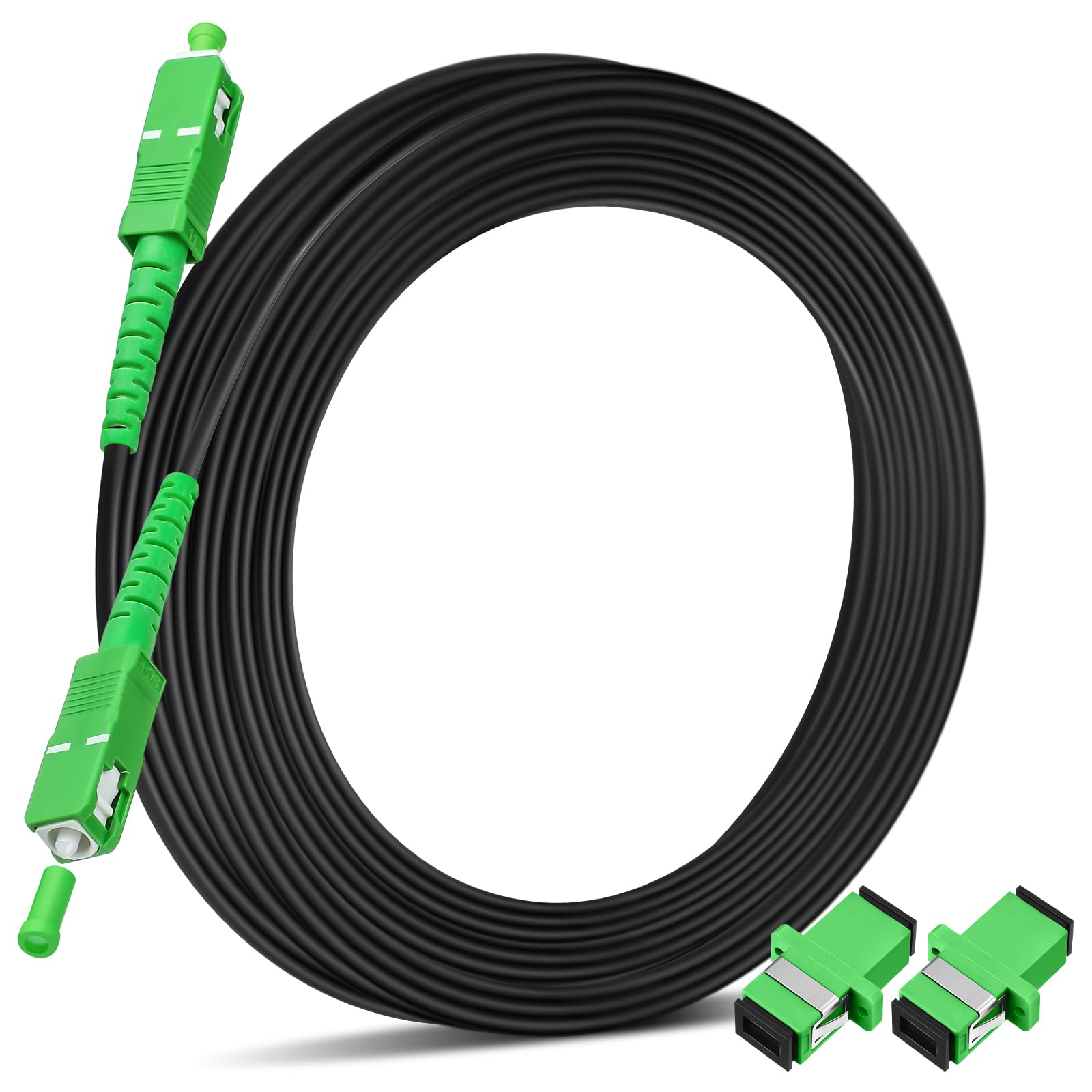
Although many consumers search for AT&T cable internet packages, AT&T does not actually operate a traditional coaxial cable internet network. Instead, AT&T delivers home internet primarily through 100% fiber-optic infrastructure (AT&T Fiber) and 5G fixed wireless technology (AT&T Internet Air), alongside legacy hybrid copper-DSL networks in select non-fiber service zones.
Clarifying AT&T Internet Technology: Fiber vs. Cable
Understanding the physical infrastructure delivering internet to your home is essential when evaluating internet service providers (ISPs). Consumers frequently use the phrase "cable internet" as a generic catch-all for high-speed home broadband. However, coaxial cable internet and fiber-optic internet rely on fundamentally different network designs, hardware components, and signal transmission methods.
Traditional Cable (DOCSIS) : ISP Headend ---> Coaxial Cable Line ---> Cable Modem ---> Asymmetrical Speeds (Fast Down / Slow Up) AT&T Fiber (FTTH) : Central Office -> Optical Fiber Line -> ONT / Gateway -> Symmetrical Speeds (Equal Down & Up)
How Traditional Coaxial Cable Internet Works
Traditional cable internet providers (such as Xfinity, Spectrum, and Cox) utilize DOCSIS (Data Over Cable Service Interface Specification) technology over coaxial copper cables—the same physical lines originally engineered to transmit cable television broadcasts. While modern DOCSIS 3.1 and 4.0 standards achieve fast download speeds, coaxial networks face physical limitations in upload bandwidth and are susceptible to signal degradation over long distances or high network congestion during peak usage hours.
How AT&T Fiber Infrastructure Operates
AT&T delivers broadband using Fiber-to-the-Home (FTTH) technology. Rather than relying on copper or coaxial lines, optical fiber strands transmit data using pulses of infrared light through ultra-pure glass cores. Because light encounters minimal resistance inside glass fibers, AT&T Fiber provides symmetrical download and upload speeds, ultra-low latency, and greater resistance to signal interference caused by weather or distance.
The Role of Legacy IPBB and DSL Networks
In areas where AT&T has not yet deployed optical fiber, service has historically been delivered over IPBB (Internet Protocol Broadband)—a hybrid system using fiber to a neighborhood node and existing twisted-pair copper telephone wires to the home (often VDSL2 or ADSL2+). AT&T has largely phased out standalone DSL sign-ups to focus resources on expanding its fiber footprint and deploying wireless solutions.
The Rise of AT&T Internet Air (5G Fixed Wireless)
To provide modern high-speed coverage in markets lacking fiber lines, AT&T offers AT&T Internet Air. This 5G fixed wireless service connects a plug-and-play home gateway directly to local AT&T 5G cell towers. It serves as AT&T’s primary high-speed alternative to both coaxial cable internet and obsolete copper DSL lines.
Detailed Overview of AT&T Internet Plans and Speed Tiers
AT&T structures its home internet portfolio into distinct speed tiers designed to accommodate single-person households, average family homes, multi-device power users, and enterprise-grade home offices.
1. AT&T Fiber 300 Mbps Plan
The AT&T Fiber 300 plan serves as the baseline entry tier for fiber-eligible addresses.
- Download / Upload Speeds: Up to 300 Mbps symmetrical.
- Ideal Use Cases: Households with 1 to 4 users, everyday web browsing, high-definition (HD) streaming on multiple screens, video conferencing on platforms like Zoom or Microsoft Teams, and moderate online gaming.
- Bandwidth Capacity: 300 Mbps allows a 5 GB high-definition movie file to download in roughly two minutes, while providing ample upload headroom so outgoing video calls remain clear even when other users stream media simultaneously.
2. AT&T Fiber 500 Mbps Plan
The AT&T Fiber 500 tier doubles the throughput of the baseline plan, catering to busier households with expanding digital needs.
- Download / Upload Speeds: Up to 500 Mbps symmetrical.
- Ideal Use Cases: Homes with 5 to 10 connected devices, simultaneous 4K Ultra-HD streaming, large cloud data backups, smart home security systems uploading live video feeds, and competitive online gaming.
- Bandwidth Capacity: Designed to prevent network bottlenecks when multiple family members stream, work, download game updates, and video-chat at the exact same time.
3. AT&T Fiber 1 Gig (1000 Mbps) Plan
The AT&T Fiber 1 Gig plan is the benchmark standard for high-performance residential broadband.
- Download / Upload Speeds: Up to 1,000 Mbps (1 Gbps) symmetrical.
- Ideal Use Cases: Tech-heavy households with 10+ active devices, heavy remote work environments transferring uncompressed video assets or large databases, direct-to-drive cloud syncs, and multi-user 4K/8K content consumption.
- Bandwidth Capacity: A 50 GB modern video game installation completes in under 8 minutes on a 1 Gig line (subject to remote server delivery limits), compared to hours on legacy cable or DSL connections.
4. AT&T Multi-Gigabit Plans (2 Gig and 5 Gig)
For specialized power users, developers, and data-intensive home businesses, AT&T offers multi-gigabit fiber tiers in select urban and suburban markets.
- AT&T Fiber 2 Gig: Up to 2,000 Mbps symmetrical download and upload speeds.
- AT&T Fiber 5 Gig: Up to 5,000 Mbps symmetrical download and upload speeds.
- Hardware Requirements: Maximizing multi-gigabit connection speeds requires localized high-speed network infrastructure, including Wi-Fi 6E or Wi-Fi 7 network interface cards, Category 6a (Cat6a) or Category 7 (Cat7) Ethernet cabling, and multi-gigabit network switches or routers equipped with 2.5GbE or 10GbE WAN/LAN ports.
5. AT&T Internet Air (5G Home Internet)
Where AT&T Fiber is not physically deployed, AT&T Internet Air offers an accessible wireless broadband alternative.
- Download Speeds: Typically range between 75 Mbps and 225 Mbps depending on signal strength, tower proximity, and network capacity.
- Upload Speeds: Generally range between 10 Mbps and 30 Mbps.
- Ideal Use Cases: Rural, suburban, or urban apartments lacking fiber lines where coaxial cable choice is unavailable or undesirable, providing essential home connection for web browsing, HD streaming, and basic remote work.
AT&T Internet Plan Comparison Matrix
The following breakdown compares AT&T's home internet offerings by performance characteristics, technology type, and target applications.
| Plan Name | Connection Type | Max Download Speed | Max Upload Speed | Speed Symmetry | Target Household / Primary Use Case |
|---|---|---|---|---|---|
| AT&T Fiber 300 | Pure Fiber (FTTH) | 300 Mbps | 300 Mbps | Symmetrical | 1–4 Users; HD Streaming, Zoom, Daily Web Browsing |
| AT&T Fiber 500 | Pure Fiber (FTTH) | 500 Mbps | 500 Mbps | Symmetrical | 3–6 Users; Simultaneous 4K Streaming, Cloud Backups |
| AT&T Fiber 1 Gig | Pure Fiber (FTTH) | 1,000 Mbps | 1,000 Mbps | Symmetrical | Heavy Power Users; Multi-Device 4K/8K, Fast Game Downloads |
| AT&T Fiber 2 Gig | Pure Fiber (FTTH) | 2,000 Mbps | 2,000 Mbps | Symmetrical | Advanced Home Workstations, Content Creators, Enterprise Remote |
| AT&T Fiber 5 Gig | Pure Fiber (FTTH) | 5,000 Mbps | 5,000 Mbps | Symmetrical | Prosumers, Local Server Hosting, Extreme Multi-User Load |
| AT&T Internet Air | 5G Fixed Wireless | 75–225 Mbps | 10–30 Mbps | Asymmetrical | Standard Home Internet where Fiber is Unavailable |
Technical Performance: Fiber vs. Cable Internet Competitors
When evaluating AT&T Fiber against traditional cable operators (such as Comcast Xfinity, Spectrum, or Cox Broadband), performance factors extend beyond advertised download speeds.
Upload Speed Comparison (1 Gig Tier Example): AT&T Fiber 1 Gig : [==================== 1,000 Mbps Download ====================] : [==================== 1,000 Mbps Upload ====================] Cable DOCSIS 3.1 : [==================== 1,000 Mbps Download ====================] : [== 35 Mbps Upload ==]
Latency and Ping Times
Latency measures the round-trip time (in milliseconds) required for data to travel from your device to a remote server and back.
- AT&T Fiber: Averages 5 ms to 15 ms of latency due to the high velocity of light inside optical fiber and the absence of electronic signal regeneration nodes along the pathway.
- Coaxial Cable: Averages 20 ms to 50 ms of latency. Signals transmitted over copper coaxial wires experience electronic resistance and intermediate switching hops that introduce processing delay.
Lower latency results in faster web page responses, smoother real-time video conferencing, and reduced delay during online multiplayer gaming.
Symmetrical Upload Speeds
The most significant technical distinction between AT&T Fiber and traditional cable providers lies in upload capacity:
- Cable Internet (DOCSIS 3.1): Typically provides high download speeds (e.g., 1,000 Mbps) paired with limited upload speeds (often capped between 20 Mbps and 35 Mbps). This asymmetry exists because coaxial frequencies were historically optimized to transmit data downward from the provider to the consumer.
- AT&T Fiber: Delivers symmetrical bandwidth, meaning a 1,000 Mbps plan yields up to 1,000 Mbps download and 1,000 Mbps upload. High upload speeds are critical for live streaming to Twitch or YouTube, sending large email attachments, uploading video projects to cloud storage, and hosting remote VPN tunnels.
Network Congestion and Dedicated Bandwidth
Coaxial cable networks use a shared neighborhood loop architecture. During evening peak hours (typically 7:00 PM to 11:00 PM), local bandwidth is shared among all active households connected to the same coaxial node, often causing noticeable speed slowdowns.
AT&T Fiber utilizes Passive Optical Networks (PON) with vastly higher throughput limits per optical split, maintaining consistent speeds even during heavy local traffic hours.
Equipment, Data Policies, and Additional Costs
Understanding hardware specifications and terms of service prevents unexpected costs on monthly billing statements.
1. Gateway Hardware and Wi-Fi Standards
AT&T provides fiber customers with an integrated Optical Network Terminal (ONT) and Wi-Fi Gateway unit (such as the BGW320 Gateway).
- Wi-Fi 6 / 6E Capabilities: The BGW320 features built-in Wi-Fi 6 technology, tri-band radios, and multiple Ethernet ports (including a dedicated 5GbE port for multi-gigabit connections).
- Equipment Fee Policies: Unlike many legacy ISPs that charge $10 to $15 monthly modem rental fees, AT&T includes standard gateway hardware in the base monthly price of its current fiber tiers.
2. Data Caps and Overage Charges
- AT&T Fiber Plans: Include unlimited data. Subscribers can stream, download, and upload without monthly bandwidth caps or overage charges.
- AT&T Internet Air: Includes unlimited data without hard data caps, though management policies may temporarily prioritize traffic during severe cell tower congestion.
3. Service Contracts and Commitments
AT&T Fiber plans operate without mandatory annual service contracts. Customers subscribe on a month-to-month basis and can cancel or adjust speed tiers without early termination fees (ETFs).
4. Optional Mobile Bundling Discounts
AT&T frequently offers monthly account credits for customers who combine an eligible AT&T Fiber plan with an active AT&T Unlimited wireless phone plan, reducing the net monthly cost of both services.
How to Check Availability and Select the Right AT&T Plan
Because internet delivery depends strictly on local infrastructure, service availability varies by address.
Step 1: Check Address Eligibility ---> Step 2: Calculate Device & Bandwidth Needs ---> Step 3: Choose Fiber vs. Air Plan
Step 1: Verify Address Eligibility
Visit the official AT&T Internet availability tool and enter your complete physical address, including apartment or unit numbers. The system will confirm whether your residence qualifies for:
- AT&T Fiber (and specific tier availability: 300, 500, 1 Gig, 2 Gig, or 5 Gig)
- AT&T Internet Air (5G fixed wireless connection)
- Legacy IPBB service (where fiber rollouts remain pending)
Step 2: Assess Your Bandwidth Requirements
To avoid paying for unneeded bandwidth or selecting an underpowered plan, estimate your household connection load:
- Choose Fiber 300: If you have 1 to 4 light users engaged in web browsing, social media, remote schooling, and 1 to 2 simultaneous HD streams.
- Choose Fiber 500: If your household has 4 to 8 connected devices, active smart home hardware, remote workers engaging in daily video calls, and simultaneous 4K streaming.
- Choose Fiber 1 Gig: If you have 10+ connected devices, multiple remote workers, large cloud data syncs, or users frequently downloading massive media files or video games.
- Choose Multi-Gig (2 Gig / 5 Gig): If you operate advanced enterprise home servers, run high-bitrate media editing suites, or run high-density home networks with 10GbE network interfaces.
Step 3: Select Professional Installation vs. Self-Installation
- Self-Installation Kits: If your residence has previously been connected to AT&T Fiber and contains an active wall jack (Fiber Jack), AT&T can send a self-installation kit containing the gateway and fiber patch cables.
- Professional Installation: Required for addresses receiving fiber installation for the first time. A technician runs an optical fiber line from the street optical drop box directly into your residence, mounts the indoor Fiber Jack, installs the Wi-Fi gateway, and verifies line attenuation and speed integrity.
Optimizing Your AT&T Home Network Setup
To maximize real-world throughput and eliminate Wi-Fi dead zones, apply these network optimization best practices:
[ BGW320 Gateway ] === (Cat6a Ethernet) ===> [ Multi-Gig Switch / Router ] || (Wi-Fi 6 Mesh) || [ Smart Mesh Extender ] -------------> Coverage across distant rooms/floors
1. Gateway Placement
Position your AT&T Gateway in a centralized, elevated location away from thick concrete walls, brick fireplaces, metal appliances, and 2.4 GHz wireless devices (such as cordless phones or microwave ovens) that can cause radio frequency interference.
2. Using AT&T Smart Wi-Fi Extenders
For larger or multi-story homes where a single gateway cannot provide adequate coverage, AT&T offers compatible Wi-Fi mesh extenders. These units pair with the main gateway to create a unified mesh network with a single SSID, allowing devices to transition smoothly between access points.
3. IP Passthrough for Third-Party Mesh Routers
If you prefer using your own high-performance Wi-Fi 6E/7 router or mesh system (such as ASUS ROG, Netgear Orbi, or Google Nest Wi-Fi), configure the AT&T BGW320 Gateway to IP Passthrough Mode:
- Connect an Ethernet cable from LAN Port 1 (or the 5GbE port) on the AT&T Gateway to the WAN port of your personal router.
- Log into the AT&T Gateway administration interface (
192.168.1.254in your browser). - Navigate to Firewall > IP Passthrough.
- Set the Allocation Mode to Passthrough, select your router's MAC address, and save changes.
- Turn off the 2.4 GHz and 5 GHz Wi-Fi radios on the AT&T Gateway to prevent wireless channel interference with your personal router.
Frequently Asked Questions
Does AT&T offer traditional coaxial cable internet?
No. AT&T does not operate a coaxial cable network. AT&T delivers broadband internet through pure fiber-optic lines (AT&T Fiber), 5G fixed wireless (AT&T Internet Air), and legacy copper-based IPBB/DSL infrastructure.
Why do AT&T Fiber upload speeds matter?
Unlike cable internet, which limits upload speeds to roughly 35 Mbps, AT&T Fiber provides symmetrical upload speeds equal to its download speeds (e.g., 500 Mbps up and down). High upload speeds prevent video calls from freezing, shorten cloud backup times, and ensure smooth file transfers for remote workers.
Is there a data cap on AT&T Fiber packages?
No. All residential AT&T Fiber plans (300 Mbps, 500 Mbps, 1 Gig, 2 Gig, and 5 Gig) include unlimited monthly data with no overage fees or artificial speed throttling.
What is the difference between AT&T Fiber and AT&T Internet Air?
AT&T Fiber uses physical glass fiber-optic lines buried underground or hung from utility poles straight to your home, offering speeds from 300 to 5,000 Mbps with ultra-low latency. AT&T Internet Air is a 5G fixed wireless home service that receives broadband signals wirelessly from local cell towers, designed for areas where physical fiber optic lines are not available.
Can I use my own Wi-Fi router with AT&T Internet?
Yes. Although AT&T requires you to use its provided gateway (e.g., the BGW320) to authenticate your connection on the fiber network, you can disable the gateway's built-in Wi-Fi and put the unit into "IP Passthrough" mode to use your own wireless router or mesh system.
Summary and Next Steps
If you are evaluating AT&T home internet, keep in mind that AT&T provides fiber and 5G wireless technology rather than coaxial cable connections. For addresses with fiber availability, AT&T Fiber 300 or AT&T Fiber 500 provides superior speed, stability, and symmetrical upload performance compared to standard cable internet packages.
To get started:
- Verify your home address on AT&T's official service check portal to identify available connection types (Fiber vs. Internet Air).
- Count the number of simultaneous active devices in your home to choose the appropriate speed tier.
- Order online to review available mobile bundling discounts, setup options, and installation scheduling windows.