Choosing an Apple Watch in 2026 involves navigating a variety of technical specifications, but the most fundamental decision remains the choice between the GPS-only model and the GPS + Cellular version. While both devices share the same core health tracking, processing power, and interface, their communication capabilities differ significantly based on how they interact with your iPhone and cellular networks.
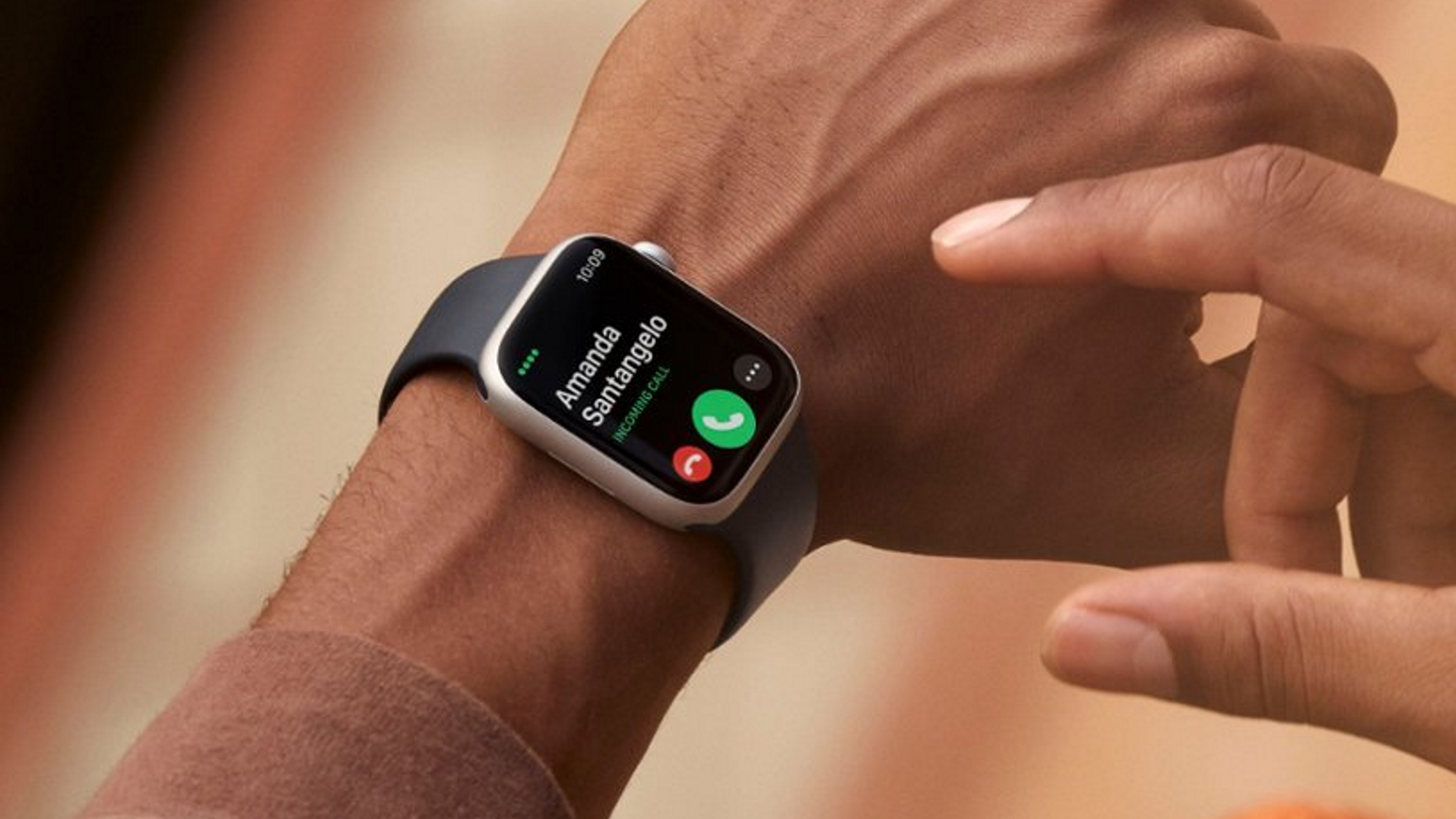
The Apple Watch GPS model requires a tethered connection to an iPhone or a known Wi-Fi network to handle calls, messages, and data. In contrast, the GPS + Cellular model contains a built-in eSIM that allows the watch to function independently, enabling users to leave their iPhone behind while maintaining full connectivity for a monthly carrier fee.
Understanding the Core Architecture: GPS vs. GPS + Cellular
To understand the meaning behind these two configurations, one must look at the internal hardware. Both models feature a built-in GPS (Global Positioning System) sensor. This sensor allows the watch to track your location, pace, and distance during outdoor workouts—like running, cycling, or hiking—without needing your iPhone to be present. In this specific context, "GPS" refers to the navigation hardware, not the internet connection.
The distinction arises with the "Cellular" component. The GPS + Cellular model includes an LTE and UMTS antenna integrated into the display and a miniature eSIM (embedded SIM). This hardware enables the watch to connect directly to cellular towers, effectively making it a standalone communication device. The GPS-only model lacks this antenna and eSIM, meaning its "brain" for communication remains housed within the iPhone it is paired with.
How the GPS-Only Model Functions
The GPS-only Apple Watch is the standard version of the device. It is designed to work in tandem with your iPhone. Most users find this model sufficient if they typically keep their phone in their pocket, bag, or on a nearby desk.
Connectivity Requirements For the GPS model to receive notifications, send texts, or make calls, it must be within Bluetooth range of your iPhone (typically about 30 to 50 feet). However, Apple has expanded its capabilities through Wi-Fi. If your iPhone is in another room or even another building, but your Apple Watch is connected to a "known" Wi-Fi network (one your iPhone has connected to previously), the watch can still perform most data-heavy tasks. This includes using Siri, checking the weather, or controlling HomeKit devices.
Offline Capabilities Even without an iPhone or Wi-Fi, the GPS-only model is far from useless. It can still:
- Track heart rate, ECG, and blood oxygen levels.
- Record workouts with precise distance and mapping data using its internal GPS.
- Play music or podcasts that have been synced/downloaded to the watch's internal storage.
- Store and use Apple Pay for contactless transactions.
- Monitor sleep and activity rings.
The primary limitation is the lack of real-time communication. You cannot receive an urgent phone call or a WhatsApp message while running in a park if your iPhone is at home.
How the GPS + Cellular Model Functions
The GPS + Cellular model is built for independence. It uses a technology often called "NumberShare" or "One Number" by carriers, which allows your Apple Watch to share the same phone number as your iPhone. Even if your iPhone is turned off or miles away, people can reach you using your standard mobile number.
The eSIM Technology Unlike a phone that requires a physical plastic card, the Apple Watch uses an eSIM. This is programmed digitally during the initial setup process on the iPhone's Watch app. Once activated, the watch automatically switches between Bluetooth (to save battery), Wi-Fi, and Cellular. If you walk out of your house and out of Bluetooth range of your phone, the watch will "search" for a cellular signal and take over the connection seamlessly.
Standalone Capabilities The Cellular model unlocks several specific features that are unavailable on the GPS-only version:
- Streaming Content: You can stream Apple Music, Spotify, or Podcasts directly over LTE without pre-downloading them.
- Family Setup: This is a critical feature for parents or those caring for elderly relatives. With a Cellular model, you can set up a watch for someone who does not own an iPhone. The watch gets its own separate cellular plan and number, allowing you to track their location and communicate with them directly.
- Emergency Services: While all Apple Watches can call emergency services if an iPhone is nearby, the Cellular model can do so independently. This provides an extra layer of safety for solo adventurers.
Comparison of Features and Specifications
To help visualize the practical differences between these two models, the following table breaks down the capabilities and requirements.
| Feature | Apple Watch GPS | Apple Watch GPS + Cellular |
|---|---|---|
| Price (Upfront) | Standard MSRP | Typically +$100 Premium |
| Monthly Cost | $0 | ~$10 - $15 Carrier Fee |
| Phone Placement | Must be nearby (Bluetooth/Wi-Fi) | Can be left at home |
| Calls & Messaging | Requires iPhone/Wi-Fi | Standalone via LTE |
| Music Streaming | Downloaded content only (offline) | Real-time streaming over LTE |
| Family Setup | Not supported | Supported |
| Emergency SOS | Requires iPhone nearby | Works independently |
| Material Options | Usually Aluminum only | Aluminum, Stainless Steel, Titanium |
| Battery Life | Standard (approx. 18-36 hours) | Slightly lower when on LTE |
Material and Aesthetic Differences
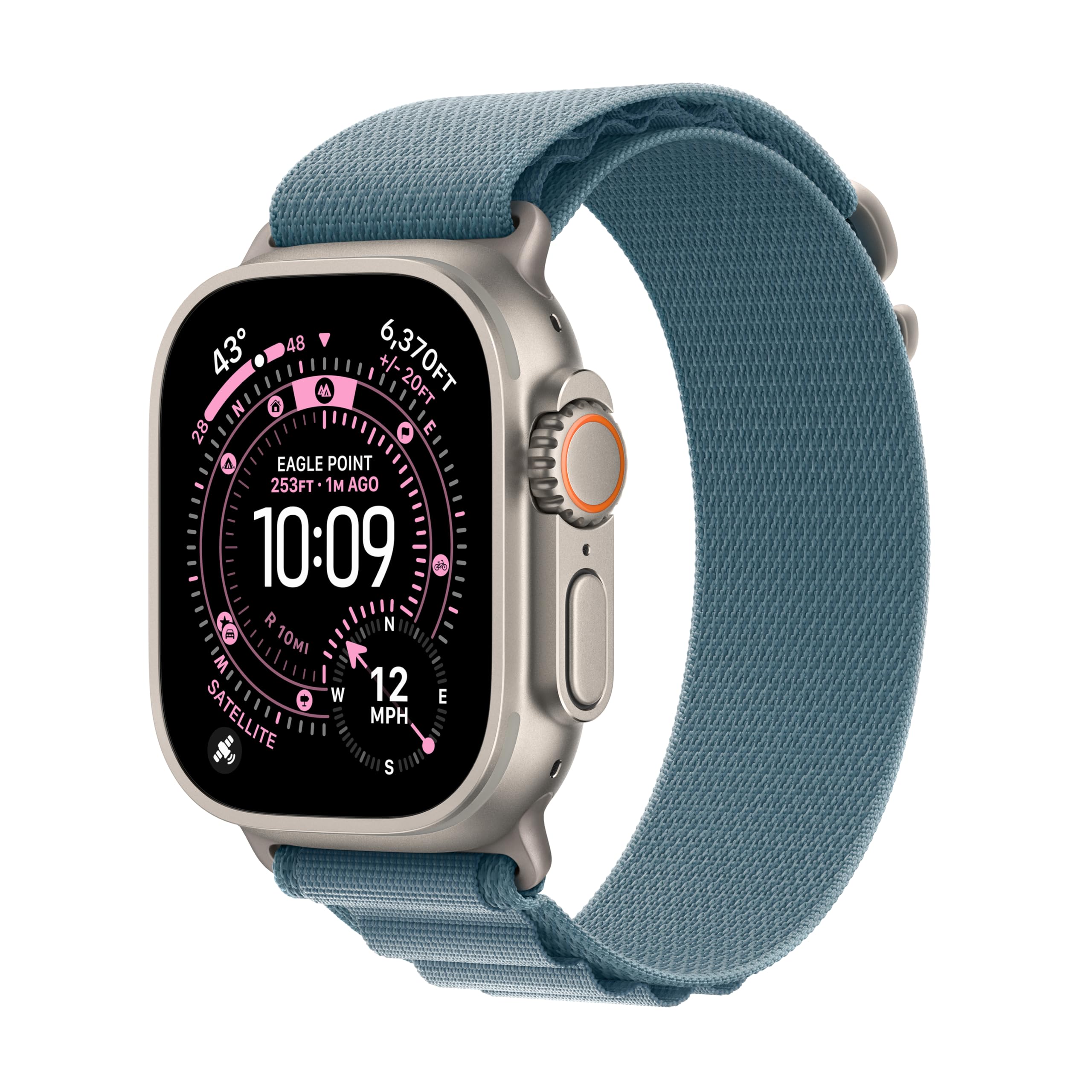
In 2026, Apple continues its trend of tying certain premium materials to the Cellular configuration. If you prefer the look of the Stainless Steel or the ruggedness of the Titanium (standard on the Apple Watch Ultra series), you are effectively forced into the GPS + Cellular model.
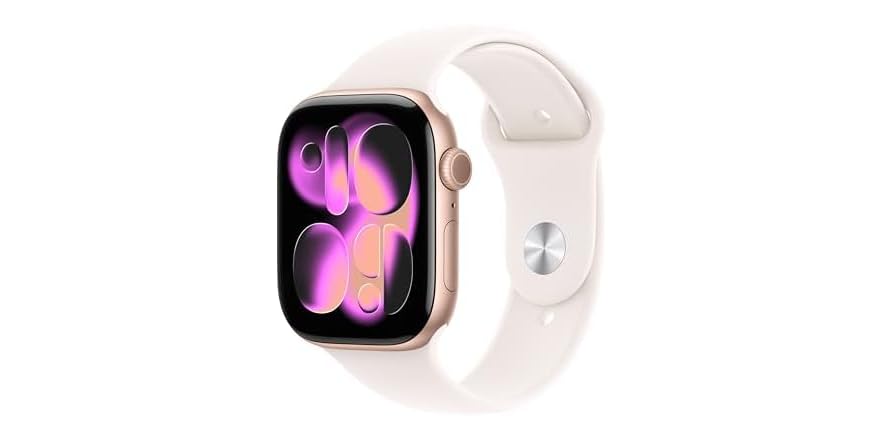
Aluminum Models Apple provides a choice here. You can purchase an Aluminum Apple Watch in either GPS-only or GPS + Cellular configurations. The only visual indicator of a Cellular model on an Aluminum watch is typically a thin red circle or dot on the Digital Crown, though design iterations have occasionally minimized this mark.
Stainless Steel and Titanium Models As of the current product cycle, these "high-end" finishes are only manufactured with cellular internals. If you want the sapphire crystal glass and the polished metal look, you will receive cellular capabilities regardless of whether you intend to activate a monthly plan.
The True Cost of Cellular: Beyond the Purchase Price
When evaluating "meaning," one must consider the financial impact. The GPS + Cellular model is not just a one-time $100 upgrade. It carries ongoing maintenance costs that can add up over the lifespan of the device.
- Activation Fees: Most major carriers (Verizon, AT&T, T-Mobile, and international equivalents) charge a one-time activation fee, often ranging from $20 to $35, just to link the eSIM to your account.
- Monthly Service Plans: To use the cellular features, you must add the watch to your existing mobile data plan. This usually costs between $10 and $15 per month, plus taxes and regulatory fees. Over a three-year ownership period, this can add roughly $360 to $540 to the total cost of ownership.
- Carrier Restrictions: Not all carriers support the Apple Watch. Many smaller "Value" or MVNO (Mobile Virtual Network Operator) carriers do not offer the necessary eSIM provisioning for Apple Watch. Before buying a Cellular model, you must verify that your specific provider supports "NumberShare" features.
Impact on Battery Life
A common point of confusion is how cellular connectivity affects the daily battery life of the watch. The Apple Watch is a small device with a limited battery capacity. Maintaining a connection to a distant cellular tower is significantly more power-intensive than maintaining a Bluetooth connection to a phone that is 20 inches away.
When the Apple Watch is on LTE, the battery drains much faster. For example, while a standard Apple Watch might last 18 to 36 hours on a normal "mixed-use" day, a continuous LTE phone call could deplete the battery in under 2 or 3 hours. Apple manages this by prioritizing Bluetooth and Wi-Fi; the watch only turns on its cellular radio when it absolutely cannot find your iPhone or a saved Wi-Fi network.
Who Should Choose the GPS-Only Model?
The GPS-only Apple Watch remains the best-selling version for a reason: it fits the lifestyle of the vast majority of users. You should choose this model if:
- Your phone is always with you: If you are someone who never leaves the house without your iPhone, the cellular hardware is redundant.
- You work in an office or stay at home: If you are constantly within reach of Wi-Fi, your watch will use that data for free, making a cellular plan unnecessary.
- You are on a budget: Saving the $100 upfront and the $120+ annually in service fees is a significant financial benefit.
- You want maximum battery consistency: By relying on your phone's connection, you ensure the watch's battery stays as healthy as possible throughout the day.
Who Should Choose the GPS + Cellular Model?
The Cellular model is a "freedom" upgrade. It is designed for specific lifestyles where carrying a glass-and-metal slab (the iPhone) is inconvenient or impossible. You should choose this model if:
- You are an outdoor athlete: Runners, surfers, and cyclists often find the iPhone bulky or risk-prone. Having a watch that can call for help or stream music while the phone stays in a locker is a major advantage.
- You want to "Disconnect": If you enjoy going for a walk or to the grocery store without your phone but still need to be reachable by family or work, the Cellular watch provides the perfect balance.
- You need Family Setup: If you are buying a watch for a child as a communication tool or for an elderly parent for fall detection and location tracking, cellular is a requirement.
- You want a Premium Finish: If you have your heart set on the Stainless Steel or Ultra models, you will have cellular capabilities by default.
Frequently Asked Questions
Can I use a GPS + Cellular watch without a cellular plan? Yes. You can purchase the GPS + Cellular model and choose not to activate the cellular plan. It will function exactly like a GPS-only model, using Bluetooth and Wi-Fi for connectivity. This is a common choice for people who want the Stainless Steel finish but don't want the monthly expense. You can always decide to add a plan later if your needs change.
Does the Apple Watch Cellular require its own data? The watch typically draws from your iPhone's data bucket. Most carrier plans for the Apple Watch include "unlimited" data (often throttled after a certain point) or allow the watch to share the data pool of the primary smartphone account. It does not require a completely separate data plan with a separate gigabyte allotment.
Does the Cellular Apple Watch work internationally? International roaming on Apple Watch was introduced with watchOS 9 for Series 5 and later. However, it depends on your carrier. Many carriers now allow you to use your watch's cellular features while traveling abroad, but you should verify with your provider to see if international roaming is included in your $10/month plan or if it incurs extra fees.
Is the GPS in the Cellular model better than the GPS-only model? No. Both models use the same GPS sensors and location-tracking hardware. Your distance and pace tracking during a workout will be identical regardless of which model you choose. The "Cellular" name only refers to the LTE communication capabilities.
Final Recommendation
For most people in 2026, the Apple Watch GPS-only model is the most logical and cost-effective choice. The seamless handoff between iPhone and Watch via Bluetooth and Wi-Fi handles 95% of daily use cases without the added burden of monthly fees.
However, if your lifestyle involves frequent periods where carrying an iPhone is a hindrance—specifically for fitness or as a way to reduce screen time while staying reachable—the GPS + Cellular model offers a level of independence that is well worth the investment. Before making the final purchase, verify your carrier's compatibility and consider if the freedom of a "phone-free" experience justifies the long-term subscription costs.