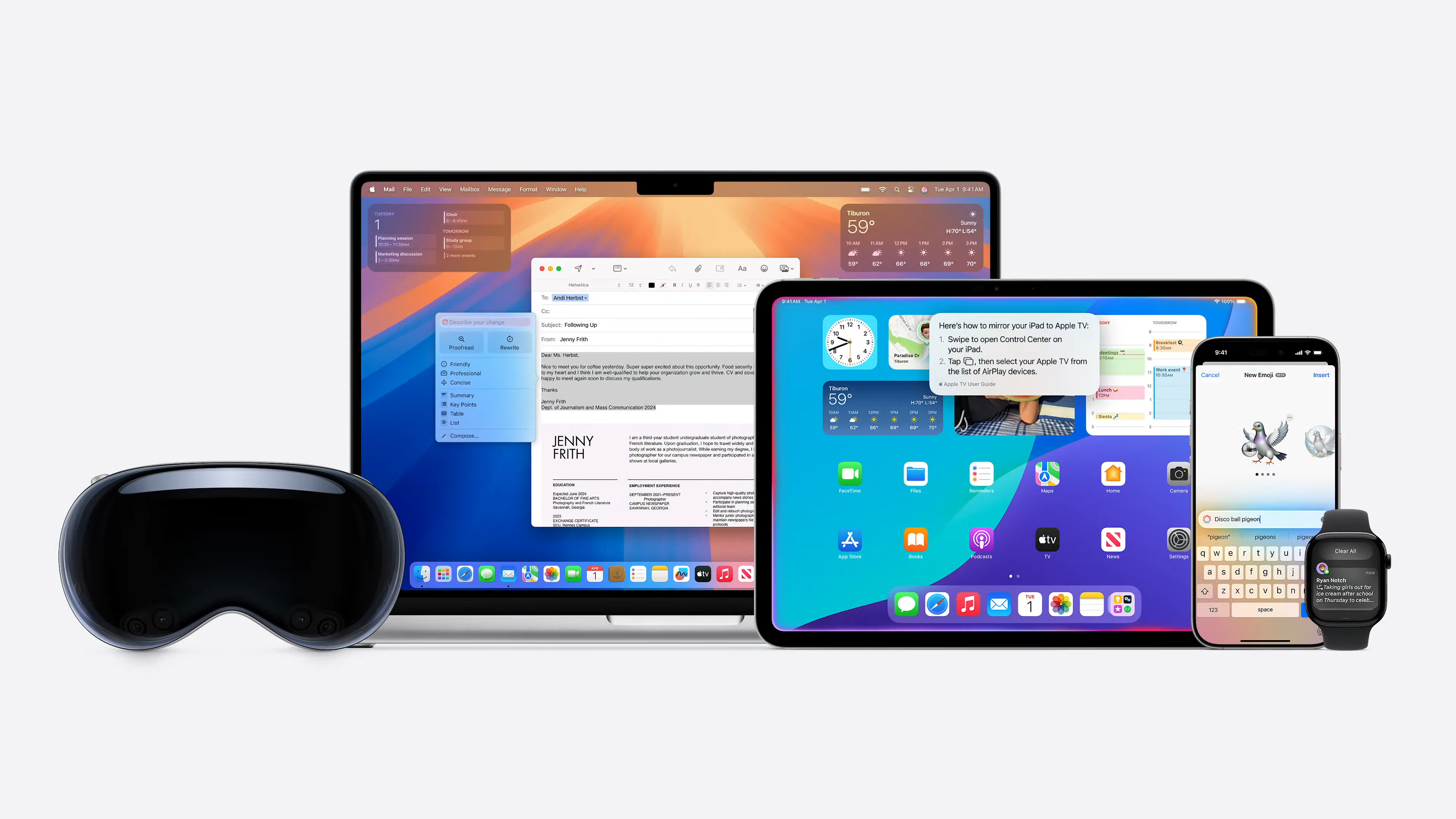
Apple maintains a diverse portfolio of operating systems designed to provide a cohesive experience across its hardware, from powerful workstations to wearable devices. Each operating system is tailored to the specific input methods, performance requirements, and user interfaces of its host hardware, yet they share a common lineage and foundational technologies. Understanding this list is essential for developers, IT professionals, and consumers looking to maximize the potential of their Apple ecosystem.
The Core Apple Operating Systems
Apple's current software ecosystem is anchored by five primary operating systems. Each serves a distinct hardware class, though they often share underlying frameworks like Metal for graphics, Swift for application development, and iCloud for synchronization.
macOS: The Desktop Foundation
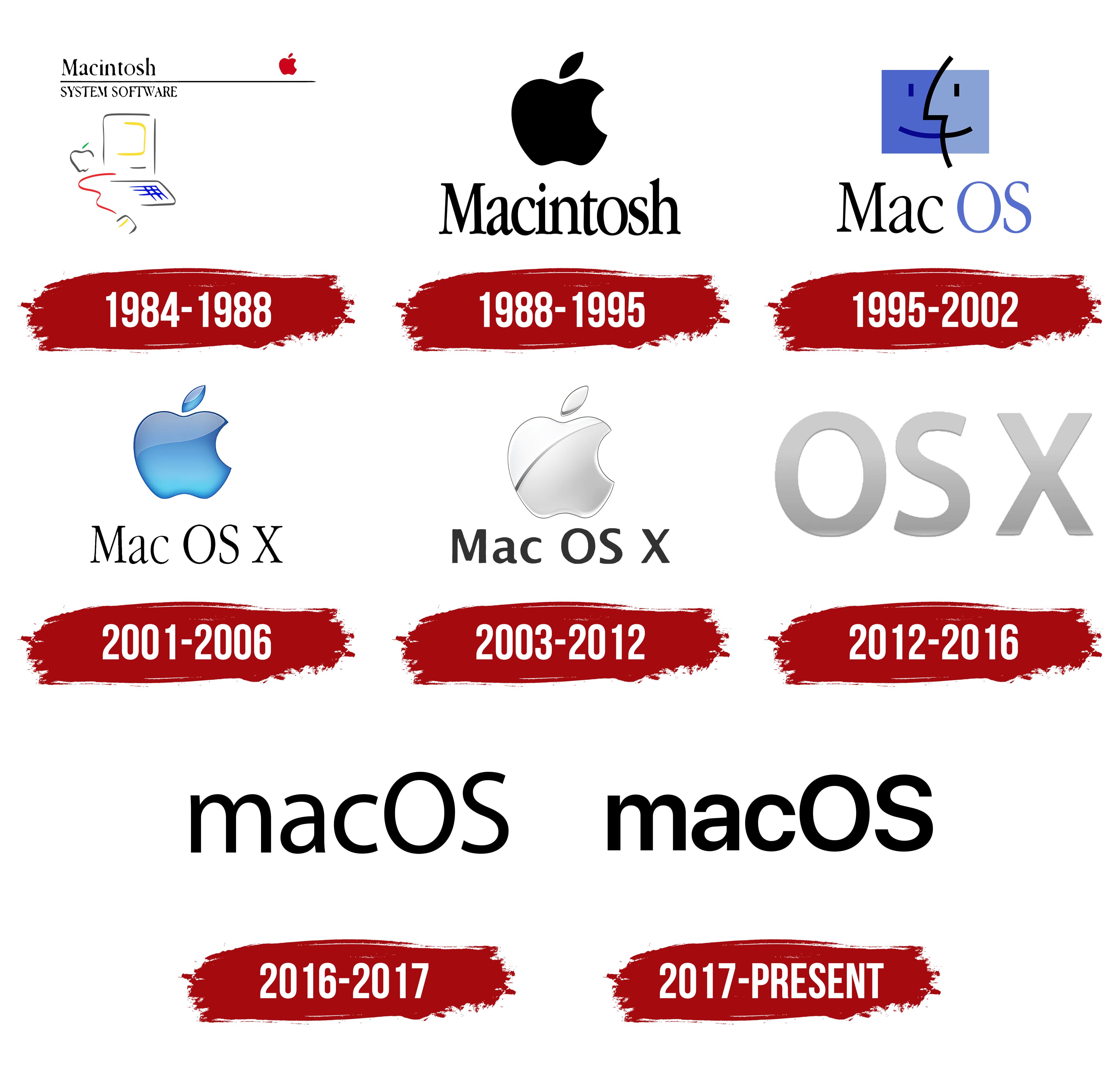
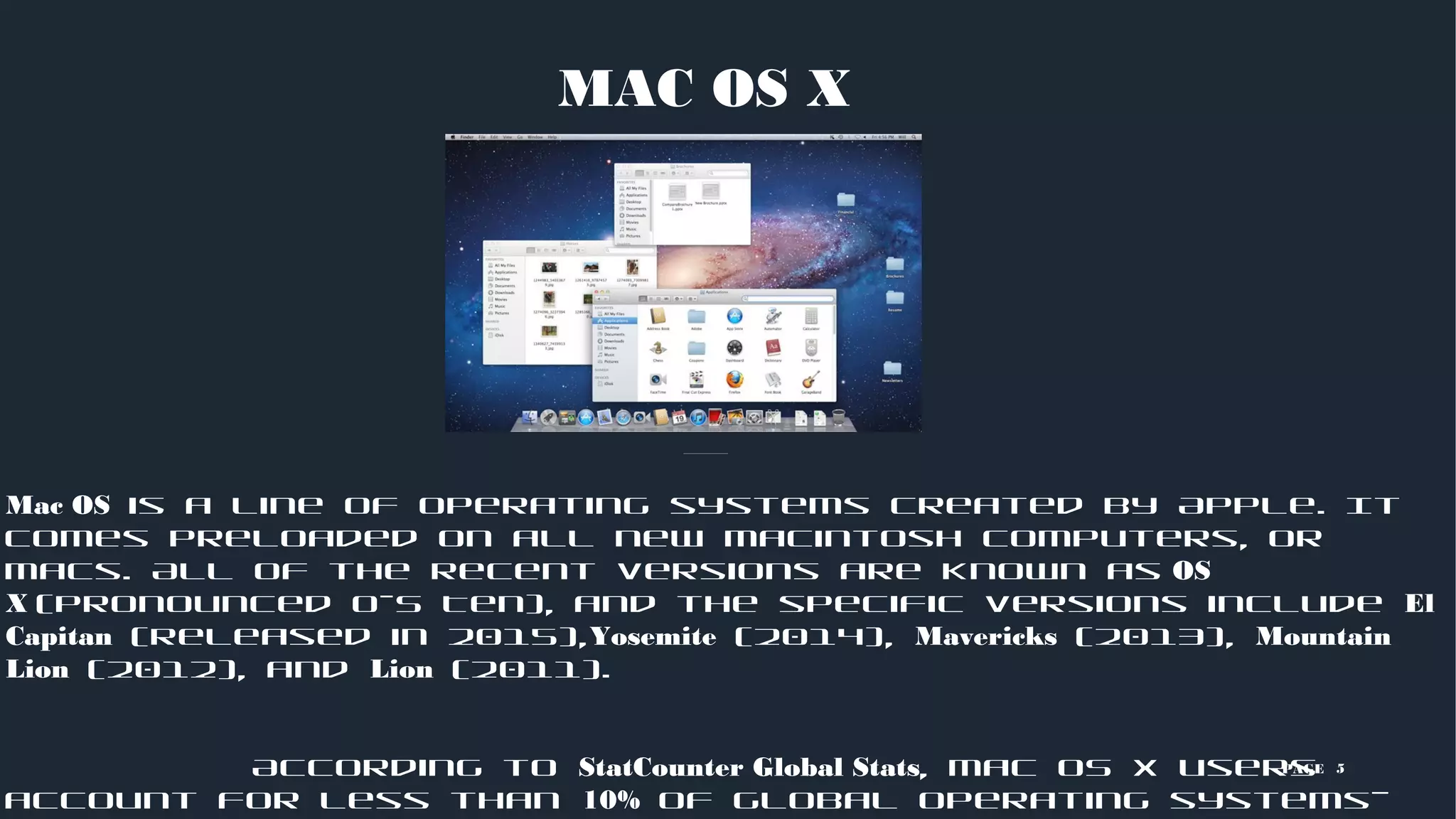
macOS is Apple’s desktop operating system, powering the MacBook, iMac, Mac mini, Mac Studio, and Mac Pro lineups. Built on a Unix-based foundation, macOS is engineered for high-performance computing, multitasking, and creative workflows. In 2026, macOS continues to emphasize the integration between Apple’s proprietary silicon and desktop-class software, offering features like advanced window management, professional-grade media tools, and deep integration with iPad and iPhone devices.
iOS: The Mobile Benchmark
iOS is the operating system specifically architected for the iPhone. It is known for its streamlined interface, strict security protocols, and tight hardware-software optimization. iOS prioritizes battery efficiency, privacy, and touch-first interactions. Because iOS is updated annually, it remains the primary driver for Apple's mobile service ecosystem, including the App Store, iMessage, and Apple Pay.
iPadOS: Bridging Mobility and Productivity
While historically a branch of iOS, iPadOS has evolved into a distinct operating system optimized for the tablet form factor. It introduces features tailored for larger displays, such as Split View, Stage Manager, and enhanced support for external displays and peripherals like the Apple Pencil and Magic Keyboard. iPadOS effectively bridges the gap between the mobile-first nature of the iPhone and the power-user workflows found on the Mac.
watchOS: Wearable Intelligence
watchOS powers the Apple Watch. It is highly specialized, focusing on health monitoring, fitness tracking, and glanceable notifications. Because of the device’s physical size, watchOS relies heavily on haptic feedback, voice commands via Siri, and simplified user interfaces. It is designed to function as a companion to an iPhone, though modern versions have increased independent functionality through cellular connectivity and local application support.
tvOS: The Living Room Interface
tvOS serves as the operating system for Apple TV devices. It is built for a 10-foot user experience—meaning it is optimized for viewing from a distance using a remote or game controller. It emphasizes high-quality media streaming, home automation controls via HomeKit, and gaming. Despite the hardware's limited storage compared to a Mac, tvOS provides a robust platform for entertainment and smart home management.
Comparison of Apple Operating Systems
To determine which operating system covers which device and its primary utility, refer to the following comparison table.
| Operating System | Primary Hardware | Input Focus | Key Use Case |
|---|---|---|---|
| macOS | Mac (Desktop/Laptop) | Keyboard/Trackpad | Professional Work/Content Creation |
| iOS | iPhone | Touchscreen | Mobile Connectivity/Personal Use |
| iPadOS | iPad | Touch/Pencil/Keyboard | Productivity/Tablet-based Creativity |
| watchOS | Apple Watch | Touch/Digital Crown/Voice | Health/Fitness/Quick Alerts |
| tvOS | Apple TV | Siri Remote/Controller | Media Streaming/Home Hub |
Underlying Architecture and Shared Foundations
The power of the Apple ecosystem lies in how these operating systems communicate. While macOS, iOS, iPadOS, watchOS, and tvOS have unique interfaces, they are unified by several core technologies.
The Unix Heritage
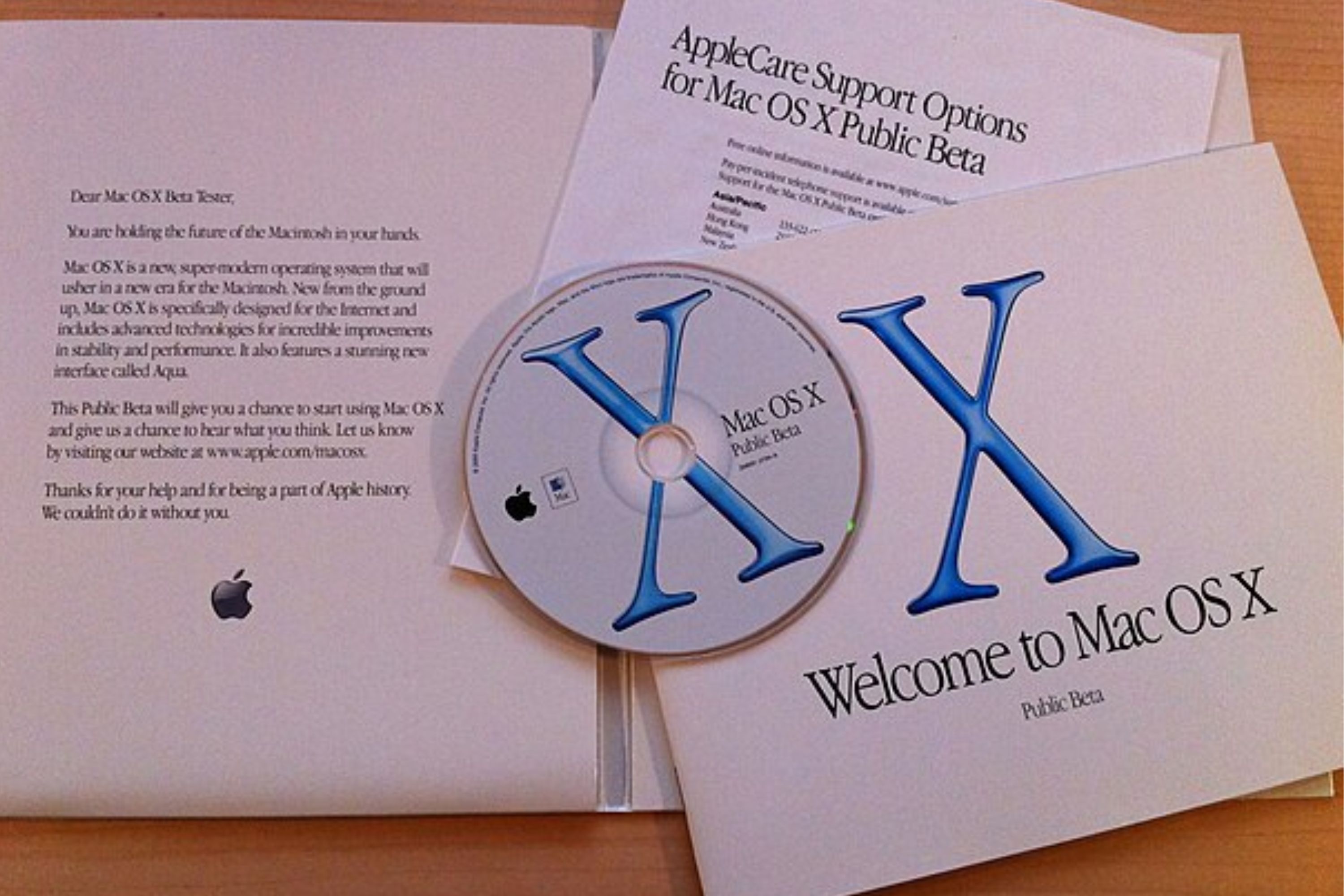
The lineage of macOS traces back to NeXTSTEP and BSD Unix. This heritage provides a robust, stable environment that handles multitasking and file management effectively. While iOS and its derivatives are technically distinct in their UI implementations, they share this Unix-like core, which ensures that security updates and performance optimizations can often be deployed across the entire family of products simultaneously.
The Role of Swift and SwiftUI
Apple’s programming language, Swift, and its user-interface framework, SwiftUI, allow developers to write code that scales across multiple operating systems. This "write once, deploy many" capability is why many apps on your iPhone are also available on your iPad or Mac. This shared language reduces development complexity and ensures that user experiences remain consistent across different screen sizes and input methods.
Continuity and Interconnectivity
Continuity is the feature set that binds these operating systems together. Features like Handoff, Universal Clipboard, and AirDrop do not rely on a single operating system; instead, they operate as an abstraction layer across all of them. This allows a user to copy text on an iPhone and paste it onto a MacBook, or answer a phone call on an iPad.
Maintenance, Updates, and Security
Apple maintains a rigorous update cycle for all its operating systems. These updates are vital for three primary reasons: security patches, feature enhancements, and hardware compatibility.
System Updates
Updates are typically delivered over-the-air (OTA). For iOS, iPadOS, watchOS, and tvOS, the process is usually automated or prompted via the Settings app. For macOS, updates are managed through System Settings. It is a best practice to keep these devices updated to the latest versions supported by your hardware to ensure that you have access to the latest security protocols and feature sets.
Compatibility Lifecycles
Apple generally supports devices with the latest OS versions for several years after purchase. However, there is a hardware "cutoff" point. Older devices eventually lose the ability to upgrade to the latest major version of an OS because their processors or memory capacity cannot support the new software's requirements. When a device reaches this stage, it will still receive critical security updates for a period, but it will eventually stop receiving new feature updates.
Troubleshooting Common OS Issues
Occasionally, users may encounter issues with their operating systems. Below are standard troubleshooting steps for general software behavior.
- Perform a Force Restart: If a device is unresponsive, a force restart clears volatile memory without deleting user data. The key combinations vary by device model.
- Verify Storage Space: Performance degradation is often linked to insufficient local storage. Ensure that at least 10-15% of your total storage capacity remains free.
- Update Applications: Often, the OS is stable, but a specific application is not. Check the App Store for updates to third-party software.
- Check for Profile Interference: In enterprise or managed environments, configuration profiles can restrict system behavior. Ensure no unauthorized management profiles are active in your settings.
- Reset Network Settings: If connectivity issues persist across all applications, resetting the network settings can resolve corrupted configuration files.
Frequently Asked Questions
What is the latest version of these operating systems?
As of 2026, Apple continues to release major annual updates for all five operating systems. You can verify your current version by navigating to the "About" section in your device's settings. Always check the official Apple website for the most recent version number, as minor point-releases (e.g., 19.1 vs 19.2) occur frequently to address specific bugs.
Can I install macOS on an iPad?
No. While iPadOS is powerful, it is architecturally distinct from macOS. Apple does not currently offer a method to install macOS on an iPad. However, features like "Sidecar" allow you to use your iPad as a secondary display for your Mac, effectively extending the desktop experience to your tablet.
How do I know if my device is still supported?
Apple publishes a list of compatible devices for every major software release. If your device is older than five to seven years, it is likely that it will not support the latest major OS update. You can check your device’s specifications against the requirements listed on the official Apple Support pages to confirm eligibility.
Do I need to pay for OS updates?
No. Apple provides all major and minor operating system updates for free. If you see a prompt asking for payment to update your software, it is likely a scam or malicious software; always use the built-in system update mechanism.
What is the difference between an OS update and an OS upgrade?
An "update" is generally a minor release that patches bugs, fixes security vulnerabilities, or adds small refinements. An "upgrade" is a major release (such as moving from macOS 15 to macOS 16) that introduces significant new features and changes to the underlying system architecture.
Recommendation for Device Management
To maintain a healthy digital environment, the most effective strategy is to enable automatic updates across all your devices. This ensures that you receive critical security patches immediately upon release. If you rely on specialized professional software, check that the developer has validated their application for the newest OS version before initiating a major upgrade. By keeping your hardware within its supported lifecycle and maintaining consistent OS versions across your devices, you ensure the best performance, security, and continuity of service within the Apple ecosystem.