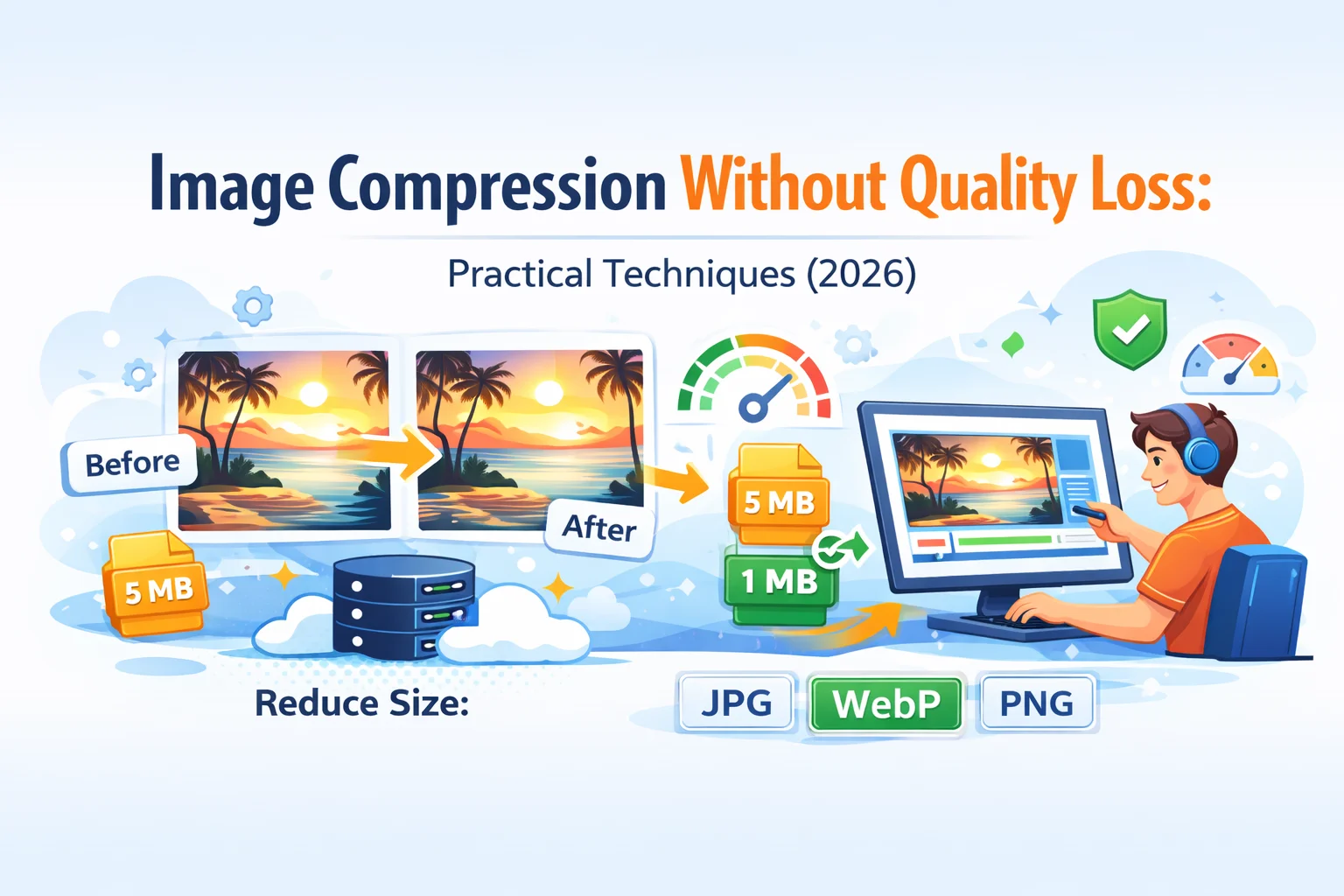
Akamai image compression, delivered primarily through the Image & Video Manager (IVM), is an automated cloud-based solution that optimizes images in real-time at the network edge. It utilizes perceptual quality algorithms and modern format conversion—such as AVIF and WebP—to reduce file sizes without visible quality loss, significantly improving website performance and user experience.
In the digital landscape of 2026, visual content accounts for the vast majority of web traffic. As high-resolution displays become the standard across mobile and desktop devices, the challenge for developers and SEO professionals is to deliver high-quality visuals without compromising on page load speed. Akamai’s suite of image optimization tools addresses this by moving the heavy lifting of image processing away from the origin server and into the distributed Akamai Intelligent Edge Platform.
The Core Technology: Akamai Image & Video Manager (IVM)
At the heart of Akamai’s image compression strategy is the Image & Video Manager (IVM). Unlike traditional compression methods that apply a static "one-size-fits-all" quality setting (such as a 70% JPEG quality) to all assets, IVM utilizes a dynamic, intelligent approach.
The system functions by intercepting requests for image assets as they pass through the Akamai CDN. When a user requests an image, the Edge server checks if an optimized version of that asset already exists in the cache. If not, the IVM engine fetches the original "pristine" high-resolution version from the origin server, applies the necessary transformations based on pre-defined policies, and serves the optimized version to the user.
This real-time transformation includes several key operations:
- Automatic Format Conversion: Converting legacy formats (JPEG/PNG) to modern, highly efficient formats like WebP or AVIF based on browser support.
- Perceptual Quality Optimization: Adjusting compression levels based on the visual complexity of the image.
- Dynamic Resizing: Scaling the image dimensions to fit the specific viewport of the requesting device.
- Metadata Removal: Stripping unnecessary EXIF data to shave off additional bytes.
Understanding Perceptual Quality Logic
One of the most significant advancements in Akamai’s compression technology is Perceptual Quality. Traditional lossy compression often results in "artifacts"—visible distortions or blurring—if the compression is too aggressive. Conversely, if the compression is too light, the file size remains unnecessarily large.
Akamai’s Perceptual Quality algorithm mimics human vision to find the "sweet spot." It analyzes the image to determine how much data can be removed before the human eye detects a difference. For example, a photo of a clear blue sky (low complexity) can be compressed much more aggressively than a photo of a forest with intricate leaf patterns (high complexity).
By using this logic, Akamai ensures that every image is as small as possible while maintaining a high visual standard. This eliminates the need for designers to manually export multiple versions of the same image at different quality levels, drastically streamlining the creative workflow.
Automated Format Conversion: From JPEG to AVIF
In 2026, the browser landscape is diverse but largely supportive of next-generation formats. Akamai Image & Video Manager handles the complexity of "content negotiation" automatically. When a browser sends a request, it includes an Accept header indicating which image formats it supports.
- AVIF (AV1 Image File Format): Currently the gold standard for compression. It offers significantly better compression than WebP and JPEG while maintaining higher fidelity. Akamai prioritizes AVIF for browsers that support it (such as modern versions of Chrome, Firefox, and Safari).
- WebP: A versatile format that supports both lossy and lossless compression. It serves as a reliable middle ground for devices that may not yet support AVIF but have moved past legacy formats.
- JPEG and PNG: These remain the fallback formats. If a legacy device or an older browser version requests an image, Akamai provides a traditional optimized JPEG or PNG to ensure the site doesn't break.
This automated switching happens at the Edge. The developer only needs to host a single high-quality original (the "source of truth"), and Akamai handles the delivery of the best possible format for each individual user session.
Dynamic Resizing and Responsive Delivery
Delivering a 4000-pixel wide image to a mobile device with a 400-pixel wide screen is a common cause of poor performance. While the srcset attribute in HTML allows developers to specify different images for different sizes, managing dozens of versions of every image is a logistical nightmare.
Akamai solves this through Dynamic Resizing. By adding parameters to the image URL or using policy-based rules, Akamai can resize an image on the fly.
- Width and Height Adjustment: The engine crops or scales the image to the exact dimensions needed.
- DPR (Device Pixel Ratio) Awareness: Akamai can detect if a device has a "Retina" or high-DPI display and serve a higher-resolution version only to those specific users.
- Art Direction: Developers can define "Gravity" points (e.g., focus on the center, or focus on a face) so that when an image is cropped for a mobile vertical view, the most important part of the image remains visible.
The Edge Computing Advantage
The reason Akamai’s image compression is so effective is its proximity to the user. Processing images at the Edge—meaning the server physically closest to the person browsing—minimizes latency.
When a transformation is requested:
- Request: The user’s browser asks for
image.jpg?imwidth=400. - Edge Logic: The Akamai Edge server sees the request. If the 400px version is in cache, it's served instantly (measured in milliseconds).
- Real-time Processing: If not in cache, the Edge server retrieves the original from the origin, applies the compression and resizing policies, caches the result for future users, and delivers it.
- Origin Offload: Because the Edge handles the resizing and compression, the origin server (the website's main host) doesn't have to spend CPU cycles on image processing. This reduces infrastructure costs and prevents the origin from crashing during high-traffic events.
Comparing Manual Optimization vs. Akamai IVM
To understand the value proposition, it is helpful to compare the traditional manual workflow with Akamai’s automated approach.
| Feature | Manual/Plugin Optimization | Akamai Image & Video Manager |
|---|---|---|
| Workflow Effort | High: Designers must export multiple sizes/formats. | Low: Upload one high-res master; automation handles the rest. |
| Compression Logic | Static: Fixed percentage (e.g., 75% quality). | Dynamic: Perceptual quality based on image complexity. |
| Format Support | Limited: Often requires complex code for WebP/AVIF fallbacks. | Native: Automatic format negotiation via Accept headers. |
| Performance | Variable: Depends on server capacity and plugin efficiency. | Superior: Offloaded to the global Akamai Edge network. |
| Storage Costs | High: Multiple versions of every asset are stored at the origin. | Low: Only the master image is stored at the origin. |
| SEO Impact | Moderate: Often leaves "unoptimized image" warnings in audits. | High: Directly improves LCP and Core Web Vitals scores. |
SEO and Core Web Vitals Impact
Google and other search engines prioritize page speed, specifically through the Core Web Vitals (CWV) metrics. Images are frequently the largest elements on a page and are almost always the "candidate" for the Largest Contentful Paint (LCP) metric.
By using Akamai image compression, sites typically see a dramatic improvement in LCP because:
- File sizes are smaller, reducing the time it takes for the browser to download the primary visual element.
- Edge delivery reduces Time to First Byte (TTFB) and overall latency.
- Modern formats (AVIF/WebP) satisfy the "Serve images in next-gen formats" recommendation in Google Lighthouse audits.
Beyond LCP, optimized images reduce Cumulative Layout Shift (CLS) if the resizing logic is paired with proper image dimension attributes in the HTML, as the browser knows exactly how much space to reserve for the image before it even arrives.
Implementation: Policies and Query Strings
Akamai allows administrators to manage compression through the Akamai Control Center. Here, users create "Policies." A policy is a set of rules that tells the IVM engine how to behave.
For instance, a "Product_Thumbnails" policy might specify:
- Always convert to AVIF if possible.
- Resize to a width of 300px.
- Apply a "Medium" perceptual quality setting.
- Sharpen the image slightly after resizing.
Once a policy is created, it can be applied to entire directories or specific file types. Alternatively, developers can use IMQuery, which allows for on-the-fly adjustments via the URL. For example: https://example.com/images/hero.jpg?impolicy=high_res&imwidth=1200. This flexibility allows for rapid testing and deployment without changing the underlying infrastructure.
Operational and Infrastructure Benefits
Beyond the front-end user experience, Akamai image compression offers significant back-end advantages.
- Bandwidth Savings: By reducing image file sizes by 40% to 80% on average, organizations significantly lower their egress (data transfer) costs from cloud providers like AWS, Azure, or Google Cloud.
- Reduced Storage: There is no need to store small, medium, large, and extra-large versions of every image on the origin server. This simplifies asset management and reduces storage fees.
- Scalability: During flash sales or breaking news events, the Akamai Edge handles the surge in image requests. The heavy processing doesn't bottleneck the main website database or application server.
Common Mistakes and Troubleshooting
While Akamai IVM is highly automated, some common pitfalls can prevent optimal results:
- Double Compression: If images are already heavily compressed using a local tool before being uploaded to Akamai, the "Perceptual Quality" engine has less data to work with, which can lead to visual degradation. It is best to upload high-quality, lightly compressed masters.
- Ignoring Cache-Control: If the origin server sends headers that prevent caching (like
no-store), Akamai cannot store the optimized version at the Edge, forcing the engine to re-process the image for every single request. - Incorrect Policy Mapping: Sometimes, a policy meant for small thumbnails is accidentally applied to a large hero banner, resulting in a blurry main image. Regular auditing of policy rules in the Akamai Control Center is recommended.
Frequently Asked Questions
Does Akamai image compression affect the original file at the origin?
No. Akamai image compression is non-destructive to your source files. The original high-resolution image remains untouched on your origin server. Akamai only transforms the "cached" versions that are served to users. If you ever disable the service, your original images remain available exactly as they were uploaded.
How does Akamai handle transparent backgrounds in PNGs?
Akamai’s IVM is intelligent enough to recognize transparency. When converting a PNG to a more efficient format, it will choose a format that supports transparency, such as WebP or AVIF. If the target format (like standard JPEG) does not support transparency, Akamai can be configured to "flatten" the image against a specific background color, usually white or hex-defined, though this is rarely necessary with modern format support.
Can Akamai compress videos as well?
Yes, the product is officially named Image & Video Manager for a reason. It applies similar logic to short-form videos (like hero background loops or product clips). It can transcode videos into web-friendly formats like MP4 or WebM and adjust the bitrate dynamically to ensure smooth playback on different network speeds (4G, 5G, or Wi-Fi).
Is there a limit to the image size Akamai can process?
While Akamai can handle extremely large source files, there are practical limits defined in the service contract—usually around 20MB to 100MB for a single source image. For most web applications, this is more than sufficient, as professional web images rarely exceed these limits.
Does Akamai support watermarking during compression?
Yes, one of the transformation features in the IVM policy manager is the ability to overlay a watermark. This can be done dynamically at the Edge. You can specify a watermark image, its opacity, and its position (e.g., bottom-right corner). This is particularly useful for e-commerce or photography sites that want to protect their intellectual property without baking the watermark into the original asset.
How does Akamai detect the user's device for resizing?
Akamai uses a combination of the User-Agent string and Client Hints. Client Hints are a modern set of HTTP headers that allow the browser to proactively tell the server about the device’s screen size, pixel density, and even the network conditions. Akamai uses this data to decide exactly which size and quality of image will provide the best experience for that specific user.
Final Recommendation: Next Actions
For organizations looking to optimize their visual delivery in 2026, the transition to an Edge-based compression model like Akamai IVM is highly recommended.
- Audit Current Performance: Use tools like Google PageSpeed Insights or Akamai’s own performance reports to identify how much "image weight" is currently slowing down your site.
- Consolidate Assets: Move toward a "single source of truth" model where you host only high-quality originals, rather than managing multiple resized versions.
- Test Policy Configurations: Start with a "standard" perceptual quality policy and gradually refine it. Use Akamai’s "Pragma" headers or the "Image Manager Debug" tool to verify that the Edge is correctly serving AVIF or WebP formats to supported browsers.
- Monitor SEO Metrics: After implementation, track your Largest Contentful Paint (LCP) and bounce rates to quantify the business impact of faster image delivery.