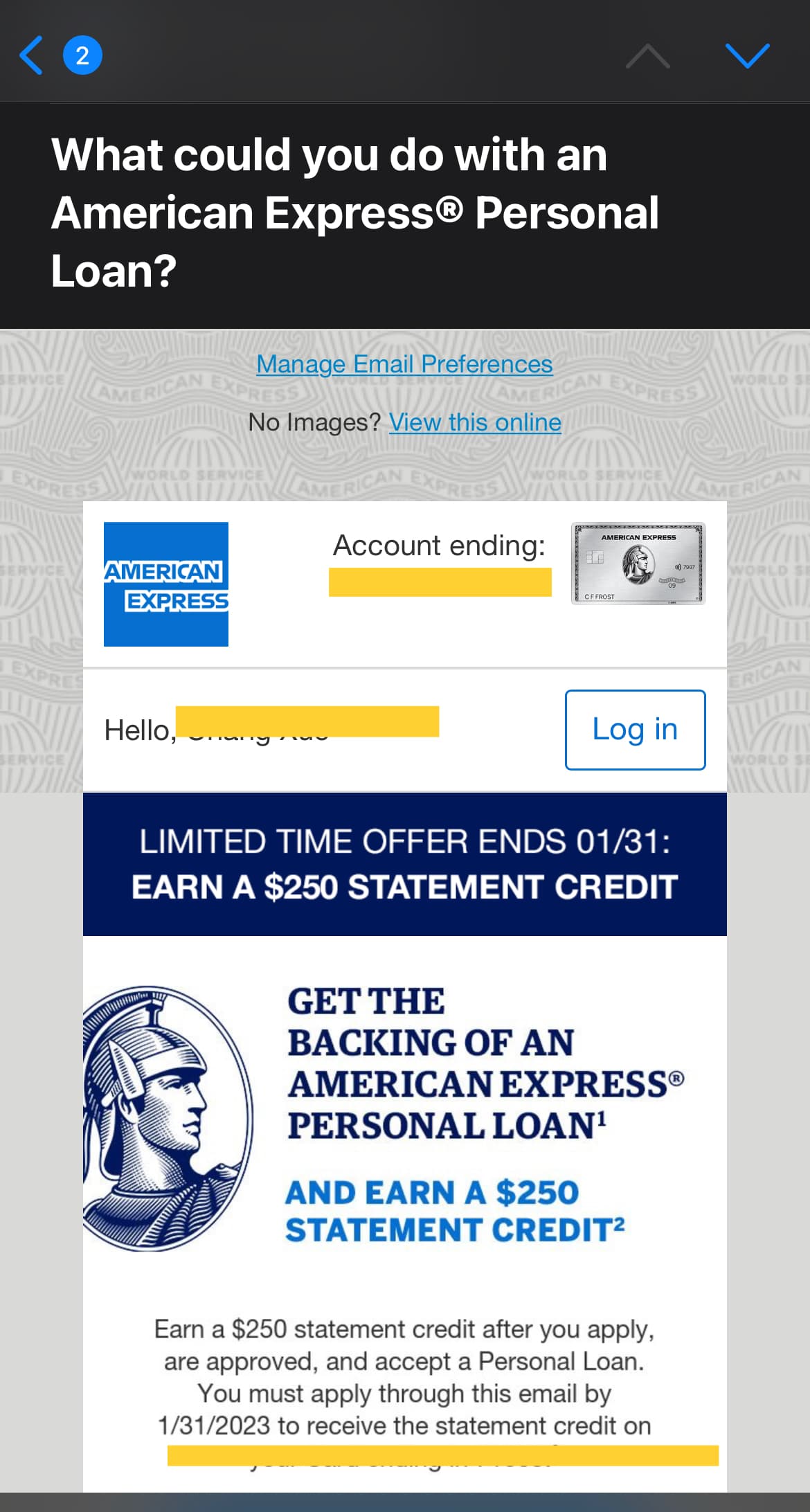
Checking your American Express personal loan status involves accessing your secure online account dashboard or reviewing the correspondence provided during the application process. Generally, once you submit an application, you will receive an immediate notification, followed by a detailed status update within 24 to 48 hours as the underwriting team reviews your financial history, credit profile, and income verification.
Navigating the American Express Lending Ecosystem
American Express provides personal loans to existing card members through an invitation-only model or specific eligibility-based offers. Unlike traditional lenders that solicit applications from the general public, American Express typically targets individuals who have demonstrated a long-standing payment history with their credit products. Because these loans are distinct from your revolving credit lines (such as your charge card balance), the application process follows a separate workflow.
When you apply for a loan, you are essentially initiating an underwriting process that validates the information you provided against your internal relationship with the bank. If you find yourself needing to check the status of a pending application, it is important to distinguish between "pending" status, "approved" status, and "under review." Each of these categories signals a different stage in the backend operational workflow.
How to Monitor Your Loan Application
The primary method for checking your loan status is the secure American Express portal. Follow these steps to ensure you are viewing the most current information:
- Log in to your online account: Use your primary American Express credentials. Ensure you are using the credentials associated with the card account that received the loan offer.
- Navigate to the "Loans" or "Personal Loans" section: This is typically located within the main navigation menu or under the "Accounts" tab.
- Check the application dashboard: If an application is in progress, the dashboard will display a status tracker. Common statuses include:
- Received: Your application has been submitted and is in the queue for automated verification.
- Under Review: The application requires manual intervention or secondary document verification.
- Approved/Declined: The final decision has been rendered.
- Check your secure message center: American Express often sends detailed notifications through the secure message system rather than through public email, primarily for security and privacy reasons.
Understanding Application Status Terminology
It is common for applicants to feel anxious when a status remains unchanged for several days. To clarify the process, it helps to understand what is happening behind the scenes during the underwriting phase.
Pending vs. Under Review
A "pending" status is often a technical state where the system is awaiting the completion of an automated background check. This usually involves soft or hard credit inquiries depending on the stage of the application. An "under review" status indicates that your application has been flagged for a human analyst to review. This is not necessarily a negative sign; it often happens if there is a discrepancy in income data or if the requested loan amount triggers a higher level of internal audit.
What Triggers a Delayed Decision?
Several factors can cause your loan status to remain in a state of limbo longer than the typical 24-hour window:
- Income Verification: If the system cannot verify your stated income through third-party data providers, you may be asked to upload tax documents or recent pay stubs.
- Credit Profile Changes: If you recently opened multiple new credit accounts, the lender may perform a more thorough investigation to ensure your debt-to-income ratio remains within their risk tolerance.
- Information Discrepancy: Simple errors, such as a mismatch between your residential address on your credit report and the address provided on the application, can stall the process.
Managing Prerequisites and Documentation
Before you apply or while waiting for a status update, ensure you have the necessary documentation ready to prevent unnecessary delays. American Express may request the following items to verify your eligibility:
- Proof of Identity: Government-issued identification, such as a driver’s license or passport.
- Proof of Income: Recent W-2 forms, 1099s, or bank statements that clearly indicate consistent deposits.
- Verification of Employment: Contact information for your current employer.
If you are asked to provide documentation, you must use the secure document upload portal provided by American Express. Never send sensitive financial documents via standard email, as this exposes your personal data to significant security risks.
Comparing Loan Application States
| Status | Meaning | Typical Action Required |
|---|---|---|
| Submitted | Application received by the system | Wait for automated verification |
| Additional Info Needed | Documentation or clarification required | Upload requested documents via portal |
| In Review | Underwriting team is evaluating data | Monitor for secure messages |
| Approved | Loan terms accepted and finalized | Await loan agreement/funding |
| Declined | Application did not meet criteria | Review the Adverse Action Notice |
Troubleshooting Common Issues
If you cannot view your status, or if the portal is not displaying your application, consider these troubleshooting steps:
- Browser Cache: Clear your browser's cache and cookies. Sometimes, the browser may display a cached version of your account page that does not reflect recent changes in your application status.
- Mobile App vs. Desktop: If the mobile application is not showing the loan status, attempt to log in through a web browser on a desktop computer. The desktop interface sometimes provides more granular details regarding account applications.
- Primary Account Access: If you have multiple American Express cards, ensure you are logged into the specific account that the loan offer was extended to. If you are a supplementary cardholder, you may not have access to the loan application status of the primary account holder.
Understanding the Impact of Denials
If your loan status changes to "declined," American Express is legally required to send an "Adverse Action Notice." This document explains the specific reasons for the denial—such as "insufficient credit history," "too many recent inquiries," or "high debt-to-income ratio." Do not view this as a permanent exclusion; rather, use the information in the notice to improve your credit standing before re-applying in the future.
Frequently Asked Questions
Why did my application status change from 'Approved' back to 'Under Review'? This can occur if a final post-approval audit flags a minor detail that needs verification, such as a secondary address check or an automated system error that requires a manual override. While unusual, it usually resolves within one to two business days.
Can I call to check my loan status? Yes, you can contact American Express customer service. However, frontline agents often have limited visibility into the specific underwriting status of a loan. If you call, ensure you are speaking with the lending department rather than the general customer service line for credit cards.
Does checking my loan status affect my credit score? Checking your status does not impact your credit score. The initial hard inquiry that affects your credit occurs at the moment you submit the formal application. Monitoring the status of that application thereafter is purely administrative and does not trigger further credit pulls.
How long does it take for funds to be deposited after approval? Once your loan status moves to "finalized" or "funded," it typically takes one to three business days for the funds to reach your bank account via ACH transfer.
What happens if my offer expires while I am gathering documents? Loan offers are time-sensitive. If your application remains in "pending" or "information requested" status beyond the deadline provided in the original offer, the offer may expire. You should contact the lending department immediately if you are having trouble meeting a document submission deadline.
Next Steps and Recommendations
If you are currently waiting on an update, the most effective strategy is to proactively monitor your secure message center. Do not wait for a notification; checking once daily is sufficient. If more than three business days have passed without a status update, call the American Express customer service number located on the back of your card. Request to speak with the "Personal Loan Department" to get an accurate assessment of your application's progress.