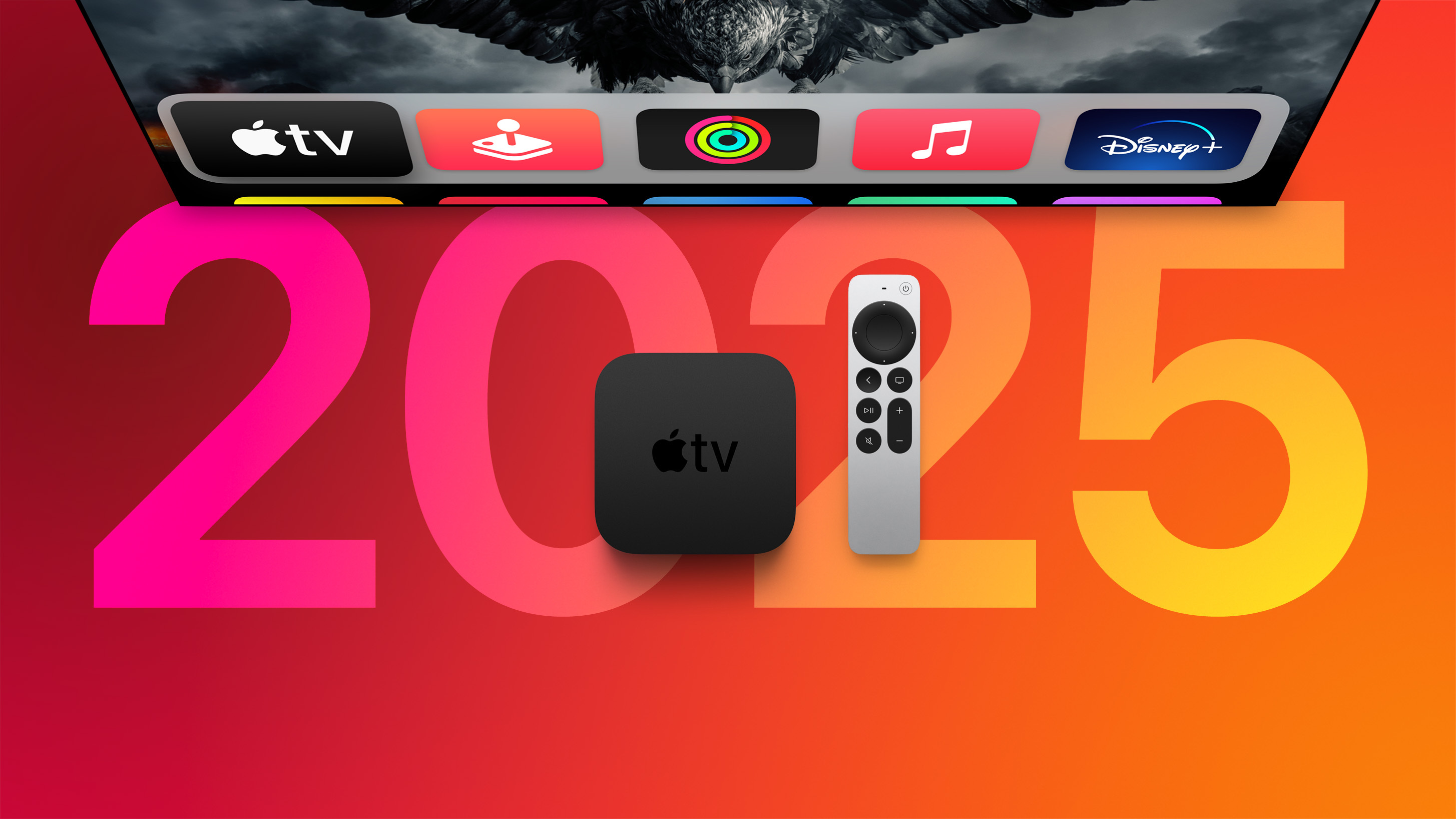
As of March 2025, the Apple TV lineup centers exclusively on the third-generation Apple TV 4K, which remains the sole hardware model currently sold by Apple. This device is offered in two configurations—Wi-Fi and Wi-Fi + Ethernet—providing a streamlined selection that focuses on high-performance streaming, integration with the Apple ecosystem, and advanced smart home connectivity rather than a broad range of hardware tiers.
Understanding the Current Apple TV Product Strategy
Apple’s strategy for the Apple TV hardware has shifted significantly over the last several years. The company has moved away from the "non-4K" or "HD" era, standardizing the user experience around the A15 Bionic chip. By March 2025, the product lineup has reached a state of stability where the focus is not on frequent hardware cycles, but on the optimization of the tvOS software platform and the device's role as a centralized hub for the modern living room.
For the consumer, this simplification eliminates the confusion of choosing between multiple performance tiers. The current Apple TV 4K is positioned as a premium set-top box designed for users heavily invested in the Apple ecosystem, offering deep integration with services like Apple TV+, Apple Arcade, and Apple Music.
The Apple TV 4K (3rd Generation): Core Specifications
The third-generation Apple TV 4K, which serves as the entirety of the current lineup, represents a shift toward higher efficiency and improved processing power. Understanding the technical specifications is essential for users deciding between the two available storage and connectivity configurations.
Performance and Processing
At the heart of the device is the A15 Bionic chip. This processor, previously featured in iPhone models, allows the Apple TV to handle high-frame-rate HDR content with ease. It also provides enough overhead for smooth navigation through the tvOS interface and responsiveness in gaming applications via Apple Arcade. The inclusion of this chip ensures that the interface remains fluid even as new, more resource-intensive features are added to the operating system.
Visual and Audio Standards
The device supports 4K resolution, as the name implies, alongside Dolby Vision and HDR10+ support. These standards ensure compatibility with a wide range of modern 4K televisions, providing high dynamic range and accurate color reproduction. On the audio side, the unit supports Dolby Atmos, Dolby Digital 7.1, and Dolby Digital 5.1, making it a robust choice for home theater setups that utilize soundbars or multi-speaker surround systems.
Comparing the Two Available Configurations
While there is only one "model" of the Apple TV 4K currently on the market, Apple splits it into two distinct SKUs based on connectivity and internal storage. This is a critical distinction for potential buyers because the lack of an Ethernet port on the base model may impact specific home networking setups.
| Feature | Wi-Fi Model | Wi-Fi + Ethernet Model |
|---|---|---|
| Storage Capacity | 64GB | 128GB |
| Connectivity | Wi-Fi 6 (802.11ax) | Wi-Fi 6 + Gigabit Ethernet |
| Thread Networking | Supported | Supported |
| Siri Remote | USB-C | USB-C |
| Smart Home Hub | Thread Border Router | Thread Border Router |
The Role of Ethernet
The inclusion of a Gigabit Ethernet port on the 128GB model is the primary factor for users with high-fidelity home media servers or those who experience interference on their local wireless networks. A wired connection offers lower latency and a more consistent stream, which is beneficial for high-bitrate 4K content, particularly if the streaming device is located in an area of the home with poor signal penetration.
Thread Networking and Smart Home Integration
Both versions of the 2025 lineup act as Thread border routers. Thread is a low-power, mesh-networking protocol designed for smart home devices. By acting as a border router, the Apple TV allows your smart lights, locks, and sensors to communicate more efficiently, even if your local Wi-Fi goes down. This makes the device a "Home Hub" essential for users who rely on HomeKit or the broader Matter standard for home automation.
Prerequisites for Using the Current Lineup
To maximize the potential of the current Apple TV 4K, your home infrastructure must be ready to support the high-bandwidth requirements of modern streaming.
- High-Speed Internet: While the Apple TV handles compression well, a minimum sustained speed of 25 Mbps is recommended for reliable 4K streaming.
- HDMI 2.1 Capability: To take full advantage of features like high-frame-rate HDR, ensure your television supports HDMI 2.1 and that you are using a high-speed HDMI cable.
- Apple ID: A valid Apple ID is mandatory for accessing the App Store, Apple TV+, and iCloud services, which serve as the foundation of the device's feature set.
- Stable Network Environment: Even if you choose the Wi-Fi model, having a robust router capable of handling multiple streaming devices simultaneously is necessary to prevent buffering during peak usage hours.
Setting Up and Initial Configuration
The setup process for the Apple TV is intentionally designed to be as frictionless as possible for existing iPhone users. When you first power on the device, you can bring an iPhone within range to automatically transfer your Wi-Fi credentials and Apple ID settings. This "proximity setup" removes the need to manually enter passwords using the Siri Remote, which, while capable, can be tedious for long strings of text.
Once connected, the device will prompt you to configure the Home app. By doing so, the Apple TV automatically inherits your home configuration, allowing it to control your smart home devices immediately. If you have multiple users in the household, the tvOS interface allows for profile switching, ensuring that personalized recommendations for Apple TV+ and music remain distinct for each family member.
Troubleshooting Common Issues
Despite the simplicity of the lineup, users occasionally encounter technical hurdles. Below are the most common solutions for maintaining your Apple TV 4K.
Connectivity Drops
If you are using the Wi-Fi model and experiencing stuttering, consider moving your router closer or switching to a 5GHz band if your router supports it. If you are on the Ethernet model, ensure your Ethernet cable is rated for Cat6 or higher to handle the throughput without signal degradation.
Remote Responsiveness
The Siri Remote charges via USB-C. If you notice a delay in input, it is often a sign of a low battery. Connect the remote to a standard USB-C charger for 30 minutes to restore full functionality. If connectivity issues persist, try "re-pairing" the remote by holding the "Back" and "Volume Up" buttons simultaneously while pointing it at the Apple TV.
HDR and Color Mapping
If the colors on your TV look washed out or overly saturated, check the Apple TV "Video and Audio" settings. Ensure that "Match Content" is set to "On" for both "Match Dynamic Range" and "Match Frame Rate." This allows the Apple TV to signal your television to switch into the correct mode based on the content being played, rather than forcing a uniform (and often inaccurate) conversion for all media.
The Future of Apple TV Integration
By March 2025, the Apple TV has firmly cemented itself as a "home services" platform. The hardware is largely secondary to the software ecosystem. Apple’s ongoing focus on fitness (Apple Fitness+), gaming (Apple Arcade), and smart home management (Matter/HomeKit) suggests that the device will continue to serve as the "brain" of the home.
While rumors occasionally circulate regarding integrated "smart TVs" from Apple or expanded dongle options, the current market reality is a focus on the premium set-top box. The hardware has reached a plateau of capability where the A15 Bionic handles all current streaming standards with ease, meaning owners of the 2025 lineup should expect long-term software support and continued feature updates through the remainder of the decade.
Frequently Asked Questions
Can I expand the storage on the Apple TV 4K?
No, the storage on the Apple TV 4K is non-expandable. This is why it is important to select the 128GB version if you intend to download many games from Apple Arcade or store large amounts of locally cached media content.
Do I need a 4K TV to use this device?
While the device is named "4K," it is fully backward compatible with 1080p (HD) televisions. The Apple TV will automatically detect your display's resolution and scale the output accordingly. However, you will not be able to experience the benefits of 4K resolution unless your television hardware supports it.
What is the advantage of the Ethernet port?
The Ethernet port provides a direct, wired connection to your router. This is superior to Wi-Fi for stability, as it eliminates potential interference from other household devices and provides a more consistent bandwidth throughput for high-bitrate 4K HDR streams.
Does the Apple TV 4K support spatial audio?
Yes, the Apple TV 4K supports spatial audio when used with compatible AirPods or other Beats headphones. This creates an immersive, theater-like sound experience, particularly useful for watching movies or shows with a Dolby Atmos soundtrack when you cannot use a full external speaker system.
Is the Siri Remote included in the box?
Yes, the third-generation Apple TV 4K comes with the USB-C version of the Siri Remote included in the packaging. You do not need to purchase the remote separately unless you have lost or damaged your original one.
Next Steps for Prospective Owners
If you are looking to purchase an Apple TV in March 2025, first evaluate your networking environment. If you plan to use the device as a central hub for home automation and play graphic-intensive games, the 128GB Wi-Fi + Ethernet model is the superior choice for its storage headroom and network stability. If you primarily stream video and do not have an Ethernet drop near your television, the 64GB Wi-Fi model offers identical visual and audio performance at a lower price point. Ensure you have a USB-C cable available for charging the remote, as the device does not ship with a charging cable for the remote itself.