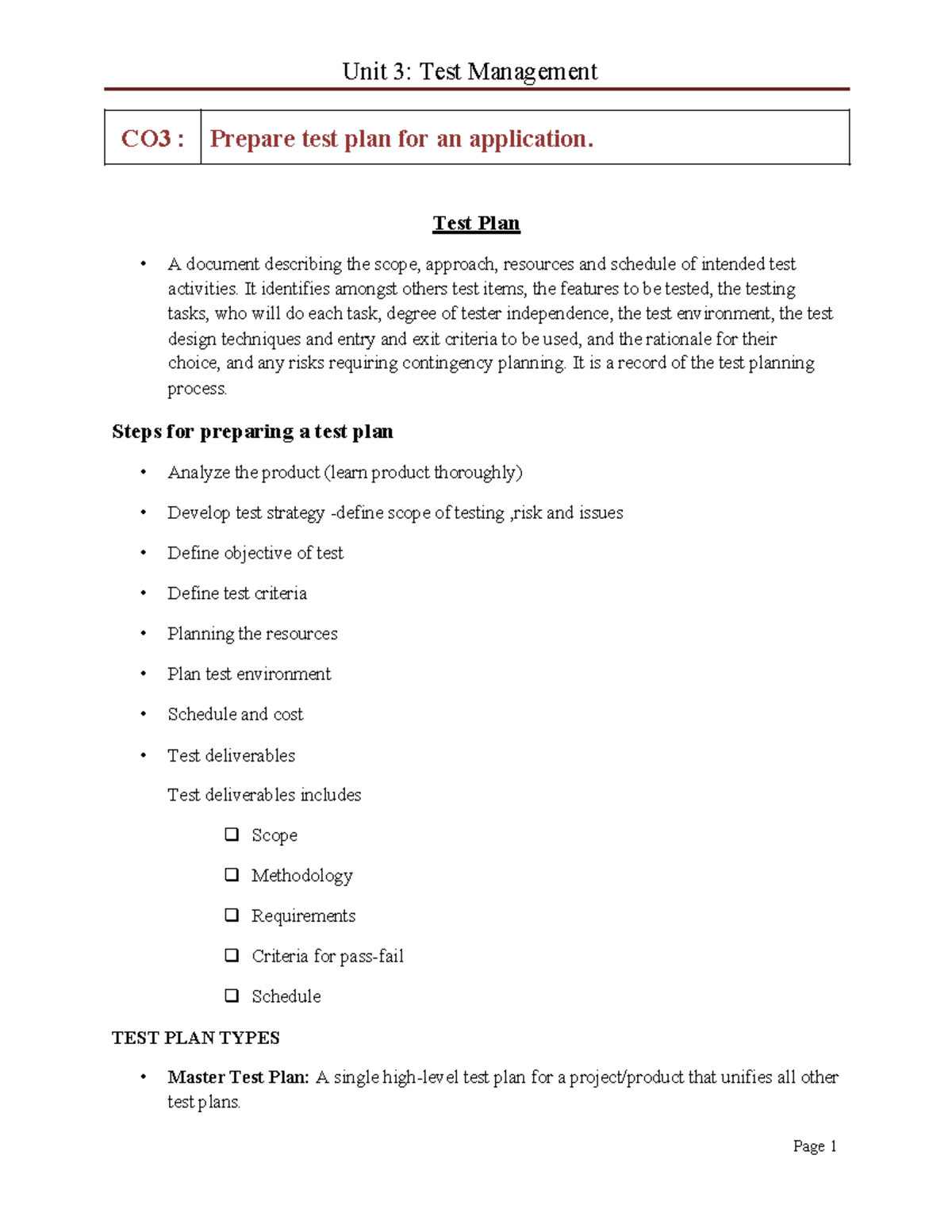
An application test plan is a comprehensive document that outlines the objectives, scope, approach, and focus of a software testing effort. It serves as a strategic roadmap for quality assurance teams, identifying the necessary resources, schedules, and tools required to verify that an application meets its specified requirements and functions reliably within its intended environment.
Effective software delivery in 2026 demands more than just writing code; it requires a disciplined approach to verification and validation. As applications become increasingly modular, leveraging microservices, serverless architectures, and integrated artificial intelligence, the complexity of ensuring "quality" has scaled exponentially. A well-constructed application test plan is the primary defense against production failures, security vulnerabilities, and poor user experiences. This guide explores the essential components of a modern test plan, the strategic shift toward continuous testing, and the practical steps needed to build a robust quality framework.
The Strategic Importance of the Test Plan in Modern Development
In the current landscape of rapid deployment cycles, some teams mistakenly view a formal test plan as a relic of waterfall methodologies. However, in 2026, the test plan has evolved into a dynamic document that facilitates "shift-left" testing—the practice of moving testing activities as early as possible in the development lifecycle. Without a clear plan, testing becomes a reactive, chaotic process that often misses critical edge cases.
A formal test plan provides alignment across the entire stakeholder spectrum. For developers, it clarifies the acceptance criteria their code must satisfy. For project managers, it provides a transparent view of the timeline and potential risks. For stakeholders and clients, it serves as a commitment to quality and a definition of what "done" looks like. By documenting the strategy upfront, organizations reduce the cost of quality by catching defects when they are least expensive to fix.
Core Components of an Application Test Plan
A robust test plan is structured to cover every facet of the testing lifecycle. While the specific format may vary depending on whether a team uses Agile, DevOps, or a hybrid model, the following components remain foundational.
1. Project Scope and Objectives
The scope defines the boundaries of the testing effort. It explicitly states what features will be tested and, equally importantly, what will not be tested.
- In-Scope: Specific functional modules, user interface elements, API endpoints, and database integrations.
- Out-of-Scope: Legacy systems not affected by the update, third-party platforms beyond the team's control, or hardware-specific issues if the app is cloud-only.
- Objectives: These should be measurable. For example, "Ensure the payment gateway processes transactions within 2 seconds under a load of 500 concurrent users."
2. Test Strategy and Methodology
This section describes the high-level approach to testing. In 2026, this frequently includes a mix of manual, automated, and autonomous testing.
- Unit Testing: Usually performed by developers to verify individual components.
- Integration Testing: Checking the interaction between different modules or services.
- System Testing: Validating the complete, integrated application against requirements.
- User Acceptance Testing (UAT): Ensuring the application meets the business needs of the end-user.
- Regression Testing: Verifying that new changes have not negatively impacted existing functionality.
3. Resource and Environment Requirements
Testing cannot happen in a vacuum. This section details the physical and virtual infrastructure required.
- Hardware: Specific mobile devices, screen resolutions, or server configurations.
- Software: Operating systems, browser versions (Chrome, Firefox, Safari, Edge), and database engines.
- Test Data: The strategy for generating or masking data to ensure privacy compliance (such as GDPR or CCPA) while maintaining realistic test scenarios.
- Human Resources: Identifying the roles needed, such as QA Leads, Automation Engineers, and Security Specialists.
4. Tools and Automation Frameworks
In 2026, the selection of tools is a critical decision. The plan should specify which automation frameworks will be used (e.g., Playwright, Selenium, or Cypress) and how they integrate with the CI/CD pipeline. It should also identify tools for performance monitoring, security scanning (SAST/DAST), and defect tracking (such as Jira or Azure DevOps).
5. Risk Management and Contingencies
Every project faces risks. A proactive test plan identifies these early. Common risks include:
- Delay in Environment Setup: Contingency: Use containerized environments (Docker/Kubernetes) to spin up temporary test beds.
- Requirement Changes: Contingency: Adopt a modular test suite that can be updated rapidly.
- Resource Constraints: Contingency: Prioritize "smoke tests" and "critical path" testing if time runs out.
Comparing Test Plan Levels and Types
Depending on the size of the application, you may need different types of test plans. A "Master Test Plan" provides the high-level overview, while "Level-Specific Plans" dive into the details of specific stages.
| Test Level | Primary Objective | Key Stakeholders | Typical Tools |
|---|---|---|---|
| Unit Testing | Verify individual code blocks/functions. | Developers | JUnit, NUnit, PyTest |
| Integration Testing | Validate data flow between modules. | QA Engineers, Devs | Postman, SoapUI, Rest-Assured |
| System Testing | End-to-end functionality check. | QA Team | Playwright, Selenium, Appium |
| Performance Testing | Check scalability and stability. | SREs, QA Engineers | JMeter, K6, Gatling |
| Security Testing | Identify vulnerabilities (OWASP Top 10). | Security Analysts | Burp Suite, Snyk, ZAP |
| UAT | Ensure business requirement alignment. | Product Owners, Users | UserZoom, Hotjar (for feedback) |
The 2026 Evolution: AI-Driven and Autonomous Testing
The landscape of application testing in 2026 is heavily influenced by Artificial Intelligence (AI) and Machine Learning (ML). Modern test plans must now account for these technological shifts to remain relevant and efficient.
Autonomous Test Generation
AI agents are now capable of crawling an application's UI to automatically generate test scripts based on observed user patterns. A 2026 test plan should define the degree of autonomy allowed. While AI can handle repetitive "click-path" testing, human testers are still required to validate complex business logic and aesthetic nuances.
Self-Healing Test Suites
One of the historical "pain points" of test automation was the brittleness of scripts. When a developer changed a CSS selector or an element ID, the test would break. Modern frameworks use AI to "self-heal," identifying elements by their function or visual appearance rather than static code attributes. The test plan should specify which frameworks support this to reduce the maintenance overhead.
Predictive Analytics for Defect Hotspots
Advanced QA platforms now analyze historical commit data and previous bug reports to predict which areas of the application are most likely to contain defects. This allows the test plan to implement "Risk-Based Testing," where resources are disproportionately allocated to high-risk modules, optimizing the testing window.
Step-by-Step Guide to Creating a Functional Test Plan
Drafting the document requires collaboration across departments. Follow these steps to ensure no critical detail is overlooked.
- Analyze the Product: Understand the requirements, user stories, and technical architecture. You cannot test what you do not understand. Reference the Software Requirement Specification (SRS).
- Design the Test Strategy: Decide the "how." Will you use a pyramid approach (mostly unit tests, fewer UI tests)? What is the automation-to-manual ratio?
- Define Test Criteria:
- Suspension Criteria: When do we stop testing? (e.g., if a "Blocker" bug prevents access to 50% of functionality).
- Exit Criteria: When is testing finished? (e.g., 100% of critical test cases passed, no "Critical" or "High" priority bugs remaining).
- Plan the Test Environment: Coordinate with the DevOps team to ensure the test environment mirrors the production environment as closely as possible. Discrepancies here are a leading cause of "it works on my machine" errors.
- Schedule and Milestones: Align the testing phases with the broader project sprint or release schedule. Include buffer time for re-testing (bug fixes).
- Review and Approve: The test plan should be a living document. It requires sign-off from the Lead QA, Project Manager, and ideally, the Lead Developer.
Common Pitfalls to Avoid
Even with a detailed template, many teams fall into traps that undermine the effectiveness of their application test plan.
- Vague Acceptance Criteria: Using terms like "the app should be fast" or "the UI should look good" is useless for testing. Use quantifiable metrics: "The page must load in under 1.5 seconds on a 4G connection."
- Ignoring Non-Functional Requirements: Teams often focus solely on features (can the user login?) and ignore performance, accessibility (WCAG compliance), and security. These are often the failures that cause the most significant business impact.
- Treating the Plan as Static: A test plan created at the start of a six-month project will likely be outdated by month three. Regular reviews are necessary to adapt to changing requirements or discovered technical debt.
- Lack of Clear Ownership: If the plan doesn't specify who is responsible for which task, critical tests will inevitably fall through the cracks.
Conclusion and Next Actions
An application test plan is the cornerstone of software reliability. In 2026, it serves as the bridge between rapid development and the high expectations of modern users. By clearly defining scope, leveraging AI-driven tools, and establishing rigorous entry and exit criteria, organizations can release software with confidence.
Immediate Next Actions:
- Audit your current testing process: Identify if you have a documented plan for your current project. If not, use the structure above to create a draft.
- Integrate Security Early: Ensure that security testing is not an afterthought but a core component of your integration testing strategy.
- Evaluate your Tooling: Determine if your current automation tools support the "self-healing" and AI-assisted features necessary to handle the complexity of modern applications.
- Reference Standards: For highly regulated industries, ensure your plan aligns with ISO/IEC/IEEE 29119 standards for software testing documentation.
Frequently Asked Questions
What is the difference between a Test Plan and a Test Strategy?
A Test Strategy is a high-level, static document that defines the organization's overall approach to testing across all projects. A Test Plan is a project-specific document that details what will be tested, how, when, and by whom for a specific application or release. Essentially, the strategy is the "policy," and the plan is the "execution."
Who is responsible for writing the application test plan?
Typically, the QA Lead or Test Manager takes the primary responsibility for drafting the document. However, it requires significant input from Business Analysts (for requirements), Developers (for technical constraints), and Project Managers (for timelines and resource availability).
How detailed should a test plan be for an Agile project?
In Agile, the test plan is often more concise and focused on the immediate sprint. Instead of a 50-page document, it might be a living document in a wiki (like Confluence) that outlines the "Definition of Done," the automated suites to be run, and the specific focus of that sprint’s testing. The "Master" details are often handled within the project's automation framework configuration.
How do we handle third-party API testing in our plan?
Testing third-party APIs should be explicitly defined in your scope. Since you cannot control the third-party's uptime or data, you should use "Mocking" or "Service Virtualization" in your test plan. This allows you to simulate various API responses (success, timeout, error) to ensure your application handles them gracefully without relying on the actual live service during development.
When should the test plan be updated?
The test plan should be updated whenever there is a significant change in project requirements, a shift in the delivery timeline, a change in the tech stack, or if the initial risk assessment proves inaccurate. Regular "sync" meetings between QA and Product teams help identify when the plan and reality have diverged.