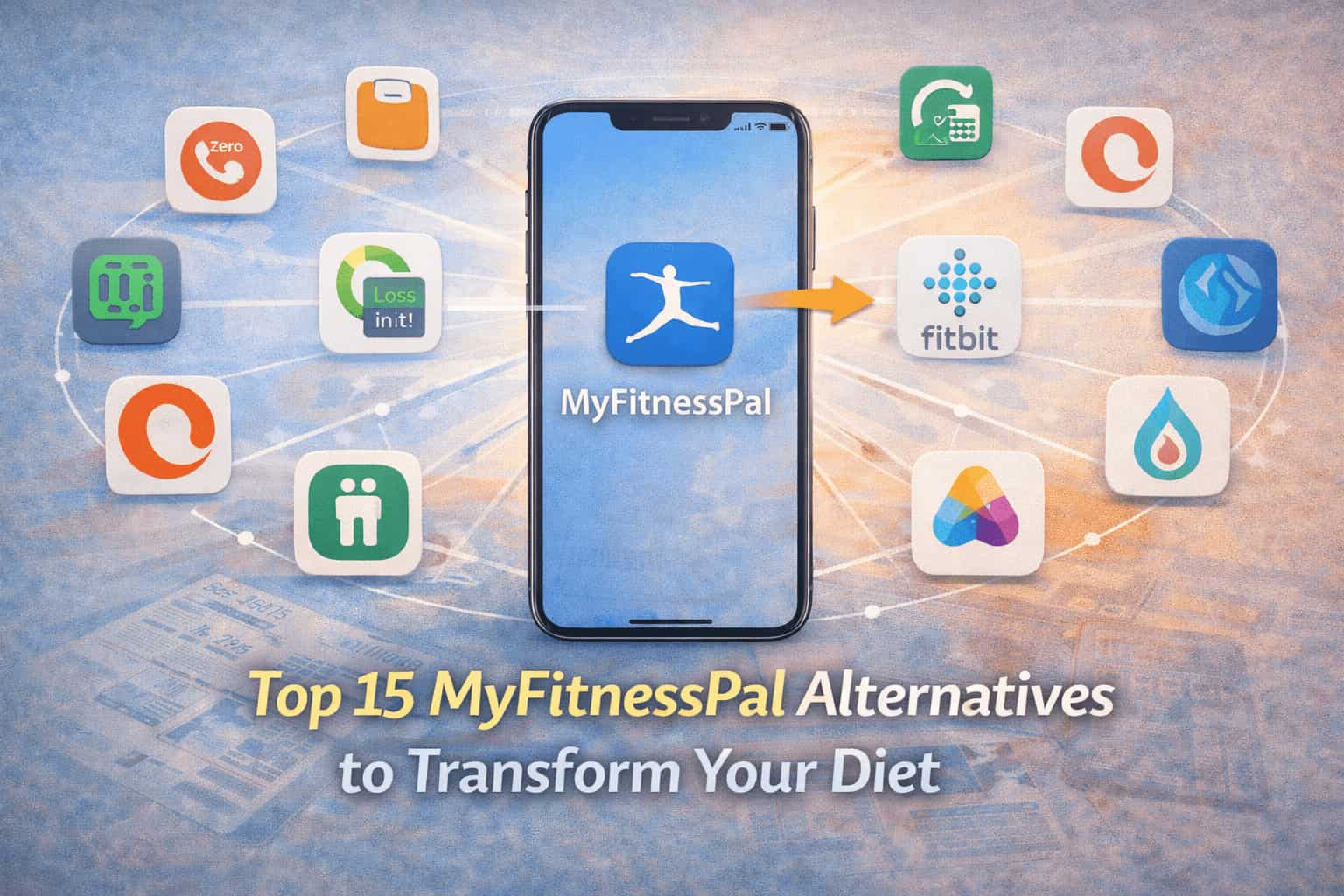
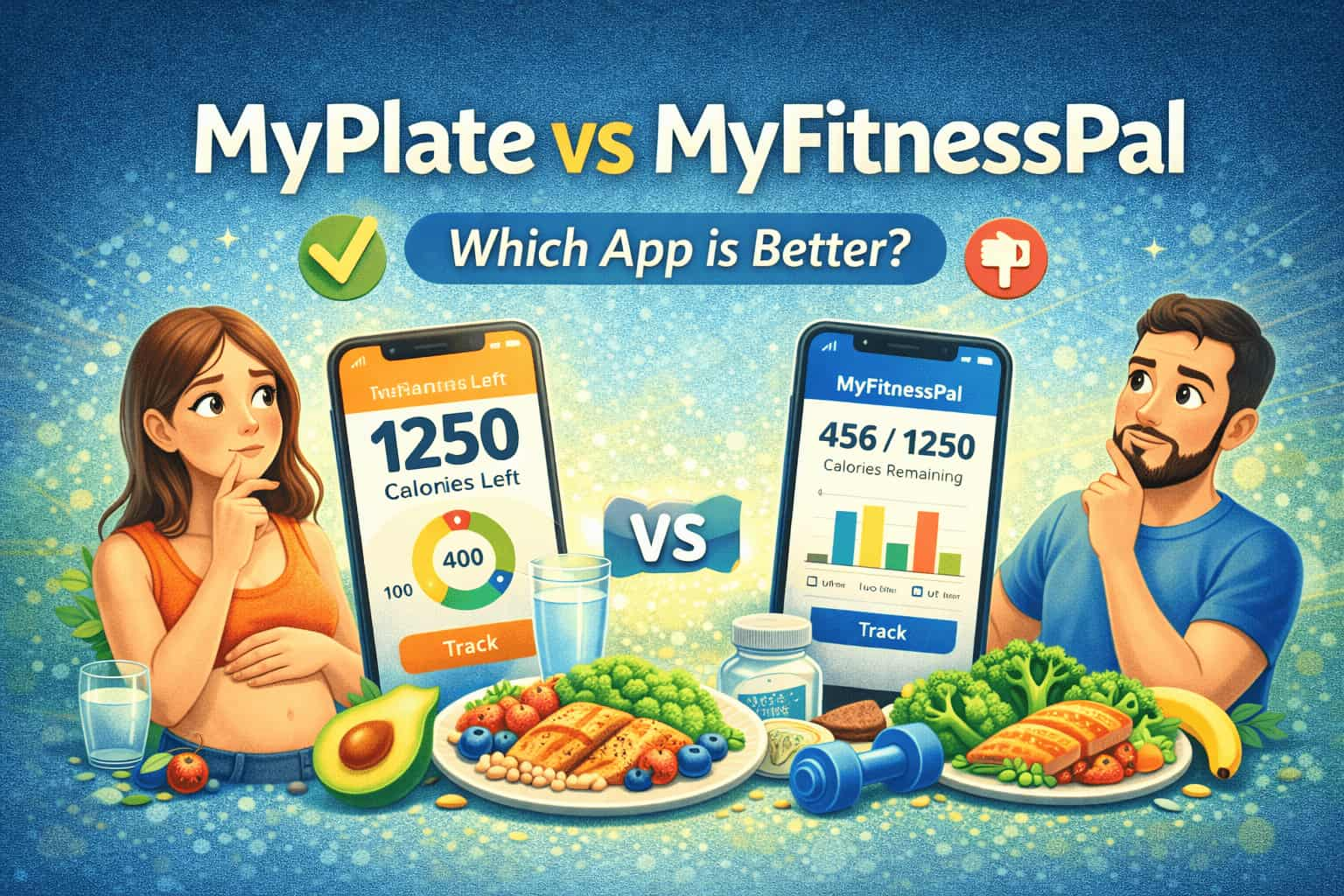
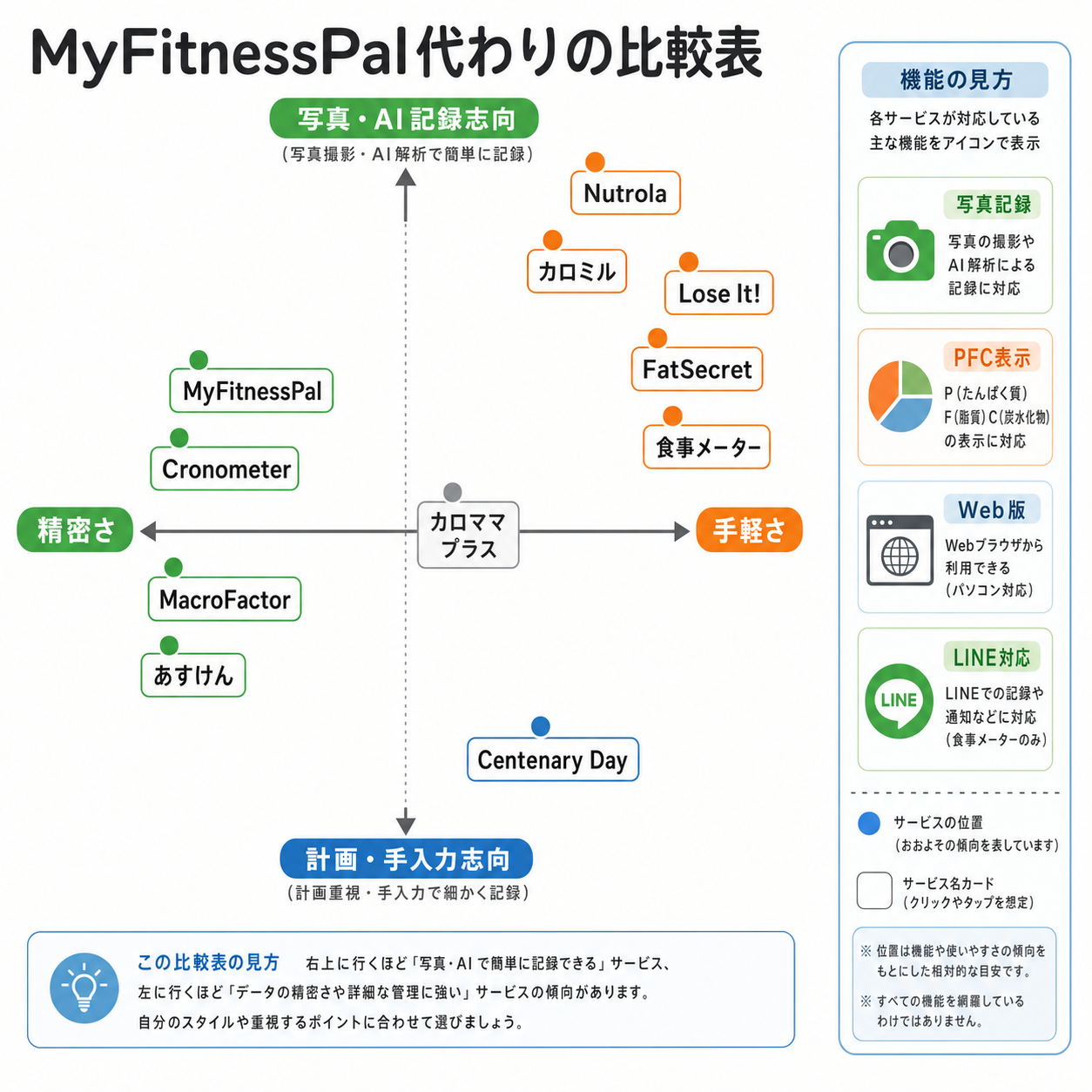
Finding the best alternative to MyFitnessPal in 2026 involves balancing database accuracy, cost-effectiveness, and user interface preferences. Leading options like Cronometer offer superior micronutrient tracking, while MyNetDiary and Lose It! provide robust free barcode scanning. For those prioritizing science-based metabolic coaching, MacroFactor has become the industry gold standard for adherence and data-driven weight management.
For over a decade, MyFitnessPal was the undisputed leader in the food logging space. However, as the platform transitioned more core features—most notably the barcode scanner and specific macro-setting capabilities—behind a premium paywall, the market for alternatives expanded rapidly. By 2026, the landscape of health and fitness apps has matured, offering specialized tools that often outperform the original giant in specific niches such as bodybuilding, weight loss, or metabolic health.
Choosing an alternative requires understanding that "better" is subjective. A professional athlete needs different data than a casual user trying to lose ten pounds. This guide examines the top-tier competitors to help you transition your data and maintain your fitness momentum.
Why Users Are Moving Away From MyFitnessPal
The exodus from MyFitnessPal generally stems from three primary pain points: cost, data integrity, and user experience. While the app remains powerful, its evolution has alienated a significant portion of its long-term user base.
The Premium Paywall Shift
Historically, the barcode scanner was a free utility. Its move to the "Premium" tier was a turning point for many users. In 2026, many competitors still offer this feature for free or at a significantly lower annual cost. When a tool as basic as scanning a label is locked, users often feel the value proposition no longer aligns with the subscription price.
Database Quality and "Crowdsourced" Errors
MyFitnessPal relies heavily on user-generated content. While this results in a massive database, it also leads to significant inaccuracies. It is common to find five different entries for a single "Apple," each with different caloric values. For users tracking meticulously for medical reasons or high-level performance, these discrepancies can derail progress.
Interface Bloat and Advertisements
As the app has grown, it has become cluttered with social feeds, articles, and aggressive advertising. For users who simply want to log a meal and get on with their day, the "noisy" interface can be a deterrent. Modern alternatives often prioritize a "utility-first" design that minimizes the time spent looking at a screen.
1. Cronometer: The Gold Standard for Data Accuracy
If your primary concern is the accuracy of what you are eating, Cronometer is arguably the strongest alternative available in 2026. Unlike other apps that allow any user to upload a food entry, Cronometer employs a staff to verify every submission against official nutrient databases like the USDA, NCCDB, and ESHA.
Precision Micronutrient Tracking
Cronometer doesn't just track protein, carbs, and fats. It tracks up to 82 micronutrients. This makes it the preferred tool for individuals on restrictive diets (like vegan or keto) who need to ensure they aren't developing deficiencies in B12, Iron, or Magnesium. The depth of data provided in the free version of Cronometer often exceeds what MyFitnessPal offers in its paid tier.
Integration and Security
Cronometer integrates seamlessly with the vast majority of wearables, including Garmin, Oura, Whoop, and Apple Watch. Furthermore, their stance on privacy is often cited as superior to larger corporate-owned apps. For users who are wary of their health data being sold to third-party advertisers, Cronometer’s transparent privacy policy is a significant draw.
2. MacroFactor: Best for Scientific Weight Management
Developed by the team at Stronger By Science, MacroFactor has revolutionized the way users view "calories in versus calories out." It is not just a logger; it is a metabolic coach.
The Expenditure Algorithm
The standout feature of MacroFactor is its proprietary expenditure algorithm. By comparing your daily caloric intake against your weight trends over time, the app calculates your precise Total Daily Energy Expenditure (TDEE). Unlike other apps that use generic formulas (like Mifflin-St Jeor) which can be off by hundreds of calories, MacroFactor learns your body’s specific metabolism.
Adherence-Neutral Philosophy
MacroFactor uses an "adherence-neutral" approach. Most apps use red text or "shaming" notifications if you go over your calorie goal. MacroFactor treats data simply as data. If you overeat, it adjusts your future recommendations based on that reality without "punishing" you. This psychological shift has made it a favorite among those who struggle with the disordered eating patterns often triggered by traditional tracking apps.
3. MyNetDiary: The Best All-Rounder
For users who want an experience most similar to MyFitnessPal but with a cleaner interface and better free features, MyNetDiary is the top recommendation. It strikes a perfect balance between a massive database and high-quality verification.
Robust Free Features
As of 2026, MyNetDiary continues to offer a functional barcode scanner and basic macro tracking in its free version. Their database is curated by professionals, which significantly reduces the "duplicate entry" problem found in MyFitnessPal.
Visual Ease of Use
The app uses "Food Grades" (A through F) to help users make healthier choices at a glance. While some advanced users find this reductive, it is incredibly helpful for beginners who are still learning the difference between nutrient-dense foods and "empty" calories. The dashboard is highly customizable, allowing you to hide features you don't use.
4. Lose It!: Best for Weight Loss Gamification
Lose It! is designed specifically for people whose primary goal is weight reduction. It is less focused on "bio-hacking" and more focused on the psychology of consistency.
"Snap It" and Smart Features
Lose It! pioneered "Snap It," a feature that allows users to take a photo of their meal, which the AI then attempts to identify and log. In 2026, this technology has reached impressive levels of accuracy. While it shouldn't replace manual logging for those needing 100% precision, it is a massive time-saver for casual users.
Social and Challenges
The app features a robust community aspect with challenges and badges. For many, the social pressure and reward system of "closing circles" or winning a weight-loss challenge provides the necessary motivation that a sterile data-logging app cannot.
Comparison of Top MyFitnessPal Alternatives
The following table compares the essential features of these platforms as they stand in 2026.
| Feature | Cronometer | MacroFactor | MyNetDiary | Lose It! |
|---|---|---|---|---|
| Primary Focus | Micronutrients & Accuracy | Metabolic Coaching | General Ease of Use | Weight Loss & Social |
| Free Barcode Scanner | Yes | No (Paid Only App) | Yes | Yes (Basic) |
| Database Verification | High (Staff Verified) | High | Medium-High | Medium |
| TDEE Calculation | Static/Manual | Dynamic (Adaptive) | Static/Manual | Static/Manual |
| Micro-nutrients | 80+ tracked | Basic | Moderate | Basic |
| Ads in Free Version | Minimal | No Ads (Paid) | Minimal | Frequent |
| Offline Logging | Yes | Yes | Yes | Limited |
Technical Considerations: APIs and Wearable Syncing
When switching from MyFitnessPal, you must consider how your new app will communicate with your existing ecosystem. Most users in 2026 utilize a "health stack" that includes a smart scale, a wearable fitness tracker, and perhaps a blood glucose monitor or sleep tracker.
The Role of Health Connect and Apple Health
Most alternatives use Apple Health (iOS) or Health Connect (Android) as a central hub. Instead of syncing App A directly to App B, they both feed into the OS-level health vault. When you move to a new app like Cronometer, ensure you grant read/write permissions for "Active Energy," "Weight," and "Dietary Energy." This ensures your historical data from MyFitnessPal (if synced to your phone) can be read by your new app.
API Limitations
Some proprietary ecosystems, like Fitbit or Garmin, have specific API limitations. For example, MyNetDiary has one of the most stable direct integrations with Garmin Connect, allowing for real-time calorie adjustment based on step counts and logged activities. If you rely heavily on your watch to tell you how much extra you can eat, prioritize an app with a direct API link rather than a secondary sync through Apple Health.
How to Migrate Your Data from MyFitnessPal
One of the biggest hurdles to switching apps is the fear of losing years of historical weight and nutrition data. While MyFitnessPal does not make it easy to export your data to a competitor, it is possible.
- Export as CSV: MyFitnessPal Premium users can export their data directly as a CSV file. If you are on the free tier, you may need to use the desktop browser version to print reports to PDF or use third-party browser extensions designed to scrape your logging history.
- Use a Third-Party Sync Tool: Apps like "Sync My Tracks" or "Health Sync" can sometimes bridge the gap between different health platforms, moving historical weight entries and macro totals.
- Manual Weight Entry: Most users find it easiest to manually enter their "Milestone" weights into the new app and start fresh with food logging. Since food databases vary between apps, "importing" old meals often leads to data corruption.
Common Mistakes When Switching Apps
Many users abandon their new app within the first week because it feels "harder" than MyFitnessPal. To avoid this, be aware of these common pitfalls:
- Expecting Identical Calorie Targets: Different apps use different baseline formulas. Cronometer might tell you to eat 2,000 calories while Lose It! says 1,800. Stick to one app's logic for at least three weeks to see how your weight responds before making adjustments.
- Ignoring Database Verification Symbols: In apps like MyNetDiary, look for the checkmark or "verified" icon. Just because you can use a user-generated entry doesn't mean you should.
- Neglecting the "Quick Add" Feature: If you can't find a specific meal and are in a rush, use the "Quick Add" calorie feature. It is better to have an estimated calorie count than a total gap in your data, which breaks the habit of logging.
FAQ
Is there a completely free alternative to MyFitnessPal?
FatSecret remains the most prominent completely free alternative. It offers a barcode scanner, food diary, and exercise logging without a subscription model. While its interface is more utilitarian and less "modern" than MyNetDiary or Cronometer, it provides all the essential tools for calorie tracking without a paywall.
Which app is best for tracking macros specifically?
MacroFactor is widely considered the best for macro tracking because it adjusts your targets weekly based on your actual weight change. However, for those who want to set their own targets for free, Cronometer offers the most granular control over macro ratios (protein/fat/carb percentages) without requiring a premium subscription.
Can I sync my old MyFitnessPal data to Cronometer?
You cannot directly "import" a MyFitnessPal backup file into Cronometer. However, if your MyFitnessPal data was synced to Apple Health or Google Fit, Cronometer can read your historical weight data from those services once you grant permission. Food logs generally do not transfer between platforms due to differences in food IDs and database structures.
Which alternative has the largest food database?
Lose It! and MyNetDiary have databases that rival MyFitnessPal in size. While MyFitnessPal technically has the most entries due to years of user uploads, much of that data is redundant or incorrect. MyNetDiary’s database is often cited as the best balance between "huge" and "accurate."
Is the MyFitnessPal barcode scanner free in 2026?
No, in most regions, the barcode scanner remains a Premium-only feature in MyFitnessPal. This is the primary reason users seek alternatives like MyNetDiary or Cronometer, which provide barcode scanning functionality in their free versions.
Final Recommendation
For the vast majority of users in 2026, MyNetDiary is the most seamless transition from MyFitnessPal. It offers a familiar layout, a superior free tier including a barcode scanner, and a highly accurate database.
If you are a data enthusiast or have specific health goals that require monitoring vitamins and minerals, Cronometer is the objectively better tool. For those willing to pay for a subscription and who want a "hands-off" coaching experience that calculates your metabolism for you, MacroFactor is the premier choice. Regardless of the app you choose, the key to success remains consistent logging and honest data entry.