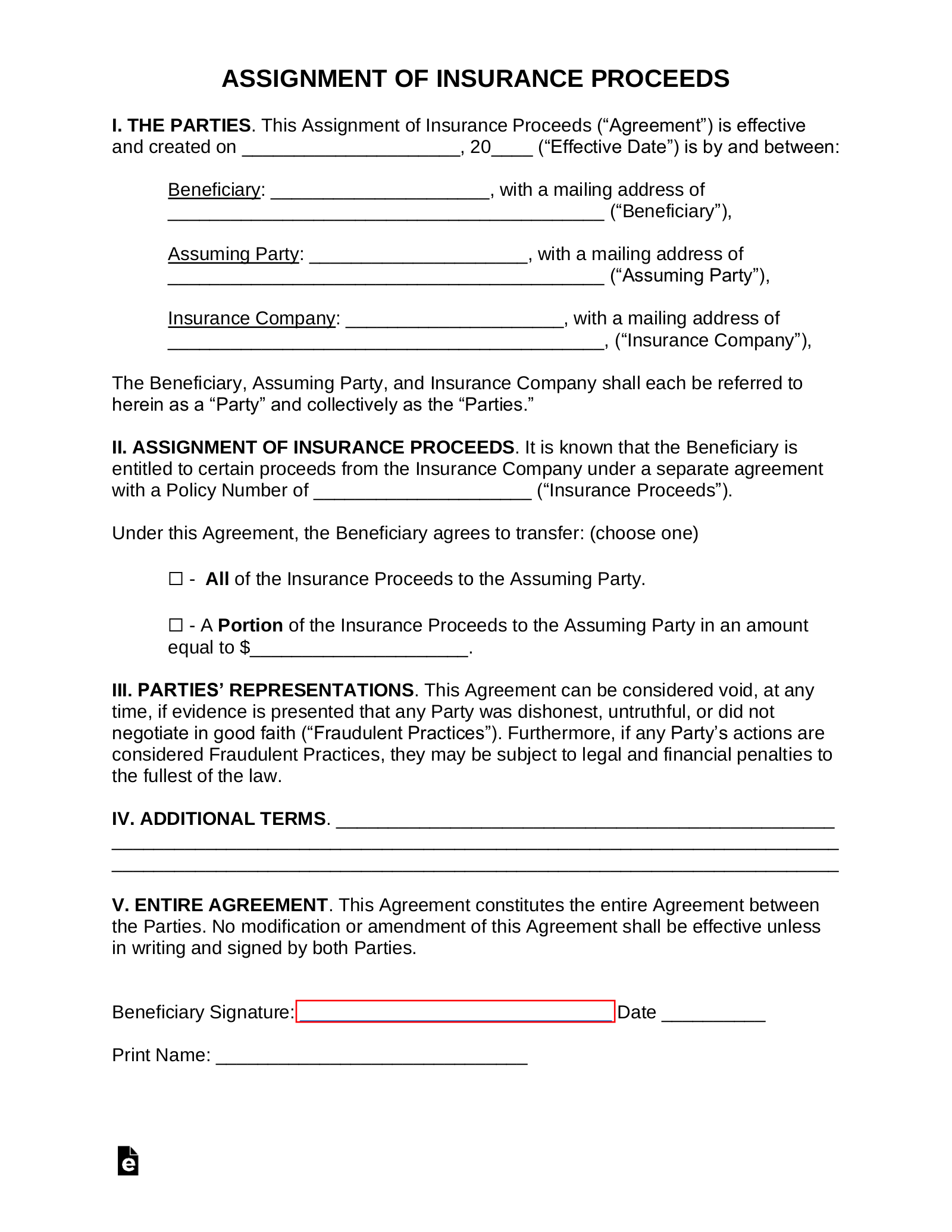
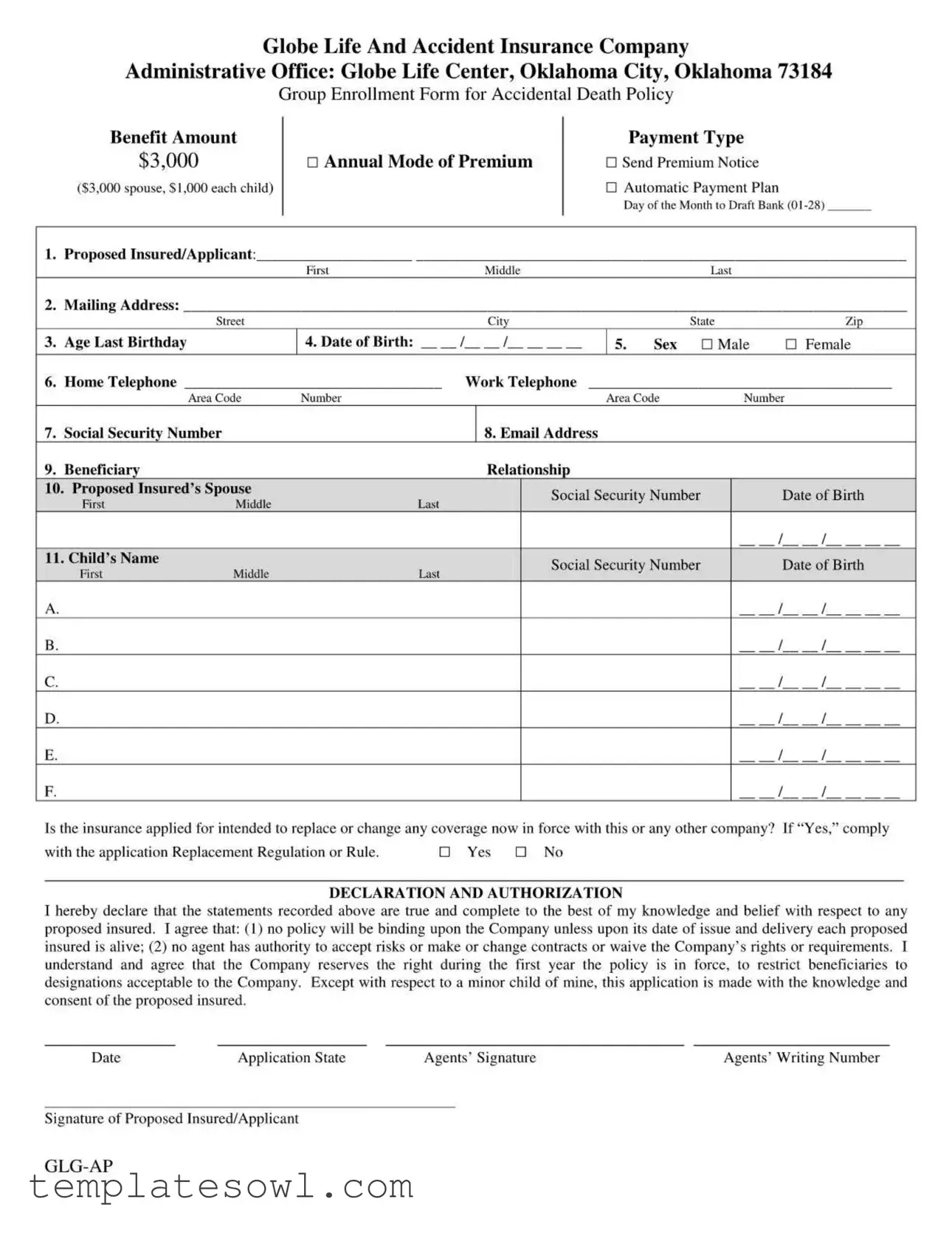
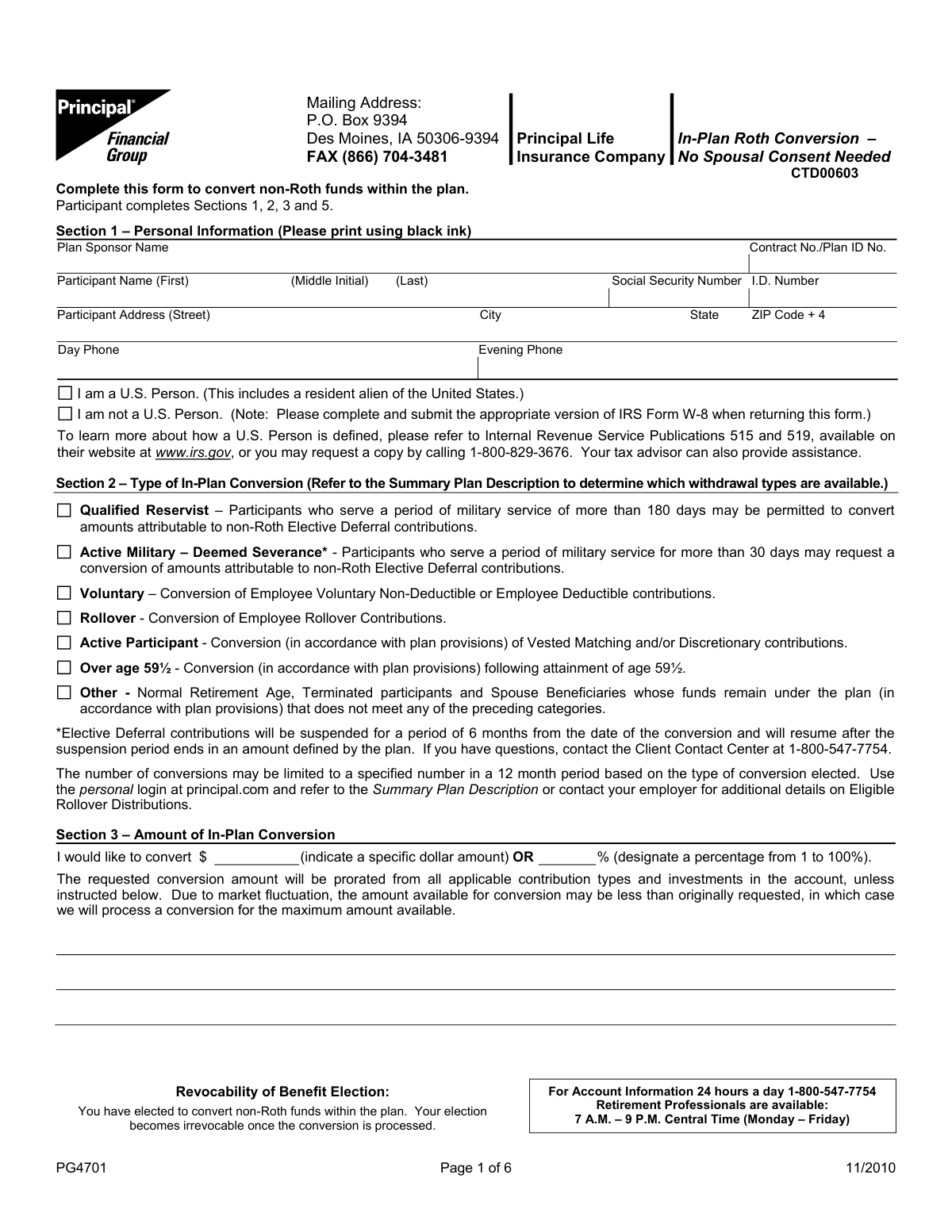
Accessing the correct paperwork for AIG SunAmerica Life Insurance Co, now integrated within the broader Corebridge Financial platform, requires identifying the specific type of policy held and the intended administrative action. Whether you are managing an annuity, a life insurance policy, or a legacy retirement product, securing the accurate, current form is the first step toward successful policy servicing.
For most policyholders, the process of obtaining these forms begins by navigating the official portals associated with Corebridge Financial, which serves as the parent entity for the insurance business formerly branded under AIG and SunAmerica. Policyholders should avoid third-party sites that claim to host official documents, as these may provide outdated versions that will be rejected by the claims or administrative processing departments. By using the primary company website and verifying account credentials, you ensure that you are working with the latest, regulator-approved documentation necessary for policy updates, beneficiary changes, or benefit claims.
Understanding the Evolution of the Brand
To find the correct forms, it is essential to understand the organizational shift that occurred following AIG’s rebranding of its life and retirement business. SunAmerica Life Insurance Company remains a legal entity, but its administrative infrastructure is now managed under the Corebridge Financial brand. If you are searching for forms labeled explicitly as "SunAmerica," you may find that current documents are branded with the updated corporate identity.
When searching for documentation, the product type is more important than the legacy brand name. SunAmerica was historically recognized for its robust annuity offerings and variable life products. Because these products are long-term financial instruments, the administrative requirements—such as those for Required Minimum Distributions (RMDs), fund transfers, or ownership changes—have evolved to meet modern compliance standards. Always check the footer of any form you download to ensure it matches the current fiscal year, as using a form from several years ago may lack necessary disclosures required by 2026 insurance regulations.
Common Categories of Insurance and Annuity Forms
Policyholders typically require forms to perform one of three primary functions: beneficiary management, financial distribution, or policy maintenance. Understanding which category your request falls under will help you narrow your search within the company's resource center.
Beneficiary and Ownership Updates
These forms are sensitive and require strict adherence to state-specific laws. Whether you are adding a contingent beneficiary or assigning ownership to a trust, you must use the specific "Change of Ownership" or "Change of Beneficiary" forms provided for your specific product line. It is common for life insurance and annuity products to have different forms for these updates; using an annuity form for a life insurance policy can lead to processing delays.
Financial Distributions and Withdrawals
Forms related to the movement of money—such as partial withdrawals, systematic distribution requests, or surrenders—are among the most scrutinized. Because these forms have tax implications, they often include mandatory sections regarding federal and state income tax withholding. In 2026, tax reporting requirements remain stringent, and an incomplete tax withholding section is a frequent cause for form rejection.
Policy Maintenance
This category includes requests for address changes, bank account updates for electronic funds transfers (EFT), and duplicate policy requests. While these appear routine, accurate documentation is vital to ensure that your annual statements and critical policy notifications reach you without interruption.
Identifying and Verifying the Correct Form
Before filling out any form, you must verify that it is the most recent version. Insurance companies update forms periodically to comply with changes in state insurance codes and federal financial regulations. Using an obsolete form often results in the document being returned to the sender, extending the processing timeline by weeks.
How to Verify Official Documentation
- Direct Download: Always download forms directly from the secure account login area of the official Corebridge Financial or relevant AIG legacy website.
- Version Control: Look for a revision date, usually found in the bottom corner of the document. If you have a physical copy sent via mail, compare the form number (often a alphanumeric code) with the digital version available on the secure portal.
- Cross-Reference: Ensure the form name matches the specific product name stated on your policy declaration page. A "General Annuity Request Form" may not be compatible with a specialized variable annuity product.
Step-by-Step Procedure for Form Submission
Once you have identified and completed the necessary form, the submission method is just as important as the accuracy of the data provided.
1. Accuracy and Completion
Ensure every required field is populated. If a section does not apply to your situation, write "N/A" rather than leaving it blank, as blank fields are often interpreted as incomplete submissions. Verify that all signatures are dated and, if required, notarized. Many financial forms involving large sums or ownership changes require a signature guarantee or a notary seal.
2. Submission Channels
Most companies now offer multiple ways to submit documentation:
- Secure Document Upload: This is the most efficient method. It allows for encrypted transfer and often provides a confirmation receipt.
- Email or Fax: Some departments accept these, but sensitive documents involving PII (Personally Identifiable Information) should only be sent through the company’s secure, encrypted messaging system.
- Standard Mail: Used primarily for documents requiring original ink signatures or complex legal attachments.
3. Confirmation of Receipt
After submission, always request a reference number. If you are submitting via mail, consider using a tracking service so you can verify when the document was received by the company’s mailroom.
Comparison of Common Form Types
The table below outlines the general characteristics of the forms you are likely to encounter while managing your SunAmerica-issued policies.
| Form Type | Primary Purpose | Key Requirement | Processing Timeline |
|---|---|---|---|
| Beneficiary Change | Updating heirs | Notarization often required | 5-10 business days |
| Partial Withdrawal | Accessing cash value | Tax withholding election | 3-7 business days |
| Ownership Transfer | Changing policy owner | Tax ID/SSN verification | 10-15 business days |
| Address Change | Updating contact info | Current signature verification | 1-3 business days |
| RMD Request | Retirement distributions | Must match IRS tables | 5-7 business days |
Troubleshooting Common Issues
When forms are rejected, it is rarely because of a complex policy issue; it is usually due to clerical errors. If your form is returned, check for the following:
- Signature Mismatches: The signature must match the name on the policy exactly. If you have changed your legal name, you must include a copy of the legal document (e.g., marriage certificate) that proves the identity change.
- Missing Medallion Signature Guarantee: For high-value transactions or ownership changes, institutions often require a Medallion Signature Guarantee, which is a specialized stamp from a bank or financial institution that verifies the legitimacy of your signature.
- Incomplete Tax Forms: If the form requires a W-9 or a state-specific withholding form, failing to include this document will stop the processing of the entire request.
- Ambiguous Instructions: If you are checking boxes, ensure they are clearly marked. Use blue or black ink exclusively to ensure readability for imaging software.
Professional Advice Limitations
The information provided here is for educational purposes regarding the administrative processes for AIG SunAmerica Life Insurance Co forms. This article does not constitute financial, legal, or tax advice. Insurance products, especially annuities, involve complex tax consequences and contractual obligations. You should consult with a licensed financial advisor, a tax professional, or the customer service department of the insurance carrier before making decisions that involve changes to your policy ownership, distribution schedules, or beneficiary designations.
Frequently Asked Questions
Where can I find the most current version of a SunAmerica form?
You should log in to your secure account portal via the official Corebridge Financial website. This ensures that the forms presented to you are the most recent versions tailored to your specific account and product type.
Does it matter if my form is branded as AIG or Corebridge?
The branding reflects the company’s evolution, but the critical element is the form number. If you are downloading from the official portal, the form will be current, regardless of whether the logo says AIG, SunAmerica, or Corebridge Financial.
What should I do if my form requires a signature guarantee?
A signature guarantee, often called a Medallion Guarantee, must be obtained at a bank or brokerage where you have an account. It is not the same as a standard notary public service. Call your bank in advance to ensure they have an officer authorized to provide this service.
How do I check the status of a form I have submitted?
Most portals provide a "Document Center" or "Activity Tracker" where you can see the status of pending requests. If that is unavailable, contact the customer service department using the phone number found on your most recent annual statement.
Can I fax my forms to expedite processing?
While some departments accept faxed documents, secure online upload is the preferred and safest method. If you must fax, call the company first to verify the correct department fax number to ensure it is routed directly to the processing team.
Next Action
To proceed with your request, navigate to the official Corebridge Financial website and log in to your secure account. Locate the "Forms and Documents" section. If you cannot find the specific form you need, use the site’s search tool by typing in the exact product name found on your policy declaration page. For complex changes, such as trust ownership transfers, initiate a conversation with a customer service representative first to confirm that the documentation you are preparing meets the current legal standards.