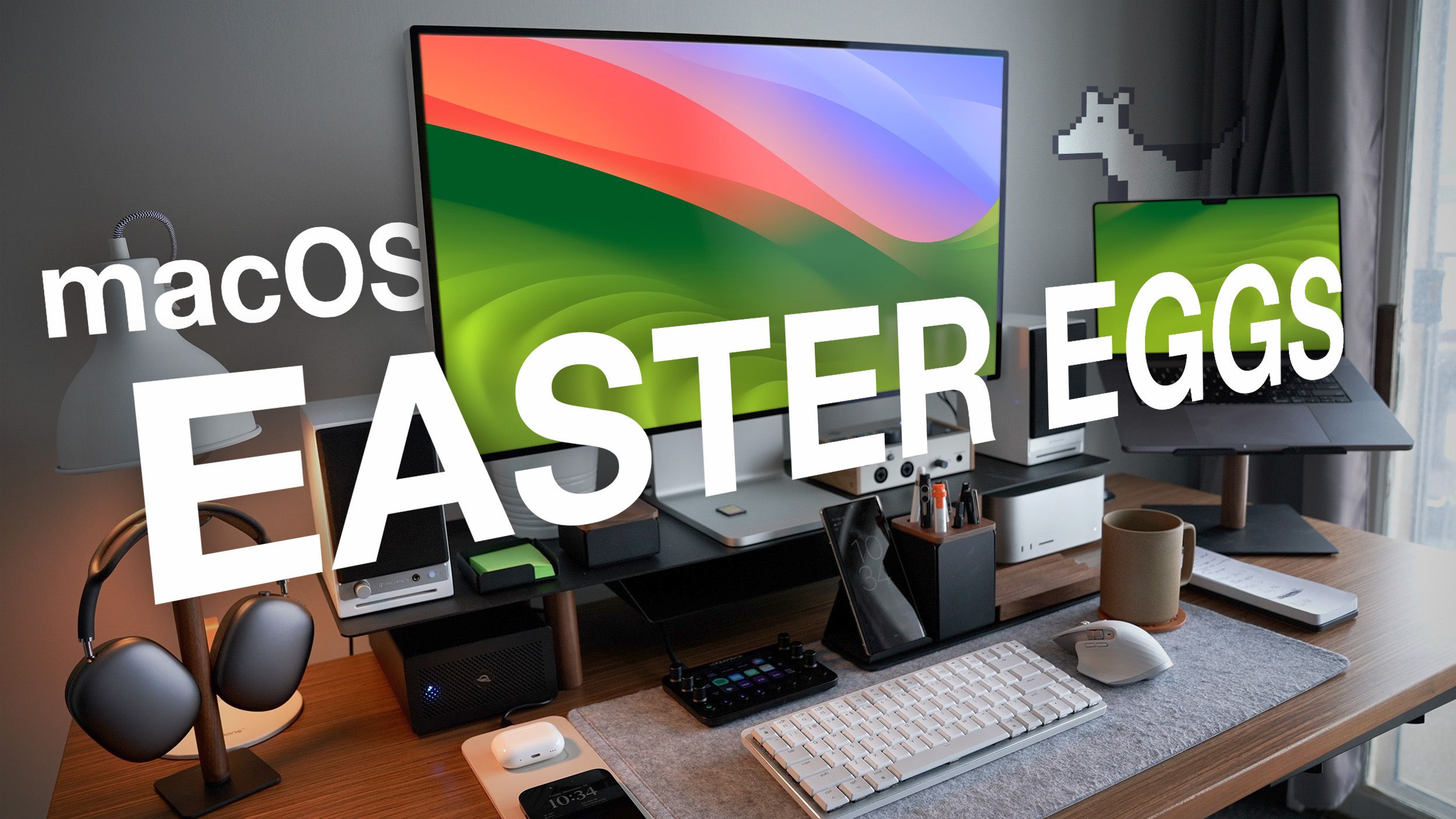
Apple easter eggs are hidden software messages, visual micro-details, secret terminal commands, and hardware engravings intentionally placed inside Apple products by designers and engineers. Ranging from internal signatures on the original 1984 Macintosh chassis to microscopic typography in macOS icons and playful Siri voice responses, these hidden details reflect Apple's rich design history, engineering culture, and attention to craft.
The History and Philosophy of Apple Easter Eggs
The tradition of the tech "easter egg"—an intentional hidden feature, message, or in-joke—has a unique legacy at Apple. In the early days of personal computing during the late 1970s and 1980s, Apple engineers regularly buried secret screens, credit rolls, and hidden graphics within system ROMs (Read-Only Memory). Because early personal computers like the Apple IIe and the Macintosh 128K were created by close-knit engineering teams, these additions served as digital signatures for artists and programmers who wanted recognition for their craft.
"Here's to the crazy ones. The misfits. The rebels."
-- Found embedded in Apple icon artwork & history
However, Apple's approach to easter eggs underwent a dramatic shift in 1997 when co-founder Steve Jobs returned to the company. Jobs established a strict policy against classic software easter eggs—such as rogue hidden minigames or developer credit screens buried deep in software builds. The reasoning was rooted in enterprise security, software efficiency, and quality control: unvetted code could introduce security vulnerabilities, balloon operating system file sizes, or delay software releases.
Despite this official ban, Apple's culture of hiding secrets did not vanish; it evolved. Rather than shipping secret code modules or hidden video games, Apple designers shifted toward design easter eggs. These take the form of high-resolution icon artwork embedded with historical quotes, clever visual gags referencing competitors, hardware-level physical engravings, and interactive jokes within services like Siri and the Apple Store app.
Today, exploring Apple's hidden features is a journey through tech history, cryptography, UNIX fundamentals, and graphic design heritage.
Iconic macOS Icon Art and Micro-Details
One of the most famous categories of modern Apple easter eggs is found directly on the macOS desktop. Apple's graphic design team often renders application icons at extraordinarily high resolutions (up to 1024x1024 pixels), embedding readable text, historical dates, and pop-culture references that are invisible at standard thumbnail sizes.
1. The TextEdit Icon ("Here's to the Crazy Ones")
If you extract the high-resolution asset for the macOS TextEdit application icon (or historical Pages icon), the document icon features actual readable text typed onto a legal pad. The text is the full transcript of Apple's iconic 1997 "Think Different" marketing campaign:
- "Here's to the crazy ones. The misfits. The rebels. The troublemakers. The round pegs in the square holes. The ones who see things differently..."*
The letter is addressed to "John Appleseed"—the long-standing placeholder name used by Apple across product keynotes, mock contacts, and interface tutorials.
2. The Safari Reading List (Steve Jobs' Glasses)
In macOS and iOS, the icon for the Safari Reading List feature is styled as a pair of retro wire-rimmed reading glasses. The shape of the circular lenses and the delicate bridge design are directly modeled after the custom Lunor classic round eyeglasses famously worn by Steve Jobs.
3. The Windows PC Network Icon (Blue Screen of Death)
Apple's network management tool in macOS Finder contains one of the tech world's most tongue-in-cheek jokes. When browsing a local area network (LAN) that contains a connected Windows computer, macOS represents the network PC using an icon of a vintage, bulky beige CRT monitor displaying Microsoft's infamous Blue Screen of Death (BSOD).
4. The Voice Memos Waveform
The icon for the native iOS and macOS Voice Memos app displays an audio waveform rendered in blue and white. If you record yourself saying the word "Apple" inside the app and analyze the resulting frequency spectrum, the visual sound wave generated matches the precise contour of the app’s official icon.
5. The Utility Apps (Console and Disk Utility)
- Console App: The Console application icon displays a diagnostic report sheet. Reading the microscopic text reveals a quote from developer folklore: * "Alert! ASL is activated. Good luck."*
- Maps App: The Apple Maps icon traditionally highlights a specific geographic route. Older versions depicted a route navigating around Apple's historic headquarters at 1 Infinite Loop in Cupertino, California, while newer iterations highlight Apple Park's massive ring-shaped campus on Tantau Avenue.
Command Line and UNIX System Secrets
Because macOS is built upon a certified UNIX foundation (Darwin / BSD), it inherits decades of open-source terminal history alongside Apple-specific command-line surprises.
Hidden BSD Calendar Archives
Deep within the macOS file system lies a collection of historical reference files maintained by BSD UNIX. By launching the Terminal app, users can output text files detailing historical events, world history, and even fantasy lore.
To view the hidden Lord of the Rings timeline embedded inside macOS, open Terminal and execute the following command:
cat /usr/share/calendar/calendar.lotr
Executing this command outputs a complete calendar of J.R.R. Tolkien’s Middle-earth history, including the exact dates of the Battle of Helm's Deep, the departure of the Fellowship, and the destruction of the One Ring.
Similarly, running the command below outputs a database of famous computer history milestones:
cat /usr/share/calendar/calendar.history
Classic Terminal Minigames (Emacs)
For decades, macOS shipped with a built-in installation of GNU Emacs, a text editor containing hidden retro arcade games written in Lisp. While recent macOS releases have streamlined default command-line packages, users with Emacs installed via homebrew or system frameworks can access these retro titles:
- Open Terminal.
- Type
emacsand press Enter. - Press the Escape key, then press X (or
Meta-X). - Type
tetris,snake,pong, orsolitaireand press Enter.
A full interactive version of the game loads directly inside the command-line interface, complete with high-score tracking rendered entirely in plain text characters.
Hardware Engravings and Physical Apple Easter Eggs
Apple's easter eggs extend beyond pixels into physical manufacturing. The company's hardware engineers have repeatedly concealed physical details inside computer chassis, logic boards, and accessories where end users rarely look.
The Original Macintosh 128K Signatures
In 1984, Steve Jobs viewed the Macintosh team not just as technicians, but as fine artists. Before shipping the original Macintosh 128K, Jobs gathered the engineering and design team—including Steve Wozniak, Jef Raskin, Andy Hertzfeld, Bill Atkinson, and Burrell Smith—and had everyone sign a sheet of paper.
Apple transferred those signatures directly into the casting mold of the computer's internal plastic housing. Every original Macintosh 128K, 512K, and Mac Plus featured the molded signatures of the entire core Macintosh team stamped permanently onto the interior wall of the rear casing.
Inside the Macintosh 128K Case:
- ( Steve Jobs )
- ( Steve Wozniak )
- ( Andy Hertzfeld )
- ( Bill Atkinson )
- ( Burrell Smith )
- ( Jef Raskin )
"Artisans sign their work." -- Steve Jobs (1984)
The iPhone Internal Battery Signatures and Micro-Icons
Continuing the tradition of internal hardware flair, early iPhone prototypes and teardowns of early iPod generations revealed hidden PCB (printed circuit board) copper traces shaped like miniature Apple logos, happy Mac faces, or internal codenames etched beneath shielding components.
Macintosh SE "Team Graphic" ROM
Unlike software easter eggs banned in later eras, early Mac systems contained hardware ROM triggers. On the Macintosh SE (1987), if a user jumped specific hardware jumper pins on the logic board or pressed a precise key combination at boot up, the system ROM would bypass the operating system and display a bitmapped photograph of the engineering team directly on the screen.
Interactive Software & Voice Assistant Easter Eggs
In modern iOS, iPadOS, and macOS environments, interactive software elements offer real-time easter eggs designed for consumer delight.
Siri's Pop Culture Intelligence
Apple’s virtual assistant, Siri, contains hundreds of scripted conversational triggers referencing science fiction, philosophy, and tech history. Prompting Siri with specific quotes yields humorous, hardcoded answers:
- "Open the pod bay doors." -> Siri replies: * "I'm sorry, Dave. I'm afraid I can't do that,"* referencing 2001: A Space Odyssey.
- "What is the meaning of life?" -> Siri replies with options like * "42,"* referencing The Hitchhiker's Guide to the Galaxy, or * "I think it's to be nice to people, avoid eating fat, read a good book now and then..."*
- "Beam me up, Scotty." -> Siri replies: * "Please remove your device's cover. Just kidding."*
- "Zero divided by zero." -> Siri provides a lengthy explanation involving cookies and blue monsters: * "Imagine that you have 0 cookies and you split them evenly among 0 friends. How many cookies does each person get? See? It doesn't make sense. And Cookie Monster is sad that there are no cookies, and you are sad that you have no friends."*
Apple Store App: The Falling Snow Effect
During the holiday season, Apple hides an interactive visual surprise within the official Apple Store iOS application. If you open the search bar inside the app and type:
let it snow
The app interface transforms, causing soft digital snowflakes to fall continuously down your device screen over your search results. Shaking the device alters the gravity vector of the falling snow.
Comprehensive Overview of Famous Apple Easter Eggs
The table below outlines key historical and modern Apple easter eggs, detailing their location, access methods, and significance.
| Easter Egg Name | Location / Platform | How to Access / Trigger | Category | Historical Era |
|---|---|---|---|---|
| Mac 128K Signatures | Macintosh Hardware | Disassemble rear plastic case (Interior wall) | Hardware Engraving | Classic (1984) |
| Think Different Speech | TextEdit / Pages Icon | View high-res icon asset via Quick Look (Spacebar) |
Icon Micro-Detail | OS X / macOS |
| Windows BSOD CRT | Finder Network | View a Windows PC on local LAN network | GUI Satire | Mac OS X Tiger+ |
| Steve Jobs Glasses | Safari Reading List Icon | Zoom into Reading List glasses icon | Visual Homage | Modern iOS / macOS |
| Voice Memos "Apple" | Voice Memos Icon | Record the word "Apple" and compare waveform | Waveform Art | iOS 12+ |
| LOTR Chronology | macOS Terminal | Run cat /usr/share/calendar/calendar.lotr |
UNIX System File | BSD / OS X Core |
| Terminal Games | Terminal Emacs | Run emacs -> M-x tetris or snake |
Software Minigame | Classic UNIX |
| Let It Snow | Apple Store iOS App | Type let it snow into app search bar |
Interactive UI | Modern Mobile App |
| Zero Divided by Zero | Siri Voice Assistant | Ask Siri: "What is zero divided by zero?" | Conversational AI | Modern iOS |
How Steve Jobs Changed Apple’s Approach to Easter Eggs
To understand why Apple easter eggs transitioned from full video games to subtle visual cues, it is necessary to examine the company's organizational shift in the late 1990s.
During the late 1980s and early 1990s, Apple's software teams operated with high autonomy. System 7 contained secret credit screens showing developer photos, animated dragons, and hidden sound clips. However, when Steve Jobs reassumed leadership in 1997, Apple was battling software bugs, delayed operating system releases, and corporate bloat.
- 1980s - 1990s: Open Rogue Code
- Mini-Games
- Hidden Photo Albums
- ROM Animations
- Post-1997: Quality Control & Micro-Design
- Clean Code Standards
- High-Res Icon Art
- Scripted UI Surprises
Jobs instituted strict policies governing what could enter the production codebase:
- Code Auditability: No unverified third-party scripts, hidden assets, or executable mini-games were allowed inside the OS build pipelines to protect enterprise security.
- Disk Space Optimization: Operating system images were streamlined to maximize memory efficiency.
- Productivity Focus: Apple software had to reflect professional reliability for creative and business users.
Consequently, modern Apple easter eggs are meticulously planned by official product design and marketing teams. Rather than rogue developer additions, contemporary secrets represent intentional design choices celebrating technology, typography, and corporate culture.
Step-by-Step Guide: How to Find Hidden macOS Easter Eggs
You can explore several hidden easter eggs built directly into your Mac using native operating system tools without installing third-party utilities.
Method 1: Inspect High-Resolution Application Icons
To view microscopic details concealed inside macOS application icons:
- Open Finder and navigate to your Applications folder.
- Click once on an app (such as TextEdit or Console).
- Press Command + I (
⌘ + I) to open the Get Info window. - Click on the tiny icon preview located at the top-left corner of the info window.
- Press Command + C to copy the icon asset.
- Open the Preview app, press Command + N (New from Clipboard), and zoom in using
⌘ + Plusto inspect the embedded micro-text.
Method 2: Explore UNIX System Calendar Files
To read hidden historical reference archives stored inside macOS:
- Open Terminal (located in
/Applications/Utilities/). - Type the following command to view historical computer dates:
cat /usr/share/calendar/calendar.history | less - Use the Arrow Keys to scroll through history. Press Q to exit.
- Type the following command to inspect music history milestones:
cat /usr/share/calendar/calendar.music | less
Method 3: Locating the Windows BSOD Network Asset
To view the exact system image asset Apple uses for network Windows PCs:
- Open Finder and select Go -> Go to Folder... from the top menu bar (
⌘ + Shift + G). - Paste the following system directory path and press Enter:
/System/Library/CoreServices/CoreTypes.bundle/Contents/Resources/ - Scroll through the resource library to find
urlMountBSOD.icnsor search forBSOD. - Press the Spacebar to launch Quick Look and view the full-resolution Windows CRT monitor displaying the classic Blue Screen of Death error message.
Frequently Asked Questions (FAQs)
Are software easter eggs safe for my Mac or iPhone?
Yes. Official easter eggs included in macOS, iOS, or first-party Apple applications are built directly by Apple designers and engineers. They pose no security risk, do not void warranties, and do not compromise system stability.
Why did Steve Jobs ban traditional easter eggs at Apple?
Steve Jobs banned classic software easter eggs in 1997 to ensure software reliability, enterprise-grade security, code accountability, and clean operating system builds. This policy shifted Apple's easter egg tradition away from hidden developer minigames and toward high-resolution graphic design details, typography secrets, and intentional service features.
Do Terminal commands like calendar still work on Apple Silicon Macs?
Yes. Modern Macs powered by Apple Silicon (M-series chips) running current macOS versions retain the underlying BSD UNIX system directories. Commands referencing /usr/share/calendar/ execute identically across both Intel and Apple Silicon hardware architectures.
How do I trigger falling snow in the Apple Store app?
Open the official Apple Store app on an iPhone or iPad, tap the search icon, type let it snow into the search field, and tap search. Digital snowflakes will begin falling across your screen. Moving or shaking your device shifts the direction of the falling snow.
Why does the Voice Memos icon look like a standard sound wave?
While the Voice Memos icon appears to be a generic audio waveform, its frequency profile is an actual graphic representation of an audio recording of the word "Apple" spoken aloud.
Exploring Apple's Design Heritage
Apple's easter eggs reflect a distinct design philosophy where small details matter. Whether it is an engraved signature inside a 1984 Macintosh chassis, an embedded quote from the Think Different campaign hidden inside a system icon, or a subtle joke rendered in a network utility, these hidden elements bridge technical precision with creative expression.
To explore these secrets yourself:
- Open Terminal on your Mac to explore embedded BSD history files.
- Use Preview or Quick Look to inspect high-resolution system icons in the
/System/Library/CoreServices/folder. - Experiment with creative voice prompts using Siri or interact with hidden search triggers inside official apps like the Apple Store.
By taking a closer look at the devices you use daily, you can experience the craftsmanship, history, and personality embedded within Apple's ecosystem.