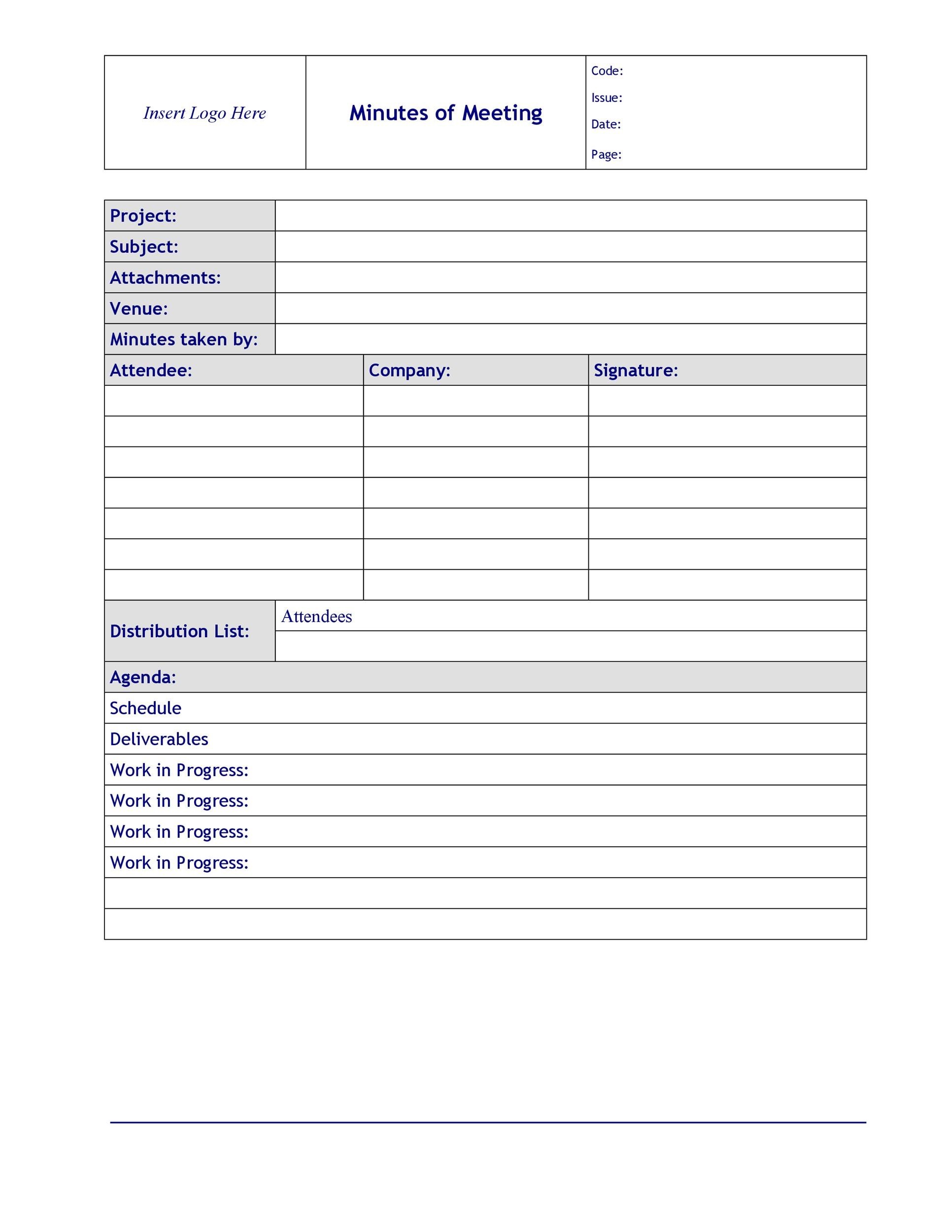
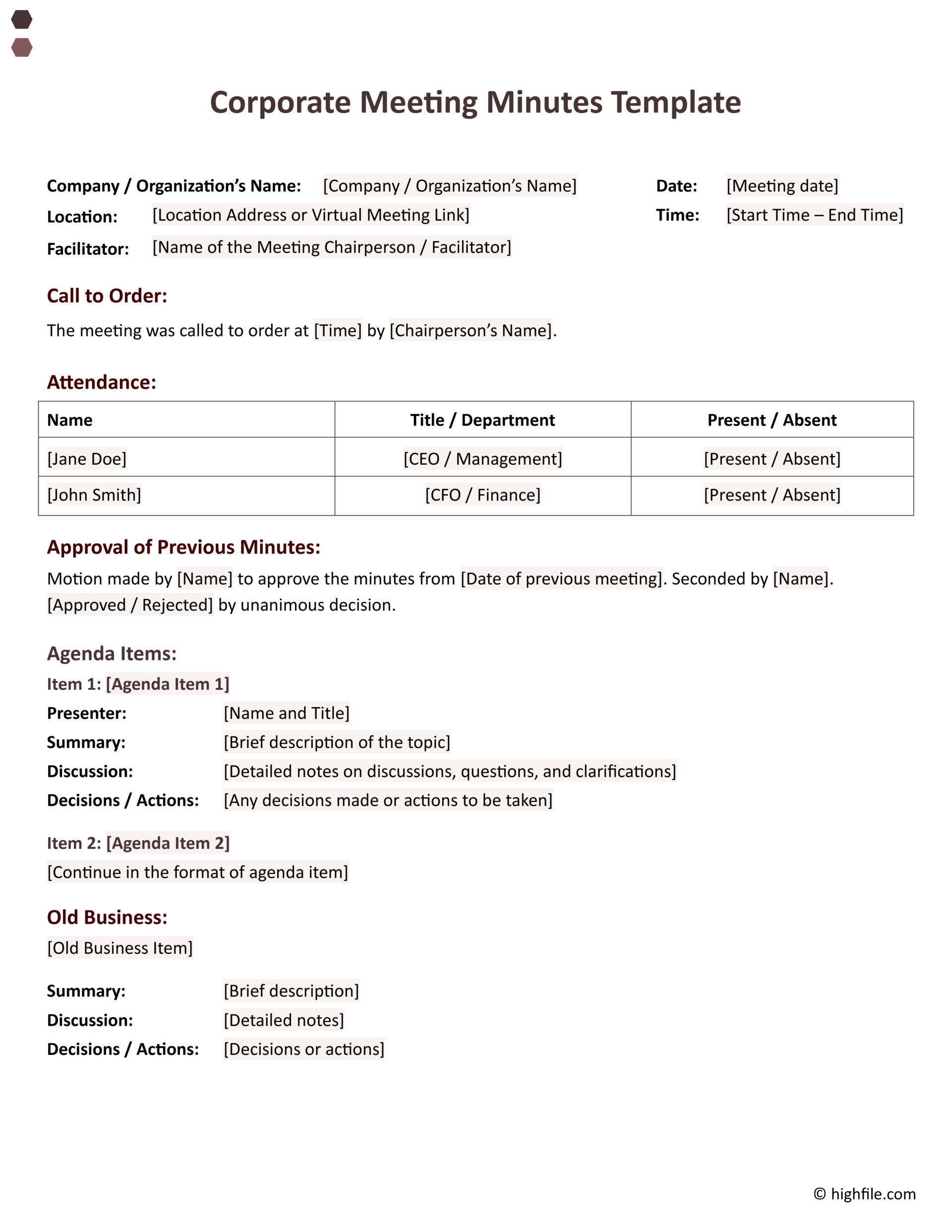
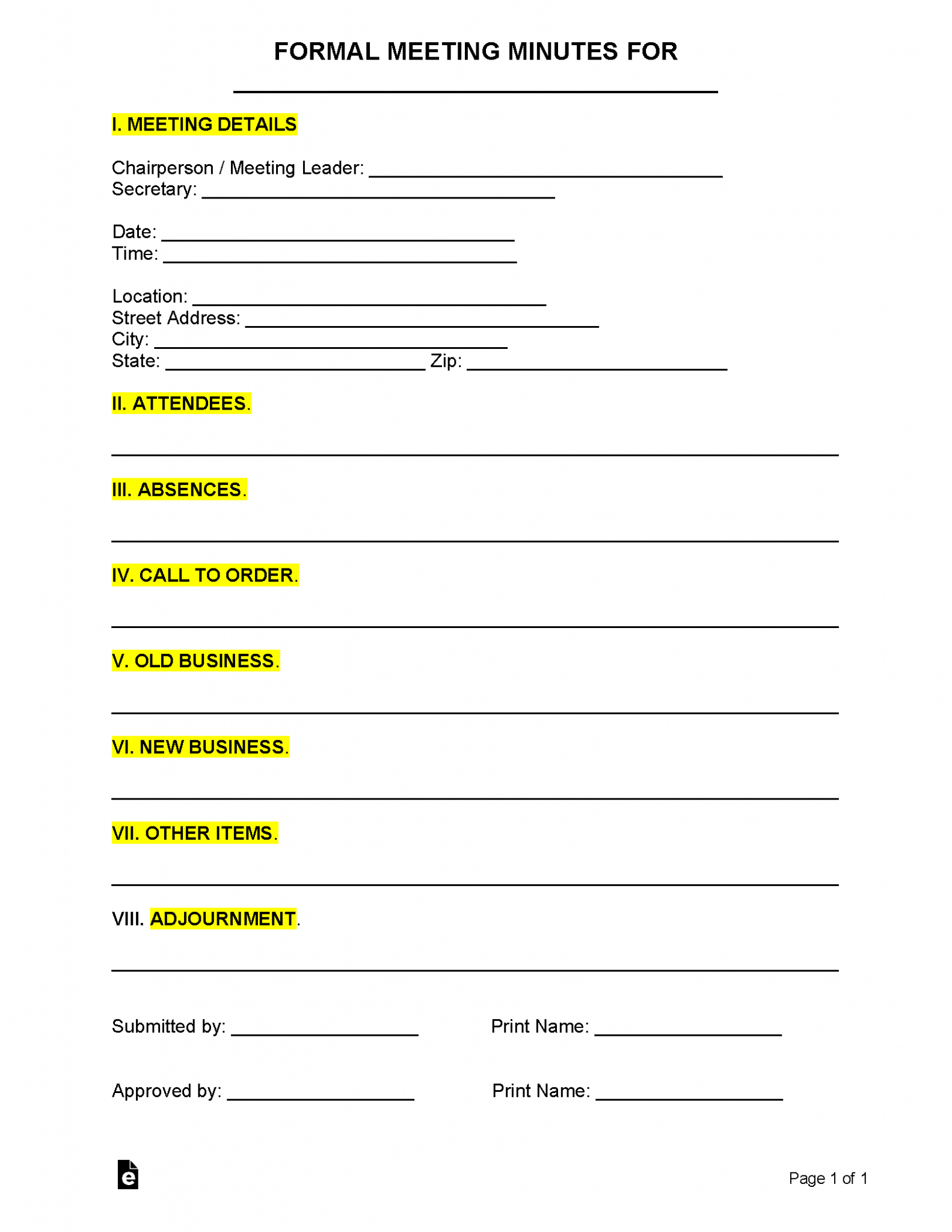
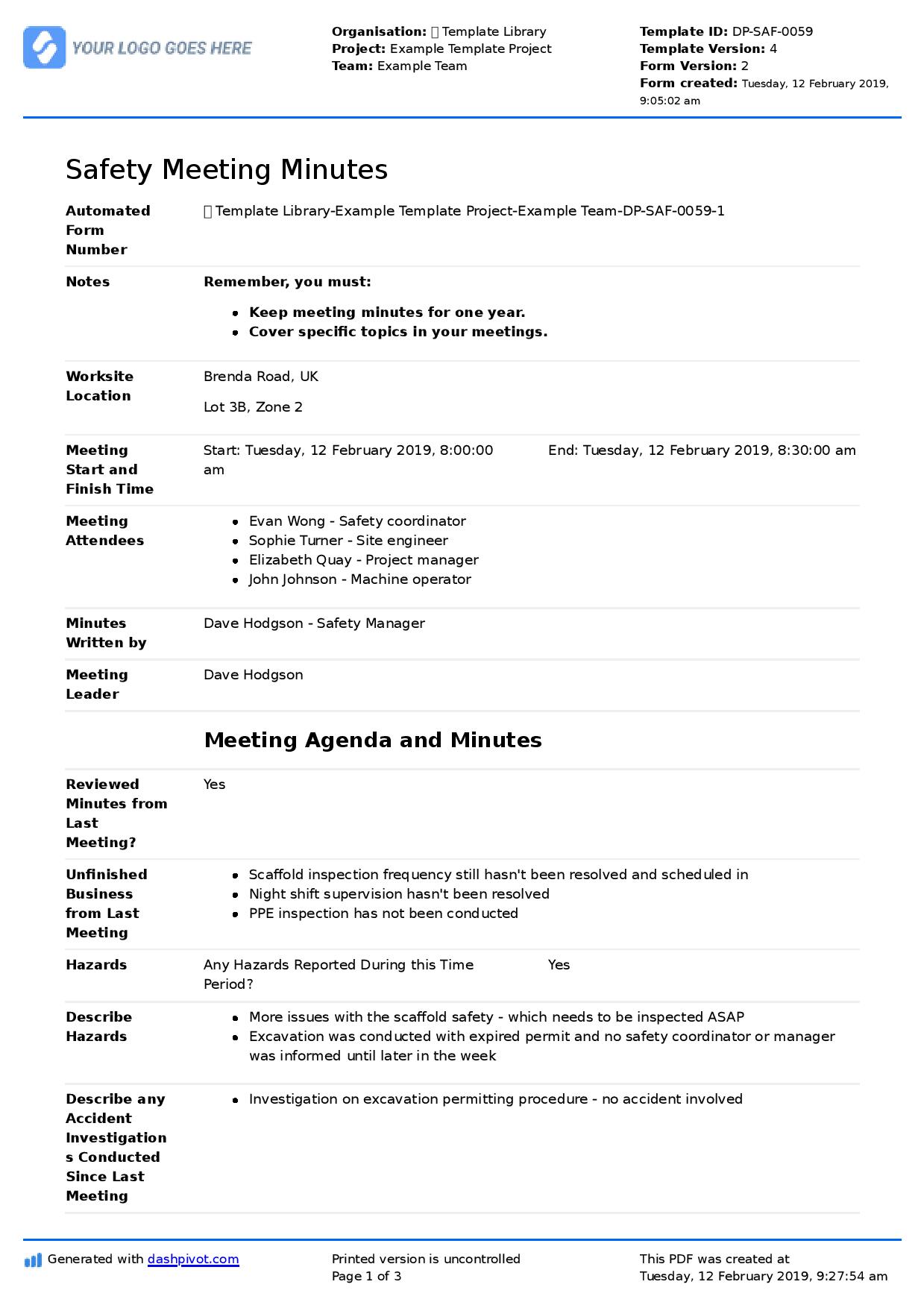
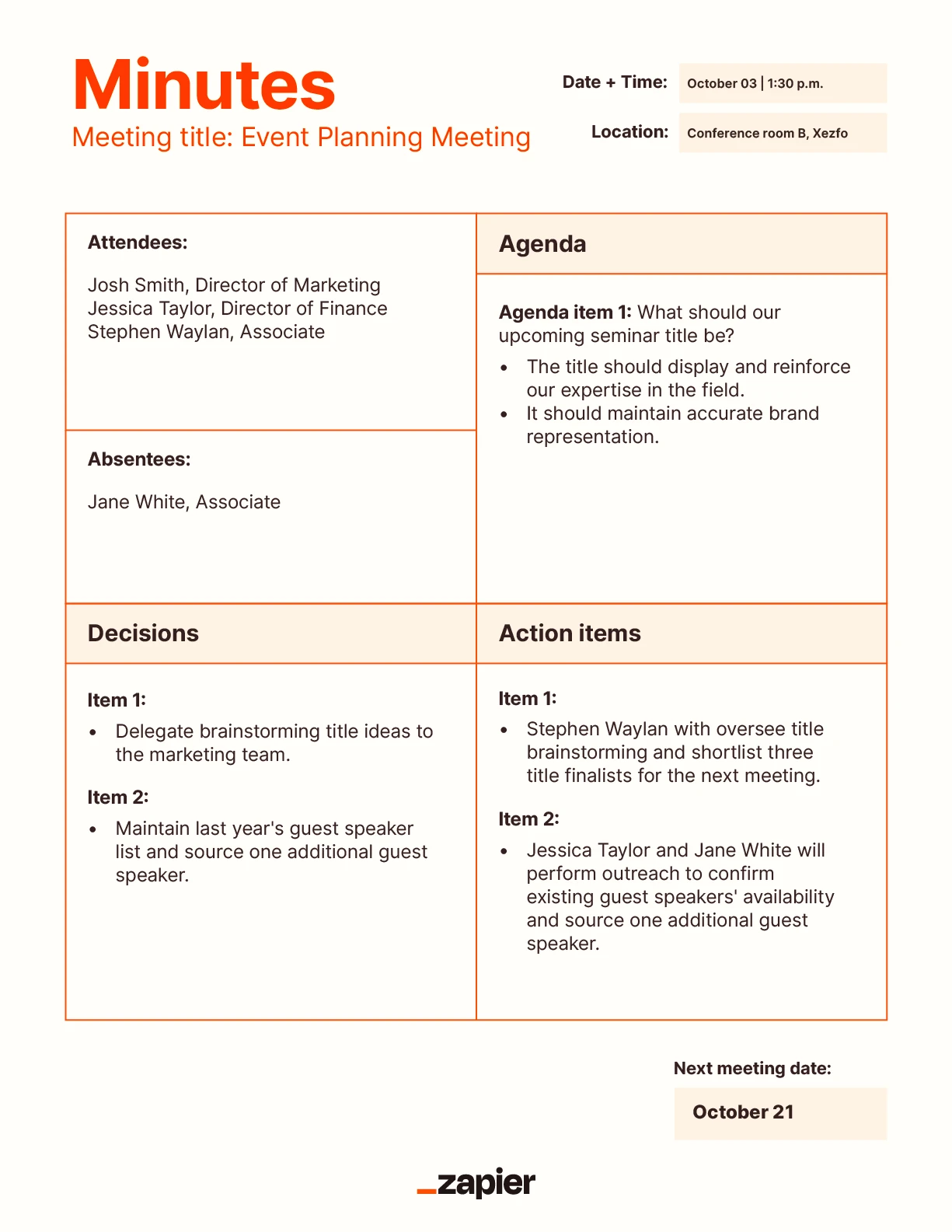
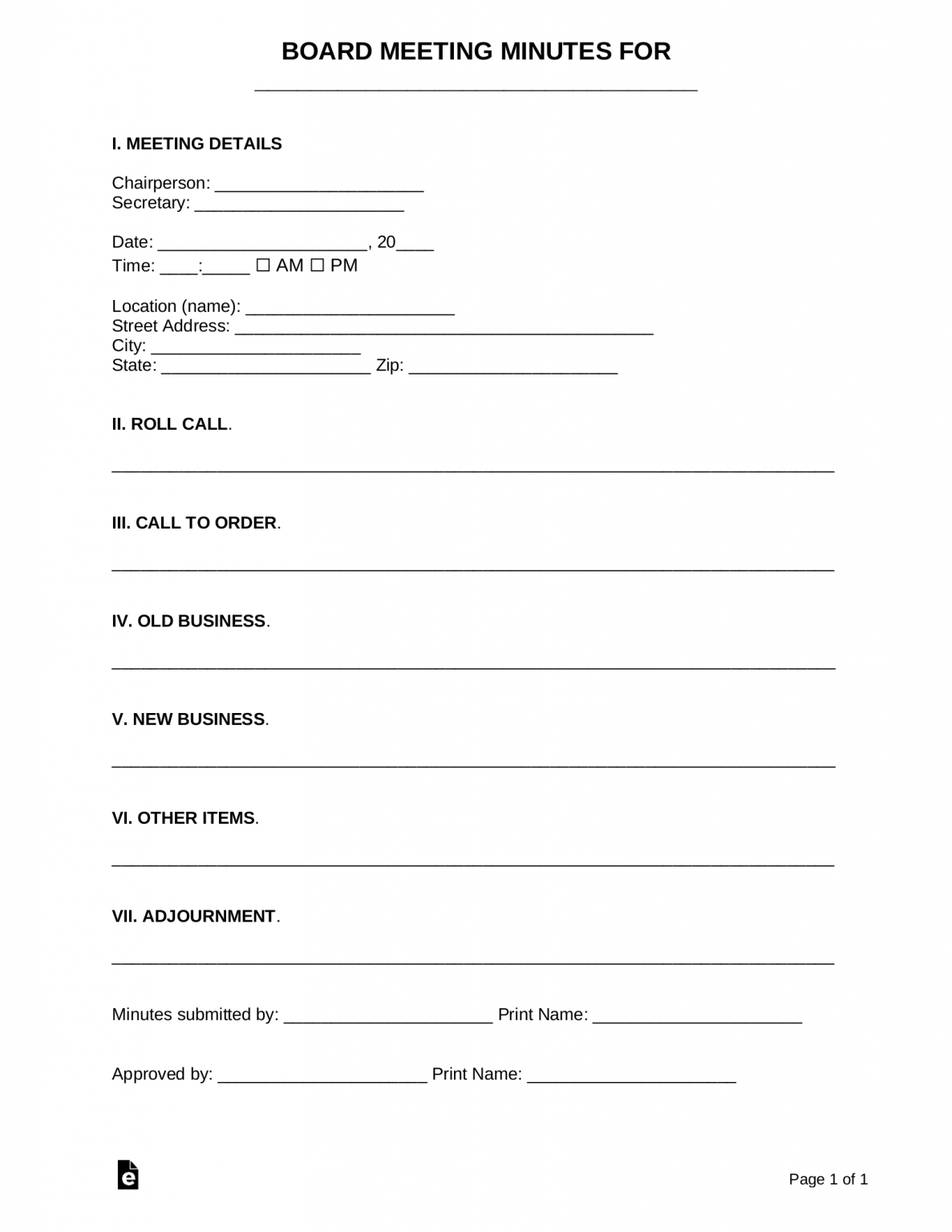
An example of minutes of a meeting PDF serves as a structured, official record of discussions, decisions, and assigned tasks within an organization. It typically includes the meeting's date, time, and location, a list of attendees, a chronological account of agenda items, specific motions passed, and a clear list of action items for future follow-up.
Professional meeting minutes are more than just a summary of a conversation; they are a vital administrative tool and, in many cases, a legal requirement. Whether for a corporate board, a non-profit committee, or a project team, the documentation of a meeting provides a historical record that ensures accountability and continuity. In 2026, the standard for these documents remains the PDF (Portable Document Format) due to its ability to preserve formatting across all devices and its support for secure digital signatures.
Why the PDF Format is Essential for Meeting Minutes
When looking for an example of minutes of a meeting, the PDF format is the industry benchmark for several reasons. As organizations in 2026 increasingly move toward paperless environments, the integrity of the digital record is paramount.
Integrity and Security
A PDF document ensures that the contents of the minutes cannot be easily altered by unauthorized parties once the file is finalized. Unlike editable Word documents, a PDF allows for the implementation of digital signatures and encryption. In a legal or audit scenario, proving that the minutes have not been tampered with since their approval is critical. Most modern PDF editors allow for a "read-only" state that preserves the official record.
Universal Accessibility
Meeting minutes often need to be shared with stakeholders who use different operating systems, mobile devices, and software versions. A PDF ensures that the layout—tables, headers, and signature lines—appears exactly the same for a board member checking on an iPad as it does for an administrator on a desktop workstation. This consistency prevents misinterpretation of the data or missed action items due to formatting errors.
Archival Stability
Organizations are often required to keep meeting minutes for many years, sometimes indefinitely. PDF/A (the ISO-standardized version of PDF for long-term archiving) is specifically designed to be readable for decades, ensuring that the software updates of the 2030s and 2040s will still be able to display the documents created in 2026 correctly.
The Anatomy of a Professional Minute Document
To understand what an example of minutes of a meeting PDF should look like, one must break down the document into its core components. Every professional minute-taking process follows a specific hierarchy of information to ensure nothing is missed.
1. The Heading and Basic Information
The top of the document must clearly state the nature of the meeting. This section includes:
- Organization Name: The legal or official name of the entity.
- Meeting Title: (e.g., "Monthly Board of Directors Meeting" or "Q3 Project Phoenix Review").
- Date and Time: Both the scheduled time and the actual time the meeting commenced.
- Location: The physical room number or the digital platform (e.g., "Virtual via Secure Link") used for the gathering.
2. Attendance and Quorum
Recording who was present is essential for validating the legality of decisions.
- Present: A list of members in attendance, often categorized by their roles (Chair, Secretary, Treasurer).
- Absent: A list of members who were expected but did not attend.
- Guests: Consultants, presenters, or members of the public.
- Quorum Check: A brief statement confirming that enough members were present to make the meeting's decisions official according to the organization’s bylaws.
3. Approval of Previous Minutes
The first order of business in most formal meetings is the approval of the minutes from the prior session. This ensures that the historical record is accurate. Any corrections made to those previous minutes should be noted here before the formal approval motion is recorded.
4. The Body: Agenda Items and Discussion
This is the core of the document. Each agenda item should have its own heading. The goal here is not to record every word (a transcript), but to summarize the key points of the discussion, the arguments for and against a proposal, and the final consensus.
- Reports: Summaries of reports given by officers or committees.
- Old Business: Updates on items that were discussed in previous meetings but not yet resolved.
- New Business: Introduction of new topics, proposals, or strategic shifts.
5. Motions and Voting Results
When a formal decision is made, it must be recorded with precision. A standard PDF example will show:
- The exact wording of the motion.
- The name of the person who made the motion (the "mover").
- The name of the person who "seconded" the motion.
- The result of the vote (e.g., "Motion carried 7-0" or "Motion failed").
- Any abstentions or dissents if required by the organization’s rules.
6. Action Items and Responsibility Matrix
Perhaps the most functional part of the minutes is the action item list. This section clearly states what needs to be done, who is responsible, and the deadline. This prevents "meeting amnesia," where participants leave a room without a clear understanding of their next steps.
7. Adjournment and Signatures
The minutes should record the time the meeting ended and the date of the next scheduled meeting. Finally, a space for the Secretary's signature and the Chairperson's signature (after approval at the next meeting) is required to certify the document.
Detailed Example of Minutes of a Meeting Structure
While the specific content varies, the following structure represents a high-standard PDF template for a formal organization in 2026.
Global Tech Solutions - Board of Directors Meeting Minutes of the Meeting: March 12, 2026
I. Call to Order The meeting was called to order at 10:00 AM by Sarah Jenkins, Board Chair.
II. Roll Call
- Present: Sarah Jenkins (Chair), Mark Lawson (Secretary), Elena Rodriguez (CFO), David Chen (Member).
- Absent: Julia Smith (Member - Excused).
- Guests: Robert Vance (Project Manager).
III. Approval of Minutes The minutes of the February 14, 2026, meeting were reviewed.
- Motion: To approve the minutes as distributed.
- Moved by: David Chen.
- Seconded by: Elena Rodriguez.
- Result: Motion carried unanimously.
IV. Reports
- Financial Report: Elena Rodriguez presented the Q1 budget forecast. Revenue is up 12% compared to the 2025 period, but cloud infrastructure costs have increased by 5%.
- Project Phoenix Update: Robert Vance reported that Phase 2 is 80% complete.
V. New Business
- Expansion Proposal: The board discussed opening a satellite office in Singapore. Sarah Jenkins highlighted the strategic importance of the Asian market. David Chen raised concerns about regulatory compliance.
- Motion: To allocate $50,000 for a feasibility study regarding the Singapore expansion.
- Moved by: Sarah Jenkins.
- Seconded by: David Chen.
- Result: Motion carried (3 For, 1 Against - Elena Rodriguez).
VI. Action Items
| Task | Assigned To | Deadline |
|---|---|---|
| Conduct Singapore Feasibility Study | Robert Vance | April 30, 2026 |
| Update Q2 Budget for Cloud Costs | Elena Rodriguez | March 25, 2026 |
| Distribute Draft Minutes | Mark Lawson | March 15, 2026 |
VII. Adjournment The meeting was adjourned at 11:45 AM. The next meeting is scheduled for April 10, 2026.
Certification:
Mark Lawson, Secretary
Legal and Administrative Requirements in 2026
In 2026, the legal landscape surrounding corporate and non-profit documentation has become increasingly digitized. It is no longer sufficient to simply "have" minutes; they must meet specific standards of "contemporaneous record-keeping."
Discoverability and Compliance
In the event of a lawsuit or a regulatory audit, meeting minutes are often the first documents requested during the discovery process. If a board is sued for a "breach of fiduciary duty," the PDF minutes provide the primary evidence that the board acted with due diligence, considered all relevant facts, and followed proper voting procedures.
Digital Signature Standards
The Electronic Signatures in Global and National Commerce (ESIGN) Act and similar international regulations (like eIDAS in the EU) provide the legal framework for signing PDF minutes. In 2026, most professional organizations use certificate-based digital signatures rather than simple images of a handwritten signature. These certificates verify the identity of the signer and ensure the document has not been changed after the signature was applied.
Accessibility Standards
For public entities or organizations receiving government funding, meeting minutes must often comply with Web Content Accessibility Guidelines (WCAG). This means the PDF must be "tagged" so that screen readers used by individuals with visual impairments can navigate the headers, tables, and lists in the correct order.
Comparison of Meeting Minute Styles
Not every meeting requires a formal "Robert’s Rules of Order" style. Choosing the right style for your PDF output depends on the context of the organization.
| Style | Best For | Level of Detail | Key Focus |
|---|---|---|---|
| Formal (Action) | Board of Directors, Gov. Committees | Moderate | Decisions, Motions, Votes |
| Informal (Notes) | Internal Team Syncs, Brainstorming | High (Content) | Ideas, Discussion, Context |
| Verbatim | Legal Depositions, Public Hearings | Extremely High | Every word spoken |
| Action-Only | Fast-paced Startups, Agile Teams | Low | Who is doing what and when |
Step-by-Step Guide to Taking Minutes and Generating a PDF
The process of creating high-quality minutes begins before the meeting starts and ends well after it concludes.
Phase 1: Preparation
A common mistake is arriving at a meeting without a template. Before the meeting begins:
- Obtain the Agenda: The agenda serves as the outline for your minutes.
- Pre-fill basic info: Enter the date, location, and the expected attendee list.
- Review previous minutes: Be aware of any outstanding items that need to be followed up on.
Phase 2: During the Meeting
The goal is to capture the "meat" of the conversation.
- Focus on decisions, not dialogue. Instead of writing "Mr. Jones said he was angry about the budget," write "Discussions occurred regarding the constraints of the current budget allocation."
- Record motions exactly. If a motion is complex, ask the Chair to repeat it slowly so you can record it verbatim.
- Note times. Record the time for the call to order, the start/end of executive sessions, and adjournment.
Phase 3: Post-Meeting Transcription and PDF Export
Never wait more than 24-48 hours to finalize the minutes.
- Draft: Clean up your shorthand or rough notes while the memory is fresh.
- Review: Ensure the tone is objective and professional. Avoid using adjectives that imply emotion or bias.
- Export to PDF: Use a professional tool (like Adobe Acrobat, Microsoft Word’s "Save as PDF" feature, or specialized board management software) to create the final document.
- Distribute and Sign: Send the draft to the Chair for initial review, then distribute to the group. Once approved at the next meeting, apply the formal digital signatures.
Common Mistakes to Avoid in Meeting Minutes
Even with a perfect example of minutes of a meeting PDF to follow, errors in content can undermine the document's value.
- Including Personal Opinions: The minutes are a record of the organization, not the secretary. Never include phrases like "I thought the presentation was excellent" or "The discussion was unnecessarily long."
- Recording Transcripts: Recording every single sentence makes the document unreadable and difficult to search for actual decisions. Focus on the conclusions reached.
- Delaying Distribution: If action items are buried in a secretary’s notebook for two weeks, those tasks won't be completed. Minutes should be a catalyst for action, not a historical afterthought.
- Failing to Track "Old Business": Items that are deferred to a later date must appear in every subsequent set of minutes under "Old Business" until they are officially resolved or dismissed.
Frequently Asked Questions
What is the legal status of meeting minutes in 2026?
Meeting minutes are considered prima facie evidence of the proceedings of a meeting. In many jurisdictions, corporate laws require companies to maintain minutes for at least seven years. If a dispute arises regarding a board decision, the minutes are the first document a court will examine to determine if the board followed its own bylaws and met its legal obligations.
Does a PDF of minutes need to be signed by everyone present?
No. Typically, only the Secretary (who records the minutes) and the Chairperson (who presided over the meeting) need to sign the document. Their signatures certify that the document is a true and accurate reflection of what occurred.
How do I record a meeting that takes place entirely in an AI-driven virtual environment?
In 2026, many virtual platforms provide automated AI summaries. While these are helpful, they are rarely sufficient for "official" minutes. A human secretary should review the AI-generated text, ensure it captures motions and votes correctly according to the organization’s specific rules, and then format it into the official PDF template.
Should I include attachments or reports in the minutes PDF?
Yes. Important reports or financial statements discussed during the meeting should be included as "Exhibits" or "Appendices" at the end of the PDF. Modern PDF software allows you to "merge" these documents into a single file, ensuring that the context for a decision is always stored with the record of the decision itself.
Can minutes be edited after they are signed?
Once minutes are approved and signed, they should not be edited. If an error is discovered later, the correction should be noted in the minutes of the next meeting, referencing the previous document. This maintains a transparent "paper trail" or audit log.
Practical Recommendation
When creating your next set of minutes, start with a standardized template that emphasizes the Action Item table and the Motions section. These are the two areas that provide the most value to the organization. Once the document is drafted, use a professional PDF converter to ensure all fonts and layouts are embedded. Finally, store these files in a secure, centralized digital repository (such as a Board Portal or a secure cloud drive with version control) to ensure they are available for future audits or organizational transitions.