Trading in your current iPhone through the official Apple Trade In program is a strategic financial decision that balances convenience, security, and environmental responsibility. By leveraging the residual value of your device, you can significantly offset the cost of an upgrade, ensure your data is handled securely, and participate in a circular economy that repurposes components rather than contributing to electronic waste.
The Financial Mechanics of Apple Trade In
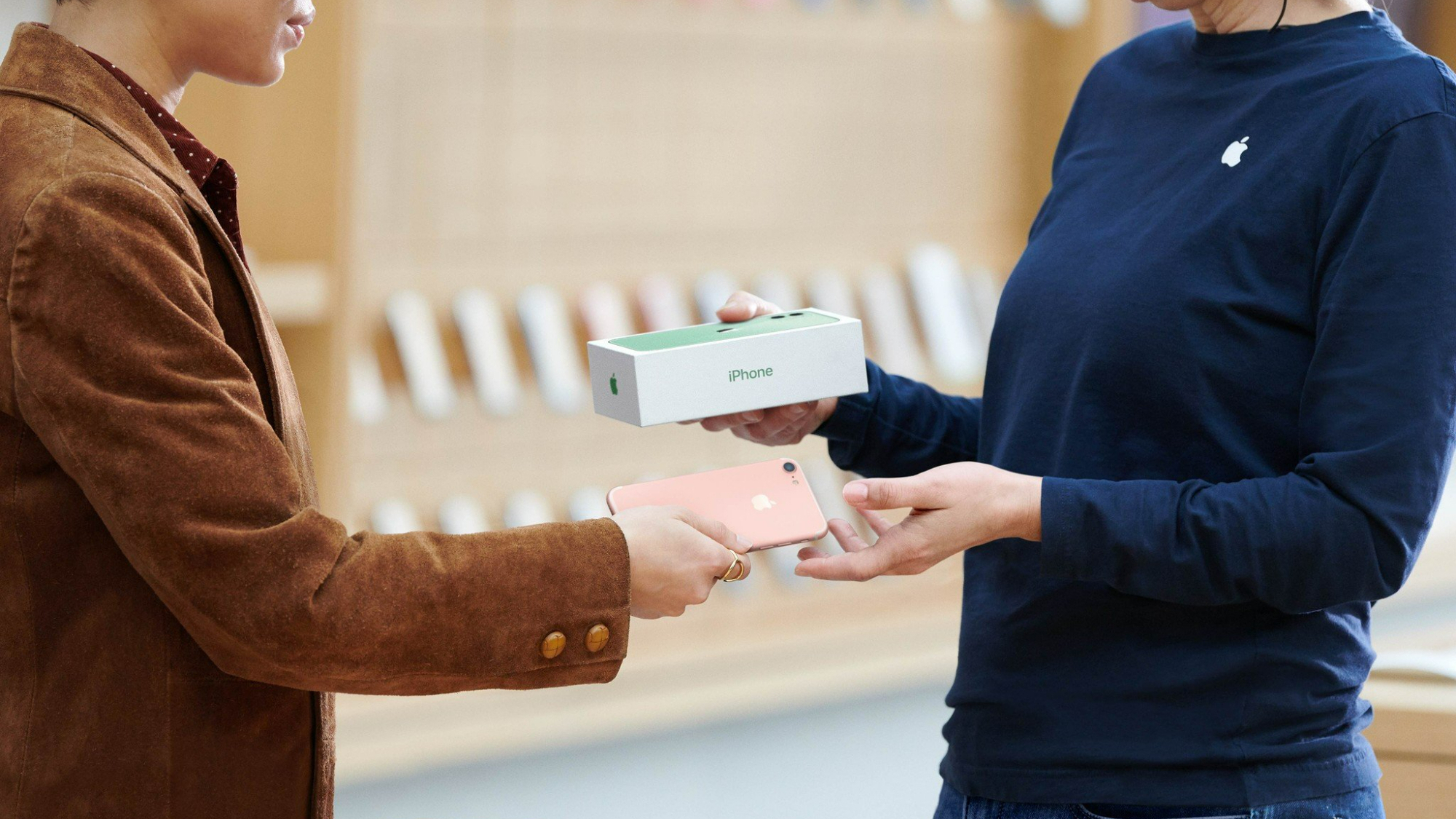
The core appeal of the Apple Trade In program lies in the ability to convert a depreciating asset—a used smartphone—into an immediate discount on a new purchase or an Apple Store Gift Card. Unlike selling your device on third-party marketplaces, which often involves the unpredictable effort of listing items, managing buyer inquiries, and negotiating prices, Apple offers a fixed-price appraisal based on the model, storage capacity, and physical condition of the device.
In 2026, the valuation process is straightforward. Apple evaluates the device based on its ability to power on, the integrity of the display, and the condition of the exterior casing. While a third-party private sale might yield a slightly higher dollar amount, it rarely accounts for the "hidden costs" of selling: the time spent vetting buyers, the risk of disputes, and the potential for shipping delays or transaction fraud. The Apple program acts as a guaranteed buyout, providing a transparent, risk-free transaction that is integrated directly into the purchase flow of a new device.
Environmental Stewardship and Component Recovery
Beyond personal finance, trading in your phone serves an essential environmental function. Apple’s internal recycling initiatives prioritize the recovery of rare earth elements, cobalt, and tungsten found in internal components like logic boards and Taptic Engines. By returning your device to Apple, you ensure that it is handled according to the company’s strict environmental standards, which include advanced robotic disassembly systems like "Daisy" and "Dave."
When a device is no longer functional or market-viable for refurbishment, it enters a specialized recycling stream. This is a critical step in the modern tech lifecycle. Electronic waste, when disposed of in landfills, can release hazardous materials into the environment. By choosing an official trade-in path, you essentially subsidize the cost of your next device while ensuring that your legacy hardware is dismantled in a way that minimizes environmental impact and maximizes the reclamation of high-value raw materials.
Comparison: Official Trade-In vs. Private Resale
Determining the "worth" of trading in your phone requires an honest assessment of your time and risk tolerance. The following table compares the Apple Trade In program against common private sale alternatives.
| Feature | Apple Trade In | Private Resale (Marketplaces) |
|---|---|---|
| Transaction Speed | Immediate credit at checkout | Dependent on finding a buyer |
| Pricing | Guaranteed fixed offer | Variable; potential for higher profit |
| Security | High (Internal Apple audit) | Variable (Potential for scams) |
| Effort Required | Low (Shipping or in-store drop-off) | High (Listing, photos, shipping, support) |
| Data Privacy | Standardized, verified wiping | Dependent on user vigilance |
As shown, the primary trade-off is between potential maximum profit and convenience. If your device is a recent model in pristine condition, a private sale may offer a premium. However, for most users, the combination of time savings and the peace of mind provided by Apple's established verification process makes the official program a more reliable choice.
Prerequisites and Preparation Steps
Before you initiate a trade-in, there are specific, non-negotiable steps required to prepare your device. Failure to perform these actions can lead to a delayed appraisal or a rejection of your trade-in device.
- Backup Your Data: Use iCloud or a local backup (via Finder or iTunes) to ensure your data is secure. Once a device is processed at a recycling facility, data recovery is impossible.
- Turn Off Find My: This is the most common reason for trade-in rejection. Navigate to Settings > [Your Name] > Find My and toggle "Find My iPhone" to off. This step is essential because it disables the Activation Lock, which prevents Apple from repurposing the device.
- Unpair Devices: If you use an Apple Watch, unpair it from your iPhone. Ensure your device is signed out of iCloud, iMessage, and all other personalized services.
- Perform a Factory Reset: Navigate to Settings > General > Transfer or Reset iPhone > Erase All Content and Settings. This ensures your personal information is permanently removed from the storage medium.
- Remove Accessories: Keep your case, screen protector, and SIM card. Apple’s appraisal is for the device only; any peripherals sent with the phone will be recycled and will not be returned to you.
Resolving Ambiguities: What "Worth It" Really Means
The question of whether selling your phone is "worth it" often hinges on the depreciation curve of Apple products. iPhones tend to hold their value longer than most Android counterparts, meaning that trading in an iPhone that is two or three years old still yields significant credit.
If you choose to wait too long—typically four or more years—the trade-in value drops sharply as the hardware struggles to support the latest iterations of iOS and the processor capabilities required for current features. Therefore, the "worth" is maximized when you trade in during the sweet spot: after two years of ownership, while the device is still considered "current-generation" or "last-generation," ensuring you receive a high percentage of the original retail cost back as credit.
Common Troubleshooting and FAQ
What happens if my device is damaged? If the device has a cracked screen or a non-functioning battery, it may still hold trade-in value, though the offer will be lower than that of a pristine device. During the online trade-in flow, you will be asked specific questions about the physical condition. Always be honest; if the device you send in does not match the description provided, Apple will send a revised offer, which you must accept or decline.
Can I trade in a device that is not an iPhone? Yes, Apple accepts many devices, including iPads, Macs, and Apple Watches. In some regions, they may even accept select non-Apple smartphones, though the values for these vary significantly based on brand and model year.
Is the trade-in value an estimate or a final price? The value shown on the website is an estimate. The final appraisal happens only after the device is received and inspected by the trade-in partner. This is why accurate reporting of the device’s condition during the online process is vital.
What if I change my mind after sending the device? Once a device is received and the trade-in is processed, the transaction is typically final. However, if you decline a revised offer, the device will be returned to the address on file.
Do I need the original box or charger? No. You do not need to provide the original packaging, the charging cable, or the power adapter. Apple provides a prepaid shipping kit if you are doing the trade-in by mail, which is designed to protect the device during transit.
Practical Recommendation
If you are planning to upgrade to a new iPhone, the most efficient path is to select the trade-in option during your online purchase on the Apple website. This allows you to apply the credit instantly, effectively lowering your monthly installment or upfront cost immediately. If you have an older device sitting in a drawer, do not let it sit until it becomes obsolete. The lithium-ion batteries in older phones eventually degrade, potentially becoming a safety concern if left uncharged for years. By trading in your device now, you are securing the best possible value for your hardware while ensuring it is repurposed responsibly.