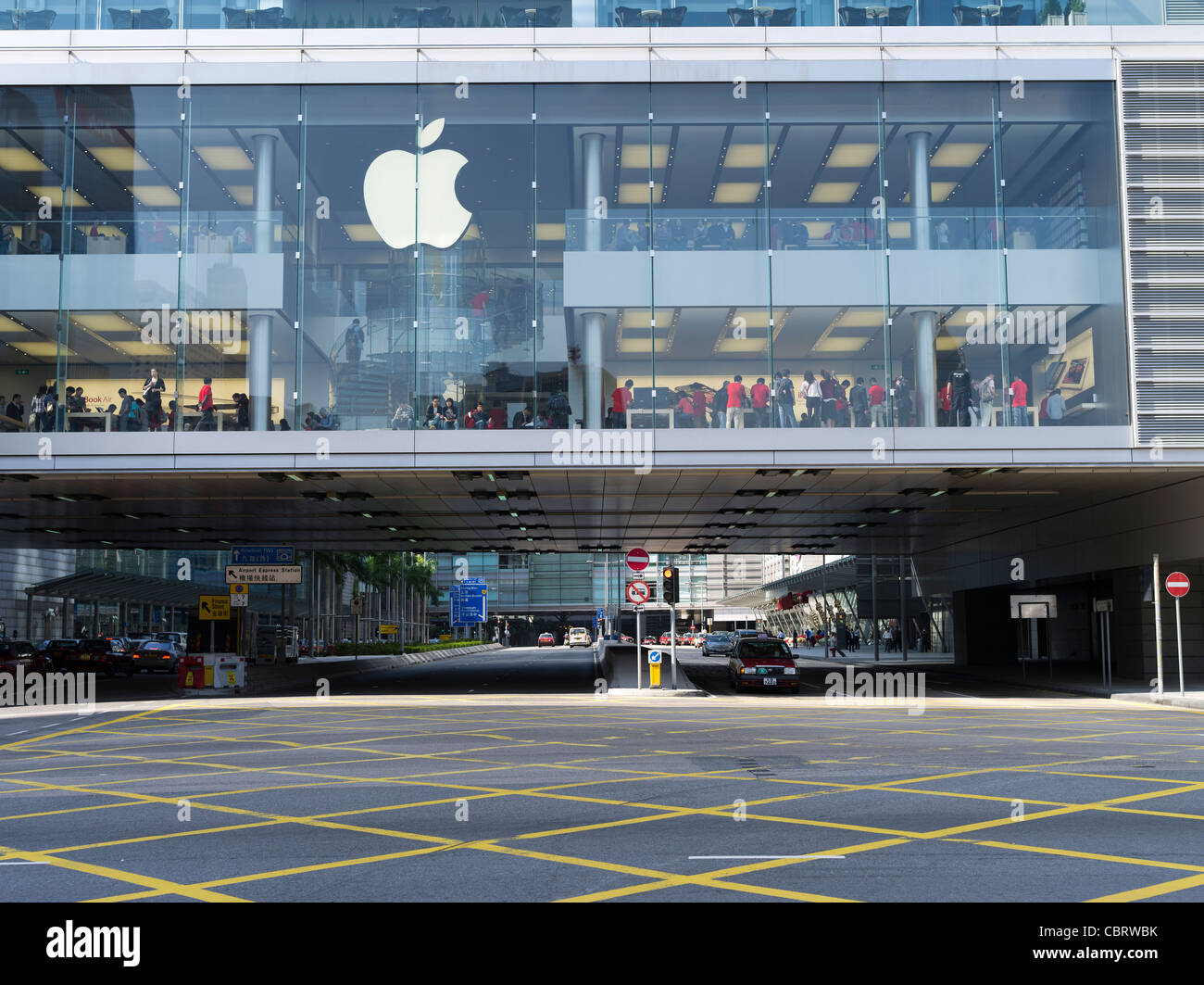
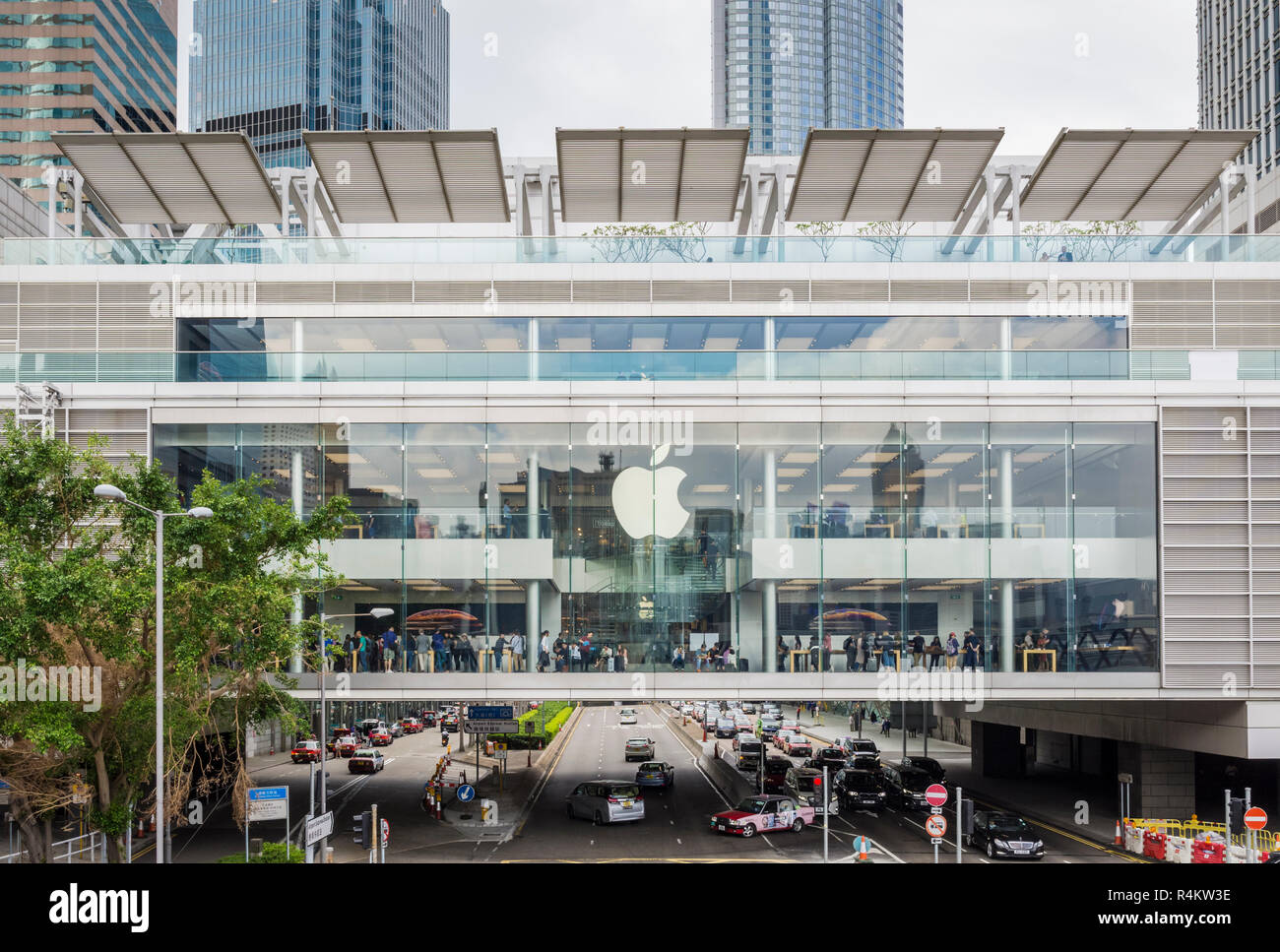
Apple stores in Hong Kong provide comprehensive retail and technical support across the city’s major districts, including Central, Causeway Bay, Tsim Sha Tsui, Kowloon Tong, and Sha Tin. Each location offers Genius Bar appointments, Today at Apple sessions, and personalized device setup, ensuring consistent service standards across all official outlets.
Navigating the Apple Retail Ecosystem in Hong Kong
Apple’s presence in Hong Kong is strategically designed to serve both the dense urban population and the influx of visitors who frequent the region for technology and commerce. As of 2026, the company operates several flagship locations, each housed in architecturally significant or high-traffic commercial hubs. Understanding the specific logistics of these locations is essential for anyone seeking technical support, retail purchases, or product demonstrations.
Unlike third-party "Apple Premium Resellers," which are authorized independent businesses, official Apple stores in Hong Kong are owned and operated directly by Apple. This distinction is critical because it determines the level of service you receive regarding hardware repairs, warranty fulfillment, and software troubleshooting. Official Apple stores operate under unified corporate policies, meaning that regardless of which location you visit, you can expect the same appointment-booking interface, pricing, and return procedures.
The Major Apple Store Locations in Hong Kong
To effectively utilize Apple's services, you must know which location is most accessible to your current position. The geographic distribution of these stores covers the primary transit corridors of Hong Kong Island and the Kowloon Peninsula.
1. Apple IFC Mall (Central)
Located in the International Finance Centre, this flagship store is widely considered the primary retail hub for the Central district. It is famous for its iconic glass staircase and seamless integration into one of Hong Kong's most prestigious commercial complexes. It is easily accessible via the MTR Hong Kong Station and Central Station, serving as the main destination for business professionals and international visitors.
2. Apple Causeway Bay
Situated on Hysan Avenue, this store serves the high-density retail district of Causeway Bay. Its multi-level glass design creates an open, accessible environment. This location is particularly busy during weekends and evenings, making it a critical hub for customers in the eastern part of Hong Kong Island who require quick access to technical support or in-store product pickup.
3. Apple Tsim Sha Tsui
Located within the Canton Road commercial precinct, this store is positioned in the heart of Kowloon’s luxury retail district. It is highly frequented by tourists and locals alike. Due to its location in such a high-traffic area, booking ahead for a Genius Bar appointment is highly recommended to avoid wait times.
4. Apple Festival Walk (Kowloon Tong)
Located inside the Festival Walk shopping center, this store serves the northern Kowloon area. Because it is embedded within a major shopping mall near the MTR interchange, it is often more convenient for commuters who prefer to combine retail shopping with tech support or device purchases.
5. Apple New Town Plaza (Sha Tin)
This store serves the New Territories, specifically the Sha Tin district. It provides an essential link for residents of the northern regions, ensuring that official Apple services are not confined strictly to the urban core. It mirrors the layout and service capabilities of the larger flagship stores but is often more accessible for those residing in suburban areas.
Essential Services Offered at Official Locations
Each of these stores offers a standardized set of services intended to support the lifecycle of your hardware and software. Recognizing what these stores can—and cannot—do will save you time and prevent unnecessary travel.
The Genius Bar
The Genius Bar is the primary destination for hardware repairs and technical diagnostics. In 2026, the process remains strictly reservation-based. Before arriving at any location, you should use the Apple Support website or the Apple Support app to book a time slot. Attempting to walk into a store for a repair without an appointment often results in long wait times or the store being unable to accommodate you due to capacity limits.
Today at Apple Sessions
These stores function as community spaces through the "Today at Apple" program. These are scheduled, free-to-attend workshops that teach participants how to use specific software—such as Final Cut Pro, Logic Pro, or the latest iOS features—to improve their productivity or creative output. These sessions are a great way to maximize your hardware investment and are hosted in dedicated areas of each store.
Procurement and Personal Setup
If you purchase a new device at an Apple store in Hong Kong, you are entitled to a "Personal Setup" session. A team member will help you migrate your data from an old device, sign into your Apple ID, and configure essential security settings. This is a highly recommended service for those transitioning to a new operating environment.
Comparison of Location Features and Accessibility
While the service quality is uniform, the logistical experience varies by location. Use the table below to determine which store best fits your needs based on accessibility and environment.
| Store Location | Primary Transport Access | Best For |
|---|---|---|
| IFC Mall | MTR Central/Hong Kong Station | Quick business-hour support |
| Causeway Bay | MTR Causeway Bay Station | Evening/Weekend shopping |
| Tsim Sha Tsui | MTR Tsim Sha Tsui Station | High-traffic tourist area |
| Festival Walk | MTR Kowloon Tong Station | Suburban convenience |
| New Town Plaza | MTR Sha Tin Station | New Territories residents |
Note: Always verify current operating hours via the official Apple Retail website, as special holidays or mall maintenance can impact standard closing times.
Managing Expectations: What to Bring and How to Prepare
Preparation is the most significant factor in a successful visit to an Apple store. Whether you are going for a screen repair, a trade-in, or a new purchase, being organized ensures your transaction is completed efficiently.
Prerequisites for Service
- Government-Issued Identification: If you are picking up a product ordered online, or if you are undergoing a device replacement, you must have a valid form of photo ID.
- Proof of Purchase: While serial numbers are often sufficient, carrying an electronic or physical copy of your receipt can expedite warranty verification.
- Backup Your Data: Before submitting any device for repair, ensure that your data is fully backed up to iCloud or a local Mac. Apple staff will typically require you to disable "Find My" before they can begin diagnostic work.
- Charging Cables and Accessories: If you suspect an issue is related to your power adapter or cable, bring the entire set with you to ensure a comprehensive diagnosis.
Avoiding Common Mistakes
One of the most frequent errors customers make is confusing the "Authorized Service Provider" with the "Apple Store." An Authorized Service Provider is a third-party repair shop that uses Apple parts, but they may have different business hours, different lead times for repairs, and separate appointment systems. If your goal is to visit an official Apple retail location, ensure the name on your navigation app explicitly reads "Apple" and is located at one of the recognized addresses mentioned in this guide.
Troubleshooting Your Visit
If you encounter issues during your visit, such as an inability to find an open appointment or uncertainty regarding your warranty coverage, utilize the digital tools available before you physically travel.
- Online Diagnostic Tests: Many technical issues can be resolved remotely. Run the diagnostic tools available through the Apple Support portal. These tools often identify software bugs that do not require a hardware repair at the Genius Bar.
- Order Status Tracking: If you are traveling specifically to pick up a device, always wait for the "Ready for Pickup" notification. Do not assume your order is ready simply because the estimated date has arrived.
- Language Support: All Apple stores in Hong Kong provide service in Cantonese, Mandarin, and English. If you have specific language requirements, you can mention this when booking your appointment online so that a specialist with the required fluency can be assigned to you.
Frequently Asked Questions
1. Do I need an appointment for a screen replacement? Yes. While it may be possible to be accommodated as a walk-in, hardware repairs are highly time-consuming and often require specific parts to be in stock. Booking an appointment through the Apple Support app guarantees that a technician is prepared for your specific device model.
2. Can I buy products at any of these locations without a reservation? Yes. You do not need an appointment to purchase products. However, if you require a personalized setup or data transfer services, booking a session in advance is highly recommended to ensure a team member is available to assist you.
3. What should I do if my device is out of warranty? Apple stores will still provide diagnostic services for out-of-warranty products, though you will be responsible for the repair costs if the issue requires hardware intervention. A technician can provide a cost estimate once they have examined the device.
4. Are the stores open on public holidays in Hong Kong? Most Apple stores in Hong Kong remain open during public holidays, though they may operate on modified hours. Always check the store’s official webpage on the day of your visit to confirm current operating times.
5. Is the Genius Bar service free of charge? Diagnostics and consultations at the Genius Bar are free. If a physical repair is required, you will be informed of the cost before any work begins, and you must authorize the repair prior to the technician proceeding.
Expert Recommendation for Your Visit
To ensure the most efficient experience at any Apple store in Hong Kong, prioritize a mid-week, mid-morning visit. The retail outlets are significantly less crowded on Tuesday and Wednesday mornings compared to weekends. Always perform a full iCloud backup the night before your appointment, and ensure your device is charged to at least 50% to facilitate quick diagnostics. If you are planning a significant purchase or a complex technical repair, utilize the Apple Support website to pre-register your device details; this saves substantial time during the check-in process at the store.