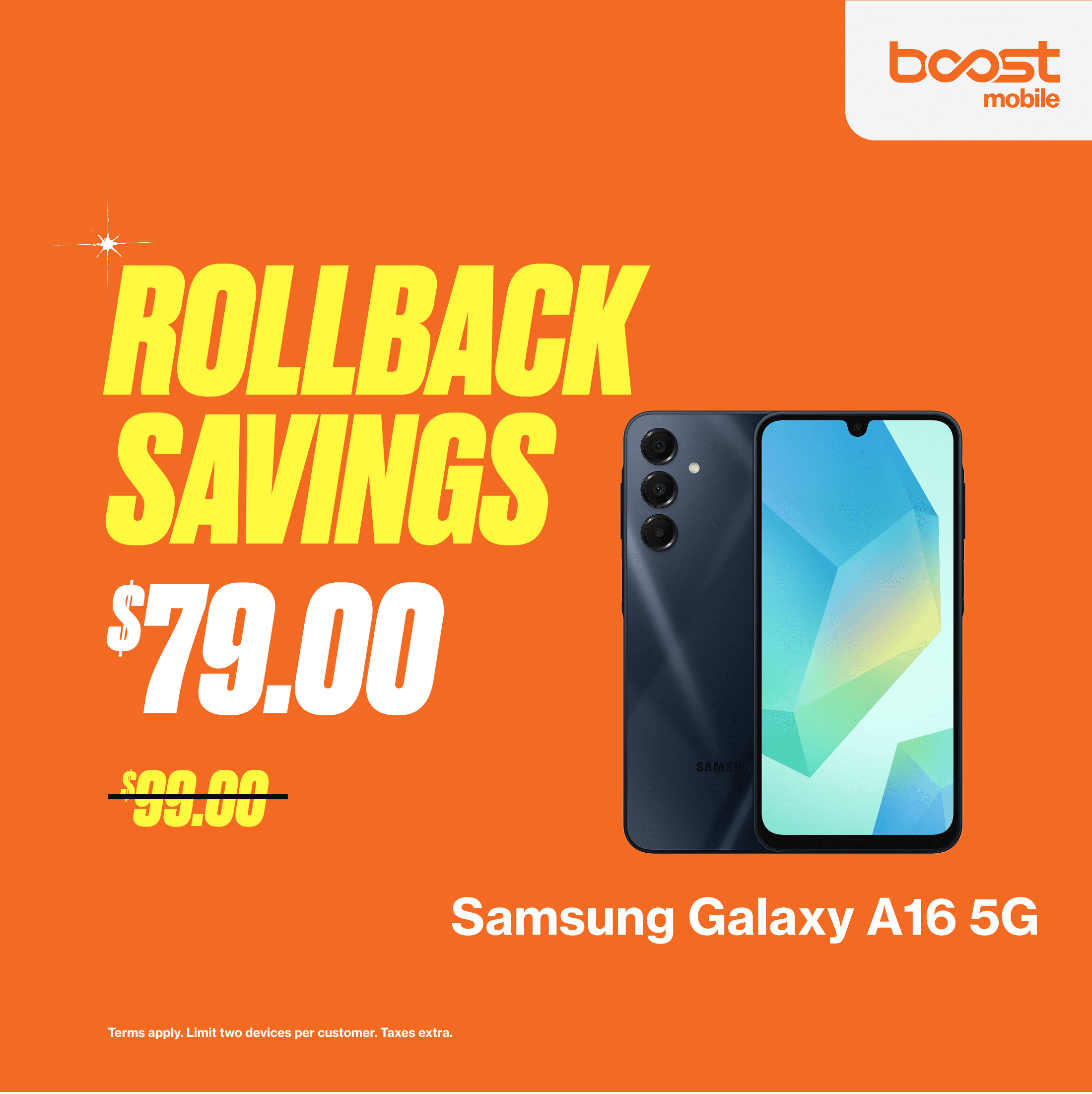
Boost Mobile phones are locked to the Boost network at the time of purchase. To unlock a device, it must typically remain active on the Boost network for at least 12 months, with all payments made in full and the account in good standing. Once these requirements are met, you can request an unlock through customer support.
The question of whether a mobile device is "locked" or "unlocked" is a fundamental concern for consumers looking to maximize the value of their hardware. In 2026, as the telecommunications landscape continues to evolve with the full integration of the Boost Wireless Network (operated by EchoStar), understanding the specific locking policies of this carrier is more important than ever. Whether you are a current customer looking to switch or a prospective buyer eyeing a discounted handset, this guide provides the technical and procedural depth needed to navigate Boost Mobile’s locking ecosystem.
The Reality of Locked Devices at Boost Mobile
When you purchase a smartphone directly from Boost Mobile—whether it is a high-end iPhone, a Samsung Galaxy, or a budget-friendly Motorola—it is almost certainly locked to the Boost network. This is a standard industry practice, particularly for prepaid carriers that offer significant upfront discounts on hardware.
Why Boost Mobile Locks Its Phones
The primary reason Boost Mobile locks its devices is economic. To attract customers, Boost often subsidizes the cost of the phone. A device that retails for $800 might be sold to a new customer for $300 or even $0 under certain promotional agreements. To recoup this subsidy, Boost requires the customer to remain on their service for a specific period. Locking the device ensures that the phone cannot be easily taken to a competitor before the carrier has recovered its investment through monthly service fees.
The Technical Nature of the Lock
A "lock" is essentially a software restriction within the device’s firmware. It prevents the phone from recognizing or authenticating a Subscriber Identity Module (SIM) or an embedded SIM (eSIM) from any network other than Boost. In 2026, most Boost devices operate on a combination of their native 5G network and roaming partner networks (like AT&T or T-Mobile). Even with this multi-network capability, the firmware restriction remains rigid until the carrier authorizes its removal.
Eligibility Requirements for Unlocking in 2026
Unlocking a Boost Mobile phone is not an automatic right at the moment of purchase; it is a privilege earned through contract adherence and time. Boost follows the CTIA Consumer Code for Wireless Service, which mandates that carriers be transparent about their unlocking policies.
The 12-Month Active Service Rule
The most significant hurdle for most users is the duration of service. Boost Mobile requires that a device be active on their network for at least 12 months (365 days). This does not mean simply owning the phone for a year; it means the phone must have been associated with an active, paying account for that entire duration.
- Continuous Service: If your service is suspended for non-payment or if the account is deactivated, the 12-month clock may reset or pause, depending on the specific terms of your plan.
- Payment History: Your account must be in "good standing." This means there can be no past-due balances. If you are financing the device through a third-party partner associated with Boost, the device must be paid off in full.
Device Status and Security
Boost will refuse to unlock any device that has been reported as lost or stolen. They maintain a database of International Mobile Equipment Identity (IMEI) numbers that have been "blacklisted." If you purchased a used Boost phone from a third-party seller and it is blacklisted, Boost customer service will not assist you in unlocking it, regardless of how long you use it.
Military Exceptions
In compliance with federal regulations and a commitment to service members, Boost Mobile offers an expedited unlocking process for deployed military personnel. If you are a member of the U.S. Armed Forces and have received overseas deployment papers, Boost will typically unlock your device even if it hasn't met the 12-month requirement. You will need to provide a copy of your deployment orders to Boost’s specialized support team to facilitate this.
The Unlocking Process: Step-by-Step
In 2026, the process for unlocking a Boost Mobile phone varies slightly depending on whether you are using an Android device or an Apple iPhone. Unlike some carriers that automatically unlock devices after the 12-month mark, Boost usually requires a manual request.
For Android Users
Most modern Android devices sold by Boost (such as those from Samsung, Motorola, and Celero) include an integrated "Device Unlock" function within the system settings.
- Check Eligibility: Ensure you have hit the 365-day mark.
- Connect to Wi-Fi: Most unlock commands require a stable internet connection to communicate with the carrier's servers.
- Navigate to Settings: Go to Settings > Connections (or Network & Internet) > More Connection Settings > Network Unlock.
- Request Unlock: Select "Permanent Unlock." If you are eligible, the phone will communicate with Boost, update its internal policy, and reboot.
- Contact Support: If the menu option is missing or fails, you must call Boost Mobile Customer Care at 1-833-50-BOOST (1-833-502-6678).
For iPhone Users
Apple handles unlocking differently. There is no "unlock" button in the iPhone settings.
- Request via Phone: You must call Boost Mobile support to request the unlock.
- Server-Side Authorization: The Boost representative will verify your eligibility and then send a request to Apple’s servers.
- The Wait Period: It can take anywhere from 24 to 72 hours for Apple to process the request.
- Verification: You can check the status by going to Settings > General > About and looking for "Carrier Lock." If it says "No SIM restrictions," your iPhone is successfully unlocked.
Comparing Unlocking Policies: 2026 Market Standards
To understand where Boost stands, it is helpful to compare their 12-month policy with other major prepaid and MVNO (Mobile Virtual Network Operator) competitors.
| Carrier | Unlock Requirement (Time) | Automatic Unlock? | Financial Requirement |
|---|---|---|---|
| Boost Mobile | 12 Months | No (Usually Manual) | Account in good standing |
| Metro by T-Mobile | 1 Year | Yes (Android) / No (iOS) | Active service required |
| Mint Mobile | 12 Months | No (Manual Request) | Device paid in full |
| Cricket Wireless | 6 Months | No (Manual Request) | Paid service for 6 months |
| Verizon Prepaid | 60 Days | Yes (Automatic) | Paid service for 60 days |
As seen in the table, Boost Mobile’s 12-month requirement is on the stricter side of the industry average. Carriers like Verizon and Cricket offer significantly faster paths to device portability.
Technical Limitations After Unlocking
An unlocked phone does not guarantee it will work perfectly on every other network. Even in 2026, hardware limitations persist.
Network Bands and Frequencies
Boost Mobile devices are optimized for the frequencies used by the Boost Wireless Network and its partners. While an unlocked Boost phone will almost certainly work on T-Mobile or AT&T (due to overlapping 5G bands), it may lack certain "mmWave" or specific mid-band frequencies used by Verizon for their highest speeds.
VoLTE and 5G Compatibility
Voice over LTE (VoLTE) and 5G NR (New Radio) are mandatory for modern voice calls and data. When moving an unlocked Boost phone to another carrier, the new carrier must "whitelist" that specific model for their VoLTE services. Most iPhones are universally compatible, but some specific Android models manufactured exclusively for Boost (like the Celero line) may have limited functionality on other networks.
The eSIM Factor
If your Boost phone uses an eSIM, the unlocking process is purely digital. Once Boost releases the lock, you can simply download a new eSIM profile from a different carrier. This makes the transition much smoother than waiting for a physical SIM card to arrive in the mail.
Common Mistakes and Troubleshooting
Navigating the unlocking process can be frustrating if certain details are overlooked. Here are the most common pitfalls:
- Buying Used Devices: Many people buy "Locked to Boost" phones on secondary markets thinking they can unlock them immediately. If the original owner did not meet the 12-month requirement, Boost will not unlock it for the new owner.
- Third-Party "Unlock Codes": You may find websites claiming to sell unlock codes for Boost phones. In 2026, these are largely scams or "gray market" services that bypass security. They can void your warranty or lead to the device being remotely bricked by the carrier. Always use the official channel.
- The "Inactive" Trap: If you cancel your Boost service before requesting an unlock, it becomes much harder to get the device unlocked. Boost’s systems often require an active account to process the request. Always unlock your phone while your service is still active.
Moving Toward Device Portability
As we look at the state of mobile technology in 2026, the trend is moving toward greater consumer freedom, but carrier locks remain a persistent hurdle. Boost Mobile’s policy is designed to protect their business model while providing a clear (if somewhat long) path to ownership.
If you are planning to travel internationally or switch to a carrier with better local coverage, start the unlocking process at least a week before you need the change to take effect. Verify your "active days" through the Boost Mobile app or by speaking with a representative to ensure you don't face a rejection at the last minute.
Summary Recommendation: If you prioritize device freedom, consider purchasing an "unlocked" model directly from manufacturers like Apple, Samsung, or Google. While you will pay more upfront, you avoid the 12-month locking period entirely. However, if you prefer the discounted hardware prices offered by Boost, be prepared to commit to their service for a full year before gaining the ability to switch carriers.