Apple AirPods trade-in values typically range between $10 and $220, depending on the specific model, battery health, cosmetic condition, and the trade-in program you choose. Over-ear AirPods Max and recent AirPods Pro models yield the highest trade-in payouts, while older standard AirPods often receive nominal offers or free recycling due to non-replaceable lithium-ion battery wear.
How AirPods Trade-In Values Work
Trading in wireless earbuds differs significantly from trading in smartphones or laptops. Because AirPods feature sealed lithium-ion batteries and small form factors, their secondary market value is heavily dictated by battery longevity, hygiene, and hardware integrity. Understanding how retail trade-in platforms evaluate wireless audio gear helps you set realistic expectations and maximize your return when upgrading to a newer model.
When you submit an electronic device for trade-in, the valuation vendor assesses three primary criteria: functional status, physical condition, and component completeness. For headphones and earbuds, functional status focuses primarily on battery retention and audio driver performance. Unlike an iPhone, where a degraded battery can be swapped out easily at an service center, replacing depleted batteries inside AirPods earbuds requires destructive teardowns. Consequently, older earbuds that hold less than an hour of play time lose substantial trade-in value regardless of how clean their outer plastic shell remains.
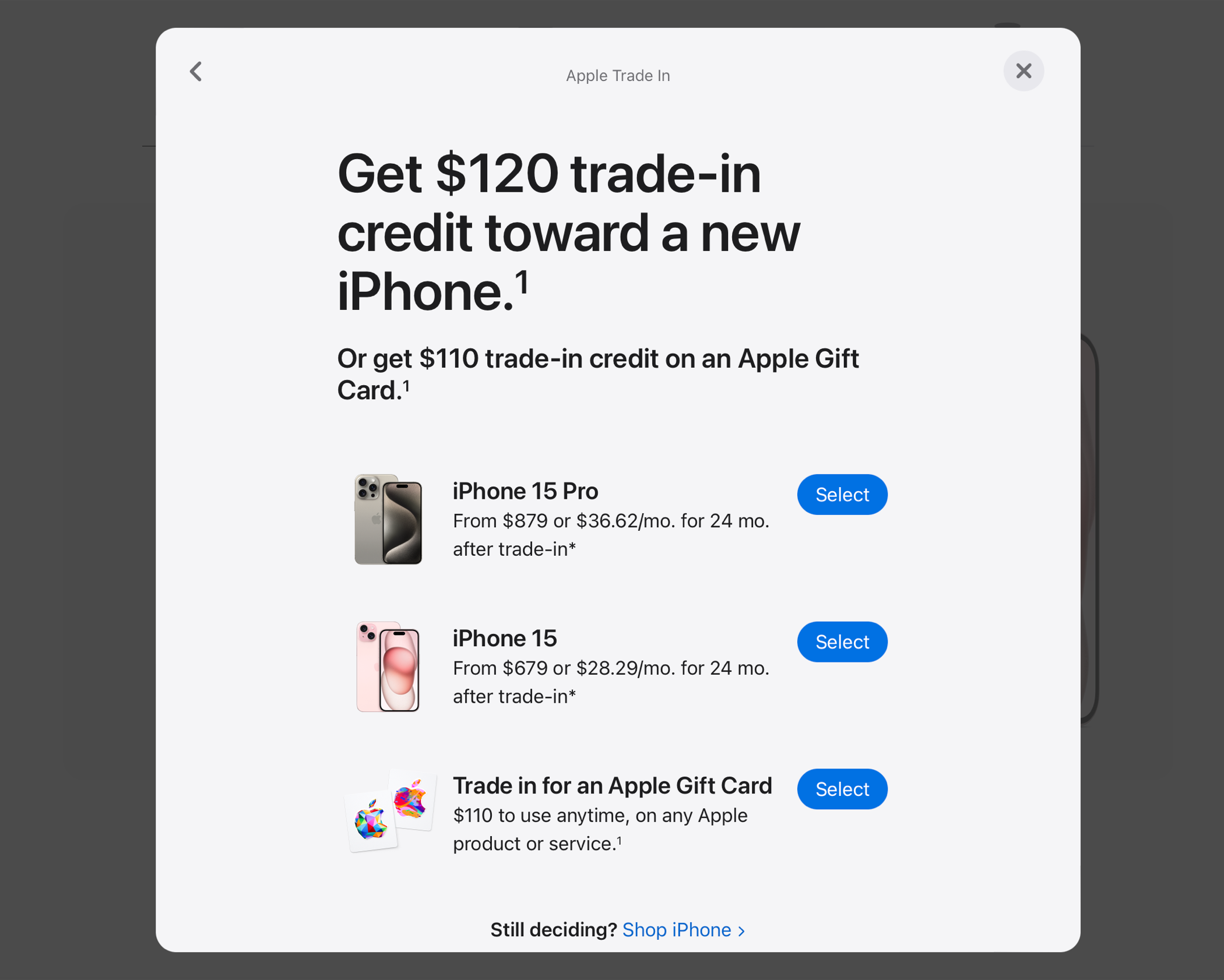
The trade-in ecosystem comprises two main avenues: official manufacturer programs like Apple Trade In and third-party buyback services (such as Best Buy, Decluttr, BuyBackWorld, and Back Market). Apple typically provides trade-in payouts in the form of Apple Gift Cards or instant credit toward a new purchase. Third-party vendors often pay cash via PayPal, direct bank deposit, or check, though their offer prices fluctuate based on real-time secondary market demand.
Estimated Apple AirPods Trade-In Values by Model
Trade-in values vary across platforms, model generations, and condition tiers. The following table outlines representative trade-in value ranges across official manufacturer programs and third-party buyback vendors.
| AirPods Model | Condition Grade | Estimated Apple Trade-In Credit | Estimated 3rd-Party Cash Payout | Primary Valuation Drivers |
|---|---|---|---|---|
| AirPods Max | Good / Excellent | $140 – $220 | $150 – $240 | Ear cup mesh integrity, headband tension, Smart Case inclusion, battery cycles |
| AirPods Max | Fair / Heavy Wear | $70 – $120 | $80 – $130 | Scratches on aluminum cups, stained knit mesh, missing Smart Case |
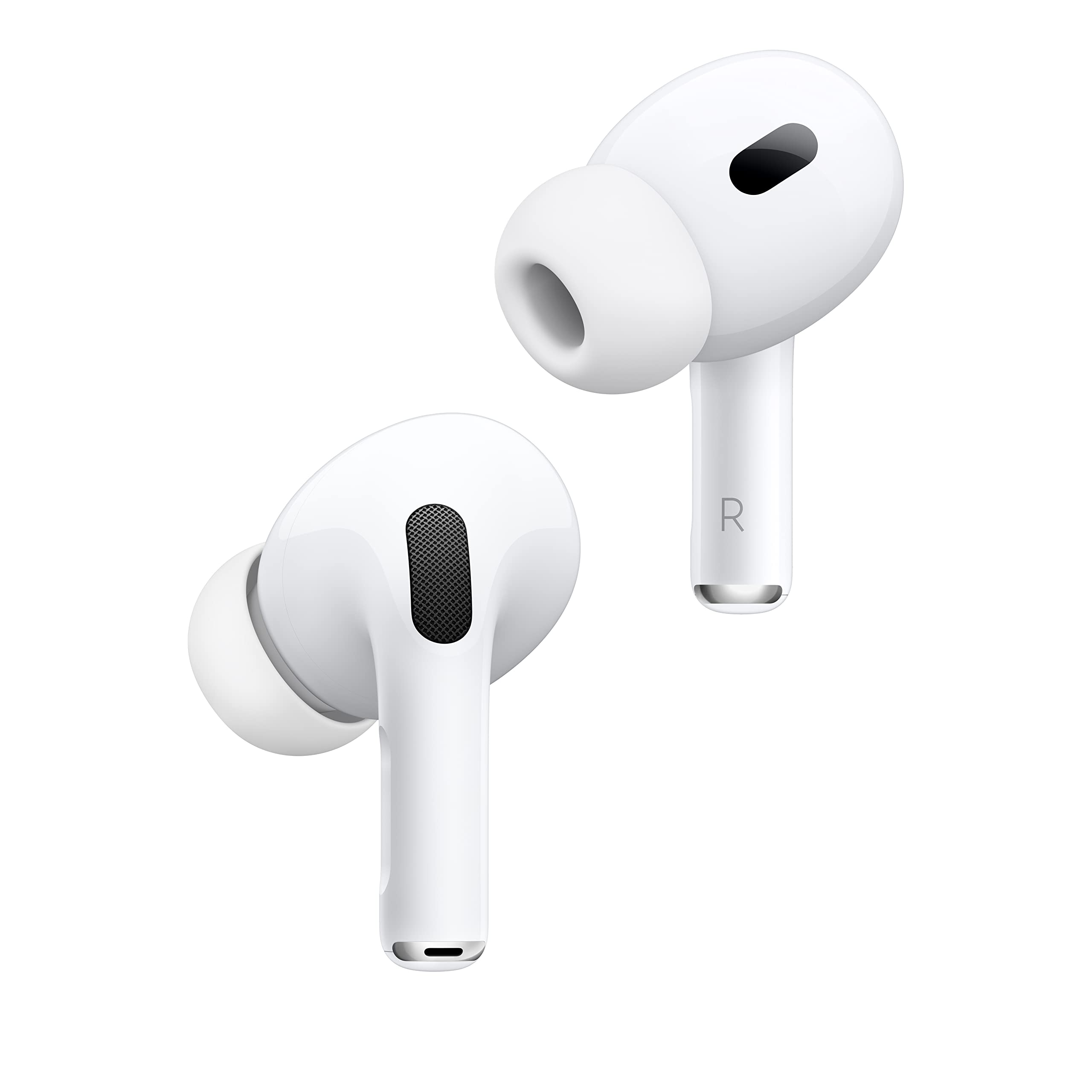
| AirPods Pro (2nd Gen, USB-C / Lightning) | Good / Excellent | $40 – $80 | $50 – $95 | Active Noise Cancellation functionality, case battery health, original tip sets |
| AirPods Pro (1st Gen) | Good / Excellent | $15 – $35 | $20 – $45 | Static-free audio reproduction, charging contact wear, case hinge tightness |
| AirPods (3rd Gen) | Good / Excellent | $20 – $40 | $25 – $50 | MagSafe/Lightning case inclusion, speaker mesh cleanliness, battery hold |
| AirPods (2nd Gen) | Fair / Good | $5 – $15 | $10 – $25 | Stem sensor responsiveness, case lid alignment, overall battery retention |
| AirPods (1st Gen) | Any Condition | $0 (Recycling) | $0 – $10 | Legacy hardware status; primarily eligible for eco-friendly recycling |
Note: Trade-in quotes are subject to physical inspection. Devices with severe hardware faults, liquid ingress, or unremovable activation locks are downgraded to $0 payout.
AirPods Max Trade-In Value
As Apple’s flagship over-ear wireless headphones, the AirPods Max retain higher trade-in values than any in-ear model. Their repairability profile and larger battery packs mean they suffer less dramatic functional decay over time. Key factors influencing AirPods Max payouts include the condition of the breathable knit mesh canopy, freedom from deep dents or scratches on the anodized aluminum ear cups, and the presence of the original Smart Case. Missing Smart Cases often result in a automatic deduction from buyback vendors because the case puts the headphones into a low-power state.
AirPods Pro Series (1st & 2nd Generation)
AirPods Pro models command steady demand due to active noise cancellation (ANC), transparency mode, and silicon ear tip isolation. AirPods Pro (2nd Generation)—whether featuring a Lightning or USB-C charging case—yield roughly double the trade-in value of 1st Generation models. Inspections for Pro models test audio transparency and microphone array functionality. If the internal microphones are clogged or damaged, causing high-pitched static or buzzing when ANC is engaged, the trade-in valuation will drop significantly.
Standard AirPods (1st, 2nd, & 3rd Generation)
Standard open-fit AirPods experience faster value depreciation. Because these models lack silicone tips, earwax accumulation directly inside the driver grilles is common, often impairing sound output. 1st Generation AirPods have generally reached the end of their operational battery life, leaving them eligible primarily for free recycling rather than cash trade-in credit. 2nd and 3rd Generation models still fetch modest credits, provided the charging case functions and both left and right stems pair correctly with iOS devices.
Key Factors That Impact Your AirPods Trade-In Valuation
Before sending your wireless audio gear to a buyback merchant or taking them into a retail store, evaluate the key criteria inspect Technicians use to determine final value.
- AirPod Physical & Functional Evaluation
- Battery Health (Play Time)
- Cosmetic State (Scratches/Dents)
- Hygiene & Cleanliness (Grille & Case Debris)
- Activation Lock Check (Must Unpair from Find My)
- Final Valuation
1. Battery Retention and Charge Cycle Degradation
Lithium-ion cells inside true wireless earbuds are small, often holding capacities below 50 mAh per earbud. Over hundreds of charge cycles, chemical degradation reduces overall play time. If your AirPods turn off after 15 to 30 minutes of playback, trade-in evaluators will mark them as defective. Devices that maintain at least 2 to 3 hours of continuous playback usually pass the functional battery test.
2. Physical and Cosmetic Condition
Cosmetic grading typically falls into three categories:
- Excellent / Like New: No visible scratches, scuffs, or discoloration on the earbuds or charging case. Hinge mechanism remains tight.
- Good / Fair: Minor surface scuffs or light pocket wear on the glossy plastic case. Grilles intact; no crack in the plastic casing.
- Poor / Damaged: Cracks in the outer shell, loose case hinge, crushed speaker grilles, or exposed wiring. Damaged units are usually rejected for cash trade-in and routed to recycling programs.
3. Hygiene and Debris Accumulation
Hygiene is a critical, often overlooked element of earbud trade-ins. Evaluators physically inspect acoustic meshes for earwax, pocket lint, and sweat buildup. Excessively dirty earbuds can be rejected outright by buyback facilities due to health and handling guidelines. Thoroughly cleaning your gear prior to shipment ensures that a technician does not downgrade a mechanically sound pair of AirPods simply due to surface debris.
4. Component Completeness
A complete AirPods system includes the left earbud, right earbud, and the designated charging case. Attempting to trade in individual loose earbuds without their matching case—or a standalone case without earbuds—severely restricts your options. While some specialized third-party replacement services buy single earbuds, primary retail trade-in platforms (including Apple and Best Buy) require a complete set to issue standard trade-in credit.
5. Find My Lock and Account Disassociation
Apple’s security features tie AirPods to your Apple Account via the Find My network. If you fail to remove the AirPods from your account before handing them over, the trade-in recipient will classify the device as activation-locked. Locked devices cannot be refurbished or resold, resulting in a revised offer of $0 until the device is remotely unlinked from your account.
Apple Trade In vs. Third-Party Buyback Services
Choosing where to trade in your AirPods depends on whether you prefer retail convenience, store gift cards, or direct cash payouts.
| Feature | Official Apple Trade In | Third-Party Buyback Services |
|---|---|---|
| Payout Type | Apple Gift Card / Instant Credit | Cash (PayPal, Direct Deposit) |
| Acceptance Rates | Strict on older model values | Flexible across varying conditions |
| Evaluation Speed | Instant in-store / 3-5 days mail | 2 to 7 business days after receipt |
| Trade-In Packaging | Official prepaid kit provided | Printable shipping label provided |
| Lower Model Support | Primarily recycling for 1st Gen | Occasional minor cash offers |
Official Apple Trade In
Apple’s direct program is designed for seamless integration when buying new Apple hardware. You can execute a trade-in online or inside an official Apple Store.
- Pros: Instant credit applied toward a purchase when conducted at a retail Apple Store; hassle-free mail-in process with official shipping kits; guaranteed eco-friendly recycling for zero-value hardware.
- Cons: Payouts are restricted to Apple Gift Cards or balance reductions on new purchases; trade-in values on older models are often lower than specialized third-party electronics buyers.
Third-Party Buyback Merchants
Platforms such as Decluttr, BuyBackWorld, Back Market, and Best Buy offer competitive alternatives for users who do not intend to spend their trade-in value on Apple products.
- Pros: Direct cash payouts sent to bank accounts or PayPal; periodic promotional cash bonuses; competitive offers on high-tier items like the AirPods Max and AirPods Pro 2.
- Cons: Requires user to print shipping labels and supply packaging; potential price adjustments if the merchant’s inspector evaluates cosmetic condition lower than self-reported grades.
Step-by-Step: Preparing AirPods for Trade-In to Ensure Maximum Payout
To guarantee you receive the full quoted value without processing delays or security rejections, follow this preparation procedure.
Step 1: Remove AirPods from Find My and Apple Account
Disabling Activation Lock is mandatory before trading in your hardware.
- Bring your paired iPhone or iPad near your AirPods and open the Settings app.
- Tap Bluetooth, find your AirPods in the device list, and tap the More Info icon (i).
- Scroll down and select Forget This Device.
- Open the Find My app.
- Select the Devices tab, tap your AirPods, swipe up, and select Remove This Device.
- Confirm the removal by entering your Apple ID password when prompted.
Official instructions for removing devices from your account can be verified directly via Apple Support.
- Open Settings
- Bluetooth
- Tap (i)
- Select "Forget This Device"
- Open Find My App
- Select Devices
- Select AirPods
- Tap "Remove This Device"
Step 2: Factory Reset the AirPods Hardware
Resetting the internal firmware resets all custom controls, spatial audio profiles, and paired connection histories.
- Place both AirPods inside their charging case and close the lid.
- Wait 30 seconds, then open the case lid.
- Press and hold the Setup button on the back of the charging case.
- Continue holding the button for roughly 15 seconds until the status light on the front of the case flashes amber, then white.
- Close the lid. Your AirPods are now fully restored to factory settings.
Detailed steps for resetting various AirPods models can be reviewed on the official Apple Reset Guide.
Step 3: Clean and Sanitize the Hardware
Clean physical hardware prevents hygiene downgrades during inspector review.
- Cleaning the Shell: Wipe down the exterior plastic case and earbud stems using a soft, lint-free cloth slightly dampened with 70% isopropyl alcohol. Avoid getting liquid inside the charging ports or acoustic grilles.
- Cleaning the Speaker Grilles: Use a dry, soft-bristled cotton swab or clean tooth-brush to gently remove wax and dust from the speaker meshes. Do not use sharp metal tools or push debris deeper into the mesh.
- AirPods Pro Silicone Tips: Pull the silicone ear tips off the earbuds and rinse them with clean water (do not use soap). Dry them thoroughly before snapping them back onto the earbuds.
- Cleaning Case Contacts: Use a dry cotton swab to gently clean out pocket lint inside the deep charging wells of the case where the stems make contact.
What Happens When an AirPod Has a Dead Battery or Lost Component?
Unbalanced sets or dead components change your trade-in options significantly.
- Equipment Status Check
- Single Missing Earbud
- Standard Trade-In: REJECTED
- Alternative: Sell to parts vendor or buy replacement stem prior to trade-in
- Severely Degraded Battery
- Standard Trade-In: $0 / Rejected
- Alternative: Free Apple Recycling Program (Responsible recovery of lithium/cobalt)
- Single Missing Earbud
Single Lost Earbuds
If you lose a left or right earbud, major trade-in programs like Apple Trade In will not issue monetary credit for the remaining partial set. Standard retail systems require complete matching hardware. If you find yourself with an incomplete pair, your best options are:
- Replacement via Apple: Purchase a standalone replacement earbud through Apple Support to restore the set before trading in (though the cost of the replacement earbud often exceeds the final trade-in value of older models).
- Specialized Parts Buyers: Sell the remaining earbud and charging case individually on secondary peer-to-peer marketplaces (such as eBay), where buyers seek individual replacement parts.
Completely Dead Batteries
AirPods with dead or swollen batteries cannot be refurbished safely by standard vendors. Apple provides free eco-friendly recycling for non-functional AirPods at all Apple Store locations and via prepaid mail-in labels. Through its automated recovery robots (such as Daisy and Dave), Apple extracts rare earth elements, copper, and cobalt from depleted components, preventing hazardous electronic waste from reaching landfills.
Frequently Asked Questions
Can I trade in AirPods with personal laser engraving?
Yes. Apple Trade In and most major third-party buyback services accept AirPods with custom laser engravings on the charging case. However, third-party buyers may apply a slight cosmetic markdown if the engraving is deep or distinctive, as it requires extra housing replacement during the refurbishment process.
Do I need to include the original box and charging cable for full trade-in value?
With official Apple Trade In, original packaging and charging cables are not required; you only need to submit the earbuds and charging case. However, certain third-party buyback services offer small bonuses ($5 to $10 extra) if you include the original retail box, unused Lightning/USB-C cables, and complete sets of factory silicone ear tips.
Can I trade in broken or water-damaged AirPods?
Physical damage like cracked plastic, corrosion, or liquid submersion drops the trade-in value to $0 on virtually all standard trade-in platforms. Broken devices are automatically routed to electronics recycling programs.
Why are trade-in values for AirPods lower than iPhones or MacBooks?
AirPods feature sealed micro-batteries glued inside plastic enclosures. Unlike laptops or smartphones, where batteries, screens, and logic boards can be unbolted and repaired, worn-out earbud batteries are structurally non-replaceable without destroying the plastic housing. Their secondary lifespan is shorter, driving lower baseline trade-in valuations.
How long does a trade-in price quote remain valid?
Most online buyback vendors lock in your trade-in quote for 14 to 30 days from the time you initiate the request. If your shipped device is postmarked within that window, the quoted price will be honored, subject to condition verification upon receipt.
Next Actions: How to Get the Best Price Today
To ensure you receive the highest financial return for your AirPods, take these definitive next steps:
- Verify Your Model and Serial Number: Open Settings > Bluetooth > AirPods (i) on your iPhone to confirm the exact model generation and serial number.
- Compare Real-Time Quotes: Gather instant quotes from Apple Trade In, Best Buy, and reputable online buyback services to determine whether store credit or cash best suits your needs.
- Perform a Deep Clean and Unpair: Clean all wax and debris from speaker grilles, disable Find My, and execute a factory reset to eliminate processing delays or activation lock rejections.
- Package Securely: If mailing your device, wrap the charging case in bubble wrap to protect the plastic finish and hinge mechanism during transit.