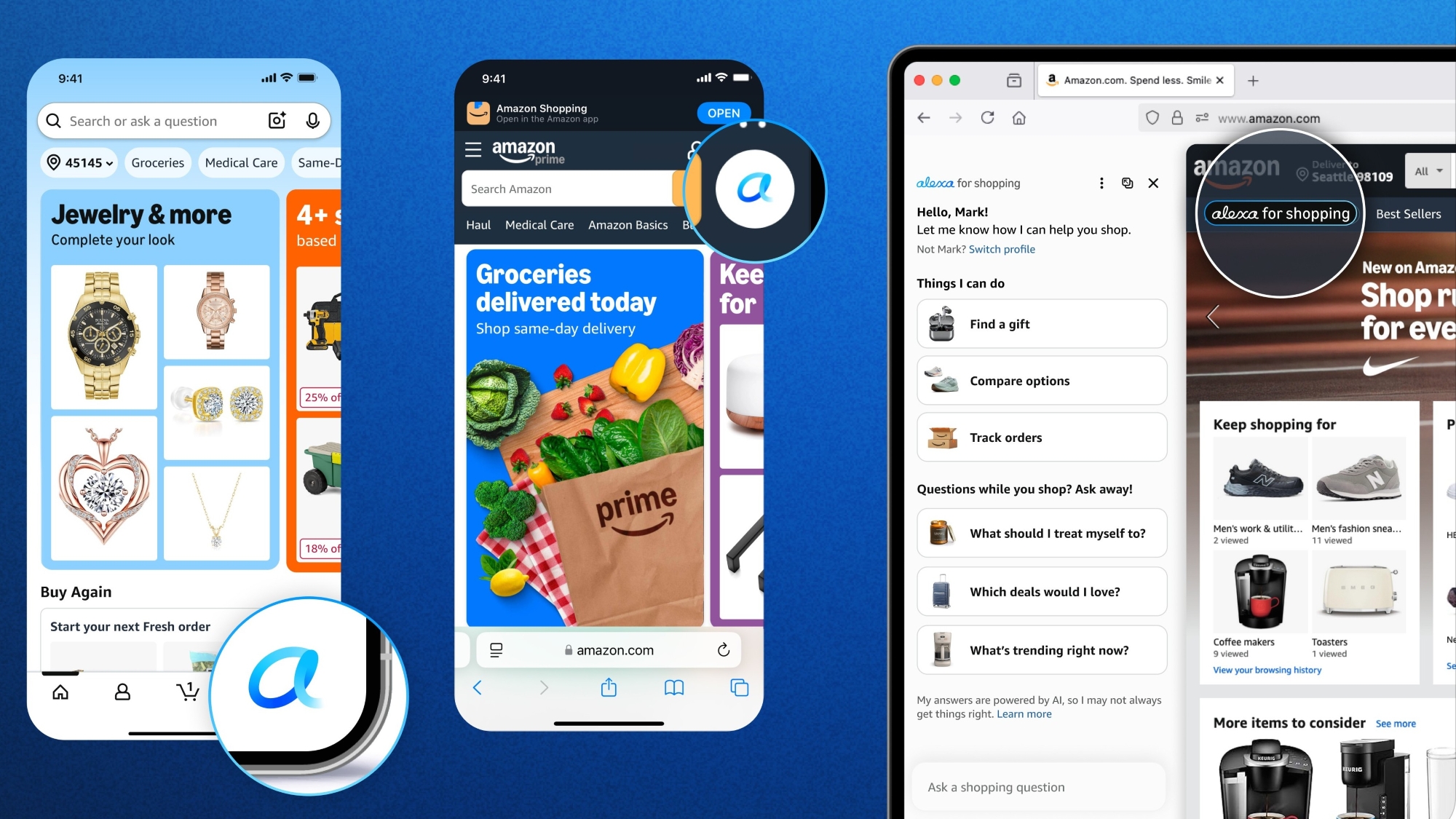
Amazon teen shopping is a specialized account feature that allows teenagers aged 13 to 17 to shop independently while giving parents final oversight. Through a linked sub-account, teens can browse, select items, and request purchases, which parents then approve or decline via text or email before any transaction is finalized.
Digital commerce has undergone significant shifts leading into 2026, with a heavy emphasis on personalizing the shopping experience for younger demographics while maintaining robust safety rails. Amazon’s teen shopping program remains the industry standard for this balance. It bridges the gap between the highly restricted "Amazon Kids" environment and the full responsibility of a standard adult account. For parents, it serves as a functional tool for teaching financial literacy; for teens, it provides a sense of autonomy and privacy in their purchasing habits.
Understanding the Amazon Teen Account Framework
An Amazon teen account is not a standalone membership but rather an extension of a parent’s existing Amazon account. It is designed specifically for the "in-between" years—after a child outgrows parental purchase of every toy, but before they are legally or financially ready to manage a credit card and a full Prime membership on their own.
The core philosophy of the program is "independence with a safety net." In 2026, this system has become more integrated into the broader Amazon Household ecosystem. Teens get their own login credentials, which allows them to maintain their own wish lists, personalized recommendations, and order history. However, they do not have access to the parent’s full credit card details, and they cannot change core account settings such as the primary shipping address or the default payment method without parental intervention.
Eligibility and Age Requirements
To participate in the program, the teen must be between the ages of 13 and 17. Once a teen turns 18, the account does not automatically convert into a full Prime account, but the parent or the teen can initiate the transition to a standalone account, often moving toward a "Prime Student" membership if they enter higher education. The parent must have a valid Amazon account in good standing, and in most cases, a Prime membership is preferred to share benefits, though it is not strictly required for the basic "approve-to-buy" functionality.
How to Set Up an Amazon Teen Account in 2026
The setup process is designed to be completed in under ten minutes, but it requires coordination between the parent’s device and the teen’s smartphone or computer. As of 2026, the interface is streamlined to minimize friction while ensuring security.
- Initiate the Invitation: The parent logs into their Amazon account and navigates to the "Amazon Household" section. From there, they select "Add a Teen."
- Enter Teen Details: The parent provides the teen’s name and birth date. A critical component is the teen's contact method—either an email address or a mobile phone number.
- Choose Approval Settings: This is the most important step for the parent. You can choose "Auto-approve" for orders under a certain dollar amount (e.g., $20) or "Review all orders." Most parents beginning the program choose to review all orders to establish a baseline of trust.
- Select Payment and Shipping: The parent chooses which credit or debit card from their "Your Payments" list the teen is allowed to use. They also select the approved shipping addresses.
- Teen Acceptance: The teen receives a text or email with an invitation link. They must click this link to create their own unique username and password.
- App Installation: For the best experience, the teen should download the Amazon app on their own device. When they log in with their new credentials, the app will automatically recognize it as a teen account.
The Teen User Experience
When a teen logs in, the interface looks almost identical to a standard Amazon storefront. They can browse millions of items, read reviews, and add things to their cart. The primary difference occurs at the checkout. Instead of a "Buy Now" button that charges a card immediately, the teen sees a "Place your order" button that sends a request to the parent. The teen can also add a short note to the request, such as "Need this for my biology project" or "Birthday gift for Sarah."
Managing Orders and Approval Workflows
The approval workflow is the heartbeat of Amazon teen shopping. In 2026, notifications are nearly instantaneous, appearing as push notifications on the parent’s Amazon app or as a standard SMS message.
Reviewing a Purchase Request
When a parent receives a request, they are provided with a link that shows exactly what the teen wants to buy, the price, the shipping speed, and the teen’s optional note. The parent has three main options:
- Approve: The order is placed using the parent’s saved payment method and shipping address.
- Decline: The order is cancelled. It is best practice for parents to discuss the "why" with the teen to turn a decline into a teaching moment about budgeting.
- Edit: In some cases, the parent might see a better version of the product or want to change the shipping speed. They can modify the order before hitting the final approval.
Spending Limits and Budgeting
To foster better financial habits, Amazon allows parents to set spending limits. If a parent sets a $50 monthly limit, and the teen stays under that limit with small purchases, the parent might choose to enable auto-approval. This gives the teen the experience of "digital cash" management. If the teen attempts to exceed the limit, the system reverts to the manual approval process. This tiered approach to responsibility is a hallmark of modern digital parenting tools.
Sharing Prime Benefits with Teens
One of the most significant advantages of the teen account is the ability to share Amazon Prime benefits without paying for a second membership. In 2026, these benefits have expanded to include more than just free shipping.
| Feature | Availability for Teens | Parental Oversight |
|---|---|---|
| Prime Shipping | Included (Fast & Free) | Parent approves each order |
| Prime Video | Included (Streaming) | Managed via Parental Controls |
| Prime Gaming | Included (Monthly Loot) | Teen logs in with own credentials |
| Amazon Music | Optional (Account Dependent) | Shared or individual plans |
| Prime Reading | Included (E-books/Manga) | Full access to Prime catalog |
| Alexa Shopping | Supported | Voice-purchasing requires parent code |
Prime Video and Entertainment
Teens have access to the vast Prime Video library, which is a major draw for the 13-17 demographic. However, the parent still maintains the ability to set maturity ratings. If a parent restricts content to "PG-13," the teen will be unable to stream "TV-MA" or "R-rated" content without a bypass code from the parent. This ensures that the entertainment experience remains age-appropriate even while the teen enjoys their own watchlists and recommendations.
Privacy and Data Security for Minors
Safety is a primary concern for any digital service involving minors. Amazon teen accounts are designed with specific privacy protections that differ from adult accounts.
In 2026, Amazon adheres to strict global data privacy standards for teenagers. While the teen’s browsing history helps personalize their recommendations, this data is generally kept separate from the parent’s browsing history. This means a parent won't suddenly see ads for teen fashion or gaming peripherals on their own devices, and vice-versa.
Furthermore, Amazon limits the types of marketing communications sent directly to teen accounts. Teens are typically shielded from certain third-party advertisements and high-pressure sales tactics. Parents can also view the "Manage Your Content and Devices" page to see what digital content (like Kindle books or apps) the teen has downloaded, providing a layer of security against unauthorized or malicious software.
Teaching Financial Literacy through Controlled Spending
The most practical application of an Amazon teen account is its role as a "financial training bra." In an era where physical cash is becoming less common, teens need to understand how digital transactions work.
The "Cost of Ownership" Lesson
When a teen places an order, they see the total cost, including estimated tax and shipping (if not Prime-eligible). Parents can use this to explain how a $20 item can become a $25 item very quickly.
Comparison Shopping
Because teens have their own login, they can use features like "Subscribe & Save" for items they use regularly, such as skincare products or school supplies. Learning to look for the "Price per unit" or waiting for "Prime Day" deals helps them develop the savvy required for adulthood.
Handling Returns
Teens can also initiate returns through their account, but the parent will receive the notification. Walking a teen through the process of re-packaging an item, printing a label (or using a QR code at a drop-off location), and understanding how a refund works is an invaluable life skill.
Common Pitfalls and Troubleshooting
While the system is robust, users occasionally encounter friction. Understanding these common issues can prevent frustration.
- The Invitation Link Expired: Invitation links for teen accounts are usually valid for only a limited time (often 14 days). If the teen doesn't click it in time, the parent must cancel the pending invite and send a new one.
- Incompatible Payment Methods: Certain payment types, like some government-issued benefit cards or specific international cards, may not be eligible for sharing with a teen account. Standard debit and credit cards work best.
- Address Restrictions: Teens generally cannot ship to "New" addresses that the parent hasn't already verified. If a teen wants to send a gift to a friend, the parent usually needs to add that friend's address to the "Approved Addresses" list first.
- App Glitches: If the teen sees a "Buy Now" button instead of "Place your order," they are likely logged into the wrong account or the teen account setup wasn't completed correctly. Logging out and back in usually resolves this.
Frequently Asked Questions
Can a teen use Amazon Gift Cards on their account?
Yes, teens can apply Amazon Gift Cards to their own accounts. However, depending on the parental settings, the parent may still receive a notification when the teen uses the gift card balance to make a purchase. This allows the parent to stay informed about what is entering the home, even if they aren't "paying" for that specific item.
Does the parent see the teen's browsing history?
By default, a parent does not see a minute-by-minute log of what the teen is browsing. However, the parent can see every purchase request and every completed order. The browsing history remains private to the teen’s login to allow for some level of autonomy, such as shopping for a surprise gift for the parent.
Can a teen use the account to buy digital items like Kindle books or games?
Teens can request digital purchases, including Kindle e-books, apps, and games. For digital content, the approval process is the same as physical goods. Once approved, the content is delivered to the teen's specific device (like a Kindle or an Android phone).
What happens when the teen turns 18?
When a teen turns 18, they are legally an adult and eligible for their own full Amazon account. Amazon provides a pathway to move the teen's order history and lists to a new, independent account. If they are a student, they are often encouraged to sign up for Prime Student, which offers a discounted rate and specialized benefits for college-aged users.
Can more than one teen be added to a single parent account?
Yes, parents can add multiple teens to their Amazon Household. Each teen has their own unique login, their own separate lists, and their own individual approval workflow. This is particularly useful for families with children at different stages of the 13-17 age range, as the parent can set different spending limits for each child.
Recommendation for Next Actions
To get the most out of Amazon teen shopping in 2026, parents should start with a "Manual Approval" setting for at least the first three months. This period allows for consistent communication about what constitutes a "want" versus a "need." Additionally, encourage your teen to install the Amazon app on their mobile device and enable notifications. This ensures they see when their orders are approved or if you have sent them a message regarding a specific item. By using the system as a collaborative tool rather than just a monitoring service, you can effectively prepare your teenager for the financial responsibilities of adulthood.