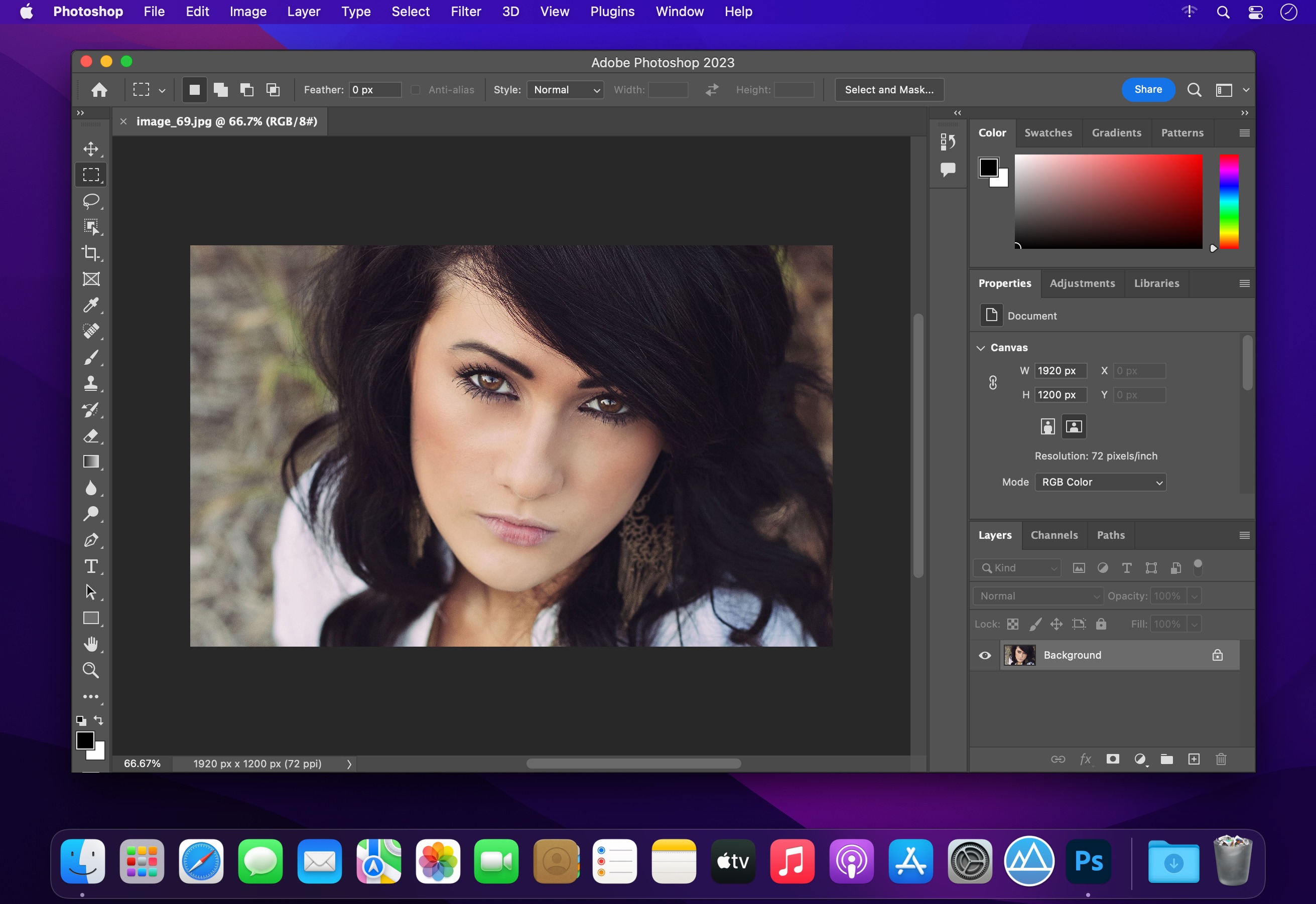
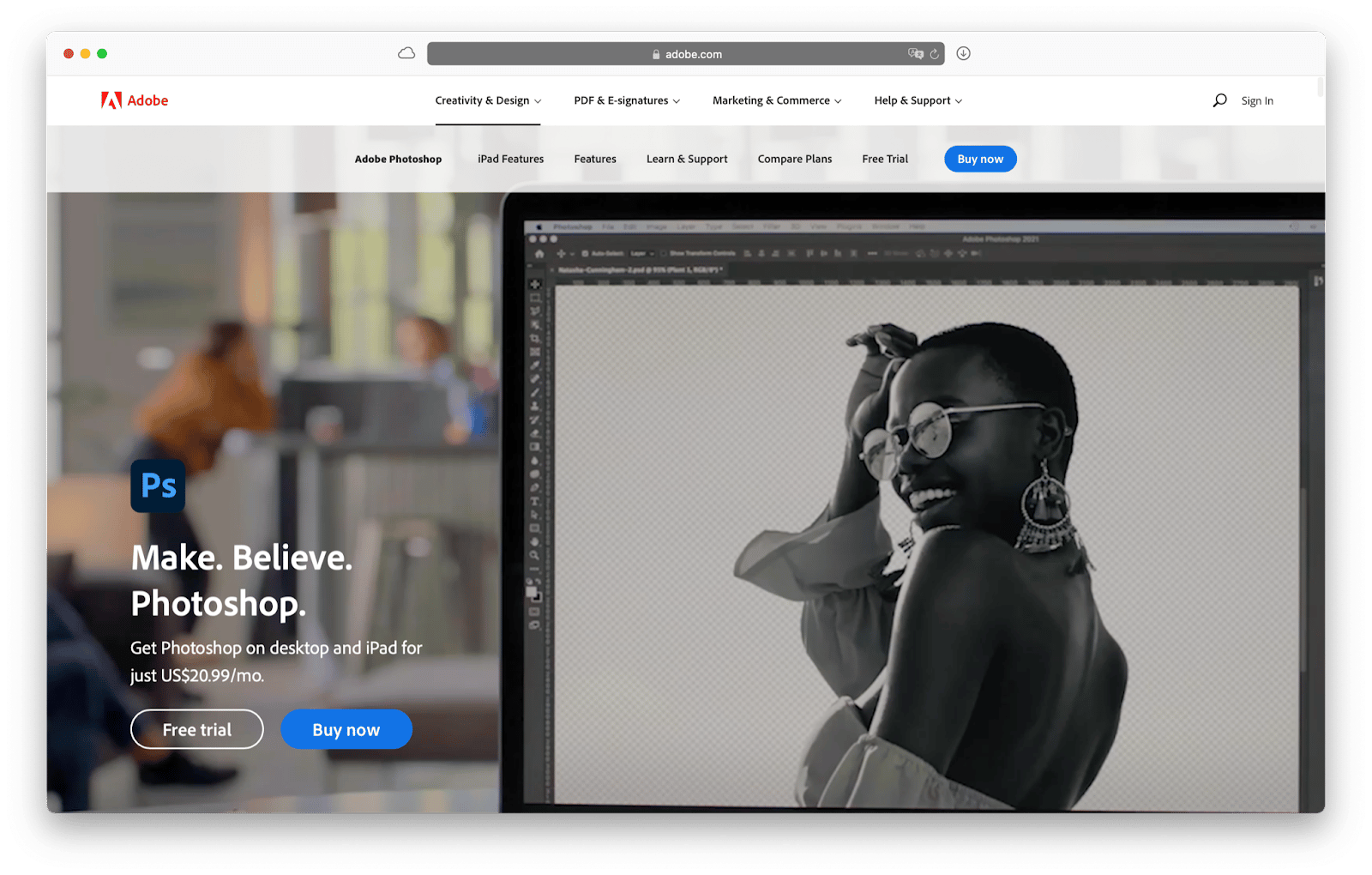
While there is no legal way to obtain a permanent, full version of Adobe Photoshop for Mac for free, users can access the software through a 7-day free trial or utilize "freemium" versions like Photoshop Express. For those needing long-term solutions without a subscription, several high-quality open-source and web-based alternatives offer comparable features for macOS.
The landscape of digital imaging in 2026 remains dominated by Adobe’s Creative Cloud ecosystem, yet the demand for cost-effective alternatives has never been higher. For Mac users—especially those on Apple Silicon (M1 through M4 architectures)—the choice between paying for a premium subscription and finding a free alternative involves balancing feature requirements, system performance, and workflow compatibility. This guide explores the legitimate ways to use Adobe products for free and the most robust alternatives currently available for the macOS environment.
Understanding Adobe’s Official Free Trial Policy
In 2026, Adobe continues to offer a 7-day free trial of the full version of Photoshop for Mac. This is the most effective way to access the professional-grade toolset for a short-term project. The trial is not a "lite" version; it includes every feature found in the paid Creative Cloud subscription, including advanced Generative AI tools (Firefly), Neural Filters, and cloud synchronization.
How to Access the Trial Safely
To initiate the trial, you must create an Adobe ID and provide payment information. It is critical to understand that the trial automatically converts into a paid monthly or annual subscription after the seventh day. To avoid charges, users must cancel the subscription within the Creative Cloud dashboard at least 24 hours before the trial period expires.
System Requirements for Mac in 2026
Before downloading the trial, ensure your hardware is compatible. Photoshop in 2026 is optimized heavily for Apple Silicon.
- Operating System: macOS 14 (Sonoma) or later.
- Processor: Apple Silicon (M1/M2/M3/M4) is highly recommended; Intel-based Macs require an i7 or higher and significant cooling.
- RAM: 16GB is the functional minimum for AI-heavy tasks, though 8GB will suffice for basic photo editing.
- Storage: At least 20GB of available space, preferably on an SSD, to accommodate the app and scratch disks.
Official Adobe "Freemium" Alternatives for macOS
If you do not need the full complexity of the standard Photoshop desktop application, Adobe offers two limited versions that are legally free to use under certain conditions.
Photoshop Express for Mac
Available via the Mac App Store, Photoshop Express is a streamlined version of the software designed for quick edits. While it lacks the layer-based depth of the full version, it provides high-quality filters, basic cropping, red-eye removal, and "Auto-fix" features. It is a suitable choice for hobbyists who only need to touch up photos for social media or personal use without the steep learning curve of professional software.
Photoshop on the Web (Limited Access)
Adobe has expanded its web-based offerings significantly by 2026. While usually tied to a subscription, Adobe occasionally offers a "freemium" tier for Photoshop on the Web in specific regions. This version allows for basic layering and editing directly in Safari or Chrome. It is an excellent option for users on MacBook Air models who want to preserve local disk space. However, advanced features like complex masking and heavy batch processing are restricted to the paid tiers.
Top Open-Source Alternatives for Mac Users
When the 7-day trial is not enough, the open-source community provides powerful tools that mirror Photoshop's functionality without the subscription cost.
GIMP (GNU Image Manipulation Program)
GIMP remains the most formidable free competitor to Photoshop. It is a cross-platform, open-source editor that supports layers, masks, and a wide array of filters.
- The "Mac" Experience: While GIMP’s native interface was historically cumbersome on macOS, the 2026 builds have improved window management to feel more integrated with the Mac desktop experience.
- Extensibility: GIMP supports many Photoshop plugins and offers a massive library of user-created scripts to automate tasks.
- Pros: Entirely free, no ads, handles almost any file format including .PSD.
- Cons: The learning curve is steep, and the UI differs significantly from Adobe’s layout.
Krita
While often categorized as a painting tool, Krita has evolved into a sophisticated image editor. For Mac users focused on digital illustration, concept art, or texture painting, Krita is often superior to Photoshop. It features an advanced brush engine, supports CMYK color spaces, and offers non-destructive layers and masks. Krita is fully optimized for Apple Silicon, providing smooth performance on modern MacBooks.
Web-Based "Photoshop Clones"
One of the most efficient ways to get "Photoshop for free" on a Mac is to use a browser-based editor that mimics the Adobe interface.
Photopea: The Ultimate Online Alternative
Photopea is a web-based editor that is remarkably similar to the Photoshop CS6/CC interface. It is free to use (supported by a small sidebar advertisement) and requires no installation.
- File Compatibility: Photopea can open and save .PSD, .AI, and .XD files, making it an essential tool for Mac users who need to collaborate with Adobe users.
- Features: It supports layers, smart objects, layer styles, and even some basic AI-driven content-aware filling.
- Performance: Since it runs in the browser, its speed is dependent on your Mac’s RAM and internet connection. For large files (over 500MB), it may lag compared to local software.
Pixlr (E and X)
Pixlr offers two versions: Pixlr X for quick, expressive edits and Pixlr E for more advanced design work. While it has moved toward a "plus" subscription model for some assets, the core editor remains free. It is less powerful than Photopea but offers a cleaner, more modern interface that many Mac users prefer.
Avoiding Security Risks: The Danger of "Cracks"
A common mistake for Mac users is searching for "cracked" versions of Photoshop (such as those using Adobe Zii or modified installers). In 2026, these pose a significant threat to macOS security.
- Malware and Ransomware: Most free "cracks" for Mac are vectors for malware that can bypass Gatekeeper. Once installed, they can steal browser cookies, passwords, and cryptocurrency keys.
- System Instability: Adobe software is deeply integrated with macOS system libraries. Cracked versions often cause kernel panics or frequent crashes because they cannot properly communicate with Apple's security chips (T2 or Secure Enclave).
- No AI Access: Adobe’s modern features, like Generative Fill, require a connection to Adobe’s servers. Cracked versions are blocked from these servers, rendering many of the best features useless.
Comparing Free Photoshop Options for Mac
| Tool | Format | Best For | .PSD Support | AI Features |
|---|---|---|---|---|
| Adobe Trial | Desktop App | Professional Projects | Full | Full (Firefly) |
| Photoshop Express | App Store | Quick Touch-ups | Limited | Basic |
| GIMP | Desktop App | Advanced Editing | High | Via Plugins |
| Photopea | Web Browser | Photoshop Clones | Full | Basic |
| Krita | Desktop App | Illustration/Painting | Medium | No |
| Pixlr E | Web Browser | Graphic Design | Limited | Basic |
Frequently Asked Questions
Can I get Photoshop for free if I am a student?
While not strictly free, students and teachers often have access to "Creative Cloud for Education." Many universities provide these licenses at no cost to the student, or at a 60-70% discount. Check your institutional portal before seeking other free options, as a "free" student license is the full, unrestricted version of Photoshop.
Does Adobe CS2 still work for free on modern Macs?
No. In the past, many users downloaded the CS2 suite for free because activation servers were taken down. However, CS2 is a 32-bit application. Starting with macOS Catalina, Apple dropped support for 32-bit apps. On a 2026 Mac running modern macOS, CS2 will not launch, even with emulation tools like Rosetta 2.
Is Photopea safe for sensitive work on my Mac?
Photopea processes most image data locally in your browser's memory rather than uploading every edit to a server. However, if you are working on highly sensitive or proprietary corporate data, a local, open-source tool like GIMP is generally more secure than any web-based platform.
Are there free iPad versions that work on M-series Macs?
Because M-series Macs (Apple Silicon) can run iPad apps, you can technically download the iPad version of Photoshop from the App Store. However, it still requires an Adobe subscription to unlock most features beyond a basic viewing mode. The experience is also less optimized for a mouse and keyboard than the native desktop apps.
Why is GIMP often recommended over other free tools?
GIMP is recommended because it is the only free tool that offers a level of technical depth similar to Photoshop. It handles complex tasks like high-bit-depth processing, advanced color management, and scripting that most "free" online editors cannot manage. For users who want to learn professional image manipulation without the cost, GIMP provides the most comprehensive education.
Practical Recommendation
If you need the full power of Adobe Photoshop for a single project, the 7-day free trial is your best path. Ensure you have a reminder set to cancel before the period ends. For long-term, daily use without a budget, GIMP is the most powerful local software for Mac, while Photopea is the most convenient for those who need a familiar Photoshop-like interface without the installation. For artistic work and digital painting, Krita is the superior choice for the macOS ecosystem in 2026.