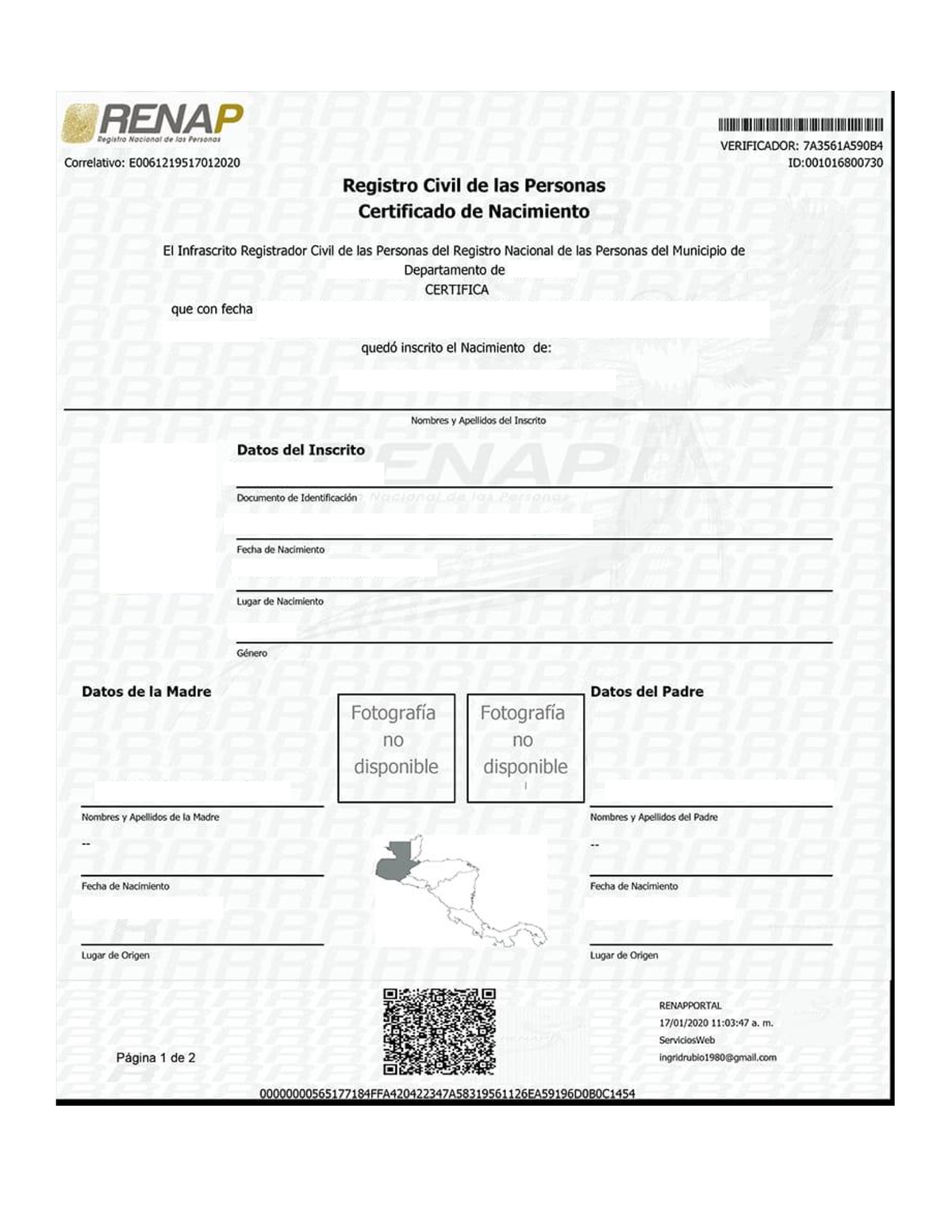
To obtain your Mexican acta de nacimiento as a PDF, visit the official government portal at gob.mx/actanacimiento. You will need to provide your CURP or personal details, verify the information, and pay the required fee via credit card or a bank deposit. Once paid, the system generates a downloadable PDF file that is legally valid across all Mexican authorities when printed on standard white paper.
The transition toward a fully digital civil registry system in Mexico has reached a point of near-universal accessibility in 2026. What was once a process requiring long lines at the Registro Civil (Civil Registry) is now a streamlined, five-minute task that can be completed from any device with internet access. This guide provides an exhaustive breakdown of how to navigate the official channels, ensure your document is valid, and troubleshoot the most common administrative hurdles.
The Legal Validity of the Digital PDF Acta de Nacimiento
One of the most frequent points of confusion for citizens is whether a PDF printed on a standard home printer carries the same legal weight as the traditional "brown" or "green" security paper issued at physical offices. As of 2026, the legal framework is absolute: the digital version is fully valid.
Under the modernization initiatives led by the Secretaría de Gobernación (SEGOB) and the Registro Nacional de Población (RENAPO), the digital birth certificate contains several layers of security that bypass the need for specialized paper. These include:
- Electronic Signature: A unique cryptographic string that certifies the document was issued by a legitimate authority.
- QR Code: A quick-response code that, when scanned by a government official or service provider, links directly to the RENAPO database to verify the document's contents in real-time.
- Unique Identifier: A tracking number that ensures the document corresponds to a specific entry in the national database.
Because the security resides in the digital data and the verification tools, the physical medium (the paper) no longer dictates the document's authenticity. Whether you present it on your smartphone or print it on a 20-lb bond sheet, authorities are legally mandated to accept it.
Prerequisites for Obtaining the Document
Before starting the online process, ensure you have the necessary information at hand. The system is designed to be user-friendly, but missing a single digit can stall the process.
1. The CURP (Clave Única de Registro de Población)
The CURP is the primary key used to locate your record. While you can search using personal details (name, date of birth, state of registry), using the CURP is significantly faster and more accurate. If you do not know your CURP, you can look it up on the same portal by providing your full name and birth details.
2. Personal Data of Parents or Guardians
The system often asks for the name of the person who registered you (usually one or both parents) as a secondary verification layer. You must enter these names exactly as they appear on the original registry.
3. Payment Method
You have two options for payment:
- Online Payment: Using a credit or debit card (Visa, Mastercard, or American Express). This provides immediate access to the download link.
- Reference Sheet: Generating a payment voucher to take to a bank or a participating convenience store (like OXXO). This method requires a waiting period (usually 24 to 72 hours) for the payment to clear before the PDF becomes available.
Step-by-Step Instructions to Obtain the PDF
As of 2026, the portal has been optimized for both desktop and mobile browsers. Follow these steps to ensure a successful transaction.
Step 1: Access the Official Portal
Navigate to www.gob.mx/actanacimiento. Avoid third-party websites that claim to "expedite" the process; these are often scams or overcharge significantly for a service that the government provides directly.
Step 2: Search for the Record
You will be presented with two tabs: "CURP" and "Datos Personales." If you have your CURP, enter it and solve the reCAPTCHA. If you use "Datos Personales," you will need to enter:
- Full Name (First and Last)
- Day, Month, and Year of Birth
- Sex
- State of Registry (The state where your birth was originally recorded, which may differ from your state of residence).
Step 3: Secondary Verification
To confirm your identity, the system will ask for the name of the parent or person who signed your birth certificate. Enter the first name and last names exactly. If the name is "María," ensure you include the accent mark if it was registered that way, though the modern system is increasingly flexible with orthography.
Step 4: Review and Confirm
A preview of your data will appear. Check this carefully. Ensure your name, your parents' names, the date of birth, and the location of the registry are correct. If there is a typo in the database, do not proceed with the payment; instead, you will need to request a correction (see the troubleshooting section below).
Step 5: Choose Payment Method
Select your preferred payment method. In 2026, the prices vary depending on the state that issued the record. The portal will display the exact amount due before you commit. If paying by card, you will enter your details into a secure payment gateway.
Step 6: Download the PDF
Once the payment is confirmed, you will be redirected to a screen with a "Download" button. Save this file immediately. You will also be given a "Folio" number. Write this down; it allows you to re-access the download link for a limited window (usually 24 hours) if your internet connection fails.
Estimated Costs by State in 2026
The cost of an acta de nacimiento PDF is determined by each state's individual fiscal code. These prices are adjusted annually based on inflation or local legislative changes. Below is a table representing the typical price ranges observed in 2026 for some of the most populous states.
| State | Estimated Cost (MXN) | Processing Time |
|---|---|---|
| Mexico City (CDMX) | $92.00 | Instant |
| Estado de México | $65.00 | Instant |
| Nuevo León | $62.00 | Instant |
| Jalisco | $95.00 | Instant |
| Veracruz | $190.00 | Instant |
| Quintana Roo | $58.00 | Instant |
| Guanajuato | $94.00 | Instant |
| Baja California | $233.00 | Instant |
Note: Prices are subject to change and are set by state authorities, not the federal portal.
Troubleshooting Common Issues
While the system is highly efficient, users frequently encounter specific technical or administrative roadblocks.
"No Results Found" or "Acta No Digitalizada"
If the system cannot find your record, it usually means your birth certificate has not yet been uploaded to the national database (RENAPO). This is more common for individuals born before 1970 or in very small, rural municipalities.
- The Solution: You must send an email to the state’s designated "Enlace de Corrección" (Correction Link). In the email, include a scanned copy of your physical birth certificate and your CURP. They will manually digitize the record, a process that can take between 5 to 15 business days.
Errors in the Digital Record
If you find a typo in your name or your parents' names during the preview stage, do not pay. A digital document with an error is often rejected by banks, passport offices, or schools.
- The Solution: Contact the Civil Registry of the state where you were registered. Most states now allow "Corrección de Datos" via email. You will need to provide evidence of the correct data (such as an older, correct certificate or your INE ID).
Payment Confirmed but No Download Available
If your bank shows a charge but the website crashed or failed to provide the PDF, do not panic.
- The Solution: Use the "Consulta el estado de tu trámite de acta de nacimiento" tool on the same website. You will need your Folio number. If the payment was successful, it will allow you to download the file. If you do not have the Folio, check the email you provided during the process, as the system usually sends a confirmation there.
Obtaining the PDF from Outside Mexico
For Mexican citizens living abroad, the PDF system is a significant advancement. Previously, one had to visit a consulate or hire a lawyer in Mexico. In 2026, the online portal works globally.
- Payment Abroad: The system accepts international credit and debit cards. Note that your bank may charge a small foreign transaction fee as the transaction is processed in Mexican Pesos (MXN).
- Consular Services: If the online portal fails to find your record, you can still visit a Mexican Consulate. They have access to the same database and can assist in the "digitization request" process.
- Apostille and Legalization: If you need the birth certificate for legal residency or marriage in a foreign country, a simple printout might not suffice. You may need an Apostille, which is a separate certification of the signature on the document. In 2026, some Mexican states offer "e-Apostilles" that can be attached to your PDF digitally.
Technical Specifications of the PDF File
The file you receive is a standard PDF. However, there are technical details that ensure its longevity and utility:
- Standardization: It uses the "Formato Único de Acta de Nacimiento," a design adopted by all 32 states to ensure uniformity.
- Verification Tool: Anyone you give the document to can verify it at gob.mx/actanacimiento/verificacion. They simply enter the Identificador Electrónico found in the top right corner of your PDF.
- No Expiration: A common myth is that birth certificates expire every three months. Legally, a birth certificate does not expire. However, some institutions (like the SRE for passports) require a "recent" copy (issued within the last 6 to 12 months) to ensure that no "marginal notes"—such as marriage or divorce—have been added to the registry since the last issuance.
FAQs
Can I print the PDF multiple times?
Yes. Once you have the PDF file saved on your computer or cloud storage, you can print it as many times as you need. Each printout is considered an original, valid document because the authenticity is verified via the QR code and digital signature, not the paper itself.
What if I don't have a credit card for the online payment?
You can select the "Formatos de pago en sucursal" option. This will generate a document with a reference number. You can take this to banks like BBVA, Santander, or Citibanamex, or to convenience stores like OXXO. After you pay, return to the portal 24-72 hours later, enter your Folio, and your PDF will be ready for download.
Is the PDF acta de nacimiento valid for a Mexican Passport?
Yes. The Secretaría de Relaciones Exteriores (SRE) accepts the digital version printed on white paper. Their systems are integrated with RENAPO, allowing them to verify the validity of your PDF instantly during your appointment.
My state isn't listed or says "Service Unavailable." What do I do?
Occasionally, state servers undergo maintenance. If your state's registry is temporarily offline, you will need to wait a few hours and try again. If the problem persists for days, it may indicate a larger synchronization issue between the state registry and the federal database, and you should contact the state's Civil Registry office directly.
Does the PDF look different from the one issued at the office?
The layout is identical to the "Formato Único" used in physical offices. The only difference is that the office version might be printed on security paper with a physical seal, whereas the PDF version uses a digital seal and QR code. Legally and functionally, they are identical.
Final Recommendation
To ensure you always have access to this vital document, save the final PDF in a secure cloud storage service (such as Google Drive, iCloud, or OneDrive) and label it clearly. Having a digital copy available on your mobile device can be a lifesaver during unexpected administrative or legal requirements. Always remember to use only the official .gob.mx domain to protect your personal data and avoid unnecessary fees.