The Apple Student Discount program provides eligible students, educators, and staff with specialized pricing on Mac computers, iPad tablets, and select Apple software and accessories. By verifying academic status through Apple’s authorized verification partner, participants can access significant cost reductions, seasonal promotional incentives, and tax-efficient purchasing options compared to standard retail pricing.
Understanding the Apple Education Pricing Model
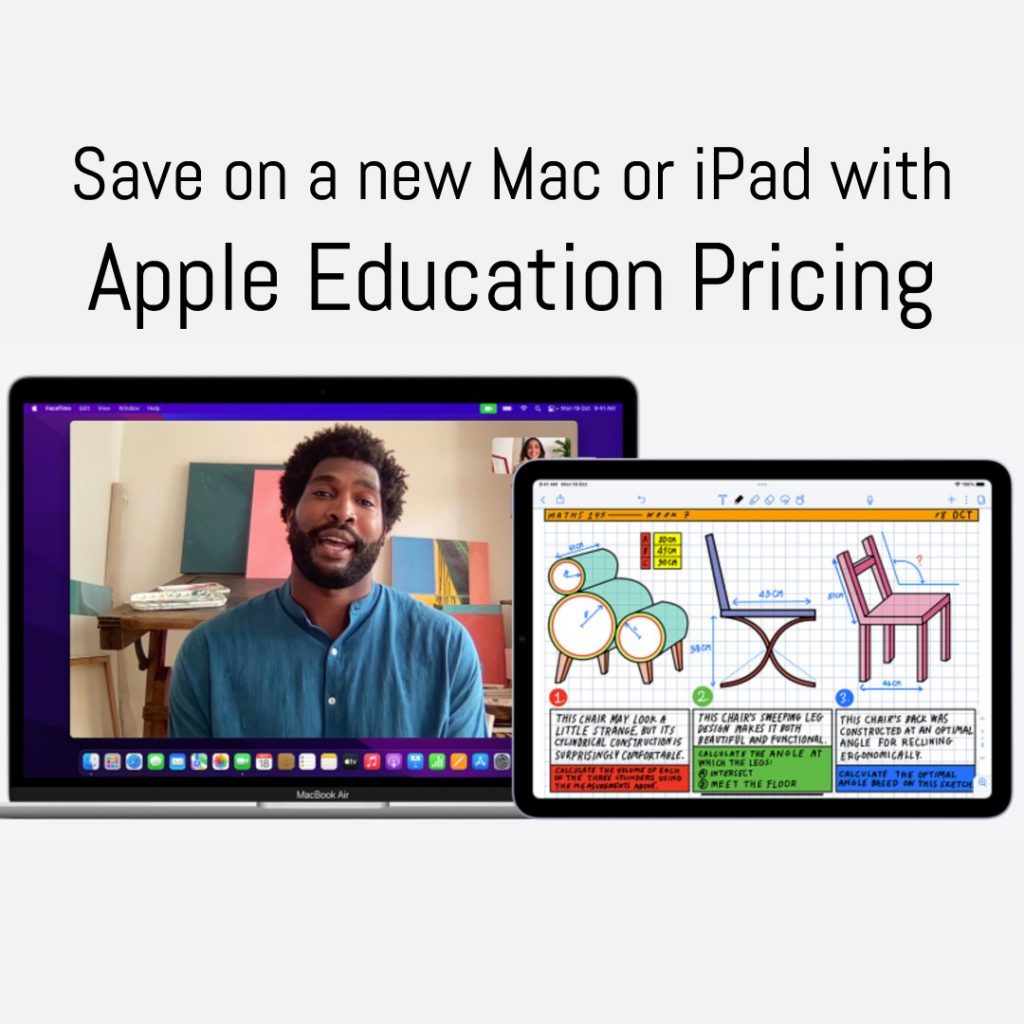
The Apple education initiative is not a single "coupon" but a tiered pricing structure designed to support the academic community. When you access the Apple Education Store, you are essentially entering a verified gateway where prices for hardware are adjusted to reflect the company’s commitment to academic advancement.
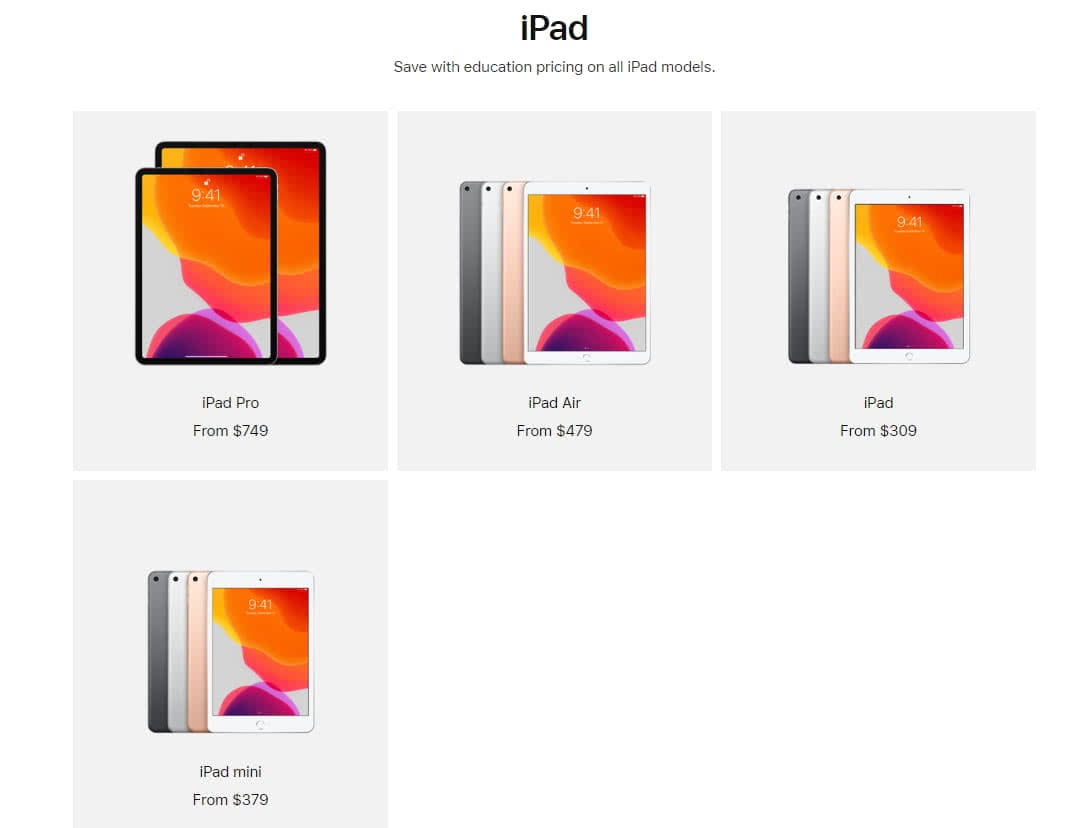
Unlike retail store pricing, which is subject to standard market fluctuations and seasonal sales, the Apple Student Discount program maintains a relatively stable pricing structure throughout the year. The primary objective is to lower the barrier to entry for high-performance hardware—specifically the MacBook Air, MacBook Pro, and iPad lineup—which are considered essential tools for modern research, creative production, and data analysis in higher education.
Distinguishing Education Pricing from Promotions
It is vital to distinguish between permanent Education Pricing and the "Back to School" seasonal promotions. Education Pricing is a year-round benefit available to qualified individuals. Conversely, the "Back to School" period usually occurs between late spring and early autumn. During this specific window, Apple often enhances the standard discount by providing additional incentives, such as Apple Gift Cards or bundled accessories, for qualifying purchases.
Eligibility Requirements and Verification Procedures
Not every student or school employee qualifies for Apple’s education discounts. The program is strictly regulated to prevent abuse and ensure that only members of the academic community receive these benefits.
Who Qualifies?
The program covers a broad range of individuals within the educational ecosystem. Eligibility is generally granted to:
- Higher Education Students: Individuals attending or accepted into a public or private university or college.
- Parents: Parents purchasing on behalf of a student currently enrolled in higher education.
- Faculty and Staff: Employees of public or private K–12 institutions and higher education universities or colleges.
- School Board Members: Members of local school boards are often included, provided they can verify their public office.
- Homeschool Teachers: In many jurisdictions, parents who serve as the primary instructor for homeschool curricula qualify for faculty-level discounts.
The Verification Process
As of 2026, Apple utilizes UNiDAYS as its primary verification engine. When you attempt to check out through the Apple Education portal, you will be prompted to verify your status. This process typically requires:
- Institutional Email: Providing a .edu email address is the fastest route, as it is automatically recognized by the verification system.
- Documentary Evidence: If you lack an institutional email, you may be asked to upload a student ID card, a registration form, or a tuition receipt.
- Third-Party Authentication: You will be redirected briefly to the UNiDAYS portal to confirm your enrollment status. Once verified, your status remains active for a specific duration—usually the duration of the academic semester or year—after which you may be required to re-verify.
Financial Impact and Comparative Value
Choosing between a standard retail purchase and an education-discounted purchase involves calculating both the immediate savings and the long-term value of the machine.
Cost Analysis Table
The following table illustrates the typical areas where academic pricing provides an advantage. Note that exact figures fluctuate based on the specific SKU (Stock Keeping Unit) and base model configurations.
| Item Category | Standard Retail Pricing | Education Pricing Advantage | Typical Savings |
|---|---|---|---|
| MacBook Air | MSRP | Reduced Base Price | $100 - $150 |
| MacBook Pro | MSRP | Reduced Base Price | $150 - $200 |
| iPad (Pro/Air) | MSRP | Reduced Base Price | $50 - $100 |
| AppleCare+ | Standard Fee | 20% Discount | 20% off |
| Accessories | MSRP | Variable Discount | 5% - 10% |
Hidden Savings: AppleCare+
A frequently overlooked aspect of the program is the 20% discount on AppleCare+ protection plans. Because student hardware is subject to higher risks of damage—due to transport in backpacks, use in crowded lecture halls, and frequent movement—this discount significantly lowers the total cost of ownership over the expected three-to-four-year lifespan of a device.
Optimizing Your Purchase: A Strategic Guide
To maximize the benefits of the Apple Student Discount, you should approach the purchase as a procurement project.
1. Identify Your Hardware Needs
Avoid the "feature creep" that leads to overspending. Students in humanities often do not require the intensive processing power of the M-series Pro or Max chips found in high-end MacBook Pros. A MacBook Air is frequently sufficient for research, writing, and administrative tasks, saving you hundreds of dollars compared to a professional-grade machine.
2. Timing the Purchase
While Education Pricing is always active, if you are purchasing in the mid-to-late summer, it is prudent to wait for the official announcement of the "Back to School" promotion. If you purchase too early, you may miss out on the added-value gift cards or hardware bundles that are only available during those specific promotional windows.
3. Verification Troubleshooting
If your verification fails, do not panic. Common errors include:
- Typos: Ensure the institution name exactly matches the official registry.
- Email Mismatch: Ensure you are using your personal institutional email, not a secondary account.
- In-Store Verification: If the online portal remains blocked, visit an Apple Store in person. Bring a valid photo ID and a recent student schedule or faculty letter. Physical store representatives can often override digital verification bottlenecks once physical proof is presented.
Common Limitations and Restrictions
Understanding what the program does not cover is as important as knowing what it does.
Purchase Limits
Apple imposes annual purchase limits to prevent the resale of discounted goods. Generally, an individual is entitled to purchase one desktop, one Mac mini, one laptop, and two iPads per academic year. These limits are tracked via your Apple ID and the UNiDAYS verification database.
Excluded Items
Not every item in the Apple ecosystem is discounted. Consumables, gift cards (outside of promotional bundles), and third-party accessories are typically excluded. Furthermore, the discount does not apply to legacy refurbished products, which are already priced at a lower rate via the official Apple Certified Refurbished store.
Frequently Asked Questions
Can I stack the student discount with other sales or coupons?
Generally, no. The Apple Student Discount is considered a standalone price tier. It cannot be combined with external retail coupons, store-wide liquidation sales, or price-matching requests from other retailers.
Is the student discount available if I buy from an authorized reseller?
Some third-party authorized resellers (such as university bookstores or large electronics retailers) offer their own version of student discounts. However, these are distinct from the Apple-provided program. Always verify if the store is an "Apple Authorized Campus Store," as they have specific agreements to provide institutional-level pricing.
What happens if I graduate during the year?
The discount is based on your status at the time of purchase. If you were a student when you bought the device, you are not retroactively required to pay the difference upon graduation. However, you will lose your eligibility for future purchases once your verification credentials expire.
Can I transfer my student discount to a friend?
No. The discount is strictly tied to the verified individual. Any attempt to use another person’s credentials violates the terms of service and may lead to the suspension of your Apple ID's ability to participate in future educational offers.
Are software subscriptions included?
Yes, the Apple Pro Apps Bundle for Education is one of the most cost-effective ways for students in film, design, or music production to acquire professional-grade software. It bundles Final Cut Pro, Logic Pro, Motion, Compressor, and MainStage at a fraction of the cost of individual perpetual licenses.
Final Recommendations for Students
To ensure a successful experience with the Apple Student Discount program, follow these final procedural steps:
- Consolidate your credentials: Before entering the portal, ensure you have access to your institutional email or digital student ID portal.
- Compare configurations: Use the comparison tools on the Apple website to see if a base model with an education discount is more cost-effective than a higher-tier model with retail pricing.
- Review the tax implications: Depending on your location, ensure that the final price reflects your local tax jurisdiction, as the education discount applies to the hardware price, not the tax levied by your state or country.
By preparing your documentation in advance and timing your purchase to align with major academic cycles, you can secure the necessary technology for your studies while maintaining a responsible budget.