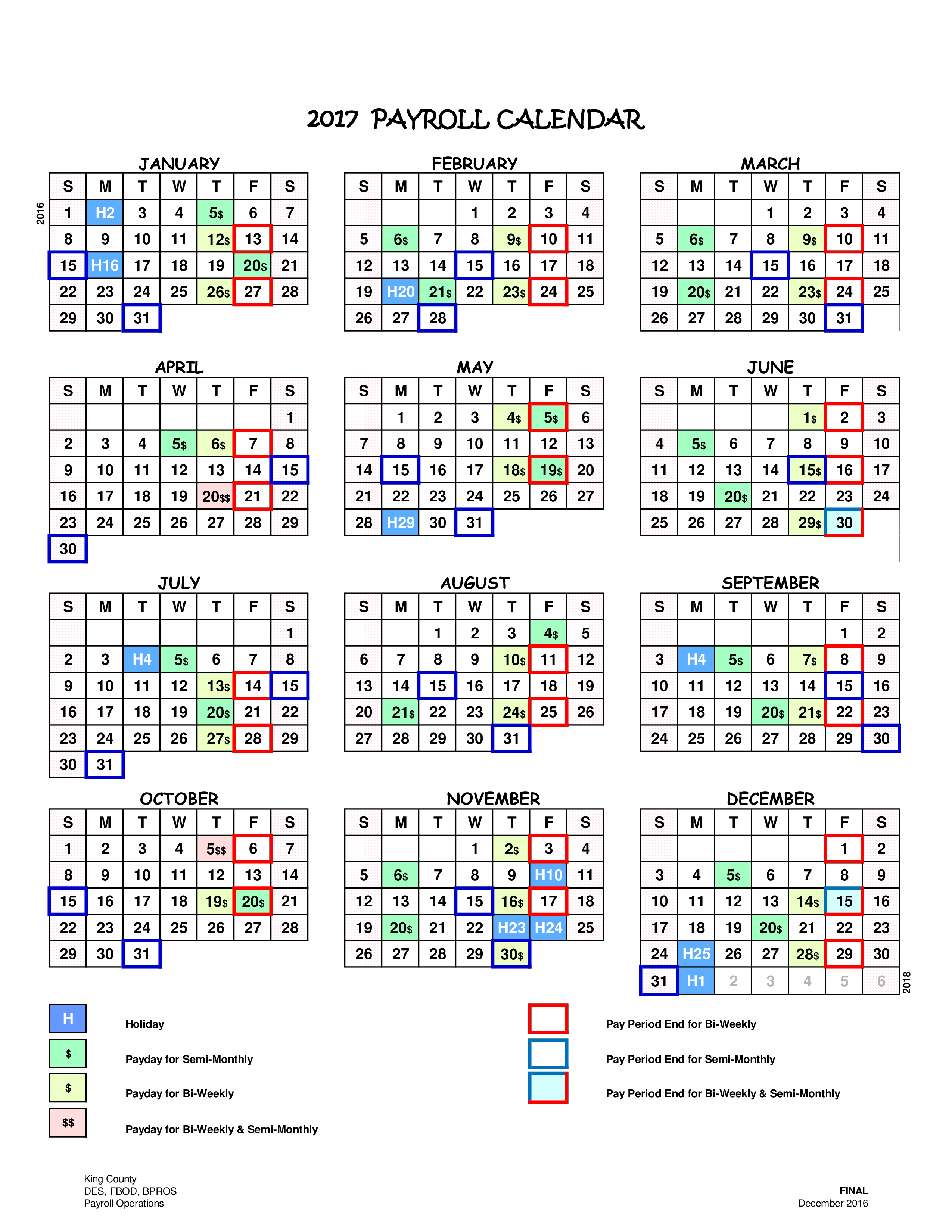
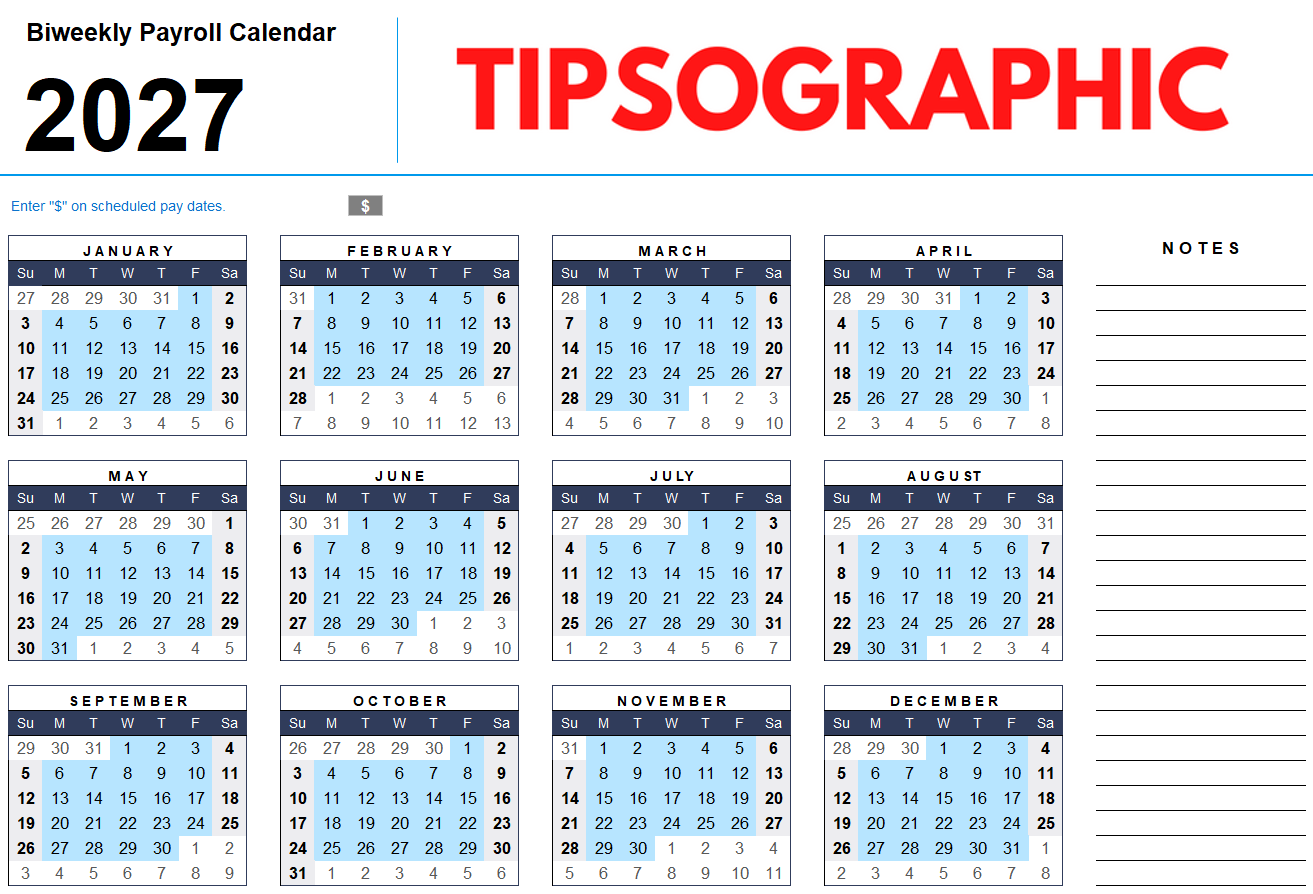
ADP payroll schedules are employer-defined timelines that dictate when workers receive compensation. While ADP provides the cloud-based infrastructure, individual businesses choose between weekly, bi-weekly, semi-monthly, or monthly frequencies. Understanding these cycles involves managing processing deadlines, bank holidays, and tax filing requirements to ensure timely, compliant payments throughout the 2026 fiscal year.
Managing a payroll schedule through ADP (Automatic Data Processing, Inc.) requires a clear understanding of how different frequencies impact cash flow, employee satisfaction, and administrative overhead. As we navigate 2026, businesses using platforms like ADP RUN or ADP Workforce Now must align their internal accounting with ADP’s processing windows to avoid late payments or compliance penalties. This overview explores the technical nuances of setting, managing, and troubleshooting your payroll schedule within the ADP ecosystem.
The Fundamentals of ADP Payroll Cycles
A payroll schedule is more than just a set of dates on a calendar; it is a synchronized workflow involving the employer, the payroll processor (ADP), the banking system (ACH), and the employee. In the ADP environment, the "schedule" refers to the specific pay frequency and the associated "period start," "period end," and "pay date" fields configured in the company profile.
For the year 2026, the calendar year begins on a Thursday. This positioning affects how weekly and bi-weekly cycles fall, particularly for companies that traditionally pay on Fridays. Selecting the right frequency is often the first major decision an administrator makes. While ADP supports virtually any cadence, the most common are weekly, bi-weekly, semi-monthly, and monthly.
Each frequency carries different administrative requirements. For instance, a weekly schedule requires 52 distinct payroll runs per year, increasing the labor hours spent on data entry and verification. Conversely, a monthly schedule minimizes administrative touches but can create financial strain for employees who prefer more frequent access to their earnings. ADP’s software allows for "multiple pay groups," meaning a company could theoretically pay hourly staff weekly while paying salaried executives semi-monthly, provided these groups are clearly defined within the system.
Common Payroll Frequency Options in 2026
Choosing a frequency involves balancing state labor laws, industry standards, and administrative capacity. ADP’s systems are designed to automate these cycles once established, but the initial configuration must be precise.
Weekly Payroll Schedules
Weekly schedules result in 52 paychecks per year. This is highly common in industries with high turnover or variable hours, such as construction, retail, and hospitality. From a technical standpoint, a weekly schedule in ADP usually involves a "lag time" where employees are paid for work performed in the previous week. In 2026, a standard weekly Friday pay schedule would begin on January 2nd (the first Friday of the year).
The primary advantage of a weekly schedule is that it aligns closely with the employee's work-life cycle. However, for the payroll administrator, it means a constant cycle of gathering timesheets, approving hours, and submitting data to ADP by the weekly deadline (often Wednesday for a Friday pay date).
Bi-Weekly Payroll Schedules
Bi-weekly schedules are the most popular option in the United States. Employees receive a paycheck every two weeks, usually on a Friday, resulting in 26 paychecks per year. In 2026, most bi-weekly schedules will result in two months where employees receive three paychecks instead of two. These "three-pay-period months" are critical for budgeting, as they can impact how ADP calculates benefit deductions and tax withholdings.
Administratively, bi-weekly cycles offer a reprieve compared to weekly runs, as they reduce the frequency of payroll processing by half. ADP’s "Autopay" feature is often utilized for bi-weekly salaried staff to further streamline the process.
Semi-Monthly Payroll Schedules
Often confused with bi-weekly, semi-monthly schedules occur twice a month, typically on the 15th and the last day of the month. This results in exactly 24 paychecks per year. This frequency is favored by accounting departments because it aligns perfectly with monthly financial reporting and the "closing of the books."
In 2026, semi-monthly schedules can present challenges when a pay date (like the 15th or 31st) falls on a weekend or a holiday. ADP’s system is configured to handle these "encroaching dates" by either moving the pay date forward to the preceding business day or backward to the following, depending on the company’s specific policy settings.
Monthly Payroll Schedules
Monthly schedules are the least frequent, resulting in 12 paychecks per year. These are typically reserved for high-level executives or specific industries where commission-based pay is calculated over a 30-day period. While it is the easiest to manage from an administrative perspective, many states have "payday laws" that restrict monthly frequencies for non-exempt (hourly) employees.
| Frequency | Paychecks Per Year | 2026 Admin Effort | Ideal For |
|---|---|---|---|
| Weekly | 52 | High | Hourly/Manual Labor |
| Bi-Weekly | 26 | Moderate | General Corporate/Salaried |
| Semi-Monthly | 24 | Moderate | Accounting Alignment |
| Monthly | 12 | Low | Executives/Commissioned |
Navigating the 2026 Holiday Calendar and Banking Deadlines
ADP relies on the Automated Clearing House (ACH) system to move funds from the employer’s bank account to the employees' accounts. The ACH system does not operate on federal holidays or weekends. Consequently, your ADP payroll schedule must account for these "bank dark days."
In 2026, several major holidays fall on days that could disrupt standard payroll processing:
- New Year’s Day: Thursday, January 1, 2026
- Martin Luther King Jr. Day: Monday, January 19, 2026
- Presidents' Day: Monday, February 16, 2026
- Memorial Day: Monday, May 25, 2026
- Juneteenth: Friday, June 19, 2026
- Independence Day: Observed Friday, July 3, 2026 (since July 4 is a Saturday)
- Labor Day: Monday, September 7, 2026
- Columbus Day / Indigenous Peoples' Day: Monday, October 12, 2026
- Veterans Day: Wednesday, November 11, 2026
- Thanksgiving Day: Thursday, November 26, 2026
- Christmas Day: Friday, December 25, 2026
If your pay date falls on one of these holidays, ADP typically requires you to submit your payroll data one business day earlier than usual. For a Friday pay date during Christmas week in 2026, the funds would likely need to be distributed on Thursday, December 24, meaning the processing deadline would move from Wednesday to Tuesday. Failure to adjust for these dates in the ADP dashboard can result in employees not receiving funds until the following Monday.
Managing Processing Deadlines and Lead Times
To ensure timely payment, ADP establishes specific "processing windows." For most standard ADP RUN or Workforce Now clients, there is a 48-to-72-hour lead time required for direct deposits.
- Submission Deadline: This is the latest time (usually 2:00 PM or 3:00 PM local time) that the administrator can click "Approve" or "Submit" for the payroll run.
- ADP Processing: Once submitted, ADP calculates taxes, generates pay stubs, and initiates the ACH transfer.
- The "Funding" Day: This is the day ADP pulls the total payroll amount from the employer’s bank account. This usually happens 24 to 48 hours before the pay date.
- The Pay Date: This is the day funds are settled in the employees' accounts.
If an administrator misses the submission deadline, they may have to opt for "Same-Day ACH" (if the bank supports it and the deadline hasn't passed) or issue manual paper checks. ADP provides a "Payroll Schedule" report within the platform that lists every submission deadline for the entire year of 2026. Reviewing this report in January is a best practice for any HR or finance professional.
Setting and Changing Schedules in ADP Software
Configuring the schedule is a core administrative task. Within ADP Workforce Now, this is typically found under the "Setup" tab in "Payroll Settings." For ADP RUN, it is located under "Company" and then "Pay Frequency."
Adding a New Pay Group
If a company expands and needs a different schedule for a new set of employees, they must create a new "Pay Group." This requires defining:
- Pay Frequency: (Weekly, Bi-weekly, etc.)
- Period Start and End Dates: The exact window of time being paid for.
- Check Date: The day the money lands in accounts.
- Deduction Cycles: Which checks will have health insurance or 401(k) contributions removed.
Changing an Existing Schedule
Changing a pay frequency is a significant event and should not be done mid-quarter if possible. Transitioning from weekly to bi-weekly, for instance, requires "bridging" the gap for employees who will go longer without a paycheck. ADP’s system can handle the transition, but administrators must manually adjust the "Period End Date" to ensure no days of work are skipped or double-counted during the switch.
Employee Access to the Payroll Schedule
For employees, the payroll schedule is accessed primarily through the ADP Mobile Solutions app or the ADP iPayStatements portal. These platforms provide a "Pay Calendar" view where employees can see upcoming pay dates and historical pay stubs.
Transparency is vital for employee retention. When an employer sets up the schedule in ADP, they should communicate the 2026 calendar to the staff, highlighting any shifts due to holidays. Employees can also use the ADP portal to set up "Pay Alerts," which send a notification via SMS or email when their pay statement is available for viewing, typically a day before the actual pay date.
Common Troubleshooting for Payroll Schedules
Even with a robust system like ADP, errors can occur. Most issues stem from timing or data entry mistakes rather than software failure.
- Missing a Deadline: If the submission window is missed, the most common fix is to process a "Special Payroll." This may incur additional fees from ADP and might delay direct deposit by 24 hours.
- Bank Holidays: As mentioned, neglecting to account for a holiday is the number one cause of late pay. ADP usually sends "Holiday Reminders" via email, but the onus remains on the employer to submit early.
- Inconsistent "Period End" Dates: If the period end date does not align with the work performed, it can lead to overtime calculation errors. ADP's "Time & Attendance" module should be synced to the payroll schedule to ensure hours flow correctly from the clock to the check.
- Direct Deposit Reversals: If an employee's bank account information is incorrect, the funds will "bounce back" to ADP. This doesn't change the payroll schedule for everyone else, but it requires the administrator to issue a manual check or a "re-run" for that specific individual.
State Labor Laws and Compliance
When establishing a payroll schedule in ADP, you must comply with the laws of the state where your employees reside, not just where the company is headquartered. State regulations often dictate the maximum length of time between the end of a pay period and the actual pay date.
For example, some states require that employees be paid within seven days of the period ending. If your ADP schedule is set with a 10-day lag, you could be in violation of state law, leading to audits and fines. ADP’s "Compliance Dashboard" provides tools to help identify these discrepancies, but employers should consult with legal counsel to verify that their chosen 2026 schedule meets all jurisdictional requirements.
Practical Expert Guidance for 2026
To maintain a seamless payroll operation in 2026, administrators should adopt a proactive stance. Payroll is a high-stakes environment where errors impact the livelihoods of the workforce.
- Download the 2026 Schedule Early: In December 2025 or early January 2026, export the full payroll calendar from ADP. Look for the "Payroll Schedule" or "Processing Calendar" report.
- Audit Your Benefit Deductions: In months with three pay periods (for bi-weekly schedules), decide if you will take deductions out of the third check. Many companies choose to skip health insurance deductions on the third check to give employees a "bonus" of sorts in their net pay. Ensure ADP is configured to skip these deductions automatically.
- Sync Timekeeping: Ensure that your time-tracking software (whether ADP’s own Time & Attendance or a third-party tool) has the exact same period start and end dates as your ADP payroll schedule.
- Set "Early Submission" Reminders: Set calendar alerts for two days prior to your actual ADP deadline. This gives you a buffer to resolve missing timesheets or manager approval issues.
Frequently Asked Questions
How do I find my ADP payroll schedule as an employee? Employees can find their pay schedule by logging into the ADP Mobile Solutions app or the ADP Workforce Now employee portal. Under the "Pay" or "Statements" section, there is usually a "Pay Calendar" or "Upcoming Pay" feature. If this is not visible, you should contact your company’s HR or payroll department, as they define the schedule within the ADP system.
What happens to my ADP pay date if it falls on a bank holiday in 2026? When a scheduled pay date falls on a federal bank holiday, the funds are typically distributed on the business day immediately preceding the holiday. For example, if your pay date is Friday, December 25, 2026 (Christmas Day), you will most likely receive your direct deposit on Thursday, December 24. Your employer must submit the payroll data to ADP at least 24 hours earlier than usual to accommodate this shift.
Can an employer change the payroll schedule mid-year? Yes, an employer can change the payroll schedule in ADP mid-year, but it requires significant administrative adjustment. The employer must notify employees in advance (often required by state law), adjust the pay groups within the ADP settings, and ensure that the transition period does not result in "missing pay" for the days between the old and new schedules.
Why is my ADP direct deposit late even though the schedule says today is the pay date? A delay can occur for several reasons: the employer may have missed the ADP submission deadline, there may be a delay at your specific bank in processing the ACH transfer, or it could be a federal holiday you weren't aware of. If the funds are not in your account by the end of the business day on the scheduled date, contact your HR department to verify that the payroll was submitted on time.
What are the "three-pay-period months" for bi-weekly payroll in 2026? For most companies on a bi-weekly schedule with a pay date of Friday, January 2, 2026, the three-pay-period months will be May and October. In these months, employees will receive three paychecks because of how the Fridays fall on the calendar. This varies slightly depending on whether your first pay date of the year is January 2nd or January 9th.
Final Recommendation
For a successful 2026, the most critical action an ADP administrator can take is to verify the "Processing Deadlines" report within their specific ADP portal. Because 2026 contains several mid-week holidays, missing a single submission window can cause a company-wide delay. Employers should also take this time to review their pay frequency to ensure it still aligns with their 2026 growth goals and state compliance requirements. If you are an employee, ensure your contact information in ADP is updated so you receive automated notifications regarding any schedule shifts.