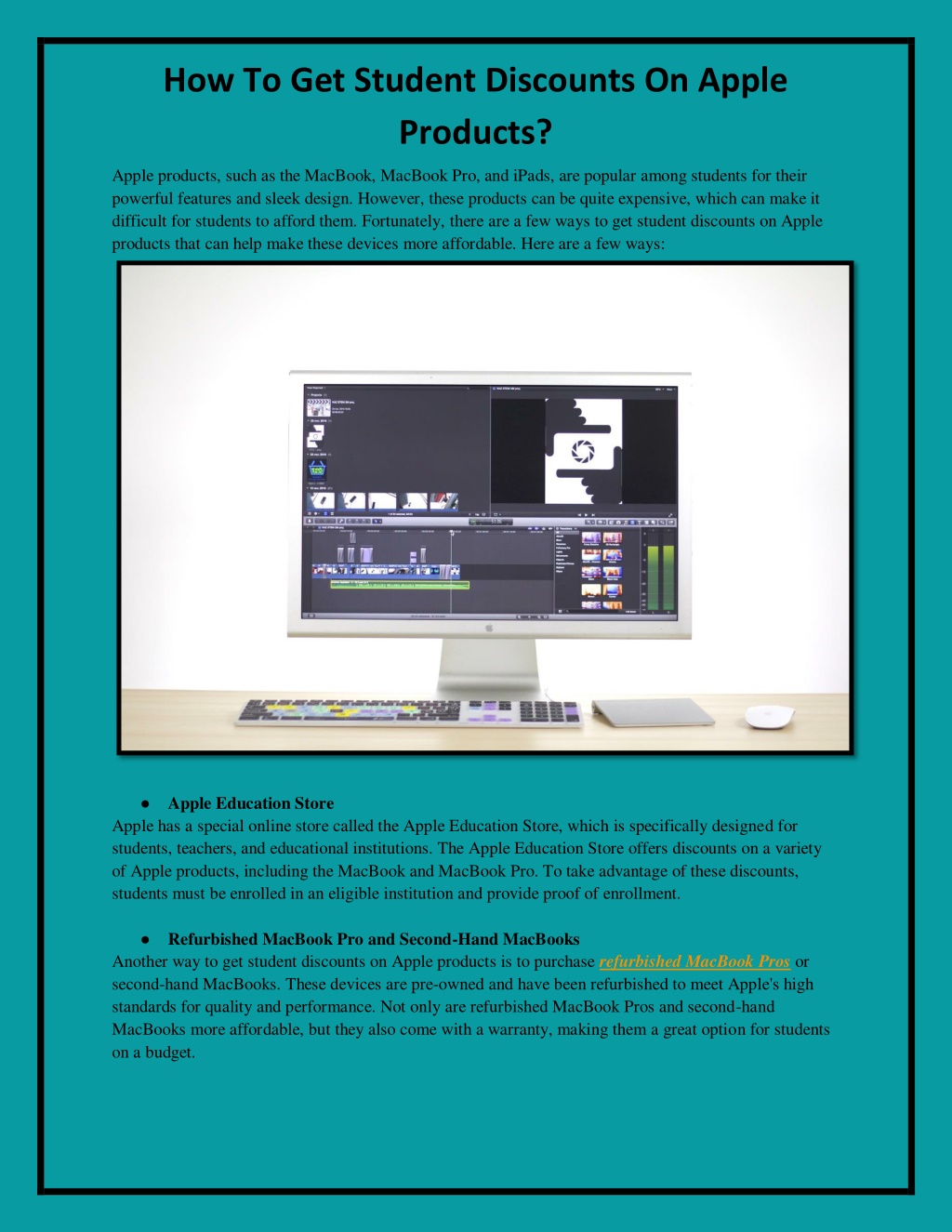
Accessing the Apple Education Store allows current and newly accepted university students, as well as faculty and staff at all levels, to purchase Mac computers, iPads, and accessories at a reduced cost. To benefit from these savings, applicants must navigate a specific verification process that confirms their academic status through third-party services. Understanding these requirements ensures a smooth transaction and prevents delays when purchasing hardware or software for your studies.
Eligibility Criteria for the Apple Education Discount
The Apple Education Pricing program is not available to the general public. It is strictly reserved for individuals associated with accredited academic institutions. Eligibility is divided into three primary categories: students, parents of students, and educators.
Students and Higher Education Staff
The primary beneficiaries of the discount are students currently attending or accepted to a higher education institution. This includes undergraduate students, graduate students, and those pursuing postgraduate degrees. Additionally, faculty and staff members employed by accredited higher education institutions—such as colleges, universities, and vocational schools—are eligible.
K-12 Educators and Staff
Beyond higher education, Apple extends pricing benefits to K-12 institutions. This includes public or private K-12 school employees, such as teachers, administrators, and support staff. Unlike the university student category, parents of K-12 students are generally not eligible for the discount unless they are personally employed by the school district or institution.
Parents of Higher Education Students
Parents purchasing on behalf of a student currently enrolled in or accepted to a higher education institution may utilize the discount. The verification process for parents usually occurs through the student’s academic credentials. It is important to note that the purchase must be intended for the student's academic use.
The Verification Process: UNiDAYS
Apple utilizes a platform called UNiDAYS to verify academic status. This third-party service connects to institutional databases to confirm that an individual is currently enrolled or employed at a qualifying institution.
Creating a UNiDAYS Account
To access the discount, you must create a UNiDAYS account. During this process, you will be prompted to provide information that identifies your institution. The service typically verifies your status in one of the following ways:
- Institutional Email Address: You provide a student or staff email address ending in .edu or a regional equivalent. UNiDAYS sends a verification link to that address, which you must click to confirm access.
- Portal Login: If you do not have an institutional email, or if your school does not utilize one, you may be required to log in to your school's student portal directly through the UNiDAYS interface.
- Document Upload: In rare cases where digital verification is unavailable, you may be asked to upload official documentation, such as a student ID card with a valid date, a transcript, or an acceptance letter.
Troubleshooting Verification Failures
If the verification process fails, it is often due to an outdated status in your institution's registry or a mismatch between the name on your Apple account and the name associated with your student ID. Always ensure your personal details on the UNiDAYS platform match the information on file with your university registrar. If you remain unable to verify, contact Apple Support, as they may be able to manually review documentation in specific circumstances.
Hardware and Quantity Limitations
The Apple Education Store is designed for personal academic use. Consequently, Apple imposes strict limits on the quantity of discounted items that can be purchased within a single academic year. These limits are intended to prevent the resale of hardware for profit.
Annual Purchase Allowances
As of 2026, the standard allowances for Education Pricing are generally as follows:
- Desktop Computers: One (1) per academic year.
- Mac Mini: One (1) per academic year.
- Laptop Computers: One (1) per academic year.
- iPads: Two (2) per academic year.
- Accessories: A limited number of accessories, such as the Apple Pencil or Magic Keyboard, are also eligible for discounts when bundled with a primary device.
Usage Policy
These devices are intended for the educational advancement of the student or staff member. Apple reserves the right to request proof of academic status at any time, including after the purchase has been finalized. Engaging in the resale of products purchased through the Education Store violates Apple’s terms of service and may result in the forfeiture of your ability to use the program in the future.
Comparative Overview of Educational and Standard Pricing
Understanding the value proposition of the Education Store involves comparing it to standard retail pricing. While the discount amount varies depending on the specific model and current market promotions, the savings can be significant.
| Product Category | Typical Education Discount Range | Primary Benefit |
|---|---|---|
| MacBook Air / Pro | $100 – $200 off retail | Reduced entry cost for power users |
| iPad Models | $50 – $100 off retail | More affordable tablet for note-taking |
| Software (Pro Apps Bundle) | Significantly reduced price | Industry-standard creative tools at a fraction of cost |
| AppleCare+ | 20% discount | Enhanced protection for students on a budget |
Frequently Asked Questions
Can I use my Apple student discount at an Apple Store in person?
Yes. If you visit a physical Apple Store, you can request the Education Discount at the time of purchase. You must provide a valid student or staff photo ID, or proof of enrollment for the current term, to verify your eligibility on-site.
Does the discount apply to all Apple products?
No. The discount primarily applies to Macs, iPads, and select software. It generally does not apply to the latest Apple Watch, iPhone, or HomePod models, unless they are part of a specific seasonal promotion (such as the annual "Back to School" event).
Do I lose my discount if I graduate?
The discount is intended for use while you are actively enrolled or employed. Once you graduate or leave your academic position, you are no longer eligible to make purchases through the Education Store. However, Apple does not retroactively charge you for products purchased while you were a student.
Can I combine the student discount with other offers?
In most cases, the Education Discount cannot be combined with other promotional offers, such as store-wide holiday sales or gift card giveaways, unless explicitly stated in the terms of the specific promotion. However, the student discount often stacks with Apple’s "Back to School" hardware and gift card bundles.
Is the verification process a one-time event?
No. Your eligibility is re-verified periodically. When you attempt a new purchase, you may be asked to re-confirm your current student status through UNiDAYS to ensure you are still enrolled in an accredited institution.
Practical Next Steps for Eligibility
To ensure you successfully leverage the Apple student discount, follow these steps:
- Prepare Your Credentials: Before starting your purchase, ensure you have your student email address or a clear, scanned copy of your student ID card ready.
- Log In to UNiDAYS: Create your account at the official UNiDAYS website if you have not already done so. Ensure your profile information matches your school records exactly.
- Access the Education Store: Visit the dedicated Apple Education Store portal. Navigating to the store via a direct search for "Apple Education" will lead you to the specific landing page where you can begin your order.
- Finalize Verification: Follow the on-screen prompts to confirm your identity. Once verified, the discounted prices will automatically reflect in your cart.
If you are a parent purchasing for a child, ensure the student completes the verification process. The account associated with the purchase should ideally be in the name of the individual who holds the academic eligibility status to prevent transaction complications. If issues persist, utilize the Apple Support chat feature, which is well-equipped to handle verification-related queries and store-login assistance.