Finding a reliable alternative to 1Password for everyday security involves balancing user-friendly interfaces with robust zero-knowledge encryption and cross-platform synchronization. In 2026, the leading choices are Bitwarden for its open-source transparency, Proton Pass for its integrated privacy ecosystem, and KeePassXC for those prioritizing local, offline vault control without recurring subscription fees.
The Shifting Landscape of Password Management in 2026
As we move through 2026, the digital security environment has evolved significantly from the era of simple alphanumeric strings. The mainstream adoption of passkeys—based on the FIDO2 and WebAuthn standards—has transformed what users expect from a password manager. While 1Password has long been the gold standard for design and family-oriented features, many users now seek alternatives due to its mandatory subscription model, the shift toward a purely cloud-based architecture, and the increasing desire for open-source auditing.
For everyday security, a password manager is no longer just a digital "black book." It is a central hub for identity management, secure notes, and two-factor authentication (2FA) seeds. When evaluating an alternative to 1Password, the primary focus must remain on the vendor’s ability to prove that they cannot access your data. This is achieved through a "zero-knowledge" architecture, where encryption and decryption happen locally on your device using a master key that never leaves your hardware.
Bitwarden: The Leading Open-Source Contender
Bitwarden remains the most prominent alternative to 1Password in 2026, largely because it offers a feature-complete free tier that covers the essential needs of most everyday users. Unlike proprietary competitors, Bitwarden is open-source, meaning its code is publicly available for scrutiny by independent security researchers and the global community.
Transparency and Trust
The core strength of Bitwarden lies in its transparency. In a world where supply-chain attacks are a constant threat, knowing exactly how a security tool handles your data is a significant advantage. Bitwarden undergoes regular third-party audits, and the results are published openly. For the everyday user, this means that even if you are not a programmer, you benefit from the "many eyes" theory of security: bugs and vulnerabilities are found and patched faster when the community can see the source code.
Cross-Platform Functionality
In 2026, Bitwarden’s synchronization across Windows, macOS, Linux, iOS, and Android is seamless. It supports all major browsers through extensions that are as functional as their desktop counterparts. One area where Bitwarden has historically lagged behind 1Password was UI/UX design; however, the 2025 and 2026 updates have introduced a modernized, intuitive interface that bridges the gap, making it accessible even for non-technical family members.
Cost and Value
While Bitwarden offers a premium tier for advanced features like integrated 2FA (TOTP) generation and encrypted file storage, its free version provides unlimited password storage and synchronization across an unlimited number of devices. This makes it a highly cost-effective alternative for households looking to maintain high security without adding another monthly bill to their budget.
Proton Pass: Security Within a Unified Ecosystem
Proton, the company behind Proton Mail and Proton VPN, has established Proton Pass as a formidable alternative to 1Password. Based in Switzerland, Proton benefits from some of the world’s strongest privacy laws, offering a layer of jurisdictional protection that many users find appealing.
Hide-My-Email Integration
One of the standout features of Proton Pass in 2026 is its deep integration with "Hide-my-email" aliases. When you sign up for a new service, Proton Pass can automatically generate a unique, anonymous email alias that forwards to your primary inbox. This prevents services from tracking you across the web and protects your real email address in the event of a third-party data breach. This "everyday security" feature goes beyond simple password management and addresses the broader issue of identity privacy.
The Swiss Security Advantage
Proton Pass uses the same robust encryption standards as the rest of the Proton suite. All cryptographic operations are performed on the client side. By 2026, Proton has further refined its "Sentinel" program, which uses AI-driven security monitoring to protect high-risk accounts from unauthorized access attempts, providing a level of proactive defense that was previously reserved for enterprise-grade solutions.
Ecosystem Synergies
For users who already use Proton Mail or Proton Drive, adding Proton Pass is a natural step. The unified interface and shared subscription models (Proton Unlimited) provide a cohesive experience that rivals 1Password’s "everything in one place" philosophy. The ability to share vaults with family members is also natively supported, making it a viable replacement for the 1Password Family plan.
KeePassXC: For the Privacy Purist
For users who are wary of the cloud entirely, KeePassXC is the definitive alternative. It is a community-driven, cross-platform port of the original KeePass, designed for those who want absolute control over their vault files.
Local-First Architecture
Unlike 1Password, which stores your encrypted vault on their servers, KeePassXC stores your data in a local .kdbx file. You own the file. You decide where it lives. If you want to sync it between devices, you must do so manually using a service like Syncthing, a private NAS, or a cloud provider of your choice (like Dropbox or iCloud). While this requires a bit more technical setup, it eliminates the "central point of failure" risk associated with cloud-based password managers.
Advanced Customization
KeePassXC offers granular control over every aspect of the database. You can choose specific encryption algorithms (such as AES-256 or ChaCha20) and adjust the key transformation settings to make brute-force attacks computationally impossible. In 2026, KeePassXC also supports the latest browser integration protocols, allowing it to auto-fill credentials just as easily as its cloud-based competitors, provided the application is open in the background.
Zero Cost, Infinite Privacy
KeePassXC is completely free and contains no tracking or telemetry. It is the purest form of digital security available for everyday users who are willing to manage their own backups. For those who prioritize "everyday security" through self-reliance rather than trusting a third-party corporation, KeePassXC remains the gold standard.
Technical Comparison of Leading Alternatives
The following table summarizes the key features and specifications of the primary alternatives to 1Password as of 2026.
| Feature | Bitwarden | Proton Pass | KeePassXC | NordPass |
|---|---|---|---|---|
| Encryption Standard | AES-CBC 256-bit | AES-GCM 256-bit | AES-256 / ChaCha20 | XChaCha20 |
| License Type | Open Source (GPL/AGPL) | Open Source (GPL) | Open Source (GPL) | Proprietary |
| Cloud Sync | Yes (Encrypted) | Yes (Encrypted) | No (Manual only) | Yes (Encrypted) |
| Passkey Support | Full Support | Full Support | Desktop Support | Full Support |
| Free Tier Limit | Unlimited Devices | Unlimited Passwords | Unlimited (Local) | 1 Active Device |
| Jurisdiction | USA | Switzerland | International | Panama/Lithuania |
| 2FA Support | TOTP, YubiKey, Duo | TOTP, Security Keys | TOTP | TOTP, Security Keys |
Migration: Moving from 1Password to an Alternative
The prospect of moving hundreds of passwords, secure notes, and credit card details can be daunting. However, by 2026, the export/import protocols have become standardized. To migrate from 1Password to an alternative like Bitwarden or Proton Pass, follow these fundamental steps:
- Prepare the Export: Log into your 1Password account on a desktop application. Navigate to the "File" or "Account" menu and select "Export." Choose the
.1puxformat if the destination supports it, or.csvas a universal fallback. - Secure the Temporary File: The exported file contains your passwords in plain text or a lightly protected format. Do not upload this file to a cloud drive or send it via email. Keep it on your local machine only.
- Import to the New Manager: Open your new password manager (e.g., Bitwarden). Locate the "Tools" or "Settings" section and select "Import Data." Choose "1Password" from the dropdown list of formats and upload the file you just exported.
- Verify the Data: Check a few random entries to ensure that custom fields, notes, and tags have transitioned correctly. Check that your 2FA seeds (if you stored them in 1Password) are functioning in the new app.
- Secure Deletion: Once the import is successful and verified, use a "secure delete" or "shred" tool to remove the export file from your computer. Emptying the trash/recycle bin is often insufficient for sensitive data.
The Role of Passkeys in 2026 Everyday Security
When choosing an alternative to 1Password, ensure the provider has mature support for passkeys. Passkeys are cryptographic credentials that replace traditional passwords. Instead of typing a string of characters, your device uses biometric authentication (FaceID, Fingerprint) or a hardware security key to sign into a website.
In 2026, most major websites (Google, Amazon, Microsoft, and banking institutions) default to passkey login. An everyday security tool must be able to store these passkeys and sync them across your devices. Bitwarden and Proton Pass have both implemented robust passkey management, allowing you to use your phone as a roaming authenticator for your desktop browser. This significantly reduces the risk of phishing, as there is no "password" for a hacker to steal.
Common Pitfalls to Avoid When Switching
When moving away from 1Password, users often make mistakes that can compromise their everyday security.
- Relying Solely on Browser Managers: While Chrome, Safari, and Edge have improved their built-in password managers, they are often tied to the browser ecosystem. A dedicated alternative like Bitwarden or Proton Pass offers better cross-browser support and more advanced features like secure note storage and identity management that browser managers lack.
- Neglecting the Master Password: Since your new manager will house all your secrets, the Master Password must be exceptionally strong. In 2026, the recommendation is a "passphrase"—four or five random words (e.g.,
correct-horse-battery-staple) that are easy for you to remember but impossible for a computer to guess. - Forgetting Emergency Access: 1Password has a "Secret Key" system. Alternatives like Bitwarden use "Recovery Codes." Ensure you print these out and store them in a physical safe or with a trusted relative. If you lose your master password and your recovery codes, your data is mathematically unrecoverable.
FAQ
Is Bitwarden really as secure as 1Password?
Yes, Bitwarden uses the same industry-standard AES-256 bit encryption and PBKDF2 or Argon2id key derivation functions as 1Password. Because it is open-source, many security experts argue it is more transparent and therefore more trustworthy, as the code is subject to continuous public audit.
Can I use Proton Pass for free?
Proton Pass offers a very generous free tier that includes unlimited passwords and notes on an unlimited number of devices. However, features like the built-in 2FA authenticator and a higher number of "Hide-my-email" aliases require a paid Proton Plus or Proton Unlimited subscription.
Does KeePassXC work on my iPhone or Android?
KeePassXC itself is a desktop application. However, because it uses the open .kdbx file format, you can use compatible mobile apps like Strongbox or KeePassium on iOS, and KeePass2Android on Android. You simply point these apps to your vault file stored on your phone or a cloud service.
Why should I care about "Zero-Knowledge" architecture?
Zero-knowledge means the provider (like Bitwarden or Proton) has no way to see your data. If their servers are hacked or if they are served a government subpoena, they can only provide a blob of encrypted gibberish. You are the only person with the "key" (your master password) to unlock that data.
Is NordPass a good alternative for everyday use?
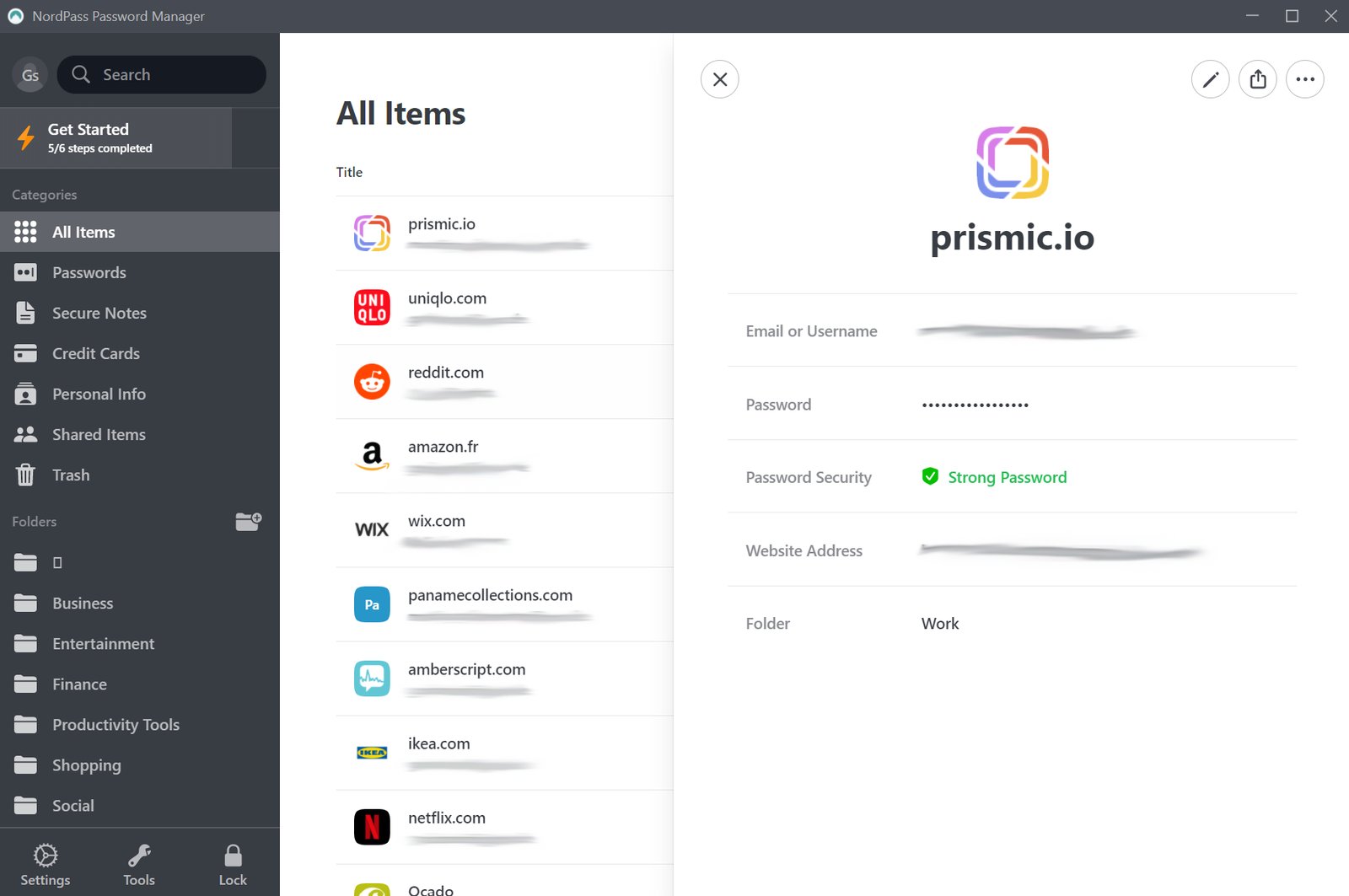
NordPass is a solid alternative that uses the XChaCha20 encryption algorithm, which is generally faster on mobile devices. It is very user-friendly but is proprietary (closed-source) and its free tier is more restrictive than Bitwarden, allowing only one active device at a time in 2026.
Final Recommendation for 2026
For the majority of people looking for an alternative to 1Password for everyday security, Bitwarden is the top recommendation. It strikes the perfect balance between open-source integrity, ease of use, and a free tier that does not penalize users for having multiple devices.
If you are already invested in a private email ecosystem or want the added benefit of integrated email masking, Proton Pass is an excellent, highly secure choice. For those who are technically inclined and refuse to store their passwords in the cloud, KeePassXC provides the ultimate level of sovereignty and control. Regardless of which you choose, the transition to a modern, passkey-ready manager is the single most important step you can take for your digital safety this year.