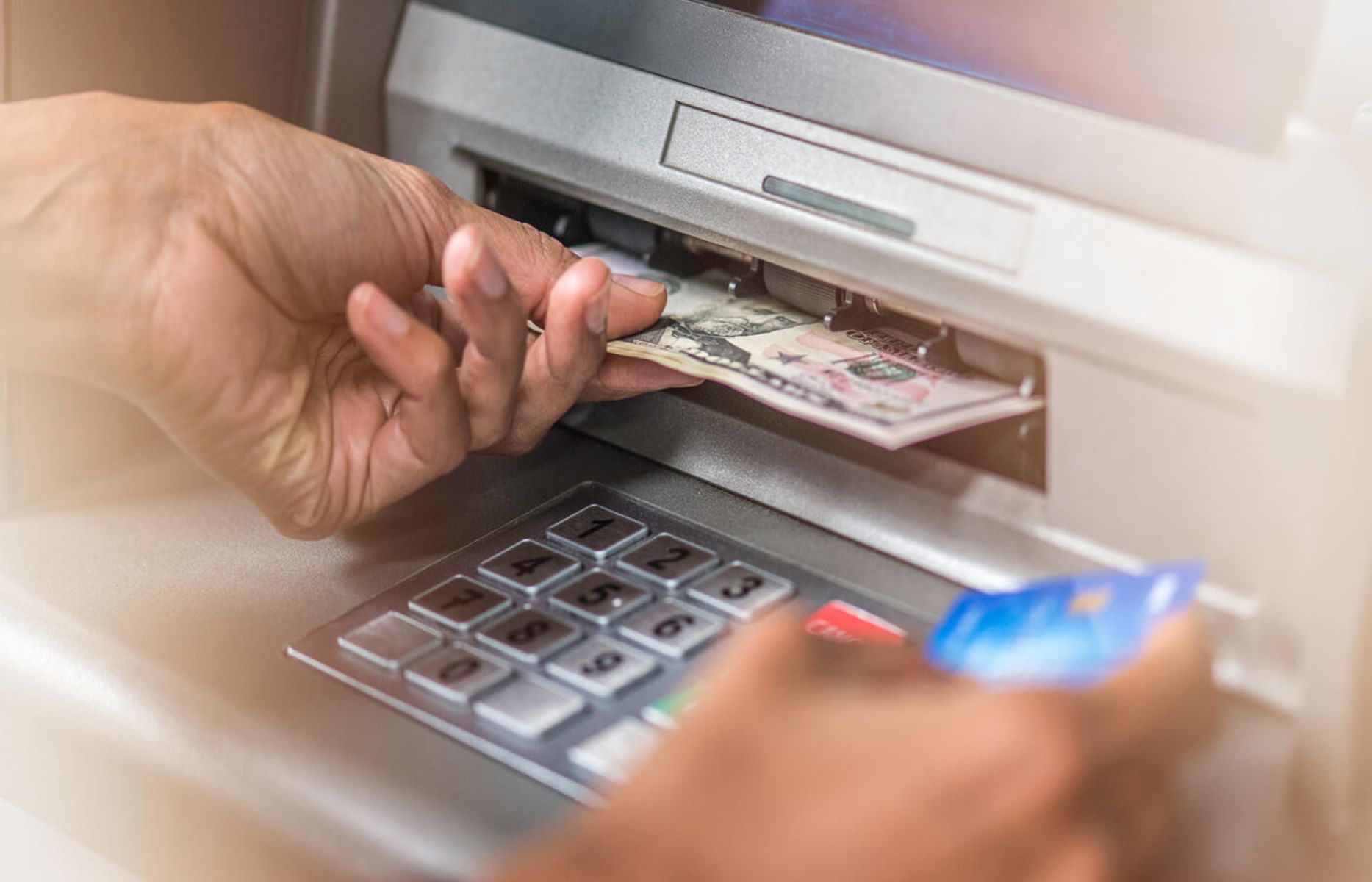
If an ATM won't let you withdraw money, the issue is typically caused by insufficient available funds, exceeding your daily withdrawal limit, or a security block placed by your bank. Physical problems, such as a damaged card chip or the ATM being out of cash, can also prevent the transaction from completing successfully.
Standing in front of an ATM when a transaction is declined can be a frustrating and stressful experience, especially when you need cash immediately. In 2026, while digital payments are more prevalent than ever, physical cash remains a necessity for various transactions and emergencies. Understanding why an ATM is denying your request is the first step toward resolving the issue. This guide explores the technical, financial, and security-related reasons behind ATM failures and provides actionable steps to get your cash.
Common Physical and Technical Reasons for ATM Failures
Before assuming there is a problem with your bank account, it is essential to rule out physical and mechanical issues. These are often the simplest problems to solve but the most easily overlooked.
Card Damage and Reader Errors
The physical state of your debit card is a frequent culprit. By 2026, most cards utilize advanced EMV chips or NFC (Near Field Communication) for contactless withdrawals. However, these components are delicate. If the chip is scratched, dirty, or demagnetized, the ATM card reader may fail to communicate with your bank's server.
If you suspect a card error, try cleaning the chip gently with a soft cloth. If you are using a contactless "tap" method, ensure you are holding the card or your smartphone close enough to the sensor. In many cases, the ATM's card reader itself may be dirty or malfunctioning, in which case trying a different machine is the most effective solution.
Machine-Specific Limitations
ATMs are not infinite reservoirs of cash. They have physical limits on how much currency they can hold and the denominations they can dispense.
- Out of Cash: The most straightforward reason is that the machine has run out of bills.
- Denomination Constraints: If you are trying to withdraw a specific amount (e.g., $35) but the machine only stocks $20 or $50 bills, the transaction will be declined or the machine will prompt you to choose a different amount.
- Hardware Malfunctions: Like any computer, an ATM can experience software freezes, printer jams (if it cannot print a required receipt), or network connectivity drops. If the machine is "offline," it cannot verify your balance with your bank.
Understanding Your Account Limits and Balances
If the machine appears to be working correctly, the issue likely stems from your specific bank account settings or current balance.
Available Balance vs. Ledger Balance
One of the most common reasons for a declined withdrawal is a misunderstanding of the "Available Balance." Your ledger balance shows the total amount of money in your account, but your available balance subtracts "pending" transactions.
- Merchant Holds: If you recently stayed at a hotel or rented a car, the merchant may have placed a "hold" on a significant portion of your funds. These holds can remain for several days, preventing you from withdrawing that money at an ATM.
- Check Clearing: If you recently deposited a check, the funds might appear in your account but may not be "available" for withdrawal until the bank completes its verification process, which usually takes 1 to 5 business days.
Daily Withdrawal Limits
For security reasons, almost all financial institutions impose a daily limit on how much cash you can withdraw from an ATM. Even if you have $10,000 in your account, your bank might limit ATM withdrawals to $500 or $1,000 per 24-hour period.
- Rolling 24-Hour Windows: Some banks reset this limit at midnight, while others use a rolling 24-hour window from the time of your last withdrawal.
- Business vs. Personal Accounts: Business accounts often have higher limits than standard personal checking accounts. If you have already made a large purchase or several smaller withdrawals earlier in the day, you may have reached your cap.
Security Blocks and Fraud Prevention
In 2026, banks utilize highly sophisticated artificial intelligence to monitor for fraudulent activity. While these systems protect your money, they can occasionally be overzealous.
Suspicious Activity Triggers
If your withdrawal attempt falls outside of your normal spending patterns, the bank's security system may flag the transaction and freeze your card. Triggers include:
- Attempting a large withdrawal in a geographic location far from your home.
- Making multiple withdrawals in quick succession at different machines.
- Attempting a withdrawal at an unusual time of night in a high-risk area.
Traveling Without Notification
While many modern banks no longer require formal "travel notices" due to improved geo-location tracking via mobile apps, some institutions still require them. If you are traveling internationally or even to a different state, the bank may block ATM access to prevent what looks like unauthorized foreign usage.
Incorrect PIN Entry
It sounds simple, but entering the wrong Personal Identification Number (PIN) is a leading cause of ATM failures. Most banks operate on a "three-strikes" rule. If you enter the incorrect PIN three times, the bank will automatically lock the card to prevent a brute-force attack by a thief. In some cases, older ATMs may even "swallow" or retain the card for security purposes if the PIN is failed repeatedly.
Comparison of ATM Error Types and Solutions
The following table summarizes the most common errors you might encounter and the recommended action to take in 2026.
| Error Category | Possible Message/Sign | Likely Cause | Primary Solution |
|---|---|---|---|
| Account Issue | "Insufficient Funds" | Pending holds or low available balance. | Check mobile app for "Available Balance." |
| Limit Issue | "Limit Exceeded" | Reached daily ATM withdrawal cap. | Use a branch teller or wait 24 hours. |
| Security Issue | "Transaction Declined" | Fraud block or incorrect PIN. | Call the bank's fraud department. |
| Hardware Issue | "Unable to Process" | Damaged card or faulty ATM reader. | Try a different ATM or use a mobile wallet. |
| Machine Issue | "Out of Service" | No cash or network connectivity loss. | Find another ATM within the same network. |
Specialized ATM Issues in 2026
As banking technology evolves, new types of ATM failures have emerged. Being aware of these can help you troubleshoot more effectively.
Contactless and Cardless Withdrawal Failures
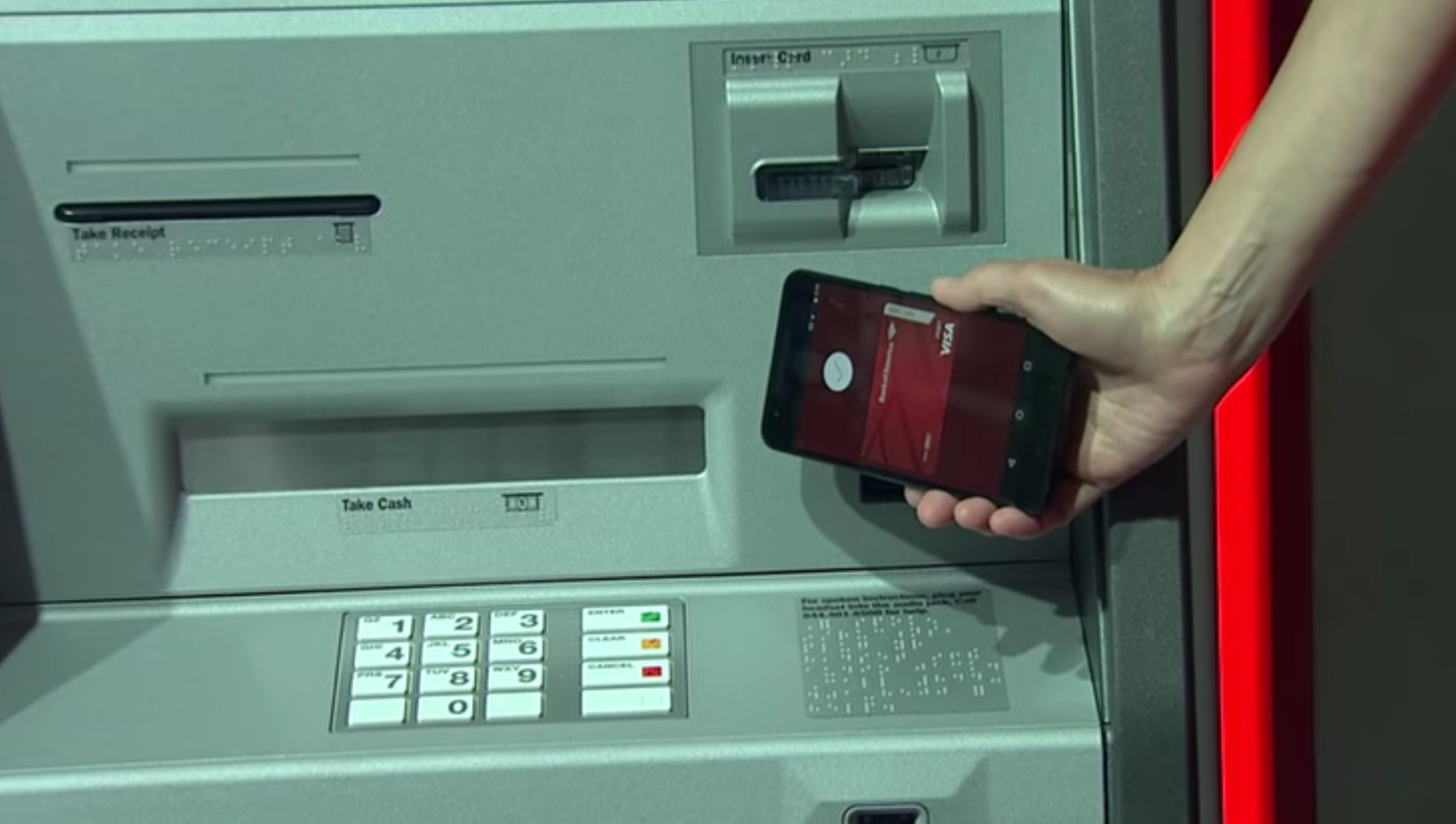
Many ATMs now allow for cardless withdrawals using your smartphone's NFC chip (Apple Pay, Google Pay, or proprietary bank apps). If these fail, it is often due to:
- Disabled NFC: Ensure NFC is turned on in your phone settings.
- App Updates: Your bank's mobile app may require a mandatory update to authorize the "One-Time Code" needed for the withdrawal.
- Authentication Errors: Biometric failures (Face ID or fingerprint) on your phone can prevent the ATM from receiving the authorization signal.
Independent vs. Network ATMs
Using an "out-of-network" ATM (such as those in convenience stores or nightclubs) can lead to more frequent declines. These machines often have lower transaction limits than bank-owned ATMs and may struggle to communicate with smaller credit unions or international banks. Furthermore, if the ATM's internal fee exceeds your remaining balance, the transaction will fail. For example, if you have exactly $60 and try to withdraw $60, but the machine charges a $3.50 fee, the transaction will be declined for insufficient funds.
Troubleshooting Steps: What to Do Next
If you are currently stuck at an ATM, follow these steps in order to resolve the issue:
- Verify Your Balance: Open your bank’s mobile app. Look specifically for the "Available Balance" rather than the total balance. Ensure you have enough to cover both the withdrawal and any potential ATM fees.
- Check for Notifications: Many banks send a real-time text message or push notification if they block a transaction. If you see a message asking "Was this you?", reply "Yes" to unblock your card.
- Try a Different Amount: If you suspect the machine is out of specific bills, try withdrawing a smaller, more common amount (like $20 or $40).
- Inspect the Card: Look for dirt or damage on the chip. If you have a digital version of the card in your phone's wallet, try using the contactless reader instead of the physical slot.
- Contact Your Bank: Look for the customer service number on the back of your card. If the branch is open, speaking to a teller is the fastest way to override a limit or clear a security block.
- Seek Alternative Cash Sources: If the ATM is the problem, consider going to a grocery store or pharmacy and making a small purchase with "cash back." This often bypasses ATM-specific limits and hardware issues.
Frequently Asked Questions
Why does my ATM say "Insufficient Funds" when I have money?
This usually happens because of pending transactions. If you recently spent money at a gas station or restaurant, the merchant may have placed a temporary hold on your funds that hasn't cleared yet. Additionally, if you just deposited a check, the bank may be holding those funds until the check is fully verified. Always check your "Available Balance" in your banking app to see what is actually spendable.
Can I increase my daily ATM withdrawal limit?
Yes, most banks allow you to increase your limit, though it may be a temporary increase. You can often request this through the bank's mobile app under "Card Settings" or by calling customer service. Be prepared to answer security questions to verify your identity. In 2026, some banks allow "one-time" limit increases for large emergency purchases.
My card worked at a store but won't work at the ATM. Why?
ATMs and Point-of-Sale (POS) terminals use different networks and have different security thresholds. A bank might allow a $50 grocery purchase but block a $200 cash withdrawal if it suspects fraud. Additionally, your card might have a damaged "ATM-only" track on the magnetic stripe or a specific chip error that only triggers during the high-security handshake required by an ATM.
Will the ATM keep my card if I enter the wrong PIN?
Most modern ATMs will not keep your card after three wrong PIN attempts, but they will electronically lock the card. However, some older machines or machines located inside bank vestibules may still be programmed to retain the card to prevent it from being used by an unauthorized person. If your card is retained, you will need to contact the bank that owns that specific ATM to retrieve it.
How do I know if the ATM is broken or if it's my card?
The easiest way to tell is to watch other people. If the person before you successfully withdrew cash, the issue is likely with your card or your account. If the machine displays a "System Unavailable" message or returns to the home screen immediately after you insert your card, the machine is likely experiencing a hardware or network failure.
Final Recommendations
When an ATM refuses to dispense cash, the most effective tool at your disposal is your bank’s mobile application. It provides immediate insight into your available balance, active security alerts, and current withdrawal limits. If the issue is a security block, you can often resolve it within the app in seconds. For persistent issues, such as a damaged physical card, utilize cardless withdrawal features or visit a bank branch to receive a temporary replacement. Always ensure you are using an ATM within your bank's recognized network to minimize technical communication errors and avoid unnecessary fees.