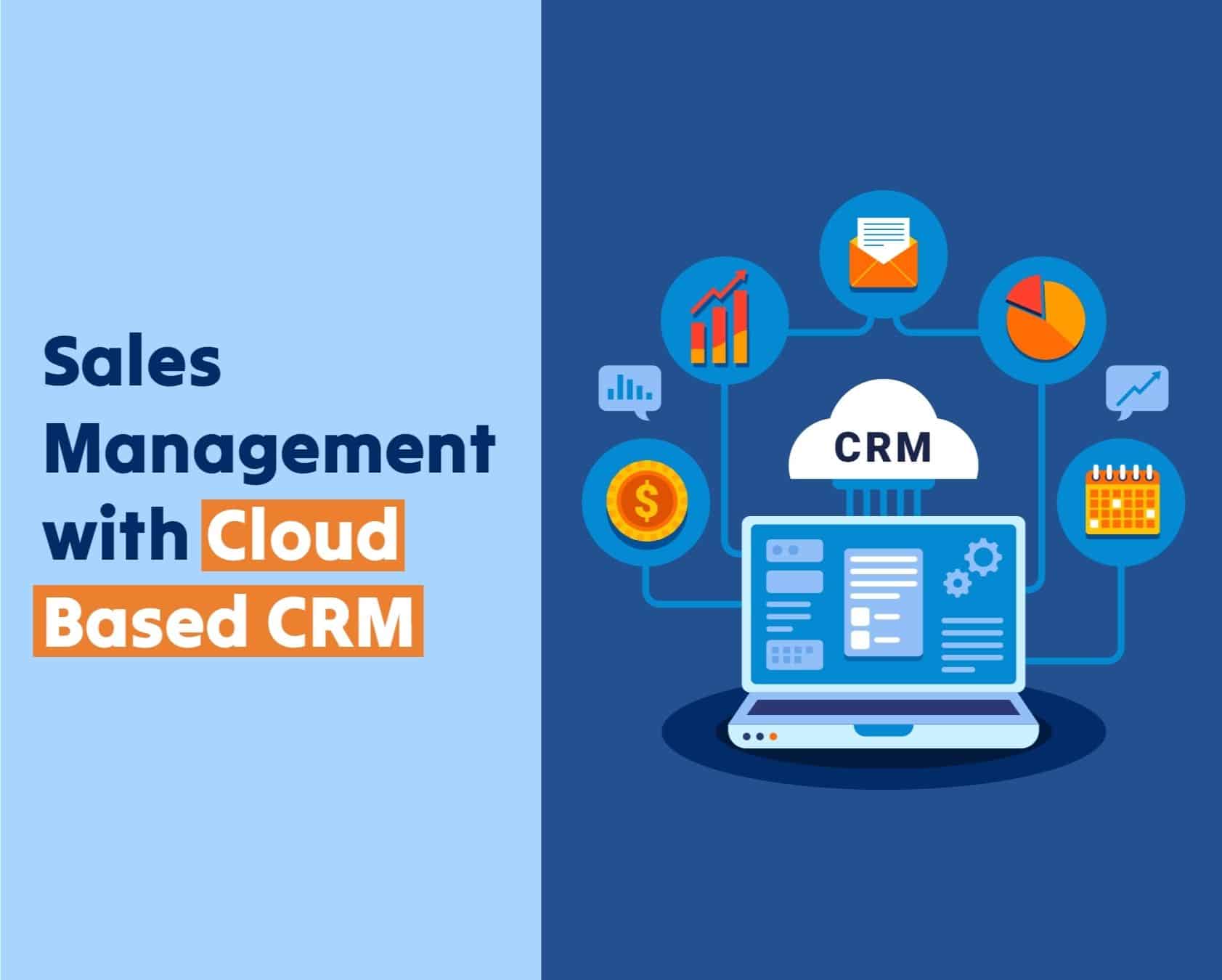
An ApexCRM custom CRM solution with cloud-based SaaS combines the flexibility of custom-tailored customer relationship management with the scalability, accessibility, and lower infrastructure overhead of cloud-hosted Software-as-a-Service. By leveraging custom business logic—often developed using specialized frameworks like Apex—businesses tailor data schemas, workflows, and API integrations to match complex operational models beyond off-the-shelf software constraints.
Understanding ApexCRM and Cloud-Based SaaS Architecture
Modern enterprise operations rarely fit neatly into rigid, out-of-the-box Customer Relationship Management (CRM) software. While standard Software-as-a-Service (SaaS) applications provide rapid deployment and standardized features, they often force organizations to alter their core business processes to match the software's hardcoded limitations. An ApexCRM custom CRM solution resolves this mismatch by deploying fully customized object models, custom code triggers, and specialized user interfaces on top of a resilient cloud SaaS framework.
In cloud software engineering, custom CRM architectures leverage multi-tenant or isolated single-tenant infrastructure to deliver web-accessible dashboards, mobile extensions, and REST/SOAP API gateways. When building on Apex-driven or high-performance backend frameworks, developers construct business rules at the database level. This ensures that validation logic, automated record assignment, and enterprise resource planning (ERP) syncs execute with high concurrency and strict data integrity.
- Client Interface: Web / Mobile
- Cloud API Gateway / TLS 1.3
- Custom Apex / Serverless Logic Layer
- Automated Workflows & Triggers
- Multi-Tenant Data Store / Encryption
- External Integrations: ERP / Billing
Key Differences: Off-the-Shelf vs. Custom SaaS CRM
Understanding the structural differences between pre-packaged platforms and custom-engineered cloud solutions helps determine the appropriate path for enterprise architecture:
- Data Model Flexibility: Standard SaaS CRMs rely on fixed database schemas with limited custom fields. Custom cloud solutions allow unlimited relational mapping, bespoke custom objects, and tailored index structures.
- Process Automation: Standard applications rely on basic visual workflow builders, which frequently hit governor limits or execution throttles. Custom Apex solutions execute server-side code triggers, enabling transactional consistency across millions of records.
- Integration Capabilities: Pre-built solutions use generic connectors that often struggle with legacy databases. A custom cloud backend supports bespoke middleware, webhooks, and direct event stream processing.
- Long-Term Total Cost of Ownership (TCO): While off-the-shelf SaaS carries lower upfront implementation costs, annual user license escalation and custom plugin add-ons can make enterprise scaling cost-prohibitive over time. Custom cloud architecture shifts costs toward initial engineering, resulting in predictable compute infrastructure expenses at scale.
Core Modules of an Enterprise Custom CRM Architecture
Designing a custom CRM on a cloud SaaS platform requires breaking down organizational workflows into modular, scalable components. Each module handles a distinct segment of the customer lifecycle while sharing a unified datastore.
| Module | Features |
|---|---|
| Sales & Pipeline Module | - Lead Scoring & Assignment- Custom Stage Gate Validation |
| Customer Support & Ticketing | - Automated Case Routing- SLA Tracking & Escalation |
| Automated Workflow Engine | - Real-time Apex Triggers- Event-Driven Webhooks |
| Analytics & Reporting Layer | - Consolidated Data Warehouse- Executive BI Dashboards |
1. Sales Pipeline Management and Lead Scoring
Standard CRM pipelines force sales teams into predefined funnel stages (e.g., Prospecting, Qualification, Proposal, Closed-Won). A custom ApexCRM platform allows organizations to define multi-dimensional sales cycles tailored to specific product lines, sales territories, or distribution channels.
- Automated Lead Scoring: Custom algorithms aggregate implicit user behaviors (website tracking, email engagement) and explicit account metrics (company size, revenue tier) to compute lead prioritization scores in real time.
- Stage-Gate Validation Rules: Programmatic validation prevents deals from progressing until specific criteria are met—such as attaching a verified legal agreement, completing credit checks, or receiving technical engineering sign-off.
2. Event-Driven Workflow Automation Engine
At the core of an Apex-based custom CRM is an execution engine capable of firing asynchronous events when data conditions change. Unlike simple macro scripts, programmatic backend triggers perform complex tasks:
- Cascading data updates across related child records without causing database lockups.
- Invoking external web microservices to verify tax compliance or customer identity.
- Generating customized billing schedules directly within an linked accounting or ERP framework.
3. Service Desk and Case Escalation
B2B and B2C organizations require robust ticketing infrastructure aligned with strict Service Level Agreements (SLAs). Custom SaaS CRM solutions incorporate automated ticket routing based on support tier, agent language proficiency, account priority, and historical ticket volume. Automated breach alerts escalate unresolved issues to management before contractual SLA penalties trigger.
4. Advanced Analytics and Business Intelligence Integration
Traditional CRM reporting often suffers from sluggish query performance when aggregating historical dataset snapshots. Custom cloud CRM architectures decouple transactional processing (OLTP) from analytical reporting (OLAP). By replicating CRM data into cloud data warehouses via real-time change data capture (CDC), business analyst teams run complex SQL queries, predictive churn models, and revenue forecasts without degrading live CRM application performance.
Architectural and Deployment Prerequisites
Deploying a custom cloud-based SaaS CRM demands rigorous preparation across network engineering, database topology, and regulatory compliance.
| Security & Infrastructure Component | Details |
|---|---|
| Identity Layer | OAuth 2.0 / SAML 2.0 Single Sign-On (SSO) |
| Protection | TLS 1.3 In-Transit / AES-256 At-Rest Encryption |
| Compliance | SOC 2 Type II, ISO 27001, GDPR, HIPAA |
Infrastructure and Security Specifications
- Multi-Tenant Data Isolation: Ensure strict logical or physical separation between tenant records using row-level security policies, tenant ID scoping, or dedicated database schemas.
- Identity and Access Management (IAM): Integrate standard identity protocols such as SAML 2.0, OAuth 2.0, and OpenID Connect to enable Single Sign-On (SSO) alongside mandatory Multi-Factor Authentication (MFA).
- Encryption Standards: Implement TLS 1.3 for all data in transit across web browsers and API endpoints. Apply AES-256 encryption for data at rest, including database volumes, file attachments, and data back-ups.
- Regulatory Compliance: Verify infrastructure compliance with industry regulations, including SOC 2 Type II, ISO 27001, GDPR, and HIPAA (where protected health information is processed).
Integration Topology and API Gateways
Custom CRM applications must communicate cleanly with existing IT stack components. Architecture designs must include:
- RESTful and GraphQL APIs: Modern JSON-based interfaces that handle high-frequency data exchanges with external web apps and customer portals.
- Webhooks and Message Queues: Asynchronous message brokers (such as Apache Kafka, RabbitMQ, or AWS SQS) that queue outbound event signals, preventing rate-limiting failures during transaction spikes.
- ETL Pipeline Connectors: Direct pipelines into cloud enterprise engines (e.g., SAP, Oracle, NetSuite) for financial reconciliation and inventory syncs.
Technical Comparison: Implementation Approaches
Evaluating whether to configure a configurable SaaS suite, build a fully custom platform, or deploy a hybrid Apex-driven CRM architecture requires analyzing operational capabilities, overhead, and financial trade-offs:
| Feature / Metric | Off-the-Shelf SaaS CRM | Custom Cloud SaaS CRM | Apex-Driven Hybrid CRM |
|---|---|---|---|
| Initial Deployment Time | 2 to 6 Weeks | 6 to 12 Months | 3 to 6 Months |
| Data Schema Customization | Low (Field Additions Only) | Unlimited Native Flexibility | High (Custom Objects & Schema) |
| Business Logic Execution | Point-and-Click Rules | Full-Stack Custom Code | Backend Code & Triggers (Apex) |
| API Rate Limitations | Strict Platform Limits | Configurable Cloud Limits | Tier-Based Governor Limits |
| Maintenance Overhead | Vendor Managed | Internal / Partner Managed | Managed Platform Layer |
| 5-Year Cost Profile | Escalating (Per-Seat Fees) | High Capital / Low Operational | Balanced Subscription & Dev |
| System Scalability | Fixed Vendor Tiering | Elastic Cloud Autoscaling | Platform Scaled Architecture |
Step-by-Step Implementation Framework
Successfully implementing an ApexCRM custom CRM solution with cloud-based SaaS requires a structured deployment strategy. Skipping foundational steps often results in scope creep, budget overruns, and user adoption resistance.
- Phase 1: Requirements Gathering & Process Mapping
- Phase 2: Schema Design & Custom Object Configuration
- Phase 3: Business Logic & API Development
- Phase 4: Data Cleansing & Migration
- Phase 5: UAT, Security Audit & Deployment
Phase 1: Business Process Mapping and Discovery
Document all existing sales, marketing, and customer service workflows. Identify operational bottlenecks, legacy data formats, manual workarounds, and cross-departmental handoffs. Define key metrics (KPIs) to measure implementation success, such as reduced lead-to-opportunity conversion times or lower support ticket resolution cycles.
Phase 2: Database Schema Design and Object Relationships
Map out your data infrastructure before writing code:
- Define primary enterprise entities: Accounts, Contacts, Leads, Opportunities, Cases, and Products.
- Establish custom child objects for industry-specific data (e.g., Insurance Policies, Asset Serialization, or Service Contracts).
- Set field-level security, record ownership hierarchies, and lookup/master-detail relationships to enforce data visibility rules.
Phase 3: Custom Development and API Integration
Develop the underlying core logic:
- Program server-side validation logic and Apex triggers to automate transaction validation and cascading record actions.
- Construct customized user interfaces (UIs) tailored to specific team roles (e.g., simplified quick-action views for field reps vs. dense grid layouts for operations management).
- Build robust middleware handlers for external third-party tools, including billing gateways, marketing engines, and email servers.
Phase 4: Data Cleansing, Transformation, and Migration
Legacy data structures frequently contain duplicate records, incomplete phone numbers, and outdated contact attributes.
- Audit and De-duplicate: Run automated deduplication algorithms against legacy databases before extraction.
- Field Mapping: Map historical values to the new cloud schema fields.
- ETL Execution: Run automated script batches to import historical data, logging errors to ensure every record migrates successfully without loss of relational integrity.
Phase 5: Testing, User Acceptance (UAT), and Deployment
Subject the application to rigorous quality assurance before organizational go-live:
- Performance Testing: Simulate peak user concurrency loads and high API call throughput to verify system stability.
- Security Auditing: Conduct static code analysis and third-party penetration testing to catch authorization oversights.
- User Acceptance Testing (UAT): Run real-world scenarios with key stakeholders to validate that business processes execute as intended.
- Phased Rollout: Deploy the software iteratively across business units or sales regions to mitigate operational disruption.
Total Cost of Ownership (TCO) and ROI Factors
Evaluating a custom cloud CRM deployment requires analyzing both capital expenditures (CapEx) and operational expenditures (OpEx) over a 3- to 5-year lifecycle.
| Cost Element | TCO Distribution |
|---|---|
| Initial Engineering & Schema Setup (CapEx) | 35% |
| Cloud Compute, Hosting & Licensing (OpEx) | 25% |
| API Integration & Middleware Development | 20% |
| Maintenance, Upgrades & Support | 15% |
| End-User Training & Change Management | 5% |
Financial Inputs to Consider
- Initial Engineering Costs: Software architecture design, custom backend code development, database setup, and user interface development.
- Infrastructure and Licensing Fees: Cloud compute runtime, storage volume usage, database instance costs, and third-party API subscription fees.
- Ongoing Maintenance: System upgrades, bug fixes, routine performance tuning, and compliance updates.
- Change Management: End-user training materials, documentation drafting, and temporary drop in productivity during transitional phases.
Return on Investment (ROI) Drivers
Custom cloud CRMs deliver tangible financial returns across distinct operational areas:
- Automated Data Entry: Automating routine administrative data input saves sales representatives hours per week, increasing selling capacity.
- Higher Conversion Rates: Contextual lead scoring and automated follow-ups help sales teams focus efforts on high-margin opportunities.
- Improved Retention: Centralized account visibility enables support teams to resolve issues faster, lowering churn rates among high-value accounts.
Common Pitfalls and Troubleshooting Strategies
Even well-funded software projects face implementation challenges. Recognizing common failure modes allows technical leaders to address risks proactively.
Over-Customization and Technical Debt
- Issue: Engineering teams may write complex custom code for simple processes that standard configurations could resolve. This creates technical debt that increases ongoing maintenance costs.
- Resolution: Enforce a strict "configuration-first" design architecture. Reserve custom coding and backend Apex triggers exclusively for complex business logic that standard validation rules cannot handle.
Performance Degradation and Rate Limiting
Issue: Unoptimized code triggers or inefficient database queries (SOQL/SQL) can hit cloud platform execution limits or cause query timeouts during peak operational hours.
Resolution: Bulkify all code triggers to handle array sets rather than processing individual records. Use indexing on frequently queried custom fields and decouple analytical reporting workloads from transactional application tables.
Unoptimized Loop (Avoid):
- Queries DB inside loop
- Hits API Governor Limits
Bulkified Trigger (Optimal):
- Batches records
- Single Query Execution
Low User Adoption
- Issue: Employees often resist adopting new tools if the software interface is unintuitive or adds friction to daily tasks.
- Resolution: Involve end users early in the wireframing phase. Build role-based dashboards that highlight essential fields and eliminate unnecessary clicks. Provide inline documentation and continuous feedback channels.
Frequently Asked Questions
What is an ApexCRM custom CRM solution?
An ApexCRM custom solution is an enterprise-grade customer relationship management system engineered specifically to support tailored data models, complex workflow logic, and specialized integrations on a cloud SaaS infrastructure. It replaces generic out-of-the-box features with custom objects, backend code triggers, and specialized API pathways aligned with business operations.
How does cloud SaaS hosting benefit custom CRM implementations?
Cloud SaaS hosting eliminates the overhead of managing local hardware infrastructure. It provides enterprise features out of the box, including high availability, automated security patching, scalable compute power, secure remote access, and lower maintenance costs compared to legacy on-premises servers.
Can custom cloud CRM applications integrate with existing ERP systems?
Yes. Modern custom CRM solutions connect to enterprise Resource Planning (ERP) platforms (such as SAP, NetSuite, or Oracle) using RESTful APIs, SOAP web services, webhooks, or dedicated enterprise service bus (ESB) middleware. This setup syncs inventory data, order statuses, and invoicing details automatically across platforms.
How long does it take to deploy a custom Apex-driven CRM solution?
Deployment timelines depend on system complexity and organization size. A targeted custom module configuration may take 8 to 12 weeks, whereas a complete enterprise-wide deployment with deep database migrations, API development, and security audits typically ranges from 4 to 9 months.
What compliance standards apply to cloud SaaS CRM platforms?
Depending on industry sector and location, platforms handling customer information must comply with data protection regulations such as GDPR (European Union) and CCPA (California). Healthcare implementations must adhere to HIPAA rules, financial applications require PCI-DSS compliance for payment processing, and enterprise deployments generally demand SOC 2 Type II certification.
Actionable Next Steps
Organizations evaluating or upgrading to a custom cloud SaaS CRM architecture should take the following structured approach:
- Audit Current Infrastructure: Document current CRM operational challenges, redundant manual processes, and integration gaps across existing tools.
- Draft Functional Specifications: Map out required custom data objects, operational rules, API endpoints, and reporting dashboards before contacting software engineering vendors.
- Establish Data Governance Standards: Clean historic database records, standardize field inputs, and define security boundaries to prepare for data migration.
- Conduct Proof-of-Concept (PoC) Sprints: Build a focused prototype of a high-value custom workflow (such as an automated lead scoring or invoicing pipeline) to measure performance and validate technical feasibility before launching a full-scale deployment.