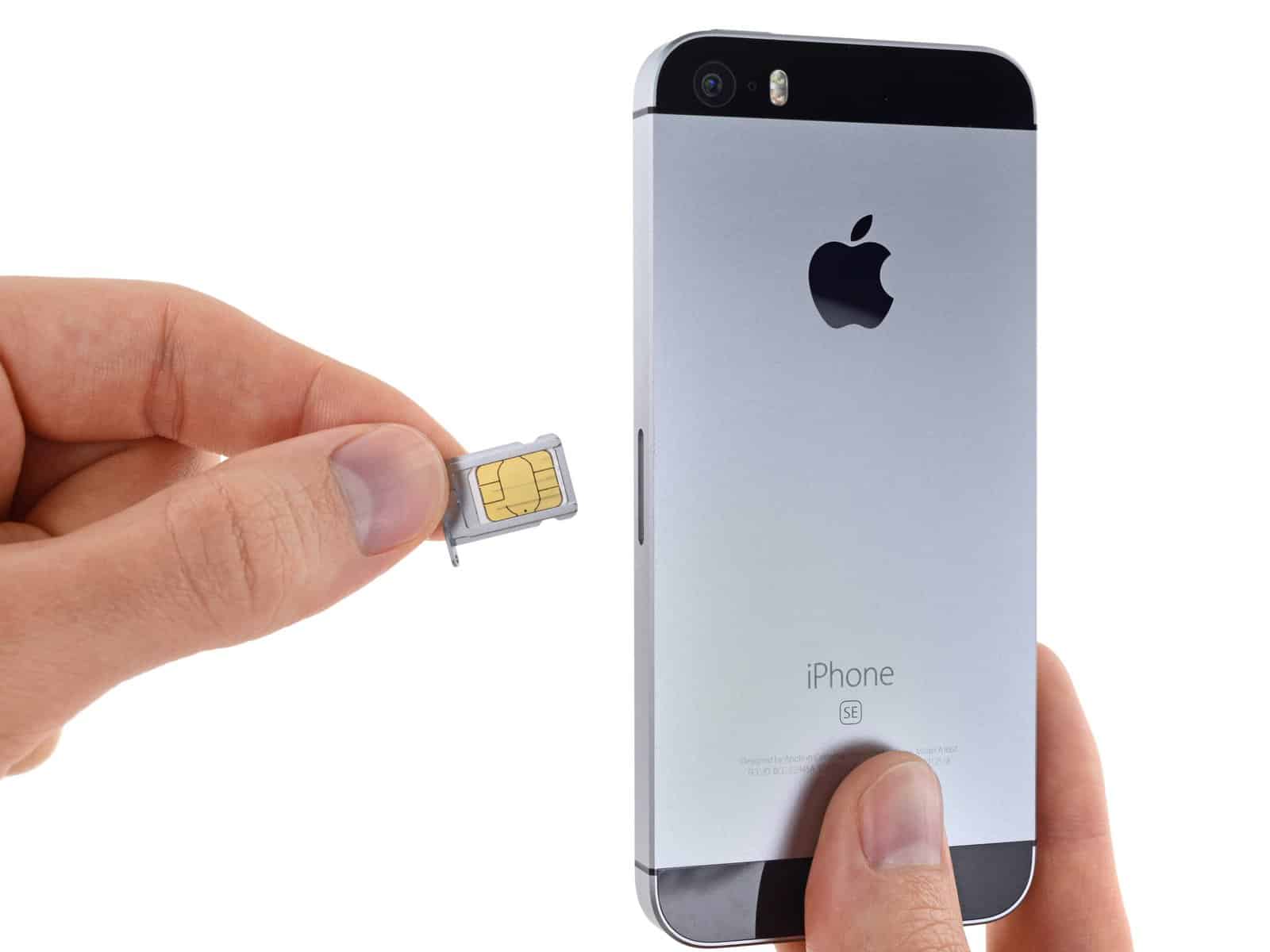
An Apple SIM unlock is the process of removing software-based restrictions placed on an iPhone by a specific mobile network provider. When an iPhone is "carrier-locked," it is restricted to the SIM cards or eSIM profiles of the original carrier that sold the device. Unlocking the device lifts this restriction, allowing you to use a different cellular provider domestically or while traveling internationally.
Understanding the Mechanism of Carrier Locks
To understand an Apple SIM unlock, one must first understand why a device is locked in the first place. Carriers frequently subsidize the cost of iPhones to make them more accessible to consumers. In exchange for this price reduction, they apply a locking policy through Apple’s activation servers.
When you insert a SIM card from a non-compatible carrier into a locked iPhone, the device contacts Apple’s servers during the activation process. The servers check the unique International Mobile Equipment Identity (IMEI) number of your device against a database provided by the carrier. If the database indicates that the device has not met the criteria for unlocking, the activation server sends a signal back to the phone to reject the SIM card, often displaying a "SIM Not Supported" message.
An unlock is not a physical modification of the hardware. Instead, it is a server-side change. When a carrier approves an unlock, they notify Apple, and Apple updates their database to flag that specific IMEI as "unlocked." Once the phone performs an activation check, it recognizes its unrestricted status and accepts any compatible SIM card.
Prerequisites for Unlocking
Before you attempt to unlock your iPhone, you must ensure that you meet the eligibility requirements set forth by your wireless carrier. Every carrier maintains its own policy regarding when a device can be unlocked.
- Financial Obligations: The device must be fully paid off. If you are on an installment plan or a leasing program, you generally cannot unlock the device until the final payment is cleared.
- Service Status: The device must be associated with an account that is either in good standing or has been successfully closed after meeting all contractual requirements.
- Active Status: Some carriers require the device to have been active on their network for a minimum period (e.g., 60 days) before they will consider an unlock request.
- Fraud Checks: The device must not be reported as lost or stolen. If your device appears on a global blacklist (often referred to as a GSMA database) due to theft or unpaid balances, carriers will refuse to unlock it.
How to Initiate the Unlock Process
The process of unlocking an iPhone varies depending on your carrier’s internal systems, but the primary point of contact is always the carrier, not Apple.
- Locate your IMEI: You can find this by navigating to Settings > General > About and scrolling down to find the IMEI number, or by dialing
*#06#on your keypad. - Contact the Carrier: Visit your carrier’s website to search for an "Unlock Request" portal. Many providers, such as AT&T, Verizon, and T-Mobile, offer dedicated online forms.
- Submit the Request: Enter your account details and the device’s IMEI. Ensure the information is accurate, as an incorrect IMEI will result in an immediate rejection.
- Wait for Confirmation: Processing times can vary from a few minutes to several business days. You will receive an email or SMS notification once the carrier has transmitted the unlock request to Apple.
Completing the Unlock on Your iPhone
Once the carrier confirms that they have authorized the unlock, you must trigger the phone to update its status. If you are switching to a new carrier, the simplest method is to remove your old SIM card and insert the new one.
If your iPhone supports eSIM, or if you do not have a new SIM card immediately available, you may need to perform a factory reset or restore your iPhone to force a re-activation. When you perform a restore, the iPhone connects to the Apple server, detects the "unlocked" flag associated with your IMEI, and applies the new configuration.
Important: Before performing a factory reset, ensure you have a current backup of your data via iCloud or a computer, as this process will erase all local storage on the device.
Comparison of Locking Policies by Situation
| Scenario | Typical Outcome | Required Action |
|---|---|---|
| Paid-off device | Eligible for immediate unlock | Request via carrier portal |
| Military deployment | Often bypasses waiting periods | Provide deployment orders to carrier |
| Active installment plan | Ineligible | Pay off the remaining balance |
| Purchased used/secondhand | Depends on previous owner | Contact previous owner or carrier |
| Reported lost/stolen | Permanently ineligible | Resolve with law enforcement/carrier |
Common Challenges and Troubleshooting
Even when an unlock is "official," technical hurdles can arise. If you have received confirmation from your carrier but your phone still rejects new SIM cards, consider the following troubleshooting steps:
- The Re-activation Delay: Sometimes, there is a latency period between the carrier’s authorization and Apple’s server update. Wait 24 hours after receiving confirmation before assuming the process has failed.
- Connectivity Requirements: To finalize an unlock, your iPhone must be able to reach Apple’s activation servers. Ensure you are connected to a stable Wi-Fi network or a cellular connection during the activation process.
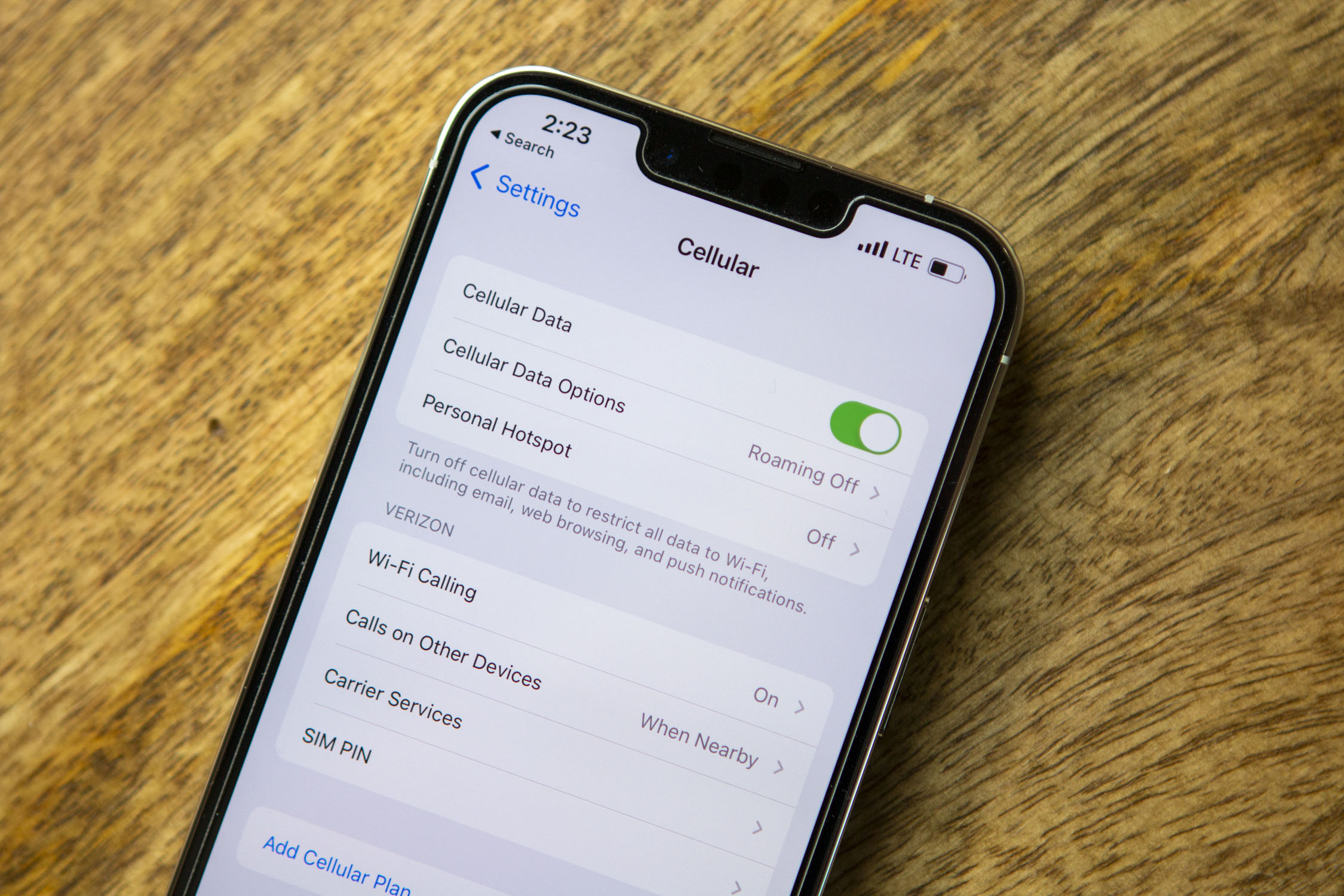
- Multi-SIM Conflicts: If you use multiple eSIMs, try disabling or deleting unnecessary cellular plans in Settings > Cellular to ensure the new carrier’s profile is prioritized correctly.
- Compatibility Checks: An unlocked phone is not necessarily a "universal" phone. Ensure the hardware of your iPhone model supports the frequency bands used by the new carrier you intend to use. For example, older models may lack specific 5G or LTE bands required by smaller regional carriers.
Frequently Asked Questions
Does a jailbreak unlock my SIM? No. Jailbreaking is the process of bypassing software restrictions imposed by Apple’s iOS to install unauthorized applications. It does not alter the carrier-locking policy stored on Apple’s activation servers. Attempting to "software unlock" via jailbreak is often ineffective on modern iPhones and can compromise device security.
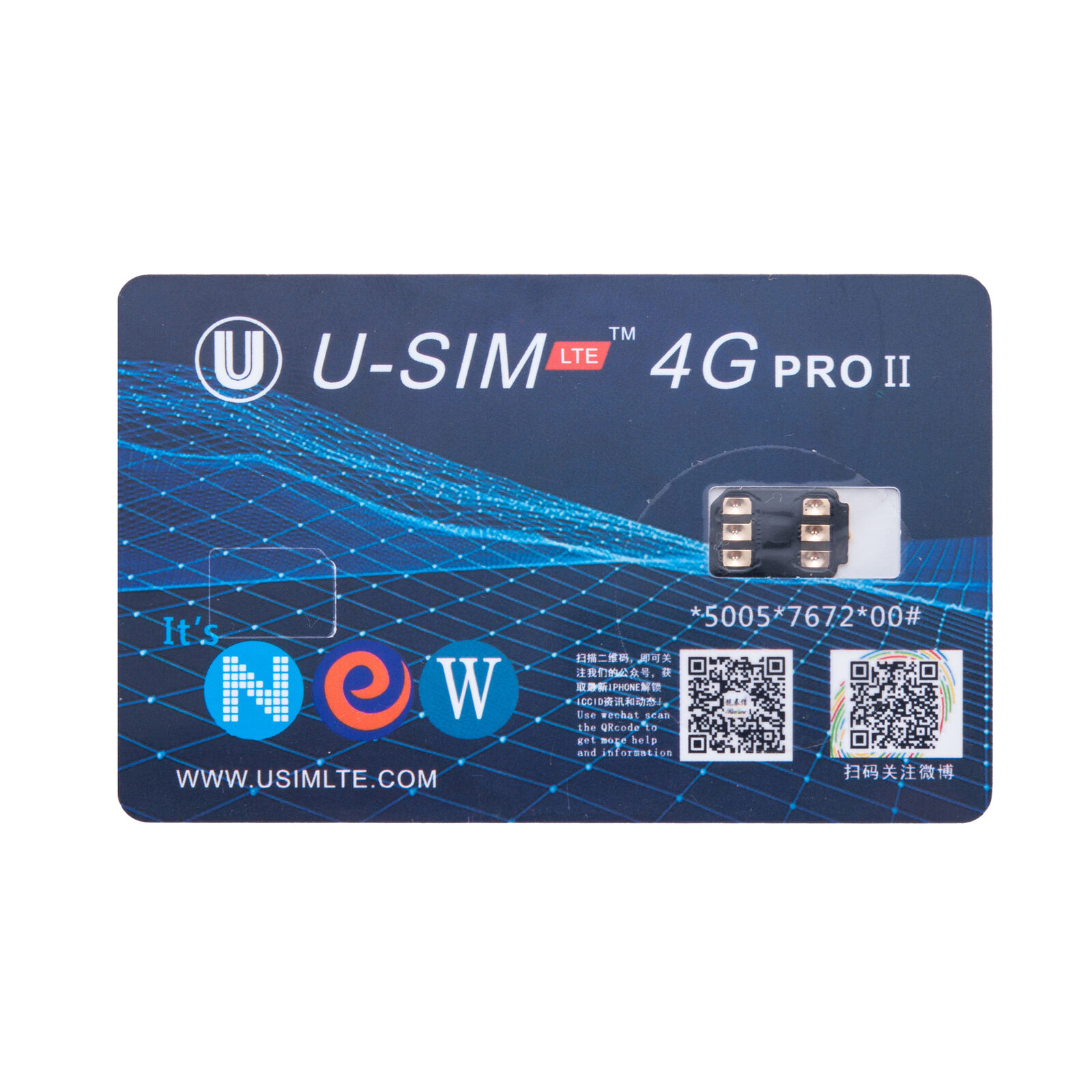
Is it possible to unlock my iPhone through a third-party website? While many websites claim to offer "unlocking services," these are often unreliable or fraudulent. Because carrier locks are managed by the carrier and Apple, the only legitimate path is through the carrier that holds the lock. Never provide payment information to third-party services claiming they can bypass official Apple/carrier servers.
Do I lose my warranty if I unlock my phone? No. Unlocking your phone through your carrier is an authorized procedure. It does not void your Apple Limited Warranty or AppleCare+ status, as it does not involve modifying the device's software kernel or physical hardware.
What happens if I change my mind after unlocking? Once a device is officially unlocked, it remains unlocked permanently. There is no way to "re-lock" an iPhone to a specific carrier once the database status has been cleared by Apple, regardless of whether you sign a new contract or switch providers again.
Can I unlock an iPhone that was bought from another country? Yes, but you must contact the carrier from that specific country. If the device was purchased in the United Kingdom but you are currently residing in the United States, you must coordinate with the UK-based carrier to satisfy their unlock requirements, as they are the only entity authorized to initiate the request to Apple.
Final Recommendation
The most secure and effective way to handle an Apple SIM unlock is to proactively check your carrier’s unlock requirements before you pay off your device or switch networks. If you are planning to purchase a pre-owned iPhone, always ask the seller if the device is carrier-locked. If it is, insist that they contact their carrier to initiate the unlock process before the sale is finalized. Once you have official confirmation of an unlock from the carrier, your iPhone becomes a flexible tool that can be used on virtually any compatible network globally.