Accessing secure data involves navigating a structured framework of authentication, authorization, and encryption protocols designed to protect sensitive information from unauthorized exposure. To successfully retrieve or interact with secured datasets, users must possess verifiable credentials, operate within authorized environments, and adhere to the specific access control policies defined by the data custodian or organizational governance standards.
Understanding the Landscape of Secure Data Access
The modern digital environment is defined by an increasing reliance on data as a primary asset. Whether in enterprise resource planning, healthcare records, or financial banking systems, the ability to access secure data is not a singular action but a multi-layered process. When we discuss "accessing secure data," we refer to the bridge between a user—or automated system—and a restricted repository of information.
The process of securing data generally relies on the CIA triad: Confidentiality, Integrity, and Availability. Your intent to access this data must align with the security controls implemented to uphold these pillars. If a system is configured to prioritize confidentiality, access will be gated by rigorous authentication. If it prioritizes availability, access may be streamlined but subject to constant monitoring and audit logging.
Prerequisites for Legitimate Data Retrieval
Before attempting to access any secure data, you must establish legitimacy. Unauthorized attempts, even if performed with benign intent, can trigger automated security protocols that may lock accounts, alert security operations centers, or lead to legal repercussions.
- Identity Verification: The most basic prerequisite is a verified identity. This is typically achieved through Multi-Factor Authentication (MFA), which combines something you know (a password), something you have (a security token or smartphone app), and something you are (biometrics).
- Authorization Levels: Having an account is rarely sufficient. You must be granted specific permissions—often referred to as Role-Based Access Control (RBAC). RBAC ensures that users only access the specific subset of data required for their job function.
- Endpoint Security: Accessing secure data often requires a trusted device. Organizations may mandate that you connect only via managed devices equipped with endpoint detection and response (EDR) software, updated operating systems, and encrypted disks.
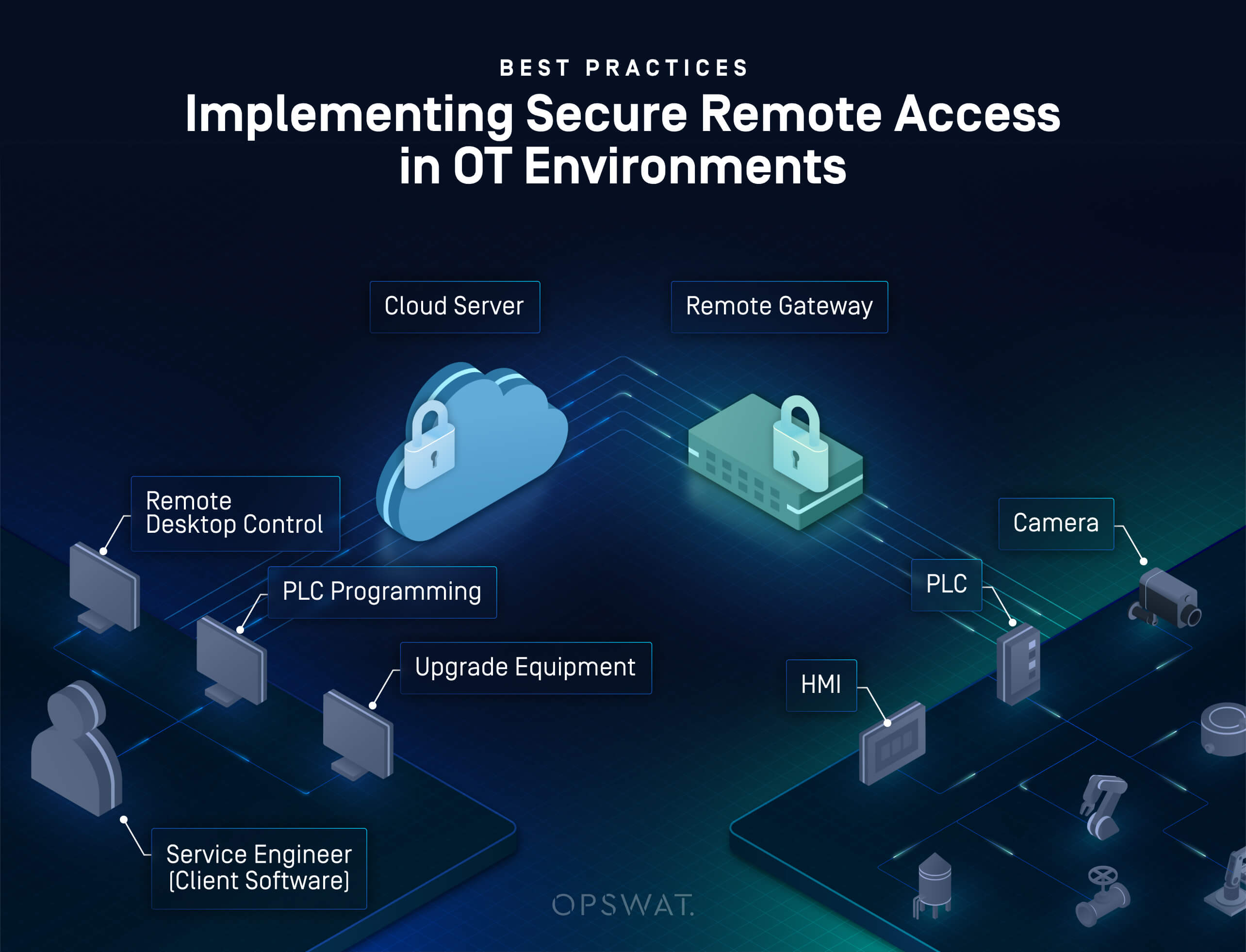
- Network Connectivity: Secure data is frequently sequestered behind virtual private networks (VPNs) or zero-trust network access (ZTNA) gateways. Connecting from a public or unencrypted network usually results in an automatic denial of service.
Step-by-Step Approach to Requesting Access
If you find that you cannot access data despite having a legitimate business need, you must follow the formal procedures established by the data owners.
- Step 1: Determine Data Ownership. Identify the department or individual responsible for the data. This is often documented in the organization’s data governance policy or directory.
- Step 2: Submit a Formal Request. Most professional organizations utilize an Identity and Access Management (IAM) portal. Submit a ticket that clearly defines the scope of data requested and the justification for access.
- Step 3: Justification and Compliance Review. Data stewards will evaluate your request against privacy regulations, such as GDPR, HIPAA, or internal security standards. They will check if your current role necessitates access to potentially personally identifiable information (PII).
- Step 4: Provisioning. Once approved, the system administrator will provision your access. This may be time-bound, particularly if the request is for a specific project or audit.
- Step 5: Acceptance of Terms. You may be required to sign a digital agreement acknowledging your responsibility to handle the data securely and adhere to non-disclosure requirements.
Comparison of Secure Data Access Methods
Understanding the technical mechanism behind access is vital for troubleshooting and efficiency. The following table compares common methods used to gatekeep secure data.
| Access Method | Mechanism | Primary Use Case | Security Level |
|---|---|---|---|
| VPN | Creates an encrypted tunnel to the internal network. | Remote work and legacy system access. | Moderate |
| ZTNA | Authenticates per application rather than network. | Cloud-native applications and SaaS tools. | High |
| API Keys | Programmatic access via encrypted tokens. | Automated backend data synchronization. | Variable |
| SSO | Centralized identity provider (e.g., Okta/Entra). | Corporate dashboard and employee portals. | High |
| Physical Tokens | Hardware-based one-time passwords. | High-security or air-gapped systems. | Very High |
Technical Considerations and Encryption Standards
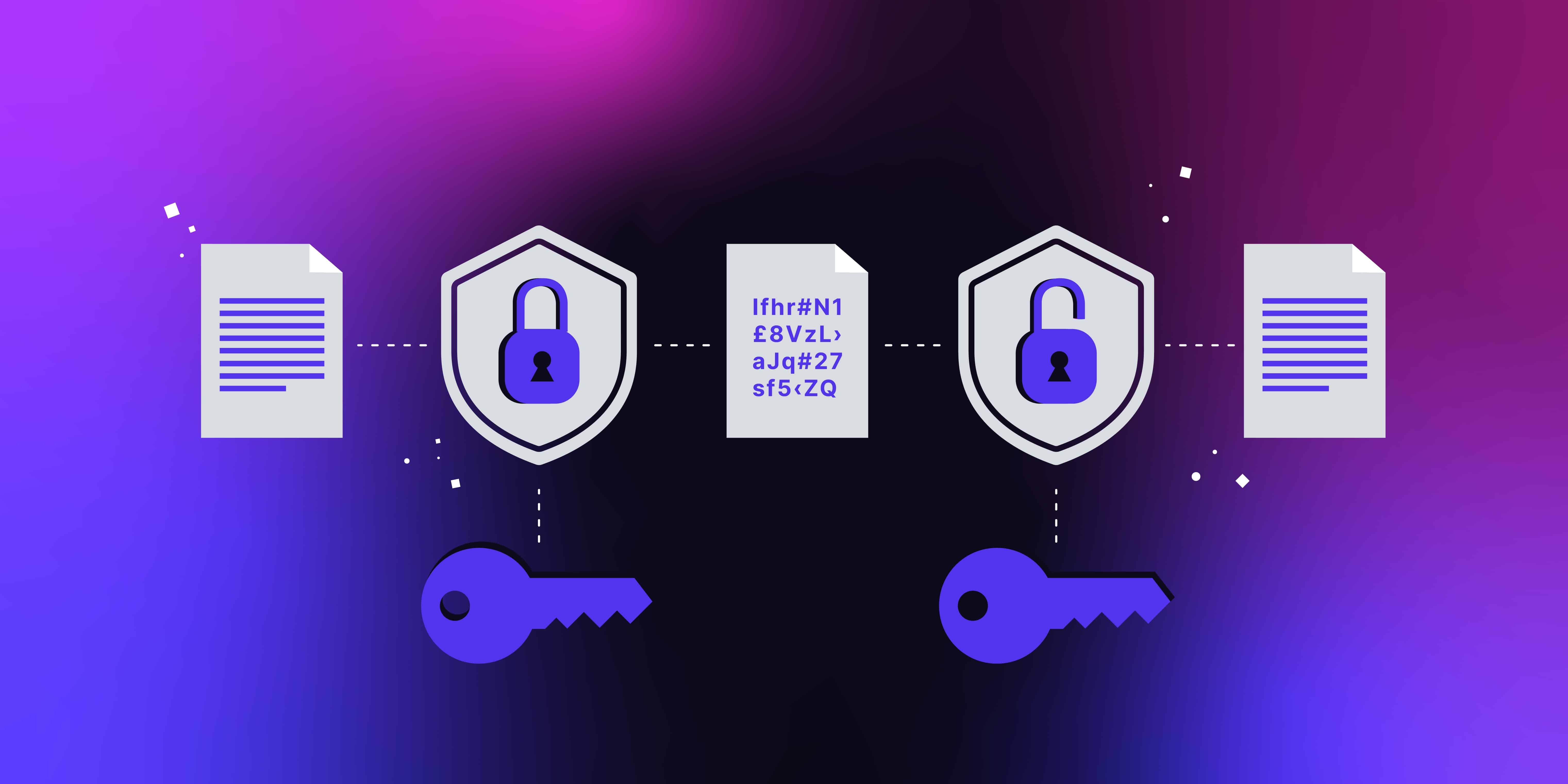
Accessing secure data often involves interacting with encrypted files or databases. Data is generally secured in one of three states: at rest, in transit, or in use.
When data is at rest, it resides on a disk. To access it, your authentication must unlock the encryption keys managed by a Key Management Service (KMS). If you are attempting to download files that are encrypted, ensure your local software suite supports the specific decryption protocols, such as AES-256, which remains a industry standard in 2026 for high-security environments.
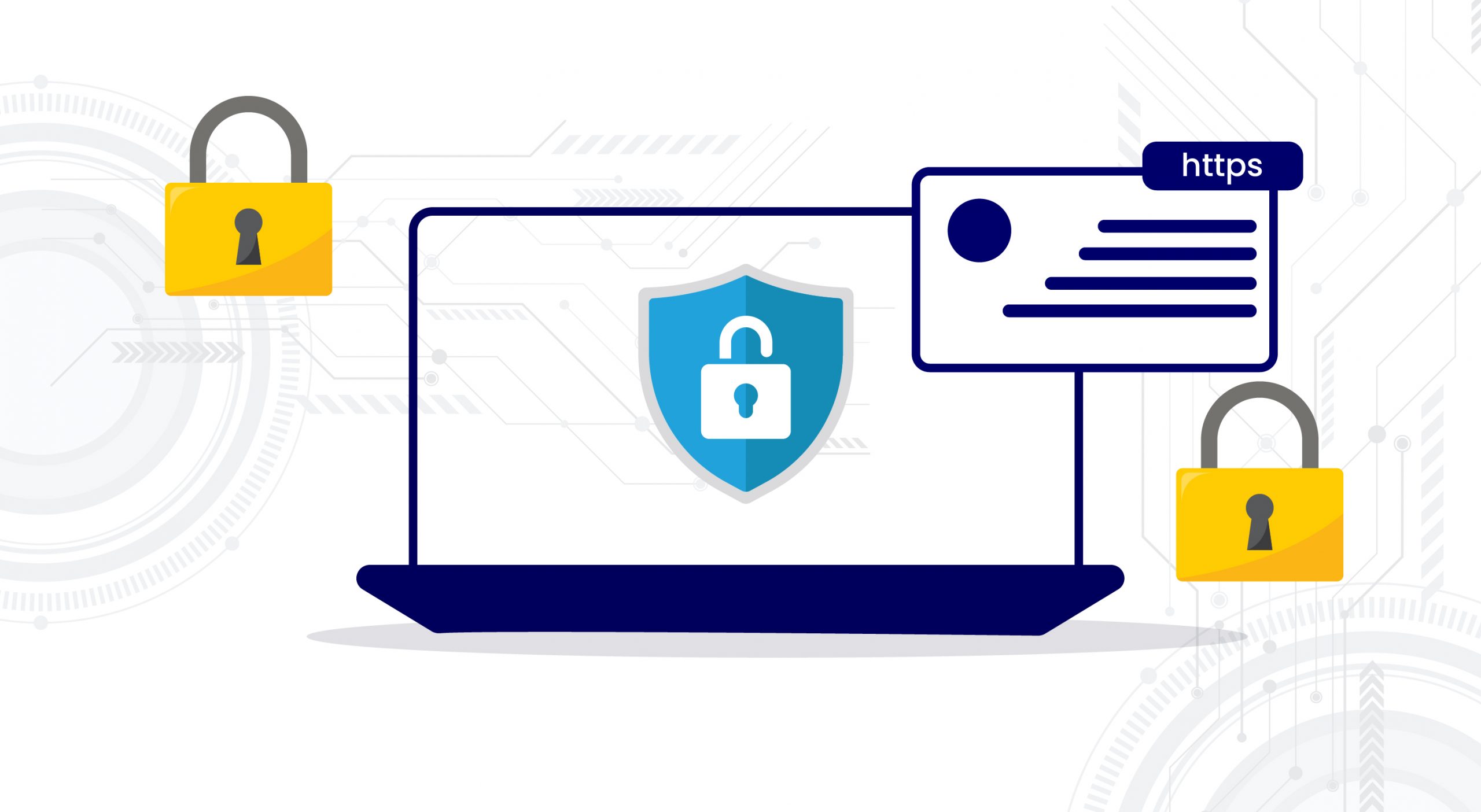
When data is in transit, it moves across a network. Modern access methods rely on Transport Layer Security (TLS) 1.3 to ensure that the data you are accessing cannot be intercepted by "man-in-the-middle" attacks. If you encounter errors while accessing web-based secure data, verify that your browser or client application is not configured to downgrade the connection to outdated protocols like SSL or TLS 1.0/1.1, as these are routinely blocked by modern security servers.
Common Troubleshooting and Resolution
If you encounter an "Access Denied" or "403 Forbidden" error, follow this systematic diagnostic approach:
- Session Timeout: Most secure systems impose a strict session limit. Clear your browser cache or restart your application to force a fresh authentication challenge.
- MFA Sync Issues: If using a hardware token or authenticator app, ensure the device time is perfectly synced with the server time. A drift of even 60 seconds can cause authentication failure.
- Expired Permissions: Access rights are often periodically revoked for review. Contact your internal IT support to confirm if your account access has recently expired.
- IP Whitelisting: If you are working from a new location, your IP address may not be on the approved "whitelist." You may need to reconnect to the company VPN to be recognized by the access controller.
- Browser Compatibility: Some secure data portals are optimized for specific browser versions. Using an outdated or non-standard browser may prevent the successful handshake required for secure access.
Professional Responsibility and Data Ethics
Accessing secure data is a privilege contingent on professional conduct. In 2026, the regulatory landscape emphasizes the principle of "least privilege"—you should be granted the minimum level of access necessary to complete your objective and nothing more.
When you access sensitive information, you are also accepting responsibility for its integrity. This means you must not download, store, or transmit secure data to unauthorized locations (like personal cloud drives or unencrypted removable media). Failure to adhere to these practices can lead to significant institutional liability, financial loss for the data owner, and personal professional consequences. Always consult your organization’s Information Security Policy (ISP) before handling sensitive data.
Frequently Asked Questions
Why am I prompted for Multi-Factor Authentication every time I access data? MFA is a mandatory security layer. It ensures that even if your password is stolen, the attacker cannot access the data without physical possession of your second-factor device. This frequency is a standard protective measure to prevent session hijacking.
Can I request permanent access to all company records? No. Most security governance models strictly prohibit "blanket" access. You must request specific access to the datasets required for your current, verified tasks. Requests for broad access are usually rejected during the compliance review phase.
What should I do if I accidentally access secure data I am not authorized to see? Immediately close the document or interface. Do not copy, save, or share the information. Report the incident to your supervisor or the security compliance office immediately. Reporting a potential breach quickly mitigates the risk and demonstrates your commitment to data security.
Is it safe to access secure data on public Wi-Fi? Generally, no. Even if your traffic is encrypted, public Wi-Fi is susceptible to advanced network sniffing. Always use a corporate-provided VPN when accessing sensitive company data, which creates a dedicated, encrypted path for your traffic, protecting you from threats on public networks.
How often should I audit my own access permissions? If you manage data or hold high-privilege access, you should conduct a self-audit at least quarterly. Verify that you still require the levels of access you currently hold. If you have changed roles or finished a project, you are ethically obligated to notify IT to remove your redundant access.
Next Actions
To successfully move forward, start by verifying your current access status within your organization’s central identity portal. If you are unable to view the necessary records, document the specific error message, the data path or URL you are attempting to reach, and your current network connection method. Submit these details via your organization's official support ticketing system. Do not attempt to bypass security controls, as this violates standard security protocols and will lead to an investigation by your organization's security team.