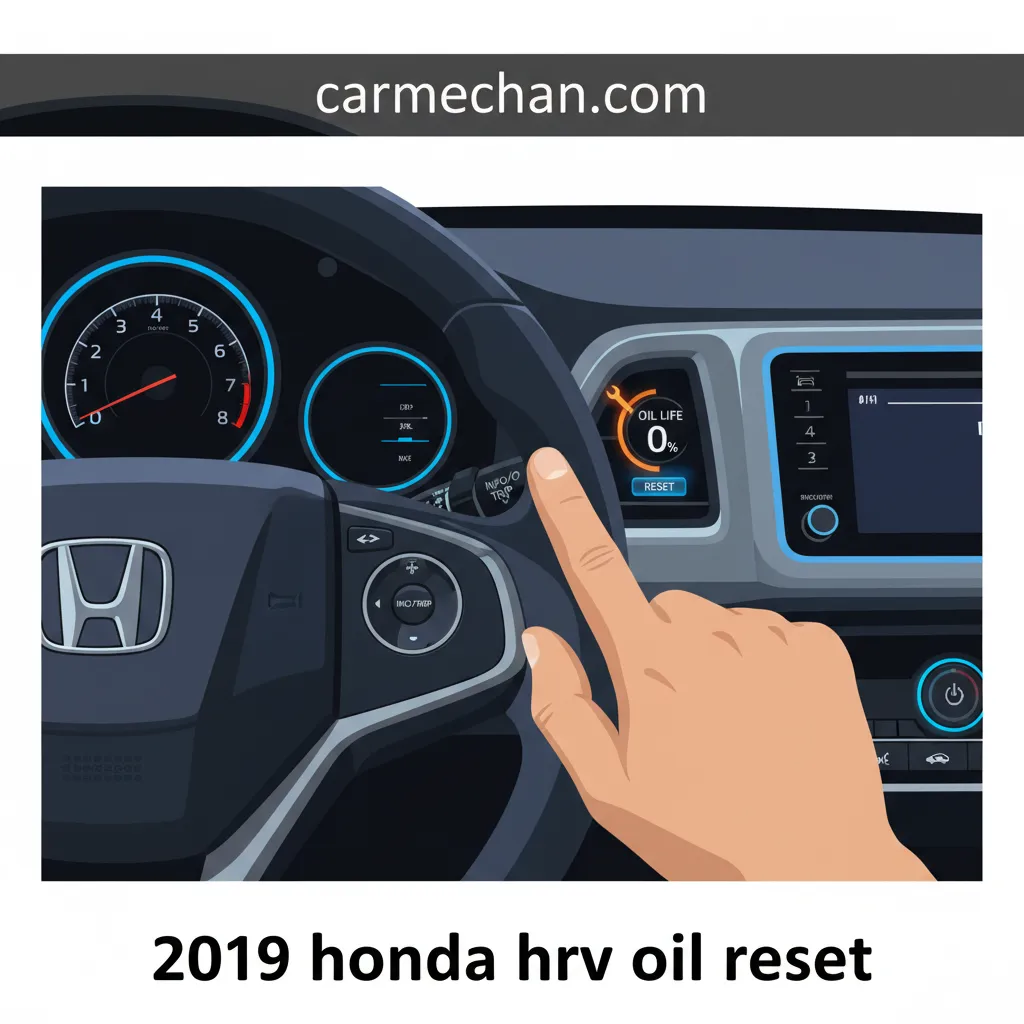
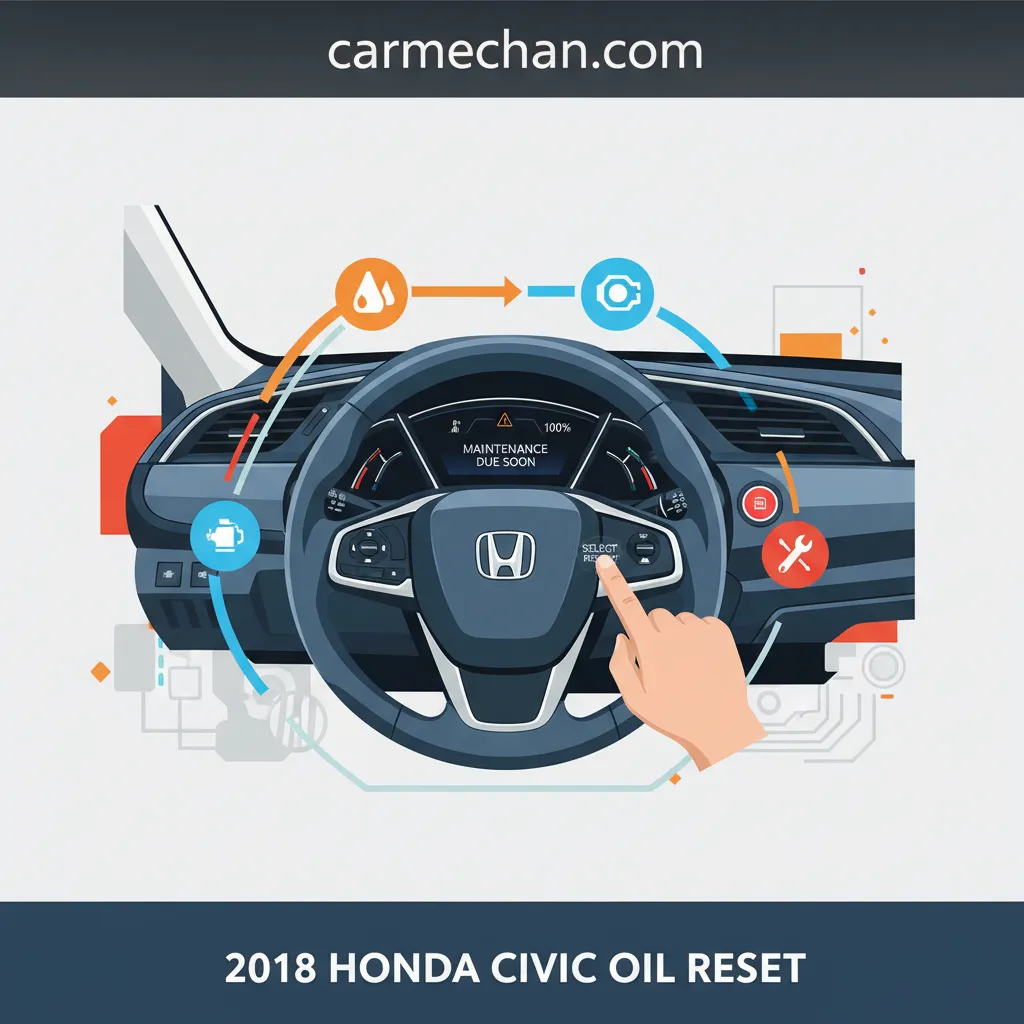
To reset the oil life monitor on a 2016 Honda HR-V, turn the ignition to the ON (II) position without starting the engine. Use the Select/Reset knob on the instrument cluster or the steering wheel buttons to navigate to the "Oil Life" display. Hold the button for approximately ten seconds until the display flashes, then release and hold again for five seconds until the oil life resets to 100%.
The 2016 Honda HR-V utilizes the Honda Maintenance Minder system, an onboard computer that monitors engine operating conditions to determine the optimal time for an oil change. Unlike older vehicles that relied on a static mileage interval, this system evaluates engine temperature, ambient temperature, engine speed, and vehicle speed to calculate remaining oil life. Properly resetting this system after every oil change is crucial for maintaining the vehicle's long-term health and ensuring that the internal "clock" for other vital services—such as tire rotations and filter replacements—remains accurate.
Understanding the Honda Maintenance Minder System
As of 2026, the 2016 Honda HR-V remains a popular choice on the used market due to its reliability. However, achieving that reliability requires strict adherence to the Maintenance Minder alerts. This system does not just measure oil; it is an integrated service management tool. When the oil life drops to 15%, a "Service Due Soon" message appears. At 5%, it changes to "Service Due Now," and at 0%, it indicates "Service Overdue."
The system uses a combination of a main code (A or B) and sub-codes (1 through 6) to inform the driver exactly what the vehicle needs. Resetting the oil life tells the computer that the main service has been performed, allowing it to begin tracking the next interval from zero. If you perform an oil change but fail to reset the monitor, the vehicle will continue to warn you of "Overdue" service, and more importantly, it will fail to track the next 5,000 to 10,000 miles accurately, potentially leading to engine wear from old, degraded oil.
Prerequisites for a Successful Reset
Before beginning the reset process, ensure the following conditions are met:
- Vehicle Parked: The vehicle must be in "Park" (for CVT models) or "Neutral" (for manual models) with the parking brake engaged.
- Ignition Mode: The ignition must be in the ON position. For models with a physical key, this is the "II" position. For models with a Push Button Start, press the START/STOP button twice without pressing the brake pedal.
- Service Completed: Never reset the oil life monitor unless the oil has actually been changed. Doing so will deceive the system, causing it to miscalculate the breakdown of oil additives and viscosity, which can lead to premature engine failure or voided warranties.
Step-by-Step Reset Instructions for the 2016 HR-V
Depending on your specific trim level (LX, EX, or EX-L), the method for navigating the dashboard menu may vary slightly. Most 2016 HR-Vs use the Select/Reset knob located on the instrument cluster, while higher trims with the multi-information display utilize steering wheel-mounted controls.
Method 1: Using the Select/Reset Knob (Standard Trims)
This method applies to models equipped with the basic instrument cluster.
- Turn the Ignition On: Insert the key and turn it to the II position. Do not start the engine.
- Display the Oil Life: Repeatedly press the Select/Reset knob (the small protruding rod on the right side of the speedometer/cluster) until the engine oil life percentage is shown on the digital display.
- Enter Reset Mode: Press and hold the Select/Reset knob for approximately 10 seconds. The oil life indicator and the maintenance codes will begin to flash.
- Confirm the Reset: Release the knob. Immediately press and hold the Select/Reset knob again for about 5 seconds.
- Verification: The flashing oil life display should disappear, and the percentage should return to 100%. Turn the ignition off to save the settings.
Method 2: Using Steering Wheel Controls (EX and EX-L Trims)
If your HR-V is equipped with a multi-information display (MID) controlled via the steering wheel, follow these steps:
- Ignition Power: Press the START/STOP button twice (without your foot on the brake) to enter ON mode.
- Navigate to Settings: Press the Info button (i) on the steering wheel until you see the "Settings" or "Vehicle Information" screen.
- Locate Maintenance Info: Use the arrow buttons to scroll until you find the Maintenance Minder or Oil Life screen.
- Initiate Reset: Press and hold the Enter (or Select) button on the steering wheel for about 10 seconds. The screen will enter a reset mode, often showing a list of due maintenance items.
- Select the Item: Use the arrow keys to select "All Due Items" or specifically the "Oil Life" item.
- Finalize: Press the Enter button once more to confirm. The display will update to 100%.
Deciphering Maintenance Minder Codes
When you perform the reset, you might notice alphanumeric codes next to the oil life percentage. These are instructions for additional services required at that specific interval. It is important to address these tasks before or during the oil change.
| Code | Meaning | Required Action |
|---|---|---|
| A | Main Code | Replace engine oil only. |
| B | Main Code | Replace engine oil and filter; inspect brakes, steering, and suspension. |
| 1 | Sub-Code | Rotate tires and check tire pressure/condition. |
| 2 | Sub-Code | Replace air cleaner element and dust/pollen filter. |
| 3 | Sub-Code | Replace transmission fluid (CVT or Manual). |
| 4 | Sub-Code | Replace spark plugs; inspect valve clearance. |
| 5 | Sub-Code | Replace engine coolant. |
| 6 | Sub-Code | Replace rear differential fluid (for AWD models). |
Technical Specifications for the 2016 Honda HR-V Oil Change
To ensure the Maintenance Minder tracks accurately, you must use the correct fluids and parts. Using substandard oil can lead to the system's algorithm being "out of sync" with the actual physical state of the lubricant.
- Oil Viscosity: 0W-20 (Synthetic is highly recommended and usually required for this weight).
- Oil Capacity: 3.9 US Quarts (3.7 Liters) when changing the filter.
- Drain Plug Torque: 30 lb-ft (40 N·m).
- Oil Filter: Honda Part No. 15400-PLM-A02 (or equivalent high-quality aftermarket filter).
The 1.8L i-VTEC engine in the 2016 HR-V is designed for efficiency. The 0W-20 oil weight is chosen specifically to reduce internal friction and improve fuel economy. Because this oil is thinner than traditional 5W-30 or 10W-30, it flows more easily at startup, which is when the most engine wear occurs. However, because it is thin, its additive package is vital; once those additives break down, the protection level drops significantly. This is why the reset process is more than just a cosmetic fix—it is a synchronization of the computer with the chemistry of the oil.
Troubleshooting Common Reset Issues
In some instances, the reset process may not work on the first attempt. This is usually due to timing or ignition status.
The Display Won't Flash
If the display does not start flashing after holding the knob for 10 seconds, ensure you are on the specific "Oil Life" screen. If you are on the odometer or trip meter screen, the knob will only reset the trip mileage. Furthermore, ensure the engine is OFF. The system is programmed to prevent resets while the engine is running for safety and accuracy reasons.
The Reset Reverts to the Old Percentage
If the oil life returns to a low percentage after you turn the car off and back on, you likely missed the final confirmation step. You must hold the button a second time while the numbers are flashing to lock in the 100% status.
Maintenance Symbols (Wrench Light) Remain On
The orange wrench icon is the visual indicator for the Maintenance Minder. If this stays on after the oil life is at 100%, it may indicate a separate system fault or that a sub-code (like a transmission fluid change) was not acknowledged. In higher trim levels, you must specifically select "All Due Items" during the reset to clear all pending alerts.
Why You Should Never Skip the Reset
Ignoring the reset process or simply "eyeballing" your mileage is a risky practice for 2016 HR-V owners. By 2026, many of these vehicles have reached the 100,000 to 150,000-mile mark. At this stage in a vehicle's life, oil health is the single most important factor in preventing timing chain wear and valve train noise.
The Maintenance Minder is "smart" enough to know if you have been driving in extreme heat or stop-and-go traffic. If you skip the reset, you lose that intelligent tracking. For example, if you change the oil but don't reset the computer, and then embark on a 3,000-mile summer road trip, the computer might still think the oil is 10,000 miles old and could potentially trigger "limp mode" or other electronic warnings in newer Honda software iterations, though the 2016 model is generally less intrusive.
Frequently Asked Questions
How often should I change the oil in a 2016 Honda HR-V?
While the Maintenance Minder determines the interval, it typically falls between 5,000 and 7,500 miles. However, Honda recommends that if the Maintenance Minder does not come on within one year, you should change the oil regardless of the mileage or percentage shown.
Can I use 5W-20 oil instead of 0W-20?
Honda specifies 0W-20 for the 2016 HR-V. While 5W-20 will not immediately destroy the engine, it is not recommended. The 0W-20 weight ensures proper lubrication of the narrow oil passages and supports the VTEC system's operation. Persistent use of the wrong viscosity can lead to reduced fuel economy and potential sensor errors.
Does resetting the oil life also reset the "Check Engine" light?
No. The Maintenance Minder (wrench icon) and the Check Engine Light (MIL) are two different systems. The oil reset only clears maintenance-related reminders. If a Check Engine light is on, it indicates a fault in the emission system or engine electronics, which requires an OBD-II scanner to diagnose.
What if I accidentally reset the oil life before changing the oil?
If you reset the system prematurely, you must manually track your mileage for that interval. It is recommended to change the oil within 5,000 miles of the accidental reset to ensure you stay on a safe schedule, then reset it again properly at that time to get back on the Maintenance Minder's cycle.
Do I need to reset the system if I only rotate my tires?
If the Maintenance Minder showed a sub-code "1" (tire rotation) along with the oil change code, resetting the oil life will usually clear the sub-code as well. If you perform a tire rotation mid-interval (without an oil change), you typically do not need to reset the system, as the tire rotation reminder is linked to the oil life cycle.
Final Practical Recommendation
After completing the reset, it is a best practice to label your next service date on a sticker or keep a logbook. While the Maintenance Minder is highly accurate, having a physical backup ensures you are never caught off guard if the battery is disconnected or the electronic cluster experiences a glitch. Furthermore, at the time of the reset, take 60 seconds to inspect your engine air filter and cabin filter; these are the "2" sub-codes that are often ignored but are essential for maintaining the performance and interior air quality of your HR-V as it ages.