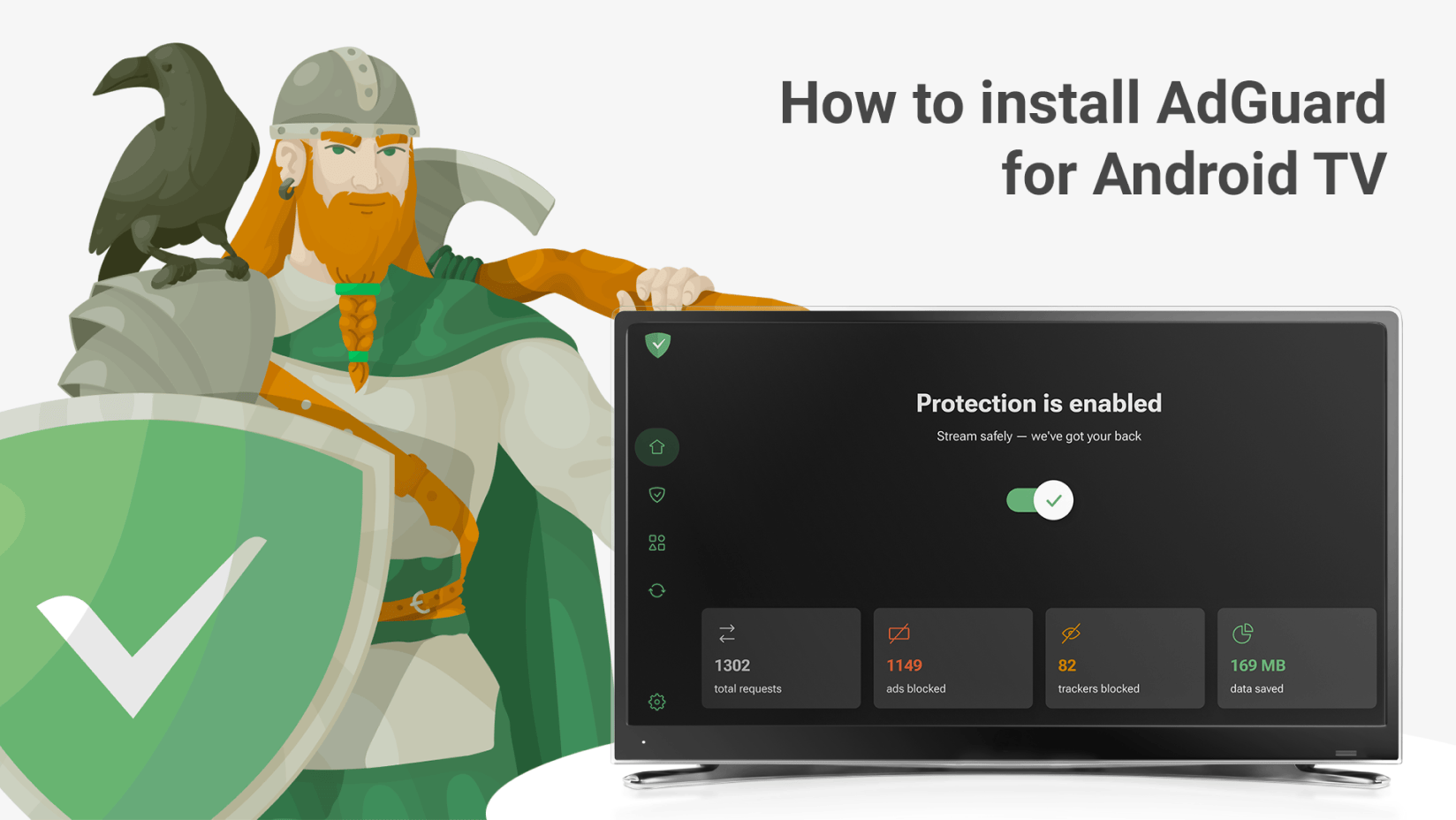
Blocking advertisements on a modern television presents a unique technical hurdle because unlike desktop computers or mobile phones, smart TVs run locked-down operating systems, stream content via encrypted application programming interfaces, and often embed commercial injection directly into the primary video stream. While a browser extension can easily strip JavaScript elements on a laptop, a television relies on proprietary firmware, closed ecosystems like webOS, Tizen, or Android TV, and network-level protocols that complicate traditional filtering methods. Understanding the underlying mechanisms of television ad-blocking requires examining how smart displays process network traffic, the limitations of DNS-based sinkholes, and the strict countermeasures deployed by modern streaming applications.
The Architecture of Television Advertising
To understand why adblock for TV is fundamentally different from browser-based ad blocking, it is necessary to examine how televisions deliver content. Decades ago, television viewing relied on passive broadcast signals where commercials were transmitted sequentially with the programming, leaving viewers with no technological option other than muting the audio or changing the channel. Modern smart TVs, streaming media players like Roku or Amazon Fire TV, and external set-top boxes have shifted this paradigm to video-on-demand and dynamic ad insertion.
In a modern smart TV environment, content delivery is split between two primary channels: linear streaming channels (often referred to as Free Ad-Supported Streaming Television or FAST channels) and subscription-based video-on-demand services. Dynamic ad insertion allows servers to swap out commercials in real time based on geographic location, user profiles, or viewing history. When an application requests a video stream, the media player fetches manifest files—such as HTTP Live Streaming playlists or Dynamic Adaptive Streaming over HTTP manifests—which outline the sequence of video segments and where commercial breaks are located.
Because these video segments and advertisements are often served from the exact same domains, content delivery networks, and secure HTTPS ports as the main video feature, simple network filters struggle to separate programming from commercials. If a blocklist prevents a domain from loading, it frequently breaks the video player entirely, resulting in black screens, endless loading buffers, or error codes that crash the application. Consequently, achieving ad-free viewing on a television requires sophisticated interception methods that go far beyond standard firewall rules.
Core Methods for Blocking TV Ads
Implementing an adblock solution on a television typically falls into three distinct technical categories: network-level filtering, hardware-based routing, and casting workarounds. Each approach utilizes different layers of the networking stack and offers varying degrees of effectiveness depending on the target application.
Network-Level DNS Filtering
Network-level filtering relies on Domain Name System sinkholing. Solutions such as Pi-hole or AdGuard Home run on local hardware—often a Raspberry Pi or a dedicated home server—acting as the local network's DNS resolver. When a smart TV attempts to query a known advertising or telemetry domain, the local DNS server intercepts the request and returns a null address or local loopback IP, effectively starving the television of telemetry and ad-domain addresses.
While this method is entirely passive and requires no software installation on the television itself, its effectiveness against modern video streaming apps is limited. DNS filtering excels at blocking background telemetry, analytics, and static banner ads within application menus. However, it cannot block video ads embedded within platforms like YouTube or Hulu if those advertisements are hosted on the same content delivery networks and domains as the primary media content. Blocking the domain altogether would break the playback of the desired video content.
Hardware Proxy and Interception Routers
More advanced implementations utilize transparent or explicit proxies, custom router firmware, or dedicated hardware appliances placed between the television and the internet gateway. These devices inspect packets at layers deeper than the DNS level, sometimes performing SSL/TLS inspection to read encrypted HTTPS traffic. By installing custom root certificates on the viewing device, these proxies can inspect and modify HTTPS payloads to strip tracking scripts and ad-injection manifests before they reach the television's media player.
However, modern smart TVs and streaming applications employ certificate pinning, a security measure that ensures the application only trusts specific, hardcoded cryptographic certificates issued by the app developer. When a hardware proxy attempts man-in-the-middle decryption to filter ad streams, certificate pinning causes the application to detect a security anomaly and immediately terminate the connection. This makes hardware-level HTTPS filtering on modern smart TVs exceptionally difficult to configure and maintain.
Casting and External Source Workarounds
Because native smart TV operating systems are restrictive, many users bypass the television's internal software entirely by utilizing external casting devices, mini-PCs, or modified streaming boxes. For instance, casting content from a personal computer running a traditional web browser equipped with robust ad-blocking extensions—such as uBlock Origin—to a television via Miracast, AirPlay, or Google Cast avoids the native TV app limitations.
Similarly, utilizing a connected media player running side-loaded, modified applications can achieve ad-free playback for specific services. For example, modified versions of YouTube clients designed for Android TV platforms can patch out sponsored segments and advertisement injections at the application code level. However, these methods require technical proficiency, involve regular maintenance as streaming providers update their application interfaces, and may violate the terms of service of the respective platforms.
What to Expect: Capabilities and Limitations
Managing expectations is crucial when deploying any adblock strategy for television. Unlike desktop environments where extensions can seamlessly modify Document Object Models and execute custom scripts, televisions operate under strict hardware constraints and closed ecosystems. The following comparison outlines the capabilities and limitations of common television ad-blocking approaches.
| Adblock Method | Setup Complexity | Effectiveness on Video Ads | Impact on Native Apps | Risk of Breaking Playback |
|---|---|---|---|---|
| DNS Sinkhole (Pi-hole / AdGuard) | Moderate | Low (Video ads usually pass) | None (Background telemetry only) | Very Low |
| Hardware Proxy / MITM | High | Medium | High (Triggers SSL certificate errors) | High |
| Casting from PC / Browser | Low | High | N/A (Relies on source device) | Low |
| Side-loaded / Modified Apps | Moderate to High | High (App-dependent) | Replaces native app interface | Medium |
The Reality of Streaming Provider Countermeasures
Major streaming providers continually update their delivery infrastructure to counter ad-blocking efforts. Techniques such as server-side ad insertion stitch advertisements directly into the video stream before it leaves the remote server, making client-side or network-side filtering mathematically impossible without re-encoding the entire stream in real time. As streaming platforms face revenue pressures, they also deploy aggressive error detection that halts playback if abnormal network request patterns or missing telemetry beacons are detected.
Furthermore, users should expect that deploying aggressive network filters will occasionally disrupt legitimate television functions. Smart TVs constantly ping manufacturer servers for firmware updates, license verifications, electronic program guides, and digital rights management handshakes. Over-blocking network domains can inadvertently disable features such as voice search, weather widgets, app store access, and smart home integrations.
Troubleshooting Common TV Adblock Issues
When configuring network filters or custom setups for a television, users frequently encounter specific technical hurdles. Systematic troubleshooting can isolate whether a blockage is caused by an overzealous filter rule or an application-level restriction.
- Verify DNS Configuration: Ensure the television is correctly pointing to the local DNS filter IP address rather than fallback public resolvers like Google (8.8.8.8) or Cloudflare (1.1.1.1), which televisions often default to if DHCP configurations are loose.
- Examine Query Logs: Review real-time query logs on the DNS server while launching a streaming app on the television. Look for blocked domains that immediately precede a playback error code.
- Isolate Whitelisting Rules: If a specific streaming application fails to load or displays infinite loading spinners, temporarily disable filtering for the television's IP address to determine if a necessary domain has been sinkholed. Whitelist verified content delivery domains while keeping telemetry blocks active.
- Account for Application Updates: Streaming apps frequently update their underlying application binaries. If a previously functional side-loaded app or modified client suddenly stops working, check repository sources for updated patches rather than altering local network configurations.
Frequently Asked Questions
Can I install an ad blocker app directly onto my smart TV?
Generally, no. Major smart TV operating systems like Samsung's Tizen, LG's webOS, and Roku OS do not permit the installation of third-party extensions or system-wide ad-blocking applications through their official app stores. While Android TV or Google TV platforms allow side-loading applications, traditional ad blockers designed for web browsers cannot filter video content inside native streaming apps.
Why do network-level ad blockers fail to stop YouTube ads on smart TVs?
YouTube and similar streaming platforms serve video advertisements from the same domains and content delivery networks as the primary video content. If a network-level ad blocker attempts to block the ad domain, it simultaneously blocks the video file itself, causing the application to display an error message rather than an ad-free stream.
Does blocking telemetry on a smart TV affect its performance?
Blocking background telemetry and data collection domains via a DNS sinkhole generally improves privacy and can marginally reduce local network chatter. However, it does not typically improve video streaming performance or processing speed, as smart TV UI rendering relies on local hardware specifications rather than cloud data exchange.
Are there legal risks associated with blocking ads on a television?
Using network filters, local DNS sinkholes, or personal casting setups for private home viewing generally falls within consumer rights regarding network management. However, distributing modified commercial streaming applications or bypassing digital rights management protections to commercialize ad removal can violate platform terms of service and copyright regulations.
Conclusion and Next Actions
Implementing an adblock strategy for television requires balancing the desire for an uninterrupted viewing experience against the technical limitations of closed smart TV ecosystems. While network-level DNS filters provide effective privacy protection and eliminate background telemetry, they cannot reliably strip dynamic video advertisements from modern streaming applications. To achieve true ad-free viewing, users must look toward alternative source methods, such as casting from a protected computer or utilizing dedicated media players with community-supported modifications. Begin by auditing your current network setup with a passive DNS filter to reclaim privacy, and evaluate external casting alternatives if comprehensive video ad removal is your primary objective.