To understand the reality of Apple Watch sleep tracking, you must distinguish between consumer-grade motion sensing and clinical polysomnography. While the Apple Watch is highly accurate at detecting sleep-wake cycles and breathing disturbances, it cannot "diagnose" medical conditions or match the 100% precision of a hospital sleep lab. It provides a high-level trend analysis rather than a definitive medical record.
The Apple Watch has evolved from a simple activity tracker into a sophisticated health monitoring tool. By 2026, the integration of advanced machine learning and refined sensor arrays has made sleep tracking one of its most utilized features. However, as the technology has become more accessible, several misconceptions have emerged regarding what the device can and cannot do. For users looking to improve their rest, separating marketing hype from physiological reality is essential for making informed health decisions.
Myth 1: The Apple Watch Provides a Clinical Medical Diagnosis
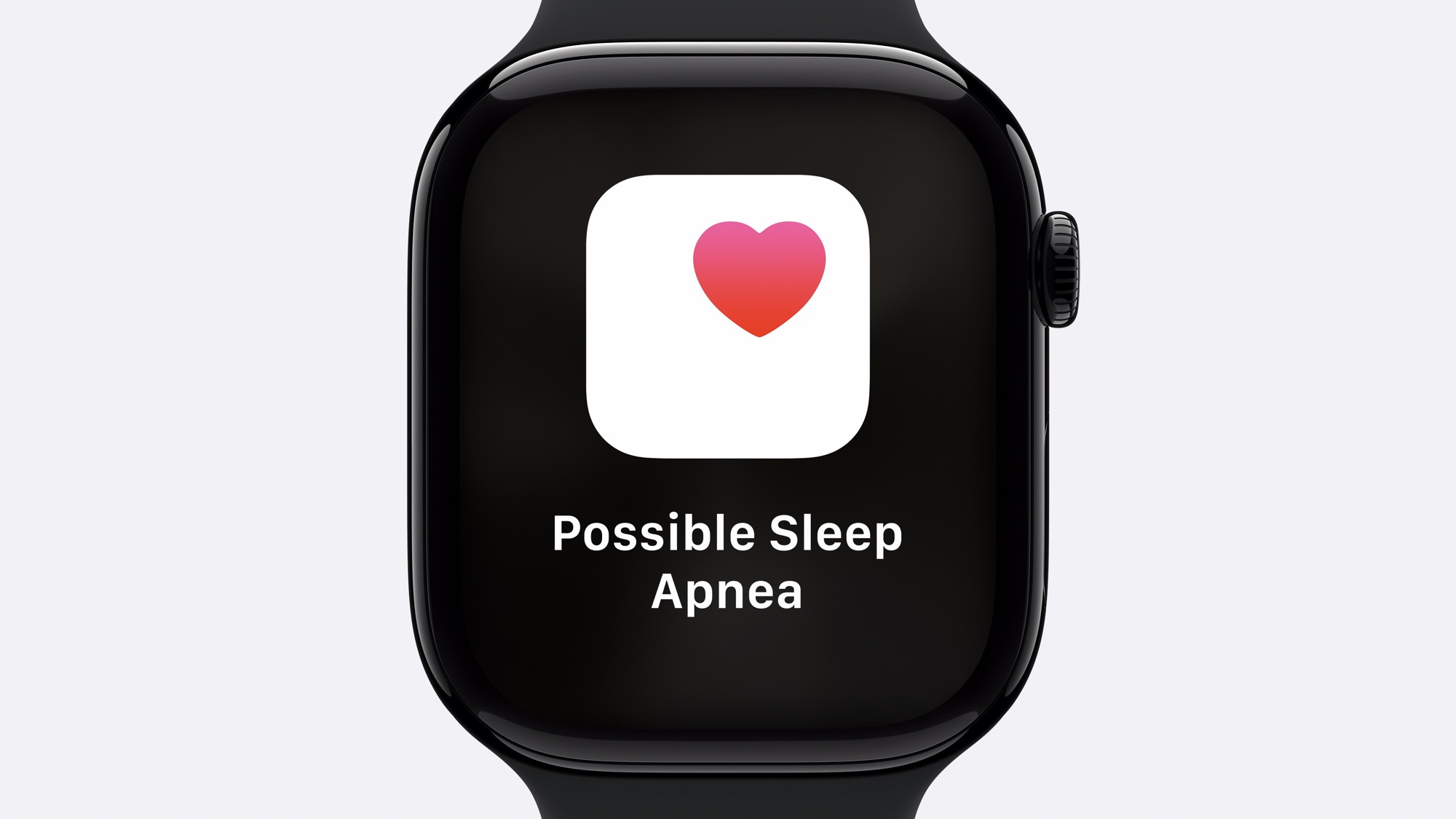
One of the most persistent myths is that an Apple Watch can serve as a replacement for a doctor’s diagnosis, particularly regarding sleep apnea or insomnia. While the Apple Watch (specifically Series 9, 10, and Ultra variants) features "Breathing Disturbances" tracking and has received FDA clearance for "Signs of Sleep Apnea" notifications, this is not a diagnosis.
The device monitors micro-movements and blood oxygen fluctuations (where available) to identify patterns consistent with sleep apnea. If the watch detects frequent interruptions over a 30-day period, it alerts the user to seek professional consultation. However, a clinical diagnosis requires a Polysomnogram (PSG), which measures brain waves (EEG), muscle activity, and eye movements—data points the Apple Watch cannot collect. Users should treat Apple Watch data as a "screening tool" that flags potential issues for further investigation by a sleep specialist.
Myth 2: Sleep Stage Data is 100% Accurate
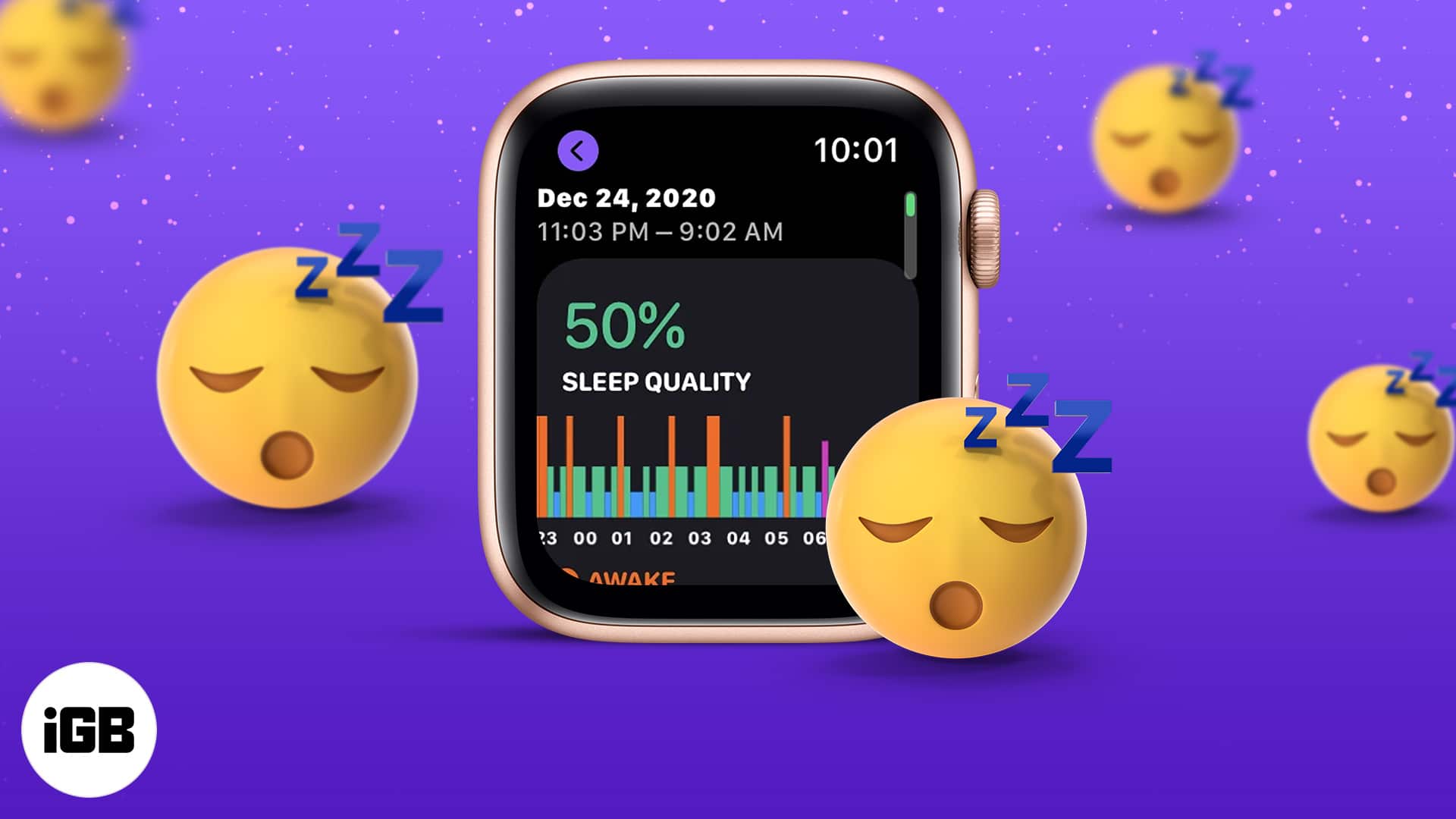
Since the introduction of Sleep Stages in watchOS 9, many users believe the breakdown of REM, Core (Light), and Deep sleep is an exact measurement of their brain activity. In reality, the Apple Watch estimates these stages using a combination of heart rate variability (HRV), heart rate, and accelerometer data.
Research comparing Apple Watch sleep stages to PSG gold standards typically shows an accuracy rate between 70% and 85%. While the watch is excellent at identifying when a user is awake versus asleep, it occasionally misidentifies REM sleep as Light sleep or vice versa because it relies on peripheral physiological signals rather than direct cortical activity. For the average user, the "trends" over weeks are more valuable than the specific minute-by-minute breakdown of a single night.
Myth 3: Battery Constraints Make Sleep Tracking Unrealistic
A common deterrent for new users is the belief that the Apple Watch must be charged overnight, rendering sleep tracking impossible. This myth stems from the early days of the Series 0 through Series 3. By 2026, battery efficiency and fast-charging capabilities have largely mitigated this issue.
Models from the Series 7 onwards feature fast charging that can provide 8 hours of sleep tracking with just 8 to 15 minutes of charging. Most successful sleep-trackers adopt a "top-off" routine, charging the device while showering or getting ready in the morning. For those using the Apple Watch Ultra, the multi-day battery life allows for 2-3 nights of tracking without a single charge. The hardware is no longer the bottleneck; the user's charging habit is.
Myth 4: You Must Wear the Watch Extremely Tight for Accuracy
There is a prevalent myth that for the sensors to work during sleep, the band must be uncomfortably tight. While a snug fit is necessary for the Photoplethysmography (PPG) sensors—which use green and infrared lights to measure blood flow—over-tightening the band can actually lead to "motion artifacts" or restricted blood flow, resulting in less accurate data.
The ideal fit for sleep tracking is a band that stays in place against the skin but allows the skin to breathe. If the watch can slide significantly or if there is visible light leaking from the sensor under the watch, it is too loose. If it leaves deep indentations in the skin or causes numbness, it is too tight. Sport Loops and Solo Loops are often recommended for sleep because they provide a consistent, gentle tension that maintains sensor contact without discomfort.
Myth 5: Third-Party Apps are Always Better Than the Native Sleep App
When Apple first launched its native Sleep app, it was criticized for being too simplistic. This led to the myth that you must use third-party apps like AutoSleep, Pillow, or Sleep++ to get "real" data. While third-party apps often offer more granular charts and "readiness scores," they utilize the same raw sensor data provided by the Apple Watch hardware.
Apple’s native Sleep app is optimized for the watch’s battery life and uses a machine-learning model trained on one of the largest sleep-study datasets in the world. Third-party apps often use their own proprietary algorithms, which can sometimes "over-interpret" motion as sleep. For users who want a simple, high-accuracy overview of their rest, the native Apple Sleep app is now often more reliable and less prone to "false positives" than many external alternatives.
Myth 6: The Watch Cannot Track Naps Automatically
For years, it was true that the Apple Watch required the "Sleep Focus" mode to be active to record sleep data, leading to the myth that it couldn't track afternoon naps. However, with the release of watchOS 11 and subsequent updates leading into 2026, the Apple Watch now supports automatic sleep detection.
The device uses heart rate and movement patterns to identify when the user has fallen asleep outside of their scheduled sleep window. This data is then integrated into the health app under the "Vitals" and "Sleep" sections. Users no longer need to manually toggle a mode to capture a 20-minute power nap, debunking the idea that the Apple Watch is strictly a "nighttime-only" tracker.
Understanding the Technology: How It Works
To effectively debunk these myths, it is helpful to understand the underlying hardware. The Apple Watch uses three primary systems to monitor sleep quality:
- The Accelerometer: This measures micro-movements. A total lack of movement, combined with a lower heart rate, signals sleep. Specific movement patterns (such as the muscle atonia associated with REM) help distinguish between sleep stages.
- The PPG Sensor: This uses light to measure the volume of blood passing through the wrist. It calculates your heart rate and Heart Rate Variability (HRV). Deep sleep is usually characterized by a lower, more stable heart rate, while REM sleep may show more variability.
- Temperature Sensor: Introduced in Series 8, the skin temperature sensor monitors fluctuations against your baseline. While it doesn't "track" sleep stages directly, it provides context for sleep quality, as a rise in body temperature can indicate illness or an environment that is too warm for deep rest.
Comparison: Apple Watch vs. Clinical Standards and Competitors
| Feature | Apple Watch (Native) | Clinical Polysomnography (PSG) | Common Third-Party Apps |
|---|---|---|---|
| Primary Data Source | Movement, HR, HRV, Temp | EEG, EOG, EMG, HR, Respiration | Movement & HR (via Apple Health) |
| Sleep Stage Accuracy | High (Approx. 70-85%) | Gold Standard (100%) | Variable (Algorithm-dependent) |
| Nap Detection | Automatic (watchOS 11+) | Not applicable | Often manual or algorithm-based |
| Apnea Detection | Risk Notification (FDA Cleared) | Definitive Diagnosis | Not FDA Cleared for Diagnosis |
| User Effort | Minimal (Wear and Sleep) | High (Requires Lab Visit/Wires) | Minimal to Moderate |
Practical Tips for Maximizing Sleep Data Accuracy
To ensure you are getting the most accurate data possible and avoiding the pitfalls of these myths, follow these evidence-based practices:
- Establish a Baseline: Ignore the data from your first three nights. The Apple Health app needs roughly a week to establish your "baseline" for heart rate, respiratory rate, and wrist temperature.
- Check Your "Vitals": Use the Vitals app (introduced in watchOS 11) to see how your sleep data correlates with other metrics. If your sleep quality is low, check if your wrist temperature or resting heart rate was higher than usual—this often explains "bad" sleep due to alcohol consumption or impending illness.
- Consistent Placement: Wear the watch at least one finger-width above the wrist bone (the ulnar styloid). This ensures the sensor sits on a flatter area of the wrist with better blood flow visibility.
- Keep the Sensor Clean: Sweat and skin oils can build up on the back of the watch, refracting the light from the PPG sensor and lead to "noisy" heart rate data. Wipe the back of the watch with a non-abrasive, lint-free cloth daily.
Frequently Asked Questions
Does the Apple Watch track sleep if I don't turn on Sleep Focus?
Yes, as of watchOS 11, the Apple Watch can automatically detect sleep and naps without Sleep Focus being enabled. However, Sleep Focus is still useful for silencing notifications and preventing the screen from waking you up during the night.
Is the Apple Watch's Deep Sleep data accurate?
It is relatively accurate for a wearable. The Apple Watch is generally better at distinguishing Deep Sleep from REM than many other consumer trackers, but it is not a substitute for an EEG-based sleep study. It identifies Deep Sleep primarily through a lack of movement and a very steady, low heart rate.
Can the Apple Watch detect if I have Sleep Apnea?
The Apple Watch can detect signs of moderate to severe sleep apnea by monitoring breathing disturbances. It is an "early warning system." If you receive a notification, you should consult a doctor for a clinical sleep study (home or lab-based).
Why does my Apple Watch say I was "Awake" when I don't remember it?
It is normal for humans to have "micro-awakenings" throughout the night that last only seconds. The Apple Watch’s sensitive accelerometer picks up the movement associated with these brief moments, even if your brain doesn't consciously register them as being awake.
Does the Apple Watch track blood oxygen during sleep?
Yes, for models where the feature is enabled (availability varies by region and purchase date due to legal restrictions), the watch periodically samples blood oxygen levels throughout the night. These readings are crucial for identifying potential respiratory issues.
Final Recommendation: Use Trends, Not Totals
The most important takeaway when debunking Apple Watch sleep myths is to focus on long-term trends rather than the specific data of a single night. A single night of "low deep sleep" might be a sensor error or a minor fluke, but a 30-day downward trend in sleep quality is a significant signal that your lifestyle, environment, or health needs attention. Treat your Apple Watch as a high-tech journal that provides clues to your well-being, but always defer to medical professionals for health concerns.