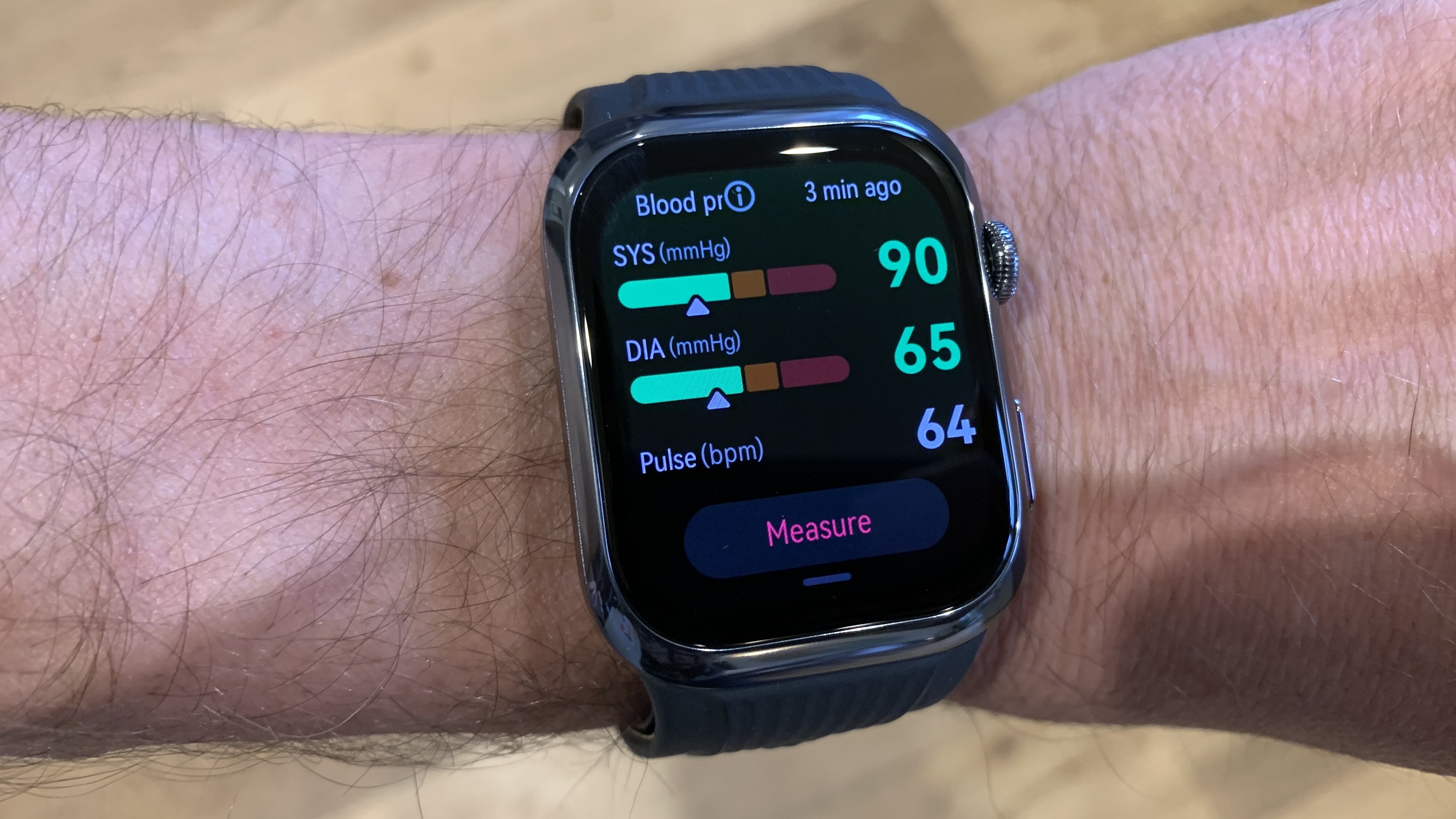
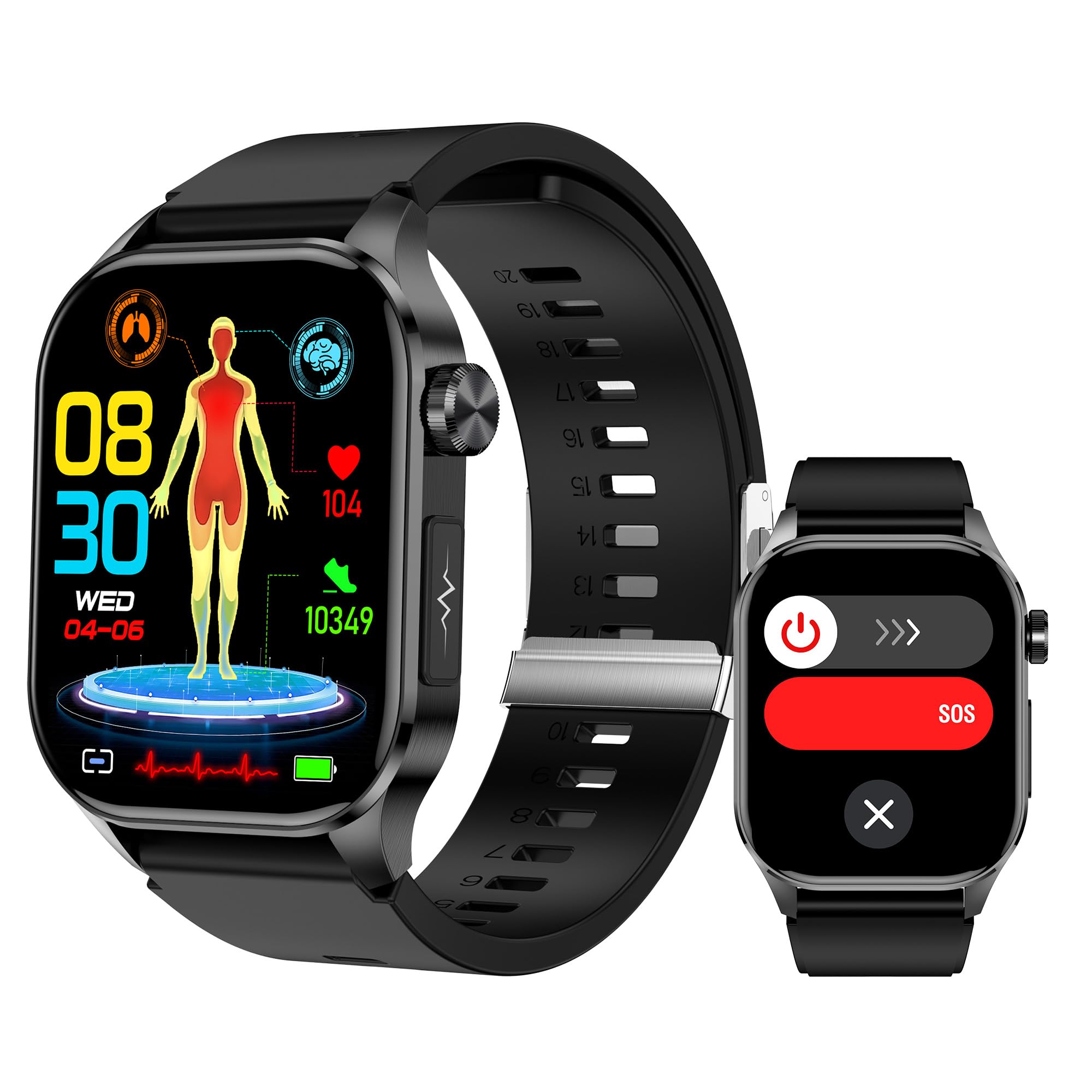
As of 2026, Apple Watches do not measure blood pressure directly using a traditional inflatable cuff. Instead, newer models like the Series 10 and Ultra 3 provide blood pressure trend monitoring designed to detect hypertension. For specific systolic and diastolic numbers, users must still calibrate their watch with a medically validated external monitor or use a compatible smart cuff.
The quest to integrate blood pressure monitoring into a wearable device has been one of the most significant challenges in consumer health technology. For years, the gold standard for measuring blood pressure has been the oscillometric method—the familiar inflatable cuff that temporarily constricts blood flow to detect the pressure of blood against arterial walls. Converting this mechanical process into a sleek, wrist-based optical sensor has required a fundamental shift in how we interpret physiological data.
Understanding how the Apple Watch interacts with your cardiovascular health requires looking at the distinction between direct measurement and trend analysis. While the watch has evolved into a sophisticated health hub, it functions differently than the equipment you find in a doctor's office.
The Evolution of Health Sensors on the Apple Watch
To understand why blood pressure is such a complex metric for a smartwatch, we must look at the progression of Apple’s sensor technology. Since the original Apple Watch, the device has utilized Photoplethysmography (PPG). This technology uses green LED lights paired with light-sensitive photodiodes to detect the volume of blood flow through the wrist at any given moment. Because blood is red, it reflects red light and absorbs green light. By flashing the green LEDs hundreds of times per second, the watch calculates heart rate.
Over the years, Apple expanded this capability:
- Series 4 (2018): Introduced the Electrical Heart Sensor (ECG), allowing users to take an electrocardiogram to detect Atrial Fibrillation (AFib).
- Series 6 (2020): Added Blood Oxygen (SpO2) monitoring using red and infrared LEDs.
- Series 8 (2022): Integrated temperature sensing for reproductive health tracking.
- Series 10 and Ultra 3 (2024-2025): Introduced the specialized algorithms for blood pressure trend notifications.
The current 2026 iteration of the Apple Watch utilizes a refined version of PPG combined with Pulse Transit Time (PTT) calculations. PTT measures the time it takes for a pulse wave to travel from the heart to the wrist. By analyzing the speed of this wave alongside heart rate and other biometric data, the Apple Watch can estimate whether blood pressure is rising or falling relative to a user's established baseline.
How Blood Pressure "Trend Monitoring" Works
If you are using a modern Apple Watch (Series 10 or later), you are not getting a single "120/80" reading every time you look at your wrist. Instead, the device focuses on Hypertension Risk Detection. This approach is designed to prevent "White Coat Hypertension"—spikes in blood pressure caused by the stress of being in a medical environment—by monitoring your body in its natural state throughout the day and night.
The Calibration Process
To use the trend monitoring feature, Apple requires an initial calibration. Users must take a reading with a traditional, medically-cleared blood pressure cuff and enter those digits into the Apple Health app. This provides the watch with a "ground truth" or a baseline.
Once calibrated, the watch's sensors look for deviations from that baseline. If the pulse wave velocity increases significantly while the user is at rest, the watch may flag this as a period of elevated pressure. In 2026, the software is sophisticated enough to filter out "noise" caused by physical activity, stress, or caffeine, focusing instead on long-term systemic changes.
Limitations of Optical Sensing
Optical sensors face several physical hurdles that traditional cuffs do not:
- Skin Tone and Perfusion: Melanin and skin thickness can affect how light is absorbed and reflected, though Apple has invested heavily in ensuring sensor equity across diverse populations.
- Wrist Position: For an accurate PTT calculation, the wrist should ideally be at heart level. Since people move their arms constantly, the watch primarily collects its most reliable data during sleep or periods of prolonged stillness.
- Hydrostatic Pressure: The pressure of blood changes based on the arm's position relative to the heart, a variable that is difficult to account for in a 24/7 wearable.
Integrating Third-Party Blood Pressure Monitors
For users who require medical-grade accuracy—such as those managing chronic hypertension or recovering from cardiac events—the Apple Watch serves as a data aggregator rather than the primary sensor. The Apple HealthKit ecosystem allows the watch to sync seamlessly with external hardware.
Several manufacturers produce smart blood pressure cuffs that communicate directly with the Apple Health app via Bluetooth. When you take a measurement with one of these devices, the data is instantly synced to your iPhone and reflected in your Apple Watch health summaries.
| Device Category | Accuracy Level | Method | Best For |
|---|---|---|---|
| Apple Watch (Native) | Trend-Based | Optical/PTT | General wellness and early warning signs. |
| Smart Wireless Cuff | Medical Grade | Oscillometric | Daily management of diagnosed hypertension. |
| Manual Sphygmomanometer | Gold Standard | Auscultatory | Professional clinical diagnosis. |
| Continuous Monitors | High | Invasive/Advanced | Hospital-grade critical care settings. |
Devices from companies like Withings, Omron (specifically the HeartGuide series), and Qardio are designed to bridge this gap. These devices are often FDA-Cleared, meaning they have been reviewed for safety and effectiveness for their intended use, a standard the Apple Watch's trend feature is still clarifying in various international jurisdictions as of 2026.
Setting Up Your Health Dashboard in 2026
To maximize the cardiovascular insights from your Apple Watch, you must configure the Health app correctly. The integration of blood pressure data into the broader "Heart" category allows for a holistic view of your health.
- Enable Heart Health Notifications: In the Watch app on your iPhone, ensure that High Heart Rate, Low Heart Rate, and Irregular Rhythm notifications are active.
- Sync External Data: If using an external cuff, ensure the manufacturer’s app has permission to "Write" data to Apple Health.
- Review the Trends Tab: The Health app now prioritizes "Trends," showing you if your resting blood pressure or heart rate has shifted over the last six months.
- Use the PDF Export Feature: One of the most practical applications of this data is the "Health Report" feature. You can generate a PDF of your blood pressure trends and heart rate variability (HRV) to share with your primary care physician during annual checkups.
The Future of Cuffless Monitoring
Research continues into more advanced forms of non-invasive monitoring. Scientists are exploring Transdermal Optical Imaging, which uses the watch's camera sensors to detect facial blood flow patterns, and Ultra-Wideband (UWB) radar, which could potentially measure arterial wall movement without needing to touch the skin directly.
As of 2026, these technologies remain largely in the laboratory phase or are being trialed in limited medical studies. The current consensus among healthcare providers, including organizations like the American Heart Association, is that while wearables are excellent for screening and identifying patterns, they should not be used to self-adjust medication or ignore traditional medical advice.
Common Obstacles to Accuracy
Even with the most advanced 2026 Apple Watch, several factors can lead to inaccurate "Blood Pressure Trend" data. Users should be aware of these common pitfalls:
- Improper Fit: If the watch band is too loose, the optical sensors cannot maintain consistent contact with the skin, leading to "dropped" data points or skewed PTT readings.
- Tattoos: Heavy ink on the wrist can block the light from the PPG sensors, making it difficult for the watch to get a clean heart rate or pulse wave reading.
- Peripheral Circulation: In very cold weather, blood flow to the extremities (like the wrist) decreases, which can reduce the signal strength of the sensors.
- Calibration Gaps: If you do not re-calibrate the trend feature with a real cuff every few weeks, the "drift" in sensor data can lead to less reliable insights.
Frequently Asked Questions
Can the Apple Watch replace my blood pressure medication monitor?
No, the Apple Watch should not be used as a replacement for a medical-grade monitor if you are on blood pressure medication. While it provides excellent trend data and can alert you to potential issues, it does not provide the precise, millimetric readings required for clinical decision-making. Always consult your doctor before making changes to your treatment plan based on wearable data.
Does the Apple Watch Series 9 or older have blood pressure features?
No, models prior to the Series 10 lack the specific sensor arrays and calibrated algorithms necessary for blood pressure trend monitoring. While these older models can track heart rate and heart rate variability (HRV), they do not offer native blood pressure insights.
Is there an app that can measure blood pressure using the watch's screen?
You should be wary of any third-party app claiming to measure blood pressure by having you place your finger on the screen or the digital crown. There is currently no hardware in the Apple Watch screen capable of measuring pressure in this way. Most of these apps are "prank" apps or are scientifically unverified. Only use the official Apple Health app or apps from reputable medical hardware manufacturers.
How often should I calibrate the watch's blood pressure trend feature?
For the most accurate results, it is recommended to calibrate the feature once a month using a traditional upper-arm cuff. This helps the algorithms account for changes in your baseline physiology and ensures that the notifications you receive are based on current, accurate data.
Is Apple's blood pressure feature FDA-approved?
It is important to distinguish between "FDA Approved" and "FDA Cleared." Most Apple Watch health features, like the ECG, are FDA Cleared, meaning they are substantially equivalent to another legally marketed device. As of 2026, the blood pressure trend feature is categorized as a "wellness" or "screening" tool in many regions, rather than a diagnostic medical device.
Practical Recommendations
If you are looking to monitor your blood pressure using an Apple Watch in 2026, the most effective strategy is a hybrid approach. Use the Apple Watch for 24/7 background monitoring to catch unexpected spikes or long-term upward trends. Complement this with a weekly check using a high-quality, Bluetooth-enabled upper-arm cuff.
By syncing both sets of data into the Apple Health app, you create a comprehensive cardiovascular profile. This allows your healthcare provider to see not just a single snapshot of your health in a clinic, but a "moving picture" of how your heart reacts to your daily life, sleep patterns, and stress levels.
Medical Disclaimer: This article is for informational purposes only and does not constitute medical advice. Always seek the advice of a physician or other qualified health provider with any questions you may have regarding a medical condition or cardiovascular health.