To receive a refund for an AppleCare+ plan in 2026, you must cancel your agreement through Apple Support or by written notice. Plans cancelled within 30 days of purchase generally receive a full refund, while cancellations after 30 days are refunded on a pro-rata basis, minus a cancellation fee and the value of any services provided, depending on local jurisdiction.
The AppleCare+ protection plan is more than just an extended warranty; it is a regulated insurance product that provides hardware coverage and technical support for iPhones, Macs, iPads, and other Apple ecosystem devices. Because it is a financial service agreement, the refund policy is governed by strict legal terms that vary significantly by country and state. Whether you have sold your device, upgraded to a newer model, or simply decided the coverage is no longer necessary, understanding the nuances of the refund structure ensures you do not leave money on the table.
The 30-Day "Cooling-Off" Period
For most consumers, the most straightforward path to a refund occurs within the first 30 days of the plan’s purchase date. This is often referred to as the "cooling-off" period. During this window, Apple typically provides a full refund of the total premium paid, regardless of whether you paid for the plan upfront or are on a fixed-term installment plan.
The primary requirement for a full 30-day refund is that no service claims have been made against the policy. In 2026, Apple’s systems are highly integrated; the moment a technician at a Genius Bar or an Authorized Service Provider logs a repair under AppleCare+, the plan is considered "utilized." If you have used a "incident" of accidental damage coverage—even for a simple screen replacement—the refund calculation shifts from a full return to a pro-rata deduction, even if you are still within the first month.
It is also important to distinguish between the date you purchased the device and the date you purchased the AppleCare+ plan. Users often buy coverage weeks after the initial hardware purchase. The 30-day clock begins on the day the AppleCare+ agreement was finalized and the Plan Confirmation was issued.
Pro-Rata Refunds After 30 Days
If you cancel your AppleCare+ plan more than 30 days after the purchase date, you are eligible for a partial refund based on the remaining "unexpired" portion of the coverage. This is known as a pro-rata refund. This applies primarily to users who paid for a two-year or three-year plan upfront.
How the Refund Calculation Works
In 2026, the standard formula for calculating an AppleCare+ refund involves determining the percentage of time remaining in the plan. For example, if you purchased a 24-month plan for $199 and decided to cancel it exactly 12 months later, the unearned premium is 50%.
However, the final check you receive is rarely exactly half of the original price. Apple applies several deductions:
- Pro-rata Time Deduction: The base refund is calculated by dividing the number of days remaining by the total number of days in the original term.
- Cancellation Fee: In many jurisdictions, Apple charges a cancellation fee. This is typically $25.00 or 10% of the pro-rata amount, whichever is less.
- Service Value Deduction: In certain regions (though not all, due to consumer protection laws), Apple may deduct the "value of any service provided" under the plan. If you received a battery replacement or a hardware repair that was covered by the plan, the retail cost of that service might be subtracted from your refund balance.
Monthly and Annual Payment Plans
If you are paying for AppleCare+ on a monthly or annual recurring basis, the refund policy is different. Because you are paying for coverage in "real-time" blocks, there is generally no pro-rata refund for the current billing cycle. When you cancel a monthly plan, the coverage remains active until the end of the current billing month, at which point the plan terminates and no further charges are applied. For annual plans, the same logic applies: you cancel the renewal, and the remaining months of that specific year are typically not refunded unless required by local law.
Regional Legal Variations and State Laws
Because AppleCare+ is classified as a service contract or insurance, it is subject to the specific laws of the state or country where the plan was purchased. These local regulations often override Apple’s standard corporate policy.
United States (State-Specific Rules)
Several U.S. states have enacted consumer protection laws that favor the policyholder. For instance:
- California: Residents often have a 60-day window for full refunds on service contracts for certain electronics, rather than the standard 30 days.
- Florida: Refund laws in Florida are particularly strict regarding service contracts. If you cancel a plan in Florida, the refund is often calculated based on 100% of the unearned pro-rata premium, and the cancellation fee might be restricted or prohibited.
- New York: Like California, New York provides robust protections that may extend the "full refund" window or limit the types of deductions Apple can make for "services rendered."
International Protections (UK, EU, and Australia)
In the United Kingdom, the Financial Conduct Authority (FCA) regulates Apple’s insurance products. Customers benefit from a statutory 14-day cooling-off period, though Apple voluntarily extends this to 30 days in most cases. If you cancel after this period, the pro-rata refund is a legal right.
In Australia, the Australian Consumer Law (ACL) provides "Consumer Guarantees" that exist independently of AppleCare+. If you cancel an AppleCare+ plan in Australia, the refund process must comply with the Competition and Consumer Act 2010. This often means that if the service was misrepresented or failed to meet expectations, you might be entitled to a more significant refund than the standard pro-rata calculation suggests.
Step-by-Step Guide to Requesting a Refund
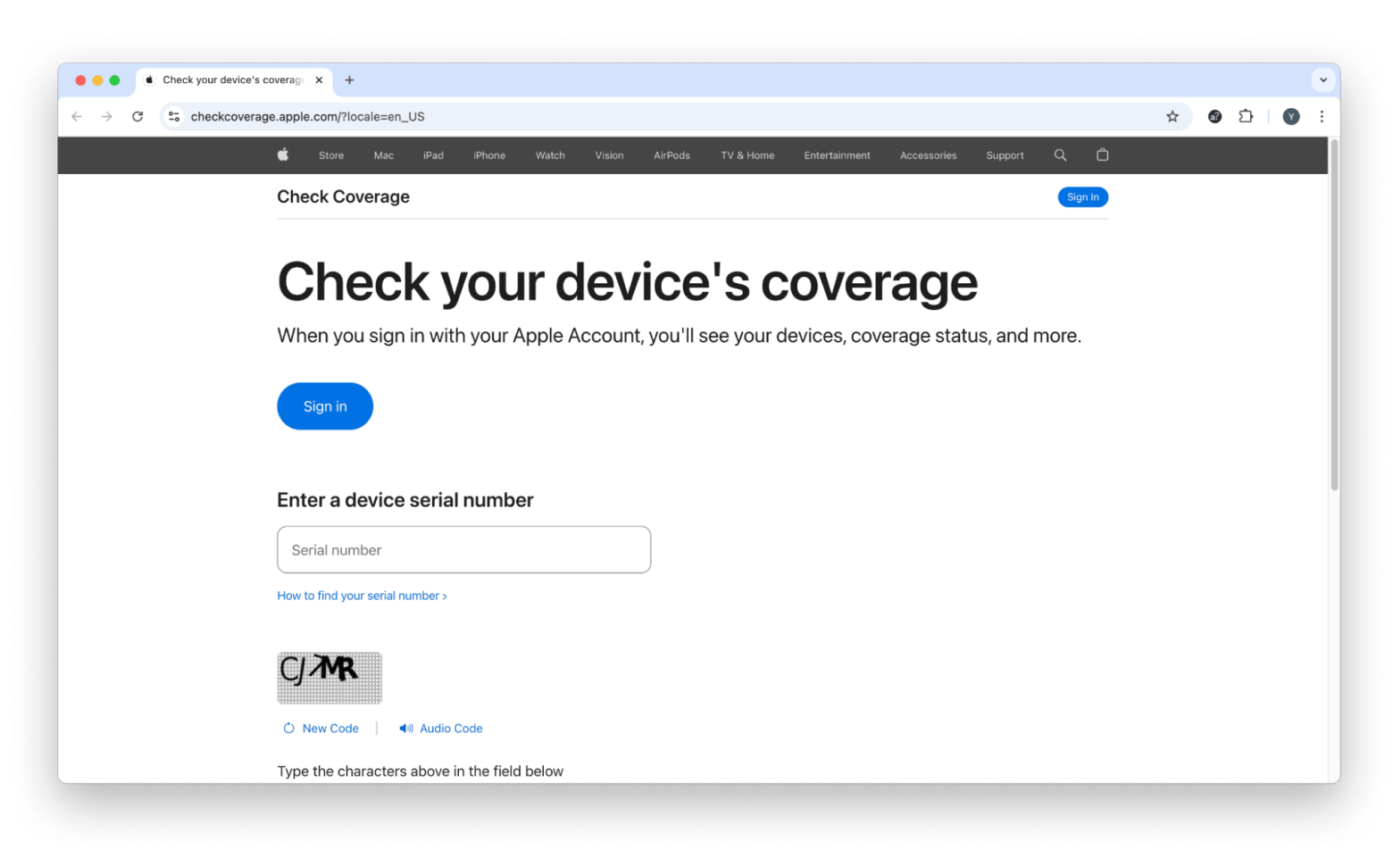
Requesting a refund is not a feature currently available via a simple "Refund" button in the Settings app of your iPhone. Because it involves the termination of a legal contract, it requires direct interaction with Apple’s administration.
1. Gather Required Documentation
Before contacting Apple, you must have the following information ready:
- The AppleCare Agreement Number: This can be found on your Plan Confirmation email or by going to
Settings > General > About > AppleCare+on your device. - The Device Serial Number: Located on the device hardware, the original box, or in the
Aboutmenu. - The Original Sales Receipt: While not always mandatory if the plan was bought directly from Apple, it is essential if the plan was purchased from a third-party retailer like Best Buy or Amazon.
2. Contact Apple Support
The most efficient way to initiate a refund in 2026 is through the official Apple Support portal.
- Navigate to the "Billing & Subscriptions" section.
- Select "AppleCare+ Plans."
- Choose the option to "Cancel a Plan."
- You will typically be prompted to start a chat or schedule a phone call with a "Senior Advisor." Standard tier-one support representatives may not have the authorization to process pro-rata refund calculations.
3. Written Notice (The Traditional Method)
In some regions, the terms and conditions state that cancellation must be submitted in writing. You can mail a cancellation notice to Apple MS: 217-ACPL, 2511 Laguna Blvd, Elk Grove, CA 95758, USA. This notice should include your agreement number, serial number, and a clear statement that you wish to cancel the plan for a refund.
Comparison of Refund Scenarios
The following table outlines how much of a refund you can expect based on common 2026 scenarios for a fixed-term plan (e.g., a $200, 2-year plan).
| Scenario | Timing | Service Claims Made? | Estimated Refund Amount |
|---|---|---|---|
| New Purchase | Within 30 Days | No | 100% of Premium |
| Early Usage | Within 30 Days | Yes (1 Screen Repair) | Pro-rata minus Service Value |
| Mid-Term Cancellation | 12 Months In | No | ~50% minus $25 Fee |
| Late-Term Cancellation | 20 Months In | No | ~16% minus $25 Fee |
| Monthly Plan | Any Time | N/A | No Refund (Stops Future Billing) |
| Device Replaced by Apple | Any Time | Yes | Plan Transfers to New Serial (No Refund) |
Refund vs. Transfer: Which is Better?
If you are selling your device or giving it to a family member, you have two choices: cancel the AppleCare+ for a pro-rata refund or transfer the remaining coverage to the new owner.
Why Transfer?
Transferring the plan can increase the resale value of your device. In 2026, used buyers are often willing to pay a premium for a device that still has six or twelve months of accidental damage protection. To transfer a plan, you must provide Apple with the new owner's name, address, and email address. There is typically no fee for transferring coverage.
Why Refund?
If the new buyer does not value the coverage, or if you are trading the device in through a program like Apple Trade In, you should always opt for the refund. Apple’s trade-in values do not typically include a premium for active AppleCare+ coverage; therefore, if you don't cancel it, you are essentially giving the remaining months of the policy back to Apple for free.
Common Mistakes and Troubleshooting
Navigating the AppleCare refund policy can be frustrated by technical or administrative hurdles. Here are the most common pitfalls to avoid:
- Third-Party Purchases: If you bought your AppleCare+ plan from a mobile carrier (like Verizon or AT&T) or a retailer (like Costco), Apple may not be able to refund you directly. In these cases, your contract is often with the retailer’s own insurance subsidiary. You must contact the retailer's customer service department to cancel.
- Business/Enterprise Plans: Plans purchased under a business agreement or via Apple Financial Services may have different termination clauses. These often require the administrator of the business account to initiate the cancellation through the Apple Business Manager portal.
- "Find My" Requirement: For AppleCare+ with Theft and Loss, Apple requires "Find My" to be enabled on the device at the time of loss. While this doesn't directly affect the refund policy for a working device, failing to disable the "Theft and Loss" component properly during a refund request can sometimes lead to delays in processing.
- Wait Times: Once a refund is approved, it typically takes 5 to 10 business days for the funds to appear on your original payment method. If you used a credit card that is now closed, Apple will typically issue a paper check to the billing address on file, which can take several weeks.
Frequently Asked Questions
Can I get a refund if my device was stolen?
If you have the standard AppleCare+ (Hardware only), you can get a pro-rata refund for the remaining time on your plan because the device no longer exists for you to protect. However, if you have the "Theft and Loss" plan and you have already made a claim for a replacement device, you cannot refund the plan as it has been fulfilled. The remaining coverage usually transfers to the replacement device provided by Apple.
Is the $25 cancellation fee always charged?
No. The cancellation fee is subject to local laws. In several U.S. states and many international regions, Apple is prohibited from charging a fee for the administrative act of cancelling a service contract. Always ask the Apple Support representative if the fee applies to your specific jurisdiction.
What happens to my refund if I lost my original receipt?
If you bought the plan directly from Apple (Online, App, or Store), the plan is linked to your Apple ID and the device's serial number. In this case, a receipt is rarely necessary. If you bought it elsewhere, you must produce a digital or physical copy of the receipt to prove the date of purchase and the amount paid.
Can I cancel AppleCare+ after a battery replacement?
Yes, you can still cancel the plan and receive a pro-rata refund after a battery replacement. However, in regions where Apple deducts the "value of services," the cost of that battery service (which could be $89–$119 out-of-warranty) may be subtracted from your pro-rata balance, potentially reducing your refund to zero.
Does the refund policy apply to "AppleCare Help Desk Support"?
AppleCare Help Desk Support and other professional-tier support products have different terms and conditions. These are generally considered "business services" rather than consumer insurance products and often have "no-refund" clauses once the service key has been activated.
Final Recommendation
Before you call Apple to request a refund, calculate your expected return. If you have a plan with only three months remaining and your jurisdiction charges a $25 cancellation fee, the cost of the fee might exceed the pro-rata refund. In such cases, it is wiser to keep the coverage active until it expires or transfer it to the new owner of the device. For those with more than six months of coverage remaining on a high-value device like a MacBook Pro or iPad Pro, pursuing the refund is a financially sound decision that can return significant value to your pocket.