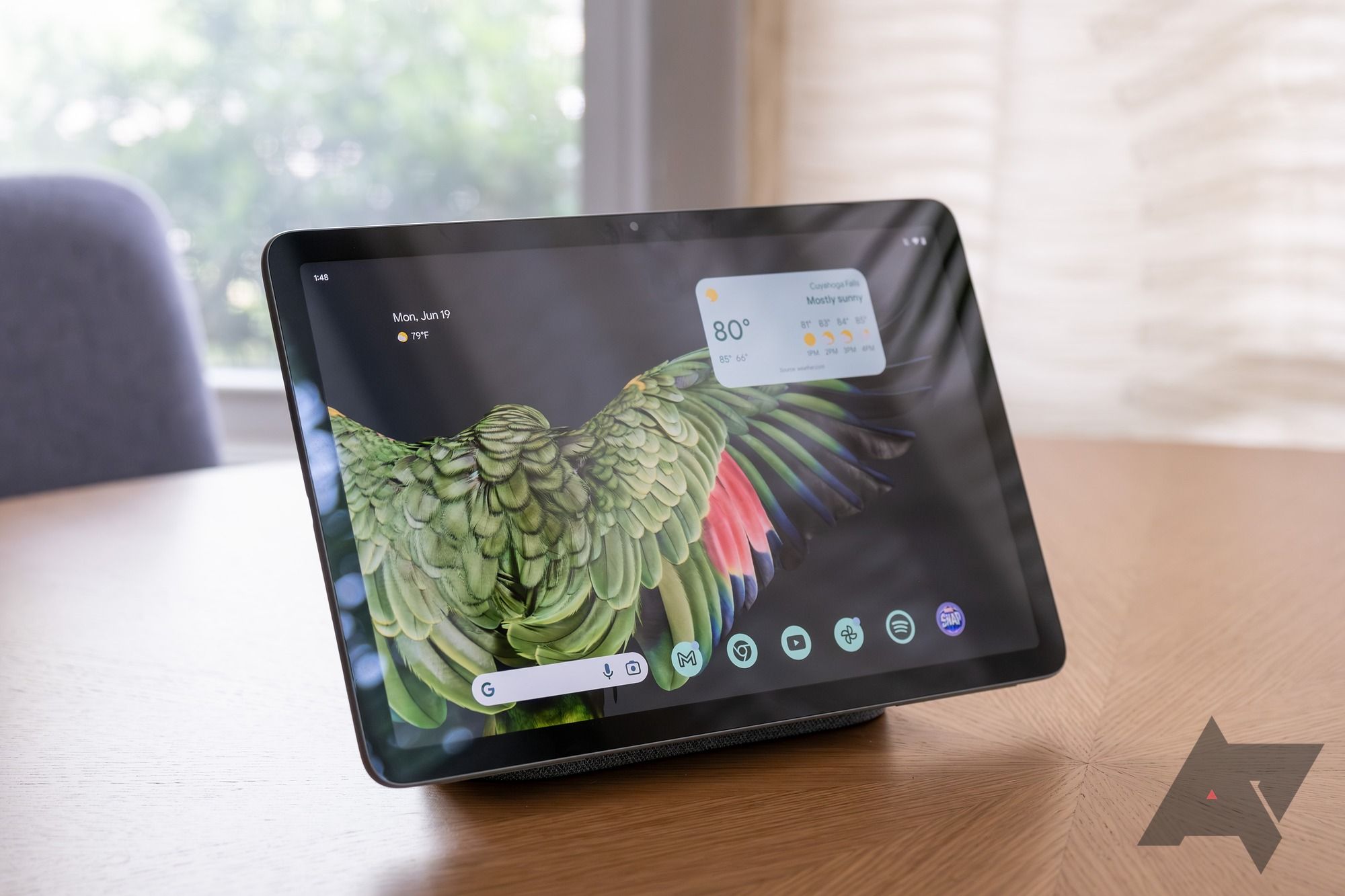
Trading in an Apple tablet allows you to offset the cost of a new device while ensuring your old hardware is recycled or refurbished responsibly. The process involves evaluating the physical condition of your iPad, determining its current market value, and choosing between Apple’s official trade-in program, third-party resellers, or private sales to maximize your financial return.
Understanding the Apple Trade-in Ecosystem
When you decide to part ways with an aging iPad, you are essentially engaging in a secondary market transaction. Apple, through its "Apple Trade In" program, offers a streamlined experience where the value of your device is applied as an instant credit toward a new purchase or provided as an Apple Gift Card.
The primary advantage of the official Apple route is convenience and security. Because you are dealing directly with the manufacturer, there is no risk of fraudulent buyers or the logistical challenges associated with private sales. However, this convenience often comes at the cost of a lower appraisal value compared to what you might achieve through a private transaction.
Preparing Your iPad for Trade-in
Before you initiate any trade-in process, physical and digital preparation is mandatory. Failing to prepare correctly can lead to a rejected trade-in or, worse, a privacy breach.
- Back Up Your Data: Ensure all your documents, photos, and app data are synced to iCloud or backed up to a local drive. Once the device is wiped, data recovery is impossible.
- Disable Find My: This is a critical security requirement. Apple’s trade-in verification systems will automatically reject devices that still have "Find My" enabled, as this prevents the device from being factory reset and reused.
- Sign Out of Services: Navigate to Settings and sign out of your Apple ID, iCloud, and iMessage.
- Factory Reset: Perform a complete "Erase All Content and Settings" operation. This restores the device to its original factory state, removing all personal identifiers.
- Physical Cleaning: While cosmetic scratches are expected, a clean device is evaluated more favorably. Use a lint-free cloth to remove grime and debris.
Comparing Trade-in Avenues in 2026
In 2026, the marketplace for used electronics remains robust, with several distinct channels available for trading in an Apple tablet. Each channel possesses a different risk-to-reward profile.
1. Official Apple Trade-in
This is the baseline for most users. You visit the Apple website or an Apple Store, enter your device’s serial number or model details, and receive an instant estimate. The benefit is reliability. If you trade in at an Apple Store, the credit is immediate. If you trade in online, you receive a pre-paid shipping kit.
2. Carrier Trade-ins
If you own a cellular-enabled iPad, your wireless carrier may offer trade-in promotions. Carriers often provide higher "trade-in value" than Apple, but this value is usually tied to monthly service plan credits rather than a lump-sum payment. This is beneficial if you intend to remain with that carrier for several years but restrictive if you want the flexibility to switch providers.
3. Third-Party Resellers
Platforms such as Gazelle, Back Market, or specialized electronic buyback services operate by purchasing your device, refurbishing it, and selling it to others. These services often provide competitive cash offers. The trade-off is the need to ship your device and wait for their internal inspection team to verify its condition before payment is released.
4. Private Sales
Selling through marketplaces like eBay, Facebook Marketplace, or local classifieds consistently yields the highest financial return. You dictate the price based on current demand. However, you assume the risk of dealing with scammers, managing shipping logistics, and potentially handling returns if the buyer is dissatisfied.
Comparison Table: Trade-in Channels
| Channel | Payment Type | Ease of Use | Expected Payout | Risk Level |
|---|---|---|---|---|
| Apple Official | Credit/Gift Card | Very High | Moderate | Very Low |
| Wireless Carrier | Monthly Bill Credit | High | High (Conditional) | Low |
| Third-Party | Cash/PayPal | Moderate | High | Moderate |
| Private Sale | Cash/Digital Transfer | Low | Highest | High |
Factors Affecting Your Device's Appraisal
Appraisal logic for Apple tablets is standardized across the industry but subject to fluctuating demand. When you input your device specs, the algorithm evaluates several specific factors.
- Model Generation: A 2025 iPad Pro will naturally hold more value than an iPad Air from 2021. The "age" of the technology is the primary driver of depreciation.
- Storage Capacity: Higher storage configurations (e.g., 1TB vs 128GB) generally command higher trade-in values, though they depreciate faster in absolute terms than base models.
- Display Integrity: Any screen damage, including micro-cracks or dead pixels, significantly impacts the value. In many cases, a device with a cracked screen is worth only the value of its recycled components.
- Battery Health: While you cannot easily check the cycle count of an iPad battery in the same way you can on a MacBook, significant battery degradation will be noted during the inspection phase.
- Connectivity: Cellular models often fetch a slightly higher premium than Wi-Fi-only models due to their increased hardware complexity and original retail price.
Troubleshooting and Common Pitfalls
One common issue users face is the "discrepancy" penalty. You might report that your iPad is in "Excellent" condition, but the third-party inspector identifies a deep scratch or a faulty button. This results in a revised, lower offer. To avoid this, be brutally honest during your initial assessment.
Another pitfall involves shipping. If you choose an online trade-in, always document the device’s condition with timestamped photos or a video before boxing it up. Use the provided shipping materials, as they are often specifically designed to protect the hardware during transit. If you use your own packaging, ensure the device is heavily padded; damage sustained during shipping because of poor packaging is usually the responsibility of the sender.
Legal and Privacy Considerations
When trading in a device, you are surrendering a piece of technology that may have previously held sensitive personal data. While a factory reset is effective, it is important to be aware of the "activation lock." If you fail to turn off Find My, the device becomes a "brick" for the next user. Apple and major retailers will not process, resell, or refurbish locked devices.
Furthermore, if you are trading in a tablet that was purchased through a corporate or educational leasing program, ensure you have the legal right to trade it in. Some institutional devices are "device-managed," meaning they have remote management software (MDM) that prevents them from being repurposed. An MDM-locked tablet has effectively zero trade-in value on the consumer market.
Strategic Timing for Maximizing Value
Market value for Apple products is highest immediately before the release of a new generation. As soon as a new iPad model is announced, the trade-in value of older generations typically drops as supply increases and consumer interest shifts toward the latest hardware.
If you are planning to upgrade, monitor tech news for signs of upcoming product events. Trading in your device one or two months before a major announcement—before the market is flooded with used units—is a common strategy used by tech enthusiasts to minimize the net cost of their annual upgrades.
Frequently Asked Questions
What happens if I reject a revised offer after my device is inspected? If you use a third-party service and they provide a lower offer than the initial estimate, you typically have a specific window of time to accept or reject it. If you reject it, the company is usually obligated to return the device to you, though you may be responsible for return shipping costs.
Can I trade in a tablet that won't turn on? Yes, most recycling programs, including Apple's, will accept "dead" or non-functional tablets. However, the trade-in value will be zero or negligible, as the primary value resides in the recyclable materials rather than the functional components.
Do I need to include the original box and charger? For official Apple trade-ins, accessories are usually not required and often not wanted. For private sales, however, including the original box, charger, and cable can significantly increase the resale value, as it provides a better "unboxing" experience for the buyer.
Is it better to trade in or recycle? If your device has no monetary value due to extreme damage or age, recycling is the responsible choice. Apple has specific environmental programs that ensure components are harvested, and hazardous materials are disposed of according to strict safety standards.
Does the trade-in value change based on my location? While the global value of hardware remains relatively consistent, regional demand and local currency fluctuations can impact the payout, particularly with third-party resellers who operate within specific geographic markets.
Final Recommendation
For most users, the most balanced path is to obtain an instant valuation from Apple first to establish a "floor" price. Once you have this baseline, check one or two reputable third-party resellers. If the difference is marginal, prioritize the official Apple channel for its security and ease of use. If the difference is significant—often the case with newer, high-spec models—choose a reputable third-party reseller with a high volume of positive, verified reviews. Always ensure your device is fully backed up, factory reset, and free of security locks before it leaves your hands.