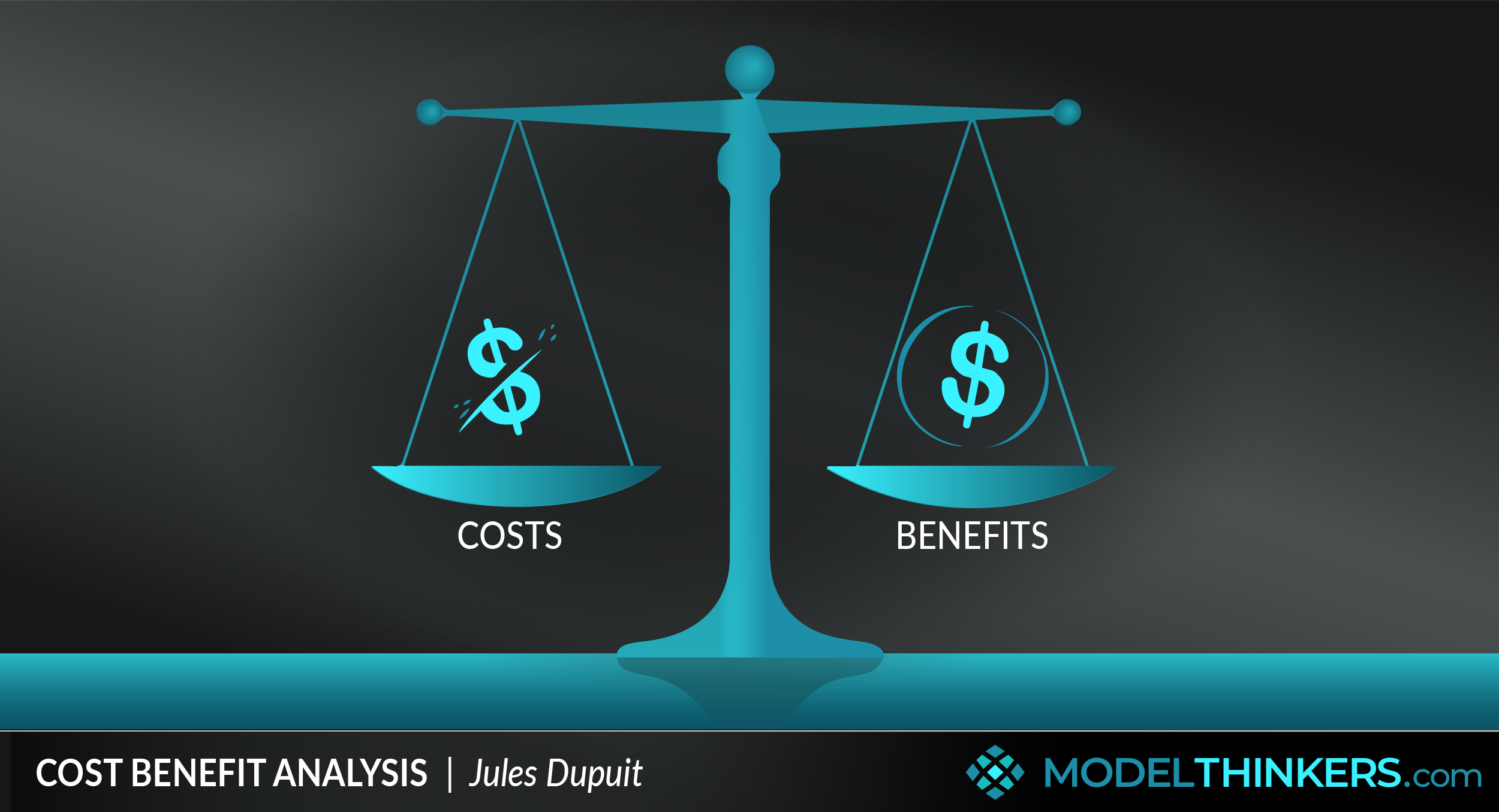
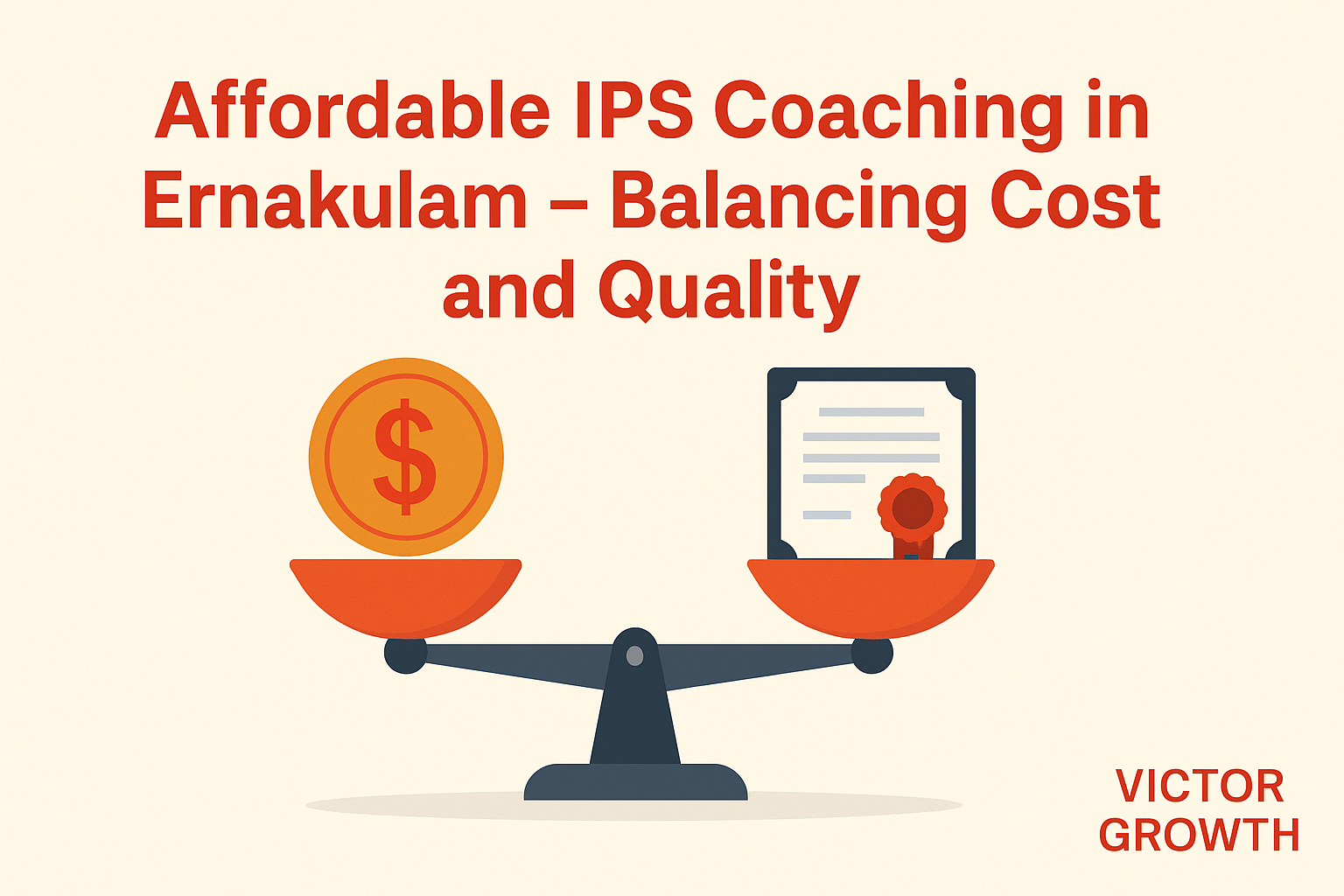
Building a professional digital presence requires navigating the intersection of budget constraints and functional necessity. An affordable website balances cost and capability by prioritizing essential technical architecture—such as reliable hosting, responsive design, and secure domain management—while deferring non-essential aesthetic flourishes or enterprise-grade features until the site generates measurable return on investment.
Defining the Value Proposition of Cost-Effective Web Development
The primary challenge for businesses and individuals seeking an affordable website is determining the threshold where "low cost" compromises the "capability" required to achieve specific goals. Capability in this context refers to performance, security, SEO-readiness, and the ability to scale as traffic increases.
Attempting to minimize costs by choosing the cheapest possible options often results in hidden expenses later, such as slow load times leading to high bounce rates, or security vulnerabilities that require expensive professional remediation. A balanced approach focuses on "Minimum Viable Performance," ensuring that the technical foundation is robust enough to support current business operations without over-engineering for features that are not yet needed.
Core Components of a Balanced Website Architecture
To achieve a functional yet cost-effective digital presence, you must allocate your budget toward components that provide the highest impact.
- Domain Name and Registration: Your domain is your permanent digital address. Registering a standard .com or country-specific top-level domain (TLD) is a foundational expense that is relatively inexpensive, typically ranging from $12 to $20 annually.
- Hosting Infrastructure: Avoid "shared" hosting plans that sacrifice server-side performance for nominal monthly savings. Instead, look for managed hosting providers that offer automated SSL certificates, daily backups, and modern PHP versions. In 2026, entry-level managed WordPress or static site hosting provides the best performance-to-cost ratio.
- Content Management Systems (CMS): Utilizing open-source software like WordPress, or static site generators like Hugo or Jekyll, eliminates licensing fees. By focusing on lightweight themes and avoiding "bloatware" plugins, you can maintain high core web vital scores without recurring subscription costs.
- Security and Compliance: A secure site is a basic requirement. Budgeting for an SSL certificate (often included with reputable hosts) and implementing basic security hardening measures—such as limiting login attempts and using strong authentication—is more cost-effective than dealing with a compromised site.
Strategic Budget Allocation for 2026
As of 2026, web development costs have stabilized, yet the hidden costs of poor planning have increased due to stricter browser security requirements and search engine performance benchmarks.
| Feature Category | Low-Budget Approach | Performance/Capability Trade-off |
|---|---|---|
| Design | Pre-built responsive themes | Limited customization options; potential for generic appearance |
| Performance | Basic caching plugins | Requires manual optimization and monitoring |
| Functionality | Essential plugins only | No advanced automation or enterprise-level integration |
| SEO | On-page content optimization | No automated long-term backlink monitoring or advanced analytics |
When balancing these factors, prioritize capital expenditure on high-quality content and foundational speed. These two elements serve as the primary drivers of organic traffic and user retention, which are far more valuable to a new or small-scale website than complex design elements or custom animations.
Identifying Essential Versus Non-Essential Capabilities
One of the most common mistakes in web development is the "feature creep" that occurs during the design phase. To keep costs manageable, you must distinguish between features that serve your primary business goal and those that provide purely cosmetic benefits.
Essential capabilities include:
- Responsive Design: Your site must function seamlessly across mobile, tablet, and desktop devices. This is a non-negotiable requirement for both user experience and search engine ranking.
- Speed Optimization: A site that loads in under two seconds is standard. Using modern image compression formats (like WebP) and minimizing render-blocking JavaScript are technical requirements that do not need to be expensive but must be executed correctly.
- Accessibility (a11y): Ensuring your site is usable by people with disabilities is not just an ethical necessity but a technical requirement that improves the overall quality and discoverability of your site.
Non-essential capabilities for a budget-focused launch:
- Custom Animations: Complex CSS or JavaScript animations can slow down your site and increase development time without providing tangible improvements in conversion.
- Bespoke Theme Development: Relying on professionally audited, well-supported themes reduces development costs by hundreds, if not thousands, of dollars compared to custom-coded templates.
- Extensive Third-Party Integrations: Every third-party script you add—whether for chat, tracking, or social feeds—adds load time and potential security vulnerabilities.
Maintenance and Long-Term Scalability
An affordable website is only truly affordable if it remains operational over time. Maintenance is the phase where most budget-conscious owners struggle. The key is to standardize your stack. By using a popular, well-supported CMS and keeping your plugin list minimal, you reduce the time required for updates and the risk of plugin conflicts.
Establish a routine maintenance schedule:
- Monthly: Update plugins, themes, and your core CMS to the latest stable versions.
- Quarterly: Review site speed metrics using tools like Google Lighthouse to ensure performance hasn't degraded due to added content.
- Annually: Review hosting costs and domain renewal fees. Sometimes, prepaying for multi-year hosting plans can offer significant discounts.
Troubleshooting Performance Bottlenecks
Even a well-planned, affordable website will eventually encounter performance issues. When this happens, follow a systematic approach to identify the root cause without automatically resorting to paying for expensive upgrades.
- Check Server Response Time: If your server takes too long to respond (Time to First Byte), your hosting plan may be overcrowded. Consult your host's support team before upgrading, as they may have server-side cache settings that are currently disabled.
- Image Optimization: Large images are the primary cause of slow load times on budget websites. Ensure all media is properly compressed and served in the correct dimensions.
- Plugin Audit: If you suspect a plugin is slowing your site, deactivate all of them and test the site speed. Reactivate them one by one to identify the performance culprit.
Frequently Asked Questions
Is it possible to build a professional website for under $200 per year? Yes, if you focus on core essentials. By using a reliable hosting provider that includes free SSL and a domain for the first year, and opting for free, well-maintained themes, your primary costs will be the domain renewal and the hosting subscription.
Should I use a "Website Builder" or a self-hosted CMS? Website builders provide ease of use but often lock you into proprietary platforms with higher monthly subscription costs. A self-hosted CMS like WordPress offers greater long-term control and portability, which is generally more cost-effective for growing businesses.
How does mobile responsiveness affect my budget? Responsive design is a standard feature in almost all modern, reputable themes. By choosing a responsive-first theme, you avoid the need for separate mobile and desktop development, significantly reducing your costs.
Why does my "cheap" website keep crashing? Frequent crashes are usually caused by either inadequate server resources or conflicts between poorly coded plugins. Switching to a higher-quality shared host or removing non-essential plugins usually resolves these issues without requiring a full site rebuild.
When should I consider upgrading my hosting? Upgrade your hosting when your traffic reaches a level where the site becomes consistently sluggish during peak hours or when your current plan limits the number of concurrent connections, resulting in server errors for your visitors.
Final Recommendation
To balance cost and capability, adopt a "launch and iterate" strategy. Prioritize a fast, secure, and mobile-responsive foundation, then add features only after verifying their necessity through user feedback or data. By avoiding unnecessary complexity, you ensure your website remains a productive asset rather than an expensive maintenance burden. Begin by securing a reputable host and a clean, lightweight theme; these two decisions provide the highest return on your initial investment and allow for seamless expansion as your needs grow.