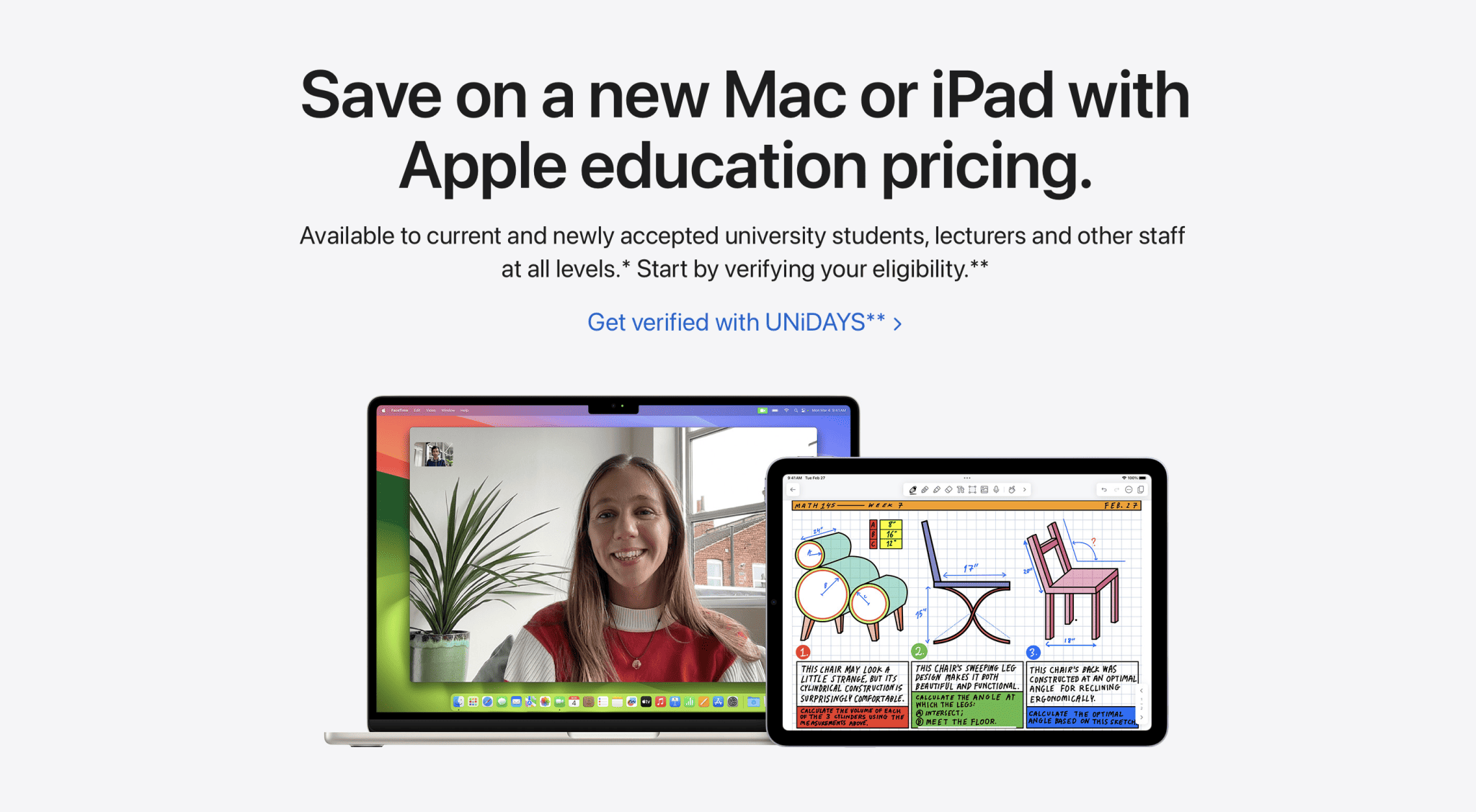
The Apple Education Store in Singapore provides eligible students, teachers, and educational staff with discounted pricing on Macs, iPads, and select accessories through the Apple Store for Education. This overview examines eligibility requirements, available hardware discounts, promotional bundles, verification processes, and practical purchasing guidelines to help buyers navigate the platform efficiently.
Navigating the educational purchasing ecosystem offered by Apple in Singapore requires an understanding of precise criteria, institutional boundaries, and annual promotional cycles. Whether you are an incoming university student, an educator looking to upgrade classroom technology, or a parent purchasing on behalf of an eligible learner, knowing how the Apple Education Store operates ensures a seamless transaction without unexpected verification hurdles.
Understanding the Apple Education Store Framework in Singapore
The Apple Education Store is an online and retail purchasing channel designed to provide cost-saving incentives to individuals and institutions involved in the education sector. Unlike general consumer storefronts, this platform operates under strict terms and conditions to prevent unauthorized resale and to ensure that subsidies or reduced margins benefit genuine learners and educators.
In Singapore, the education pricing tier is integrated directly into the Apple Store online and is accessible via physical Apple Store locations (such as those at Orchard Road, Marina Bay Sands, and Jurong East). The core philosophy behind this initiative is to lower the financial barrier to entry for high-performance computing hardware, which has become indispensable for modern academic curriculums, creative coursework, and technical research.
The pricing structure typically offers a modest percentage discount off standard retail prices for Mac computers (such as MacBook Air, MacBook Pro, iMac, Mac mini, and Mac Studio) and iPad models (including iPad Air and iPad Pro), along with reduced pricing on AppleCare+ protection plans and select accessories like the Apple Pencil and Magic Keyboard.
Eligibility Criteria and Qualified Buyers
Not everyone is qualified to purchase from the Apple Education Store in Singapore. Apple enforces rigorous eligibility guidelines to maintain the integrity of the program. Buyers generally fall into three distinct categories:
- Higher Education Students: Individuals currently attending or accepted into a university, polytechnic, or higher education institution in Singapore. This includes undergraduate and postgraduate students, as well as students enrolled in diploma or degree programs.
- Parents of Higher Education Students: Parents purchasing on behalf of their children who are currently enrolled in or accepted into higher education institutions in Singapore.
- Faculty and Staff: Teachers, lecturers, administrative staff, and institutional employees at all levels of education in Singapore, spanning primary schools, secondary schools, junior colleges, polytechnics, and universities.
It is important to note that preschool, primary, and secondary school students themselves are generally not eligible to purchase directly as individual student buyers, though teachers and staff at those levels are fully qualified. However, K-12 institutions can acquire hardware through institutional volume purchasing channels rather than the individual online education store.
Summary of Eligible Buyer Categories
| Buyer Category | Eligible Institutions | Verification Requirements |
|---|---|---|
| Tertiary Students | Universities, Polytechnics, ITEs, LASALLE, NAFA, etc. | Student ID, acceptance letter, or UNiDAYS verification. |
| Parents | Purchasing for children attending local/recognized tertiary institutions | Child's student identification and declaration of relationship. |
| Educators & Staff | MOE schools, international schools, local tertiary institutions | Institutional staff pass, employment contract, or institutional email. |
Verification and UNiDAYS Integration
To prevent fraudulent purchases, Apple utilizes verification mechanisms to confirm that a buyer meets the eligibility criteria before or during the checkout process.
For online purchases, Apple partners with UNiDAYS, a digital identity verification service tailored for students and academic staff. When attempting to access the Apple Education Store online, users are typically prompted to log in or create a UNiDAYS account. This service cross-references institutional databases or requires the user to upload official documentation, such as a dated student pass, a current registration form, or an official institutional email address ending in .edu.sg or recognized domain equivalents.
If verification fails automatically through UNiDAYS, Apple may request manual documentation. Buyers will receive an email asking for scanned copies of official proof of enrollment or employment. Failure to provide satisfactory documentation within a specified timeframe results in the order being canceled or adjusted to standard retail pricing.
For purchases made in physical Apple Stores in Singapore, customers must present valid physical or digital identification—such as a student card, staff pass, or institutional employment letter—at the point of sale. Apple store specialists inspect these credentials before processing the education discount.
Hardware and Accessory Pricing Benefits
The financial advantages of utilizing the Apple Education Store vary depending on the product category. Generally, discounts range from approximately 5% to 10% off the standard retail price (MRP). While high-end desktop workstations and professional notebooks see substantial absolute dollar savings, entry-level devices also feature reduced pricing.
- MacBook Air and MacBook Pro: These represent the most popular items purchased through the education store. Students benefit from reliable battery life, powerful silicon processors (such as the M-series chips), and robust software compatibility for STEM and humanities disciplines.
- iPads and Accessories: iPad Air and iPad Pro models see educational price adjustments. Additionally, accessories frequently bundled or discounted include the Apple Pencil and Smart Folio cases.
- AppleCare+: Educational pricing extends to AppleCare+ extended warranty and technical support plans, offering a discounted rate for long-term hardware protection against accidental damage.
Purchase Quantity Limits
To deter commercial reselling, Apple enforces strict annual purchase quotas per eligible customer. For higher education students and parents purchasing on their behalf, the typical limits within a single academic year include:
- Desktop or Notebook Mac: One (1) unit per academic year.
- Mac mini: One (1) unit per academic year.
- iPad: Two (2) units per academic year.
- Accessories: Up to two (2) discounted accessories per category per academic year.
Exceeding these limits requires purchasing through the standard consumer channel at regular retail prices.
Seasonal Promotions and "Back to School" Offers
Beyond standard everyday educational discounts, Apple runs an annual promotional campaign commonly known as the "Back to School" event. In Singapore, this promotion typically aligns with the mid-year period leading up to the new tertiary semester (running roughly from June through October).
During this promotional window, eligible buyers purchasing a qualifying Mac or iPad receive additional promotional items. Historically, these have included:
- Apple Gift Cards of varying monetary values.
- Promotional audio hardware, such as AirPods, bundled at a reduced or zero net cost.
- Education-specific software bundles (such as the Pro Apps Bundle for Education, which includes Final Cut Pro, Logic Pro, Motion, Compressor, and MainStage).
These seasonal perks stack on top of the permanent educational hardware discounts, making the mid-year window the most cost-effective time for students and educators to upgrade their technology stack.
Common Mistakes and Troubleshooting Purchasing Issues
Navigating the Apple Education Store can occasionally present friction points for first-time buyers. Awareness of common pitfalls helps prevent order delays or cancellations.
Using Non-Institutional Payment Methods or Shipping Addresses
While Apple permits standard credit cards, Apple Pay, and financing options, billing and shipping addresses should ideally reflect local Singapore residency. Shipping internationally from the Singapore education store to overseas addresses is not permitted. Furthermore, the name on the payment method should ideally match the verified buyer's name to avoid fraud flags during manual review.
Relying on Expired Documentation
Students transitioning between educational levels (e.g., graduating from a polytechnic and waiting for university enrollment) may encounter verification issues if their student pass has expired. Always ensure that documentation reflects active status for the current academic term. Admission confirmation letters are typically accepted for incoming students who have not yet received their physical student ID cards.
Failing to Respond to Verification Requests
If an order is placed online and flagged for manual verification, Apple will send an email requesting documents. Ignoring this email or failing to reply within the designated window (usually 24 to 48 hours) will result in automatic order cancellation. Checking spam folders during the purchasing window is strongly advised.
Frequently Asked Questions
Can secondary school students buy from the Apple Education Store in Singapore?
No. Individual students in primary and secondary schools are not eligible to purchase from the education store. However, teachers and administrative staff employed at K-12 institutions are fully eligible. Parents may also purchase on behalf of children who are attending higher education institutions (such as universities or polytechnics), but not for secondary school students.
How does UNiDAYS verification work if my institution is not listed?
If your institution does not appear in the UNiDAYS database, you can submit a manual verification request directly through Apple. You will need to provide alternative official proof of enrollment or employment, such as a formal letter from your school registrar or a current staff contract, for manual review by Apple support staff.
Can I buy educational hardware in-store without ordering online?
Yes. You can visit any physical Apple Store in Singapore (Orchard Road, Marina Bay Sands, or Jurong East) to purchase items with educational pricing. You must bring valid physical or digital identification proving your eligibility (such as a student card or staff pass) for verification at the checkout counter.
Are refurbished products eligible for additional education discounts?
No. Apple's refurbished and clearance items are sold at a separate markdown and cannot be combined with education store pricing. Education discounts apply strictly to brand-new, factory-sealed hardware configurations listed specifically within the Education Store portal.
What happens if I exceed the annual purchase limit?
If you attempt to purchase more items than permitted within a single academic year (for example, trying to buy two MacBooks instead of one), the checkout system will flag the transaction, or you will be required to pay the standard consumer retail price for the excess items.
Conclusion and Next Actions
Utilizing the Apple Education Store in Singapore provides a structured pathway for students, parents, and educators to acquire premium computing technology at reduced costs. To ensure a smooth transaction, verify your institutional credentials via UNiDAYS or prepare your physical identification before visiting a retail store. Review your hardware requirements against the annual purchase limits, and consider timing major purchases around the mid-year seasonal promotions to maximize potential savings through bundled accessories or gift cards.