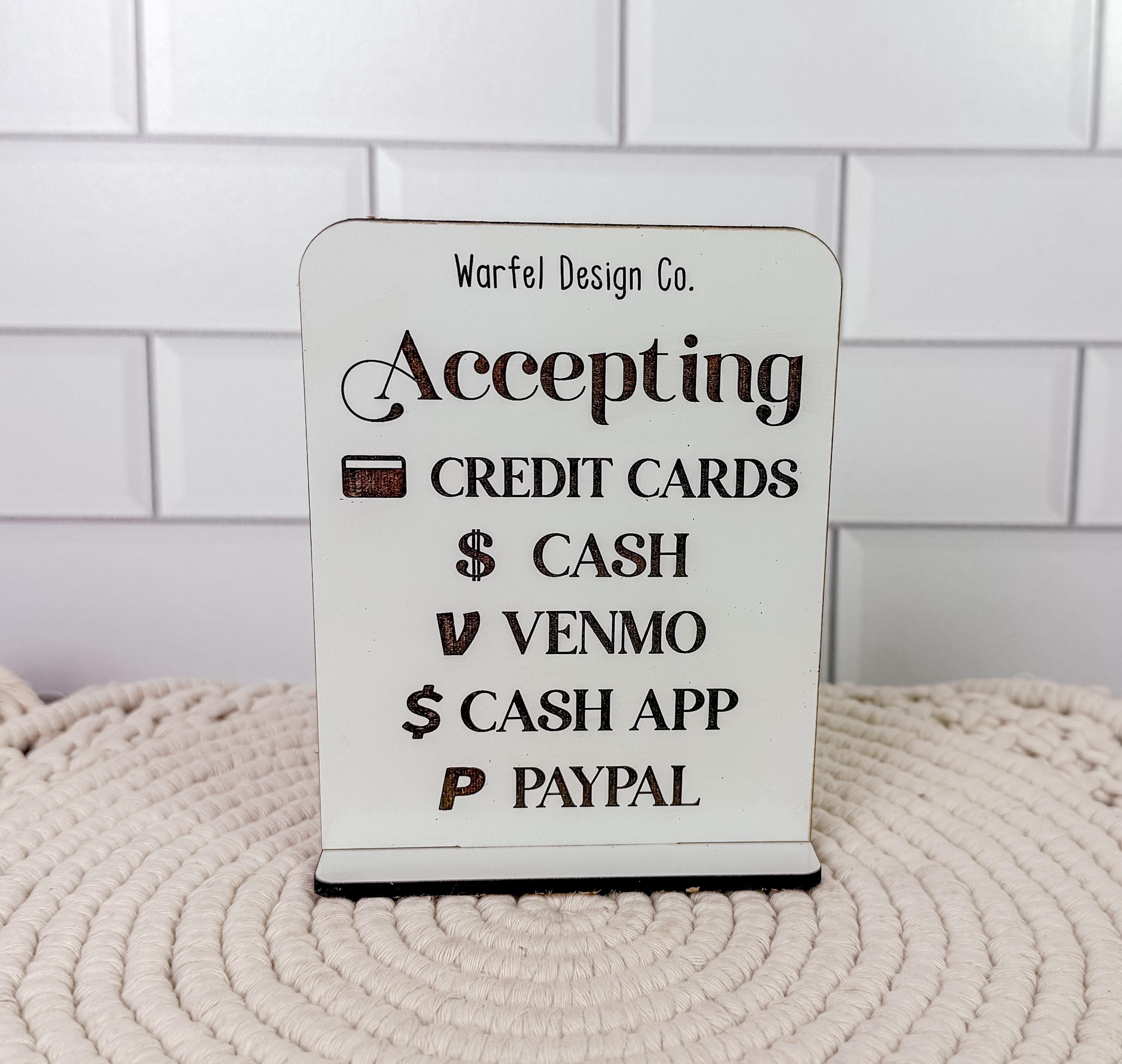
Accepting credit cards through PayPal allows merchants to process payments from customers who do not have a PayPal account. By utilizing the PayPal gateway, businesses can accept major cards like Visa, Mastercard, and American Express. The system encrypts sensitive data, handles bank authorizations, and deposits funds into the merchant's account after deducting transaction fees.
Understanding the PayPal Credit Card Processing Ecosystem
As we move through 2026, the landscape of digital payments has become increasingly streamlined, yet the fundamental mechanics of how a processor like PayPal handles credit card transactions remain grounded in a specific technological sequence. To accept credit cards via PayPal, a merchant does not necessarily need a traditional merchant bank account; PayPal essentially acts as a third-party aggregator.
When a customer decides to pay with a credit card on your website or through an invoice, PayPal serves as the payment gateway and the payment processor. The gateway is the "digital tunnel" that securely transmits the credit card data from the customer to the processor. The processor then communicates with the card networks (like Visa or Discover) and the issuing bank to ensure the customer has sufficient funds and that the card is not reported stolen.
For the merchant, the primary benefit is the "Guest Checkout" feature. Historically, many consumers were wary of being forced to create a PayPal account to complete a purchase. Today, PayPal's modern integrations allow the credit card entry fields to appear directly on the merchant's checkout page, providing a seamless experience that mirrors high-end enterprise payment systems.
How It Works: The Step-by-Step Transaction Flow
To effectively manage your business finances, you must understand what happens behind the scenes from the moment a customer clicks "Pay" to the moment the funds are available for withdrawal.
1. Integration and Customer Input
The process begins with how you have integrated PayPal into your business. Whether you are using a simple "Buy Now" button, a specialized e-commerce plugin like WooCommerce or Shopify, or a custom API integration via the PayPal Developer Portal, the entry point is the same. The customer enters their card number, expiration date, and CVV code.
2. Encryption and Authorization
Once the data is submitted, PayPal uses advanced encryption protocols (such as TLS 1.3) to protect the information. This data is sent to the acquiring bank. In 2026, this process is almost instantaneous, bolstered by AI-driven fraud detection that checks thousands of signals—such as IP address, device fingerprinting, and purchasing patterns—to authorize the transaction.
3. Settlement and Funding
If the issuing bank approves the transaction, the status moves to "Authorized." The merchant then "captures" the funds (usually automatically). The money is moved from the customer’s bank to PayPal’s merchant accounts. After PayPal takes its predefined fee, the remaining balance is reflected in your PayPal Business Account.
4. Withdrawal
Merchants can then transfer these funds to their linked local bank accounts. While standard transfers typically take 1–3 business days, PayPal’s "Instant Transfer" feature (using the Visa Direct or Mastercard Send networks) allows funds to reach a bank account or debit card within minutes for an additional percentage-based fee.
Setting Up Your Account for Credit Card Acceptance
Not all PayPal accounts are created equal when it comes to professional credit card processing. To gain the full suite of features and lower potential friction, a PayPal Business Account is a prerequisite.
Business vs. Personal Accounts
While a personal account can receive payments, it lacks the professional branding, multi-user access, and advanced reporting tools required for scaling. A Business account allows you to operate under a company name, providing a more professional "credit card statement name" for your customers, which significantly reduces "unrecognized charge" disputes.
Verification Requirements
To comply with global "Know Your Customer" (KYC) and Anti-Money Laundering (AML) regulations, PayPal requires extensive verification in 2026. You will need to provide:
- Employer Identification Number (EIN) or Social Security Number (SSN).
- Proof of Business Address (Utility bills or official documents).
- Bank Account Linking: A confirmed bank account is required to lift initial withdrawal limits.
- Identity Verification: Government-issued ID for the primary account holder.
Technical Integration Options
Depending on your technical expertise, you have three primary ways to accept cards:
- PayPal Checkout: The standard smart buttons that automatically offer the most relevant payment methods (Credit Card, Venmo, PayPal, or BNPL) to the user.
- Advanced Credit and Debit Card Payments: This allows you to host the credit card fields directly on your site, keeping the branding consistent without redirecting to a PayPal-hosted page.
- Virtual Terminal: For businesses that take orders over the phone, the Virtual Terminal allows you to manually enter credit card details into a secure PayPal browser interface.
What to Watch: Fee Structures and Hidden Costs
The most critical aspect of "what to watch" is the cost of doing business. PayPal's fee structure is transparent but multifaceted. Merchants often miscalculate their margins because they fail to account for fixed fees or international surcharges.
| Transaction Type | Typical Fee (Standard 2026) | Fixed Fee Component |
|---|---|---|
| Standard Online Transactions (US) | 2.99% | $0.49 |
| Advanced Credit/Debit Card Payments | 2.59% | $0.49 |
| International Transactions | Base Fee + 1.50% | Varies by Currency |
| Virtual Terminal (Phone Orders) | 3.09% | $0.49 |
| Chargeback Fee | $20.00 | Per Instance |
| Currency Conversion | 3.00% - 4.00% | Above Base Exchange Rate |
The Impact of Fixed Fees
For businesses with low average order values (under $10), the fixed fee ($0.49) can consume a massive percentage of the profit. If you sell a $5 digital item, the total fee is $0.15 (2.99%) + $0.49 = $0.64, which is nearly 13% of the transaction. In such cases, merchants should look into PayPal's Micropayments pricing tier, which typically offers a higher percentage but a much lower fixed fee.
International Surcharges
When accepting a credit card from a customer in a different country, you are hit with a double penalty: the international transaction surcharge and the currency conversion spread. If a customer pays in Euros and you settle in USD, PayPal takes a percentage for the cross-border risk and another percentage for the exchange service.
Critical Risks: What to Watch for Security and Stability
Accepting credit cards through any platform involves inherent risks. PayPal is known for its rigorous—and sometimes aggressive—risk management policies.
Account Holds and Reserves
Perhaps the most common complaint among PayPal merchants is the sudden freezing of funds. PayPal employs "Rolling Reserves" or "Minimum Reserves" for businesses it deems high-risk.
- Why it happens: If you experience a sudden spike in sales, sell high-ticket items, or have a high refund rate, PayPal may hold 10–25% of your daily sales for 60–90 days to cover potential chargebacks.
- How to avoid it: Provide tracking numbers for every shipment promptly and maintain a low dispute-to-transaction ratio (ideally under 1%).
The Chargeback Process
A chargeback occurs when a customer contacts their bank—not you—to reverse a charge. Unlike a standard PayPal dispute, where PayPal acts as the mediator, the credit card issuer (the bank) decides a chargeback.
- Merchant Protection: PayPal offers "Seller Protection" for eligible transactions. To qualify, you must ship to the address provided on the Transaction Details page and provide valid proof of delivery from a recognized carrier.
- The Cost: Even if you win the chargeback, you may still be charged a non-refundable chargeback fee unless you are covered by specific protection tiers.
PCI Compliance Responsibilities
While PayPal handles the bulk of the Data Security Standard (PCI DSS) requirements by hosting the payment fields, you are not entirely exempt. If you use "Advanced Credit and Debit Card Payments," you are responsible for ensuring your website is secure (HTTPS/TLS) and that you are not storing sensitive card data on your own servers. In 2026, failure to maintain a secure environment can lead to fines from card networks.
Comparing PayPal to Alternatives
Before committing to PayPal for all credit card processing, it is wise to compare it with other major players like Stripe or Square.
- Stripe: Generally preferred by developers for its superior API and customization. Stripe’s fees are often similar to PayPal’s, but they offer better tools for subscription management and recurring billing.
- Square: The leader for businesses that have both a physical and online presence. Square’s unified dashboard for POS (Point of Sale) and e-commerce is often more intuitive than PayPal’s separate systems (PayPal and Zettle).
- Adyen: Suitable for enterprise-level businesses processing millions of dollars monthly, offering much lower interchange-plus pricing that PayPal typically doesn't offer to small businesses.
PayPal's main advantage remains its brand trust. Many customers feel more secure seeing the PayPal logo, even if they end up using a credit card. This "trust factor" can lead to higher conversion rates, which may justify the slightly higher fees or stricter reserve policies.
Best Practices for Successful Management
To thrive while accepting credit cards via PayPal in 2026, follow these operational guidelines:
- Enable 3D Secure 2.0: This protocol adds an extra layer of authentication for European and international cards, shifting the liability for fraud from the merchant to the bank.
- Use Clear Billing Descriptors: Ensure your "Soft Descriptor" (the text that appears on the customer's bank statement) matches your website's name. If your company is "XYZ Tech" but your website is "CoolGadgets.com," the customer might see "XYZ Tech" and file a fraudulent charge report.
- Monitor Your Dispute Dashboard: Check your PayPal Resolution Center daily. Responding to a dispute within the first 24 hours often prevents it from escalating into a formal chargeback.
- Integrate Post-Purchase Automation: Use tools to automatically upload tracking numbers to PayPal. This triggers the release of funds and strengthens your case for Seller Protection.
FAQ
Can I accept credit cards with PayPal without a website?
Yes. You can use PayPal Invoicing to send a secure payment link to a customer’s email. The customer clicks the link and can pay via credit card on a mobile-responsive PayPal page. Additionally, the PayPal QR Code feature allows for in-person credit card payments without a physical card reader.
How do I enable guest checkout for my customers?
Guest checkout (paying without a PayPal account) is usually enabled by default on Business accounts. However, you must ensure that your "PayPal Account Optional" setting is turned ON in your Account Settings. Additionally, you must have a confirmed email address and a verified bank account linked to your profile.
What is the difference between PayPal Standard and PayPal Pro?
As of 2026, PayPal has largely transitioned from the "Pro" terminology to PayPal Checkout and Advanced Payments. The "Standard" version redirects customers to a PayPal page, while the "Advanced" version allows for an "on-site" experience where customers never leave your domain to enter their card details.
Why is my credit card payment "Pending"?
A payment may show as "Pending" if it is undergoing a manual review by PayPal’s security team, or if you have not yet "captured" the authorization. In some cases, if the customer’s bank is slow to verify the funds, the status will remain pending until the settlement is finalized.
Does PayPal charge a fee if I refund a credit card payment?
Yes. In 2026, PayPal's policy is that the fixed portion of the fee ($0.49) and the percentage-based processing fee are not returned to the merchant when a refund is issued. This is a standard practice across most modern payment processors to cover the costs of the initial transaction.
Practical Recommendation
For most small to medium-sized businesses in 2026, the best way to accept credit cards via PayPal is through the Advanced Credit and Debit Card Payments integration. This provides the best balance between a professional, on-site checkout experience and the security of PayPal’s fraud protection. To minimize risks, always prioritize shipping to "Confirmed Addresses" and maintain at least a 5% cash reserve in your business bank account to handle any unexpected PayPal account holds or chargebacks without disrupting your cash flow.