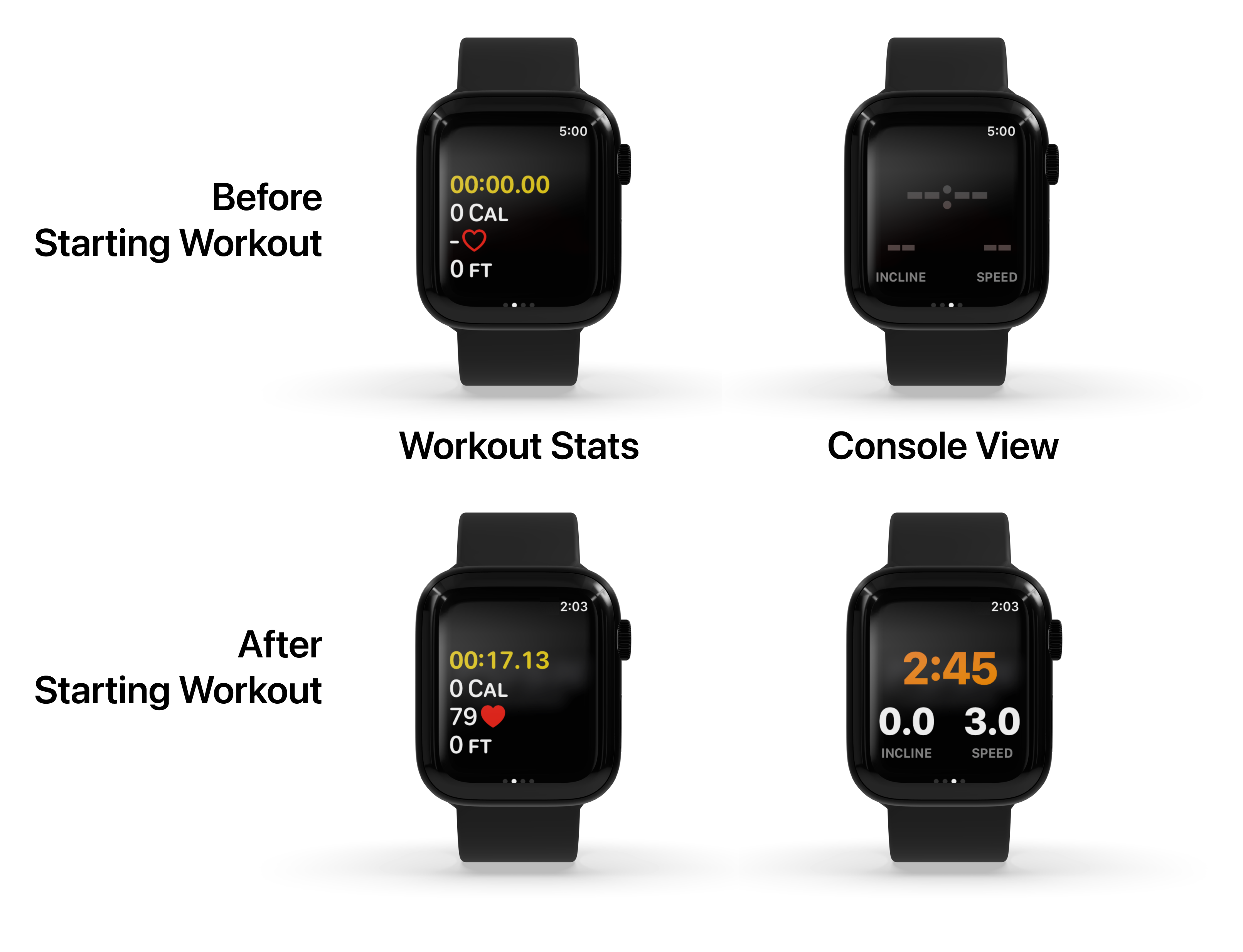
The Apple Watch tracks calories by combining heart rate data, movement detected by its accelerometer and gyroscope, and personal health metrics including age, weight, and height. It distinguishes between Resting Calories (energy used to keep your body functioning) and Active Calories (energy burned through intentional movement and exercise), providing a comprehensive view of your daily energy expenditure.
Calorie tracking remains one of the most used features of the Apple Watch ecosystem. Since its inception, Apple has refined the algorithms that power the "Move" ring, moving from simple step counting to a sophisticated multisensor approach. As of 2026, the device utilizes advanced machine learning models and high-frequency sensor data to estimate how much energy you are burning at any given second, whether you are running a marathon or sitting at a desk. Understanding the mechanics behind this tracking is essential for anyone using the device to manage weight, improve fitness, or monitor metabolic health.
The Foundation of Calorie Tracking: Active vs. Resting Energy
To understand how the Apple Watch calculates your daily burn, you must first understand the two distinct categories of calories it monitors: Active and Resting.
Resting Calories and Basal Metabolic Rate (BMR)
Resting calories, often referred to in clinical settings as your Basal Metabolic Rate (BMR) or Resting Energy Expenditure (REE), represent the energy your body requires to perform basic life-sustaining functions. This includes breathing, circulating blood, maintaining body temperature, and cell production. Even if you were to stay in bed all day without moving a muscle, you would still burn a significant number of resting calories.
The Apple Watch calculates this figure using the personal information you provided during setup in the Health app. By analyzing your age, sex, height, and weight, the watch applies a variation of the Harris-Benedict equation or the Mifflin-St Jeor equation—standardized formulas used by clinicians to estimate BMR. Because this is a mathematical estimation, it is vital to keep your weight updated in the Health app; a 10-pound change in body mass significantly alters your resting energy requirements.
Active Calories
Active calories are the energy you burn in addition to your resting calories. These are the calories tracked by the red "Move" ring. Active calories come from two sources: intentional exercise (like a programmed workout) and non-exercise activity thermogenesis (NEAT), which includes walking to your car, cleaning the house, or even fidgeting.
The Apple Watch is designed to ignore "noise" and focus on movement that elevates the heart rate or involves significant physical displacement to ensure the Move ring represents genuine physical effort.
The Sensor Suite: How the Hardware Captures Data
The Apple Watch does not actually "measure" calories directly—no wearable can do that without a laboratory setup involving gas exchange masks. Instead, it uses a suite of sensors to collect data points that serve as proxies for energy expenditure.
The Optical Heart Rate Sensor (PPG)
The most critical component for calorie estimation is the Photoplethysmography (PPG) sensor on the back of the watch. This sensor uses green LED lights paired with light-sensitive photodiodes to detect the volume of blood flowing through your wrist at any given moment. Because blood absorbs green light, the watch can count the pulses (heartbeats) per minute.
During physical activity, your muscles require more oxygen. To deliver this oxygen, your heart rate increases. The Apple Watch uses the correlation between heart rate and oxygen consumption ($VO_2$) to estimate calorie burn. Higher heart rates typically correlate with higher oxygen intake, which in turn correlates with more calories burned. By 2026, the sensors in the latest Apple Watch models have become significantly more resistant to "motion artifacts"—the interference caused by the watch moving on the wrist during vigorous exercise.
Accelerometer and Gyroscope
While the heart rate sensor monitors internal strain, the accelerometer and gyroscope monitor external movement. The 3-axis accelerometer measures acceleration forces, allowing the watch to detect if you are walking, running, or swinging your arms. The gyroscope helps determine the orientation and rotation of the device.
These sensors allow the watch to identify the type of movement you are performing. For example, the movement pattern of an elliptical machine is different from a natural run. By identifying the activity type, the watch can apply specific algorithmic "weights" to the calorie calculation. If the heart rate is high but the accelerometer detects no movement, the watch may conclude you are stressed or drinking caffeine, rather than exercising, and will adjust the calorie estimate accordingly.
GPS and Altimeter
For outdoor activities like cycling, hiking, or running, the Apple Watch utilizes GPS and the barometric altimeter. GPS provides precise data on distance and speed, while the altimeter tracks elevation gain. Climbing a hill requires significantly more energy than walking on a flat surface at the same speed. By integrating "work done against gravity" into the equation, the Apple Watch provides a much more accurate calorie count for hikers and cyclists.
The Role of Algorithms and Machine Learning
The raw data from the sensors is processed through complex algorithms developed by Apple in their "Exercise Labs." Over the years, Apple has collected thousands of hours of data from volunteers wearing metabolic carts (the "gold standard" for calorie measurement). By comparing sensor data from the watch to the actual oxygen consumed by these volunteers, Apple built the machine learning models that now reside on your wrist.
Metabolic Equivalents (METs)
The core of the Apple Watch algorithm relies on Metabolic Equivalents (METs). One MET is defined as the energy cost of sitting quietly. For an average adult, this is approximately 1 kcal per kilogram of body weight per hour.
When you start a "High-Intensity Interval Training" (HIIT) workout on your watch, the algorithm shifts its baseline to the MET values associated with that specific activity. It then adjusts the estimate based on your heart rate intensity relative to your predicted maximum heart rate. This is why selecting the correct workout type in the Workout app is crucial; a "Yoga" session uses a different metabolic model than "Boxing," even if the heart rate is the same.
Factors That Influence Tracking Accuracy
While the Apple Watch is widely considered one of the most accurate consumer wearables, it is an estimation tool, not a medical device. Several factors can influence how well it tracks your calories.
Skin Contact and Fit
For the PPG sensor to work correctly, it must have consistent contact with the skin. If the band is too loose, light "leaks" in and out, causing erratic heart rate readings. Conversely, if it is too tight, it can restrict blood flow, also leading to inaccuracies. For the best calorie tracking, the watch should be snug but comfortable, positioned slightly above the wrist bone.
Wrist Tattoos and Skin Tone
The green light used by the PPG sensor can be absorbed by the ink in permanent tattoos, particularly dark or dense designs. This can prevent the sensor from getting a reliable heart rate reading. While Apple has improved the sensor technology consistently through 2026 to better handle varied skin tones and some tattoos, heavy ink on the wrist remains a common point of failure for calorie tracking.
Personal Data Integrity
The algorithm is only as good as the data it is given. If your weight is listed incorrectly, the physics of the calorie calculation will be flawed. For example, moving a 200-pound body one mile requires more energy than moving a 150-pound body the same distance. If your profile is outdated, your "Move" ring progress will be misleading.
How to Calibrate Your Apple Watch for Better Results
If you feel your calorie burn is being over- or under-estimated, you can perform a calibration to "teach" the watch your specific movement patterns.
- Check Your Settings: Ensure "Wrist Detection" is turned on in the Watch app on your iPhone (My Watch > Passcode > Wrist Detection). If this is off, the watch won't take frequent heart rate readings.
- The Calibration Walk: Find a flat, open outdoor area with good GPS reception. Open the Workout app and start an "Outdoor Walk." Walk at your natural pace for at least 20 minutes. This allows the watch to correlate your stride length and heart rate with the GPS-tracked distance.
- Update Health Data: Periodically review your height, weight, and age in the Health app. To do this, open Health > Profile Picture > Health Details.
| Feature | Sensor Used | Impact on Calorie Accuracy |
|---|---|---|
| BMR Calculation | None (User Profile) | High (Sets the baseline for all daily burn) |
| Step Tracking | Accelerometer | Moderate (Measures general daily activity) |
| Workout Intensity | PPG (Heart Rate) | Very High (Differentiates light vs. heavy effort) |
| Elevation Gain | Altimeter | High (Critical for hiking and stairs) |
| Distance/Speed | GPS | High (Crucial for outdoor cardio) |
Comparison: Apple Watch vs. Other Methods
To put the Apple Watch's performance in context, it is helpful to compare it to other methods of calorie tracking.
- Indirect Calorimetry: This is the lab standard where a subject wears a mask to measure oxygen and carbon dioxide. It is nearly 100% accurate but impossible to use during daily life. The Apple Watch is calibrated against this standard.
- Chest Strap Monitors: These measure the electrical activity of the heart (ECG) rather than blood flow. They are generally more accurate for rapid heart rate changes (like in sprinting). However, the Apple Watch can now pair with these straps via Bluetooth for users who want the most precise data possible.
- Generic Calorie Calculators: Websites that ask for your activity type and duration are much less accurate than the watch because they do not know your heart rate or actual movement intensity.
Frequently Asked Questions
Why does my Apple Watch show different calories than the treadmill?
Treadmills often overestimate calorie burn because they do not account for your specific heart rate or whether you are holding onto the handrails. The Apple Watch uses your actual heart rate and arm movement, making it generally more reliable than a generic machine calculation. Additionally, many gym machines do not subtract your resting calories, which leads to "double counting."
Can the Apple Watch track calories if I’m not wearing it?
No. While the Health app on your iPhone can estimate steps and some activity while the phone is in your pocket, it cannot track your heart rate or the specific intensity of your movements without the watch sensors. Calorie data will be significantly limited or absent for periods when the watch is not on your wrist.
Why do I burn fewer calories doing the same workout as my friend?
Calorie burn is highly dependent on body mass and fitness level. A larger person burns more calories moving their body through space. Furthermore, as you get fitter, your heart becomes more efficient. This means your heart rate will be lower for the same amount of work, resulting in a lower calculated calorie burn. This is a sign of improved cardiovascular health, even if it makes "closing your rings" harder.
Does the Apple Watch track calories burned from "standing"?
The "Stand" ring does not measure calories; it measures whether you have moved for at least one minute during an hour. However, the movement you do while standing will contribute to your "Move" (Active Calories) ring. Simply standing still burns very few more calories than sitting; it is the movement associated with being on your feet that counts.
Is the Apple Watch calorie count accurate for strength training?
Strength training is notoriously difficult for all wearables to track. Since your heart rate might spike during a set but drop quickly while resting, and since there is minimal "distance" traveled, the watch relies heavily on heart rate. For the best results, always select "Traditional Strength Training" or "Functional Strength Training" in the Workout app to trigger more frequent heart rate sampling.
Maximizing Your Tracking in 2026
To get the most out of your Apple Watch calorie tracking, treat it as a consistent baseline rather than an absolute truth. The value of the device lies in its ability to track trends over time. If you consistently burn 500 active calories a day according to the watch and your weight is stable, you have found your maintenance level, regardless of whether the "true" number is 450 or 550.
For the most accurate experience, ensure your software is updated to the latest version of watchOS, maintain a clean sensor array, and wear the device consistently. By understanding the interplay between your heart rate, movement, and biological profile, you can use the Apple Watch as a powerful tool for achieving your 2026 health and fitness goals.