The Apple Watch serves as a sophisticated health monitor, fitness tracker, and communication hub that integrates seamlessly with the iOS ecosystem. Its primary benefits include proactive health alerts, precise activity tracking, and enhanced personal safety features, all designed to reduce smartphone dependency while keeping users connected to their vital data and social circles.
Since its inception, the Apple Watch has transitioned from a secondary iPhone accessory to a primary health and safety device. In 2026, with the maturity of watchOS 12 and the advanced sensor arrays found in the Apple Watch Series 11 and Ultra 3, the device offers a level of biological insight and environmental awareness previously reserved for clinical settings or specialized equipment. This guide explores the comprehensive features and practical benefits of the Apple Watch lineup, helping you determine how these tools integrate into your daily life.
Proactive Health Monitoring and Biological Insights
The most significant benefit of the Apple Watch is its ability to monitor health metrics silently in the background, alerting users only when a potential issue is detected. This proactive approach to wellness allows for early intervention and better-informed conversations with healthcare providers.
Heart Health and Cardiovascular Metrics
The Apple Watch utilizes both optical heart sensors (PPG) and electrical heart sensors to provide a multi-layered view of cardiovascular health.
- ECG App: By touching the Digital Crown, users can generate an electrocardiogram in 30 seconds. This feature is designed to detect signs of Atrial Fibrillation (AFib), a common form of irregular heart rhythm.
- High and Low Heart Rate Notifications: The watch continuously monitors your pulse. If your heart rate remains unusually high or low while you appear to be inactive, the device sends an alert, which can be an early indicator of underlying medical conditions.
- Irregular Rhythm Notifications: Periodically, the watch checks for heart rhythms that may suggest AFib, even when the user is not actively using the ECG app.
Respiratory and Blood Oxygen Tracking
Using a cluster of green, red, and infrared LEDs, the Apple Watch measures the color of the blood reflecting back to the sensor to calculate Blood Oxygen (SpO2) levels. While not intended for medical use, this metric provides valuable insights into how well your body is absorbing oxygen, which is particularly beneficial for athletes training at high altitudes or individuals monitoring their sleep quality.
The Vitals App and Sleep Tracking
The Vitals app, refined over recent watchOS iterations, provides a daily snapshot of your health status. It analyzes overnight metrics including heart rate, respiratory rate, wrist temperature, and sleep duration. By establishing a personal baseline, the watch can highlight "outliers"—data points that significantly deviate from your norm. This is often the first sign of an oncoming illness, increased stress levels, or the physiological impact of alcohol consumption.
Fitness Tracking and Athletic Performance
Whether you are a casual walker or a competitive triathlete, the Apple Watch provides the tools necessary to quantify your efforts and optimize your training.
Activity Rings: The Psychology of Movement
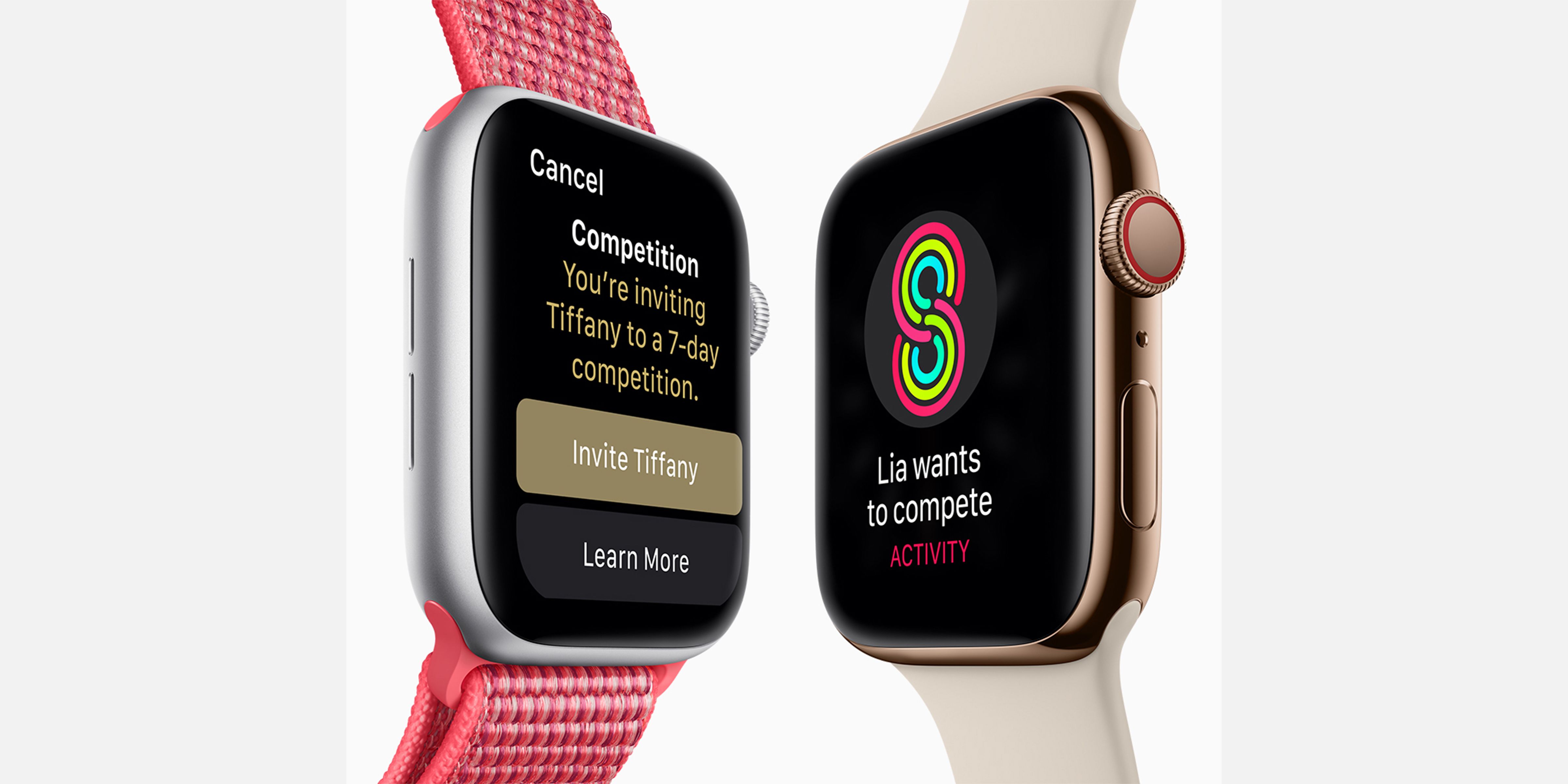
The "Move, Exercise, and Stand" rings remain the cornerstone of the Apple Watch fitness experience. The benefit here is behavioral: the rings provide a visual, gamified representation of daily goals. In 2026, the ability to pause rings for rest days or injury recovery ensures that users maintain motivation without the pressure of breaking "streaks" during necessary downtime.
Advanced Workout Metrics and Training Load
The Workout app has expanded to include deep technical data for various activities:
- Running Power and Form: Metrics such as vertical oscillation, stride length, and ground contact time help runners improve efficiency and reduce injury risk.
- Training Load: This feature compares the intensity and duration of your workouts over the last seven days to your previous 28 days. It helps users understand if they are overtraining, maintaining, or undertraining, which is essential for long-term physiological progress.
- Custom Workouts: Users can program intervals, heart rate zone alerts, and pacer goals directly on the watch, allowing for phone-free training sessions.
Precision GPS and Navigation
The Apple Watch Ultra 3 and Series 11 utilize dual-frequency GPS (L1 and L5), which provides significantly better accuracy in "urban canyons" (areas with tall buildings) and dense forests. For hikers and outdoor enthusiasts, the Backtrack feature uses GPS data to create a virtual breadcrumb trail, allowing users to find their way back if they become lost.
Safety Features and Emergency Response
One of the most compelling reasons to wear an Apple Watch is the "safety net" it provides. The device is equipped with high-g-force accelerometers and gyroscopes specifically tuned to detect life-threatening events.
Fall and Crash Detection
If the Apple Watch detects a hard fall or a severe car crash while the user is wearing it, it will initiate a countdown and haptic alert. If the user is unresponsive for 60 seconds, the device automatically calls emergency services and sends the user's GPS coordinates to designated emergency contacts. This feature has been credited with saving lives in remote areas and in situations where the user was incapacitated.
Emergency SOS and Satellite Connectivity
For users with the Ultra series or the latest Series models, Emergency SOS via Satellite allows for communication with emergency services even when outside the range of cellular or Wi-Fi signals. This is a critical benefit for those who venture into the backcountry or live in areas prone to natural disasters that disrupt traditional infrastructure.
Ecosystem Integration and Daily Productivity
Beyond health and safety, the Apple Watch functions as a powerful extension of the iPhone, streamlining daily tasks and reducing the need to constantly check a handheld screen.
The Smart Stack and Notifications
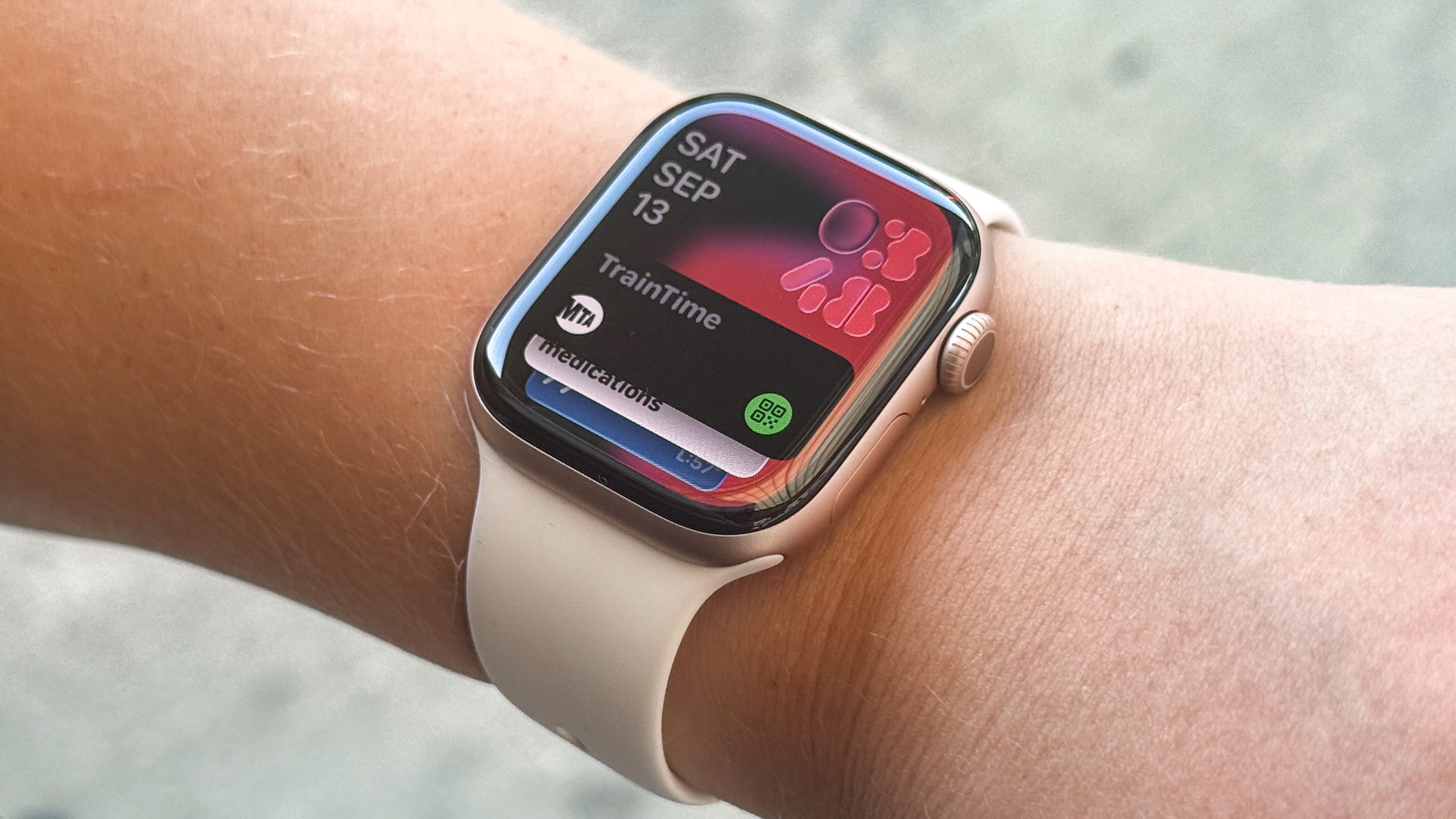
The Smart Stack uses machine learning to present relevant "widgets" based on the time of day and your current activity. For example, your boarding pass may appear as you arrive at the airport, or your weather forecast will be prominent in the morning. This ensures that the most important information is always a flick of the wrist away.
Apple Pay and Wallet
The convenience of Apple Pay on the wrist cannot be overstated. By double-clicking the side button, users can make secure purchases at contactless terminals. Additionally, the Wallet app stores digital keys for homes, offices, and compatible vehicles, as well as transit cards for major global cities.
Communication: Phone, Text, and Walkie-Talkie
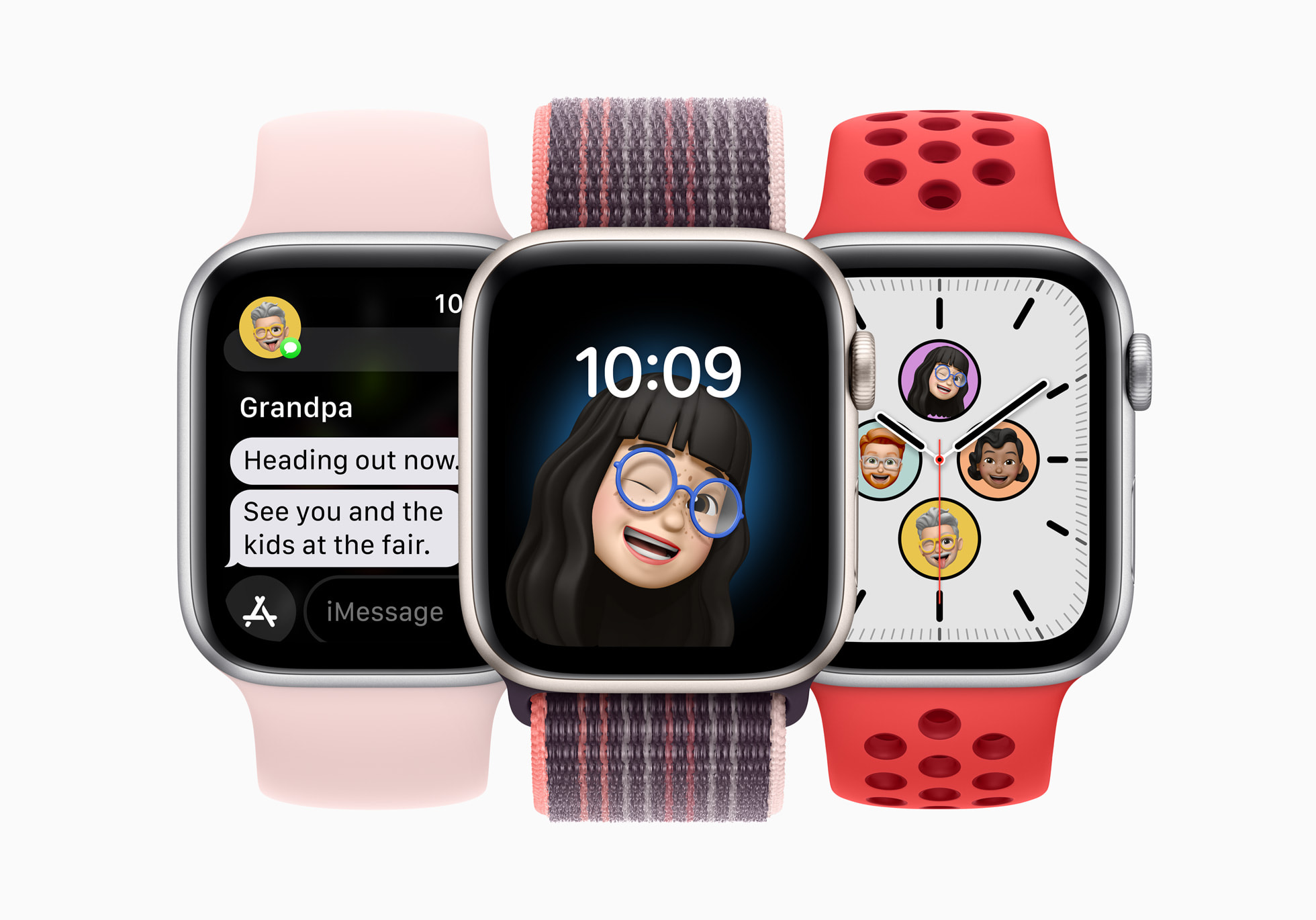
With a cellular-enabled model, the Apple Watch becomes a standalone communication device. You can take calls, respond to texts using Dictation or the QWERTY keyboard, and use the Walkie-Talkie app for instant push-to-talk communication with other Apple Watch users.
Hardware Comparison: Choosing the Right Model
To help you decide which set of features best suits your needs, consider the following technical comparison of the 2026 lineup.
| Feature | Apple Watch SE (3rd Gen) | Apple Watch Series 11 | Apple Watch Ultra 3 |
|---|---|---|---|
| Display Material | Ion-X Glass | Sapphire Crystal (Stainless/Ti) | Sapphire Crystal |
| Always-On Display | No | Yes (LTPO3 OLED) | Yes (3000 nits Peak) |
| ECG & SpO2 | No | Yes | Yes |
| Water Resistance | 50m | 50m | 100m (Dive Rated) |
| Battery Life | Up to 18 hours | Up to 18-36 hours | Up to 36-72 hours |
| GPS | Single Frequency | Dual-Frequency (L1/L5) | Dual-Frequency (L1/L5) |
| Primary Material | Recycled Aluminum | Aluminum or Titanium | Aerospace Titanium |
Limitations and Considerations
While the Apple Watch offers extensive benefits, it is important to recognize its operational limits:
- iPhone Requirement: The Apple Watch requires an iPhone for initial setup and for many of its most powerful synchronization features. It is not compatible with Android devices.
- Battery Management: Despite improvements, most users will need to charge their device daily or every other day, depending on the model and usage (such as GPS-heavy workouts).
- Not a Medical Device: While sensors like the ECG and Blood Oxygen apps are cleared by various regulatory bodies (like the FDA), they are intended for informational purposes and should not replace professional medical diagnosis.
Frequently Asked Questions
Does the Apple Watch work without an iPhone nearby?
Yes, if you have a GPS + Cellular model with an active service plan, you can make calls, send texts, and stream music without your iPhone. Even on GPS-only models, the watch can track workouts, play locally stored music, and use Apple Pay without the phone, though it cannot send or receive new data until it reconnects to Wi-Fi or the iPhone.
How accurate is the heart rate monitor during intense exercise?
The Apple Watch uses photoplethysmography (PPG) which is highly accurate for steady-state cardio. However, for activities involving rapid wrist movements or high-intensity interval training (HIIT), accuracy can vary. For the highest level of precision, the Apple Watch can be paired with external Bluetooth chest strap heart rate monitors.
Is the Apple Watch waterproof for swimming?
The Apple Watch Series 11 and SE are "swimproof" with a water resistance rating of 50 meters under ISO standard 22810:2010. They are suitable for pool or ocean swimming. The Apple Watch Ultra 3 is rated for 100 meters and is specifically designed for recreational scuba diving and high-speed water sports.
Can the Apple Watch help improve sleep quality?
Yes, by using the Sleep app, the watch tracks your time spent in REM, Core, and Deep sleep stages. By reviewing this data alongside the Vitals app, you can identify patterns—such as how late-night meals or caffeine affect your restorative sleep—and make lifestyle adjustments accordingly.
What is the "Double Tap" gesture?
Introduced in recent models, the Double Tap gesture allows you to control the watch by tapping your index finger and thumb together twice. This is incredibly beneficial when your other hand is occupied (e.g., carrying groceries or walking a dog), allowing you to answer calls, stop timers, or scroll through widgets hands-free.
Summary of Recommendations
The Apple Watch is more than a timekeeper; it is a comprehensive tool for health management and personal efficiency. If you are focused on basic fitness and safety, the Apple Watch SE offers the best value. For those seeking advanced health insights and a sleek design, the Series 11 is the standard-bearer. Finally, for athletes and adventurers who require maximum durability, battery life, and specialized navigation tools, the Apple Watch Ultra 3 is the definitive choice.
To get started, evaluate which health metrics are most important to you and ensure your iPhone is updated to the latest version of iOS to support the full feature set of your chosen model.