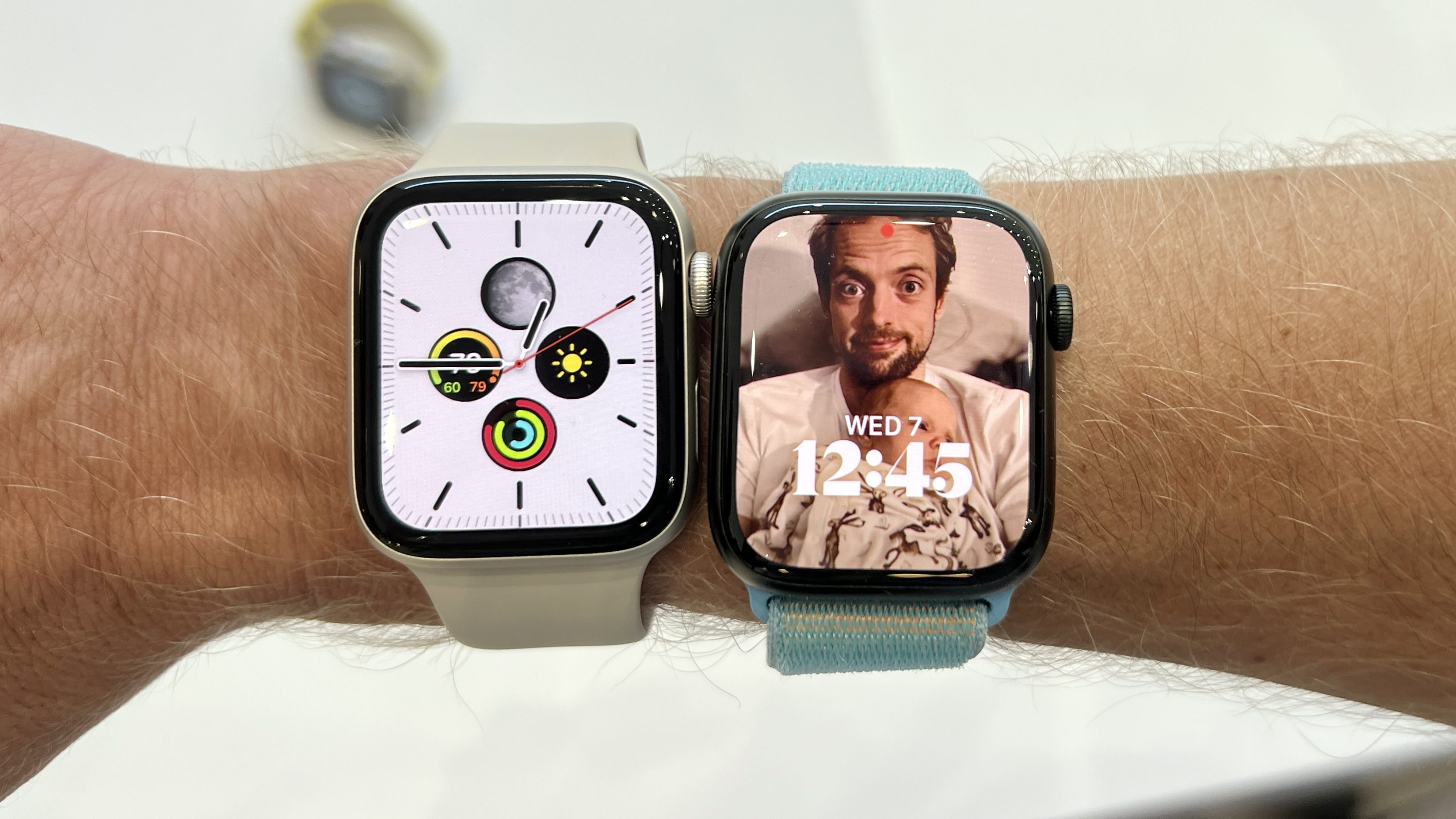
The Apple Watch SE (both first and second generations) is water-resistant to a depth of 50 meters under ISO standard 22810:2010. This means it is safe for shallow-water activities like swimming in a pool or the ocean, but it is not "waterproof" and should not be used for scuba diving or high-velocity water sports.
As we move through 2026, the Apple Watch SE remains a popular choice for those seeking a balance between functionality and value. However, one of the most common points of confusion for users—whether they are original owners or those purchasing refurbished units—is the extent of the device's "waterproof" capabilities. Understanding the distinction between water resistance and waterproofing is essential for maintaining the longevity of your hardware.
Defining Water Resistance vs. Waterproofing
In the world of consumer electronics, the term "waterproof" is rarely accurate. To be truly waterproof, a device would need to be impervious to water penetration under any condition, indefinitely. Instead, the Apple Watch SE is water-resistant. This is a technical distinction that indicates the device can withstand water entry up to a specific pressure level for a specific amount of time.
The Apple Watch SE is rated for 50 meters of water resistance. This rating is based on the ISO 22810:2010 standard, which is the international benchmark for the watch industry. It tests the device’s ability to remain sealed under static pressure. In practical terms, this means the watch can handle the pressure found 50 meters below the surface of still water. However, movement through the water—such as the force of a swimming stroke or the impact of a wave—increases the pressure exerted on the seals, meaning the real-world limit is often shallower than the theoretical 50-meter mark.
The ISO 22810:2010 Standard Explained
When you see the 50-meter rating on an Apple Watch SE, it is important to understand what the ISO 22810:2010 certification actually covers. Unlike the stricter EN13319 standard used for the Apple Watch Ultra (which is rated for recreational scuba diving), ISO 22810:2010 is designed for watches intended for "daily use," which includes swimming.
This standard involves testing the device against:
- Leakage under air pressure: Ensuring the chassis is airtight.
- Water overpressure: Testing the seals against a specific atmospheric pressure.
- Temperature cycling: Ensuring that the seals do not fail when moving from hot to cold environments (though rapid changes should still be avoided).
For Apple Watch SE users in 2026, it is vital to remember that these tests are performed on brand-new devices in a laboratory. Over years of use, the gaskets and adhesives that provide this resistance can age, dry out, or become compromised.
Permitted Activities: What You Can Do with Your SE
The Apple Watch SE is designed to be an active companion. For the majority of users, the water resistance is more than sufficient for everyday life and common fitness routines.
Swimming in Pools and Open Water
The Apple Watch SE is perfectly suited for lap swimming in a pool or swimming in the ocean. The Workouts app even includes specific modes for "Pool Swim" and "Open Water Swim." When you start a swimming workout, the watch automatically engages the Water Lock feature to prevent the water from triggering accidental "ghost touches" on the capacitive touchscreen.
Showering and Hand Washing
While the watch is resistant to water, showering presents a unique risk: soap. Pure water is rarely the issue; rather, it is the surfactants found in soaps, shampoos, and conditioners. These chemicals reduce the surface tension of water, making it easier for moisture to bypass the rubber gaskets. If you do shower with your watch, it is recommended to rinse it thoroughly with fresh water afterward to remove any chemical residue.
Rain and Sweat
The Apple Watch SE is fully protected against heavy rain and intense perspiration. Whether you are running a marathon or caught in a downpour, the internal components are shielded from moisture.
Prohibited Activities: When to Remove Your Watch
Despite its 50-meter rating, there are several scenarios where the Apple Watch SE is likely to fail. These limitations are due to the velocity of the water or the depth of the activity.
- Scuba Diving: The Apple Watch SE is not a dive computer. The pressure at depth during a scuba dive can easily exceed the limits of the SE's seals. For diving, Apple recommends the Apple Watch Ultra series.
- High-Velocity Water Sports: Activities such as water skiing, wakeboarding, or surfing involve high-speed impacts with the water surface. These "slugs" of water can hit the watch with enough force to momentarily exceed the pressure rating, forcing water past the seals.
- Saunas and Steam Rooms: While some users wear their watches in saunas, the high heat and humidity can accelerate the degradation of the adhesives that hold the watch together. In 2026, as many SE models have been in service for several years, their resistance to heat-induced seal failure is lower than when they were new.
The Role of Water Lock and Speaker Drainage
One of the most innovative features of the Apple Watch SE is how it handles water that enters the speaker port. Unlike the rest of the watch, the speaker cavity must be open to the air to produce sound.
How Water Lock Works
When you swipe up to the Control Center and tap the water droplet icon (or start a swim workout), you enable Water Lock. This does not physically seal the watch; rather, it disables the touch sensitivity of the screen. This is necessary because water is conductive and the screen would otherwise interpret every splash as a finger tap.
The Ejection Process
When you finish your water activity, you turn the Digital Crown to unlock the device. The watch then plays a series of low-frequency tones. These sounds cause the speaker diaphragm to vibrate violently, physically pumping any trapped water out of the speaker grill. You may see small droplets of water being expelled during this process. This is a critical maintenance step to ensure that your speaker remains clear and functional.
Maintenance and Care After Exposure
To maintain the water resistance of your Apple Watch SE through 2026 and beyond, proper "aftercare" is necessary. Water resistance is not a permanent condition, and environmental factors can weaken it over time.
- Rinse After Salt or Chlorine: Both salt from the ocean and chlorine from pools are corrosive. If left to dry on the watch, they can eat away at the seals and the finish. Always rinse the watch under a gentle stream of fresh, warm (not hot) tap water after a swim.
- Dry Thoroughly: Use a non-abrasive, lint-free cloth to dry the exterior of the watch. Do not use compressed air or external heat sources like hair dryers, as these can damage the seals or push water deeper into the device.
- Avoid Chemicals: Beyond soap, keep the watch away from perfumes, solvents, detergents, acids, insect repellent, and sunscreens. If any of these contact the watch, wipe them off immediately and rinse with fresh water.
Why Water Resistance Degrades Over Time
It is a common misconception that once a watch is rated for 50 meters, it stays that way forever. For Apple Watch SE owners in 2026, it is important to realize that the "waterproof" integrity of the device likely peaked the day it left the factory.
Several factors contribute to the gradual loss of water resistance:
- Dropping the Watch: Even if the screen doesn't crack, a hard impact can slightly deform the metal casing or dislodge the internal gaskets, creating a microscopic path for water to enter.
- Aging of Gaskets: The O-rings and seals are made of synthetic rubber or silicone. Over years of exposure to oxygen, UV light, and temperature fluctuations, these materials can become brittle and lose their elasticity.
- Repair History: If the screen or battery of an Apple Watch SE has been replaced by a third party, the water-resistant seal may not have been perfectly reapplied. Only Apple-authorized service providers have the specific presses and adhesives required to restore the factory-level seal.
Apple Watch Water Resistance Comparison
By 2026, the Apple Watch lineup has diversified. Here is how the SE compares to other models you might encounter in the market.
| Feature | Apple Watch SE (Gen 1 & 2) | Apple Watch Series 9/10 | Apple Watch Ultra 1 / 2 |
|---|---|---|---|
| Water Resistance Rating | 50 Meters | 50 Meters | 100 Meters |
| ISO Standard | ISO 22810:2010 | ISO 22810:2010 | ISO 22810 & EN13319 |
| Swim-proof | Yes (Shallow) | Yes (Shallow) | Yes (Up to 40m depth) |
| Diving Support | No | No | Yes (Dive Computer app) |
| Dust Resistance | Not Rated | IP6X | IP6X |
| Construction | Aluminum | Aluminum / Stainless Steel | Aerospace-grade Titanium |
Troubleshooting Common Water-Related Issues
If you suspect your Apple Watch SE has been compromised by water, acting quickly is essential.
Distorted Audio
If the speaker sounds muffled after a swim, ensure you have run the Water Lock ejection process. If the sound remains distorted, do not insert anything into the speaker port. Instead, let the watch sit in a well-ventilated area for up to 48 hours to allow complete evaporation.
Moisture Under the Screen
If you see fogging or actual droplets inside the glass, the water resistance has failed. This is a serious issue that will eventually lead to the corrosion of the motherboard. Power the watch off immediately and contact Apple Support. Do not put it in a bag of rice; rice is ineffective for modern sealed electronics and can introduce dust into the ports.
Unresponsive Screen
If the screen stops responding after exposure to water, first ensure it isn't simply in Water Lock mode (look for the blue droplet icon). If it is not in Water Lock, the digitizer may be damaged. A forced restart (holding both the side button and Digital Crown for 10 seconds) may resolve temporary software glitches caused by moisture on the exterior.
Frequently Asked Questions
Can I wear my Apple Watch SE in a hot tub? It is generally discouraged. While the watch can handle the water, the combination of high heat and chemicals like bromine or high concentrations of chlorine can rapidly degrade the seals. Furthermore, Apple specifies an operating temperature range of 32° to 95° F (0° to 35° C). Most hot tubs exceed this range.
Does Apple's warranty cover water damage? No. Apple’s standard one-year limited warranty does not cover liquid damage. This is why it is crucial to follow the care guidelines. If you have AppleCare+, liquid damage is covered, but it will require a deductible payment for a device replacement.
Can I change my band before swimming? Yes, but choose wisely. The Solo Loop, Sport Band, and Sport Loop are all water-friendly. Leather and stainless steel link bands are not intended for water use and can be permanently damaged or stained by salt and chlorine.
Should I use a "waterproof" case for my Apple Watch SE? Third-party "waterproof" cases can provide an extra layer of protection, particularly against impacts that might compromise the built-in seals. However, they can also trap moisture against the casing if they leak, potentially causing more harm than good. If you choose a case, ensure it is from a reputable brand and inspect it regularly for damage.
What if my Apple Watch SE is several years old in 2026? If you are using a 1st Generation SE from 2020 or even a 2nd Generation from 2022, you should treat it with more caution than a new device. The integrity of the adhesive is likely lower than it was at launch. It may be wise to avoid intentional submersion if the device shows signs of heavy wear or if the screen has any deep scratches.
Summary and Next Steps
The Apple Watch SE is a robust and water-resistant piece of technology that can easily handle the demands of most swimmers and fitness enthusiasts. By understanding that it is water-resistant to 50 meters—not waterproof—you can make informed decisions about where and how you use it.
If you plan on using your Apple Watch SE for regular swimming in 2026, your next step should be to inspect your watch for any cracks or separations in the casing. If the watch is in good condition, ensure you are familiar with the Water Lock feature and make it a habit to rinse the device with fresh water after every session. For those engaging in more extreme water sports, consider upgrading to the Ultra series to ensure your hardware remains protected against higher pressure and velocity.