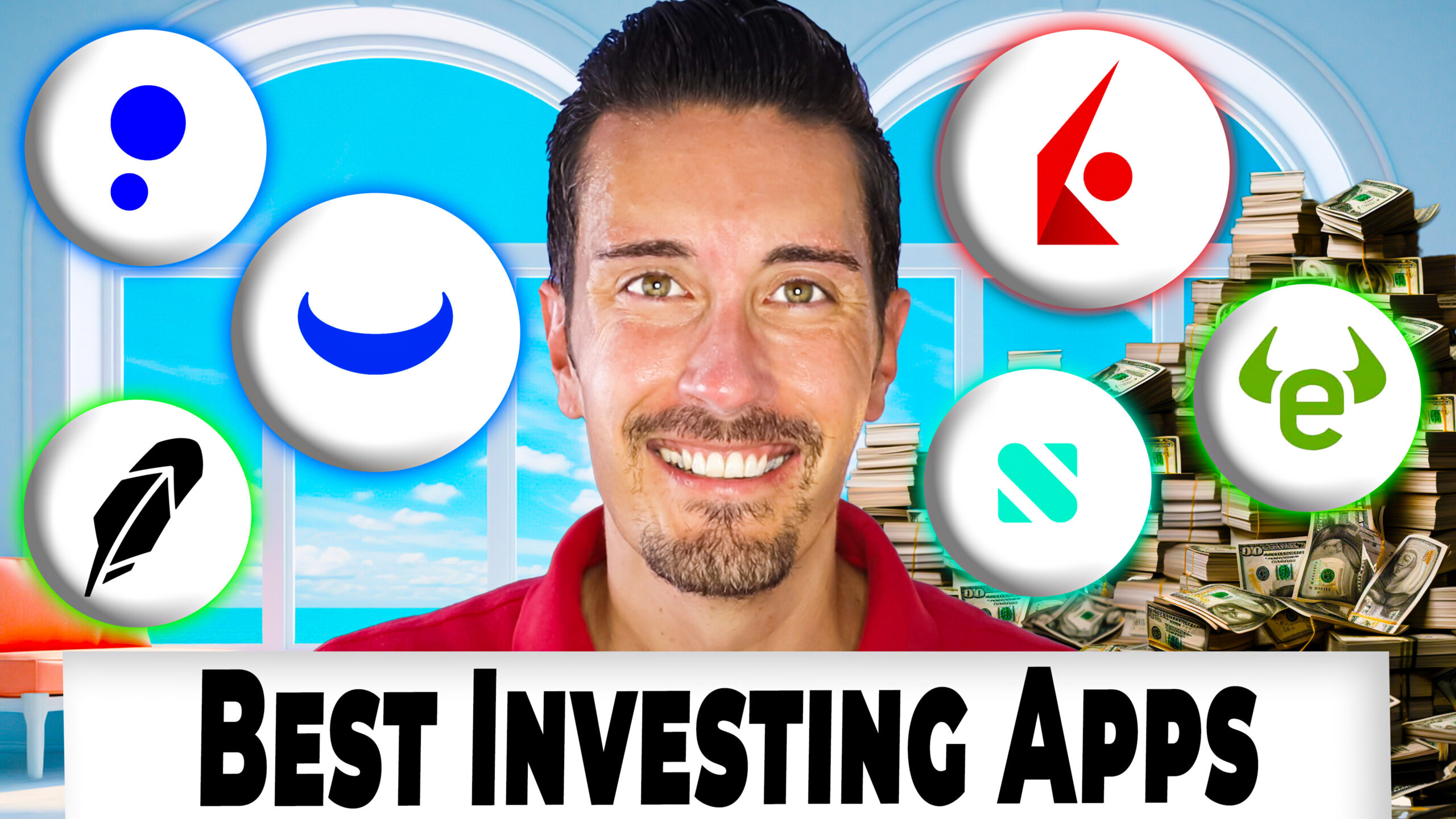
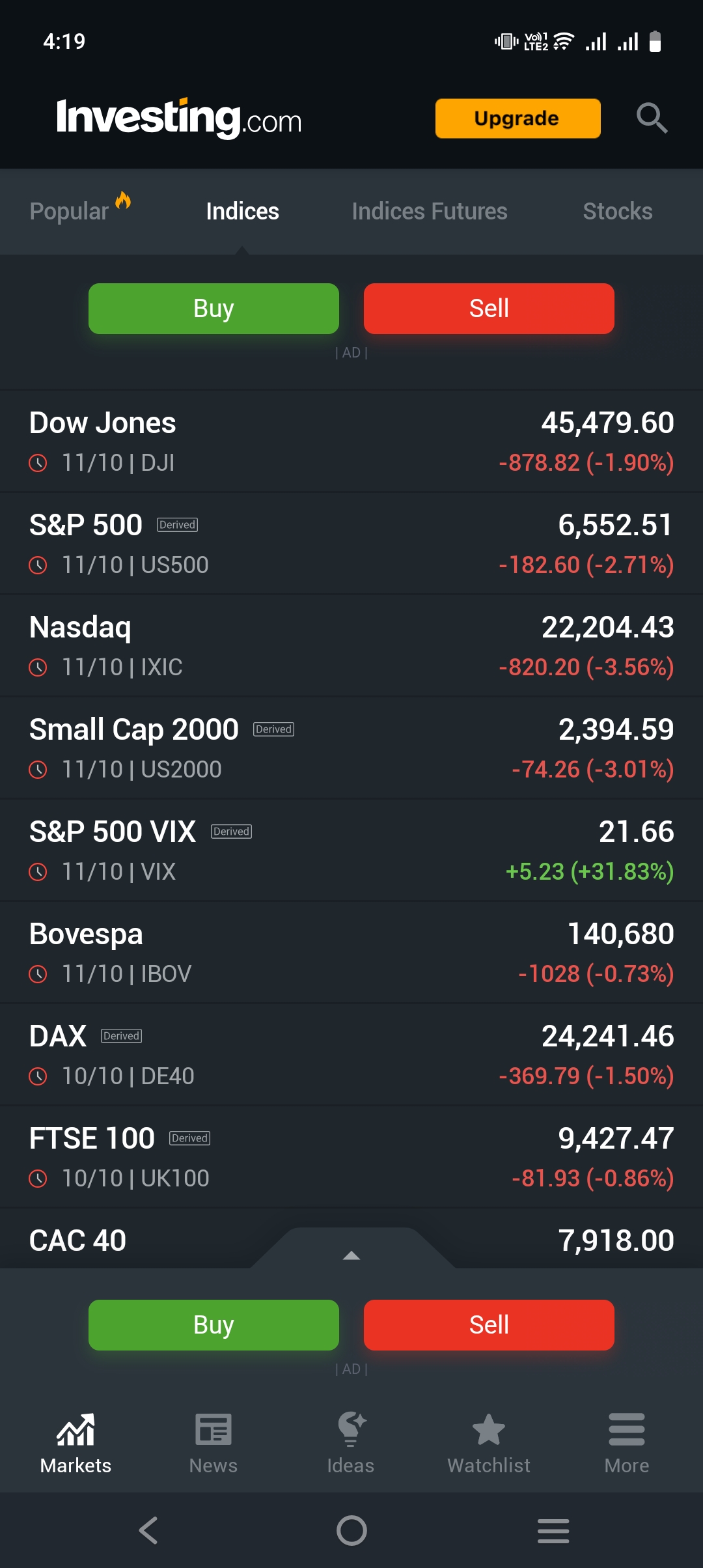
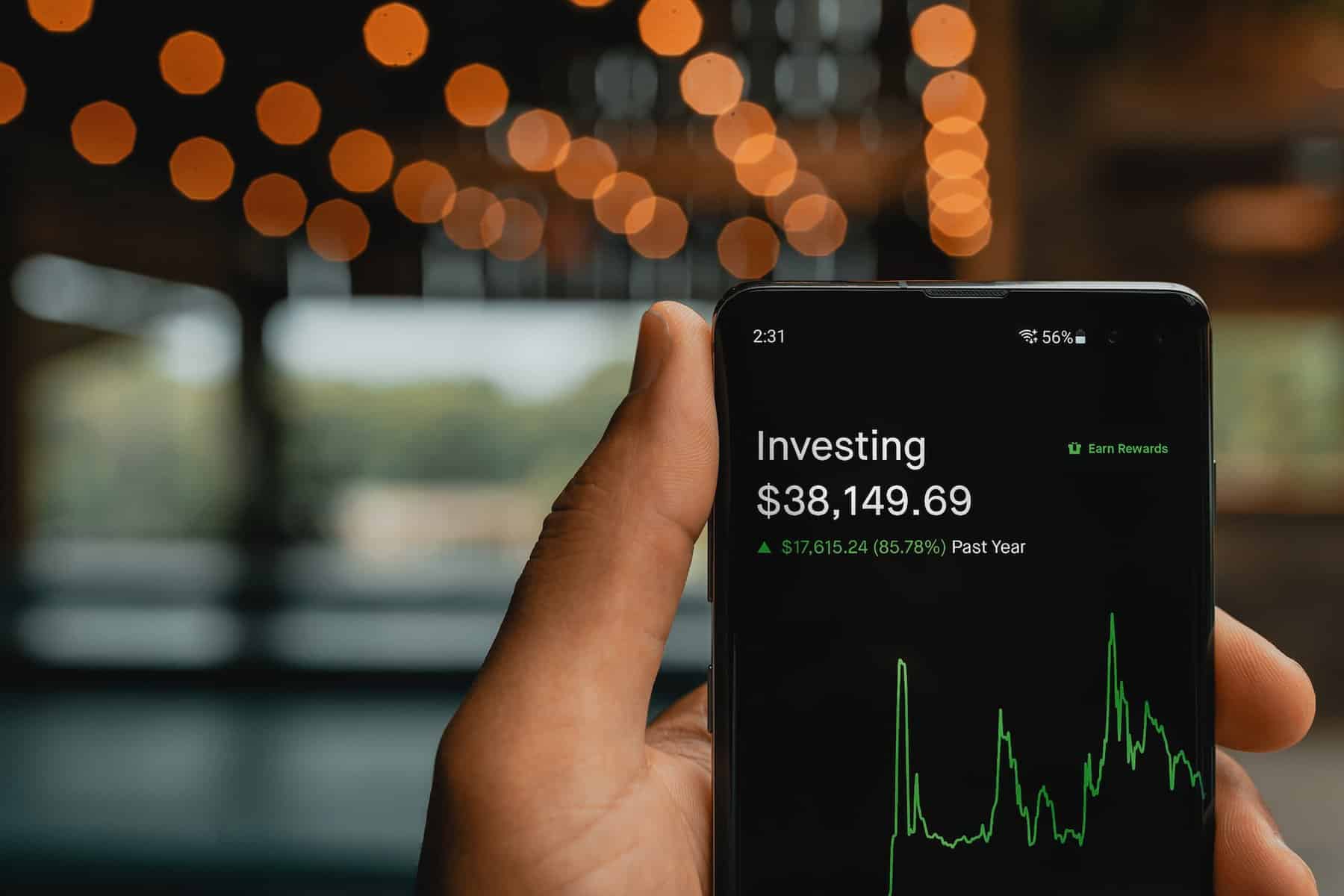
Finding the right investing app depends on your experience level, budget, and financial goals, with top options including platforms for beginners, active traders, retirement planners, and automated robo-advising. Selecting a suitable tool requires balancing factors like account fees, asset classes, educational resources, and customer support.
Navigating the landscape of modern retail investing requires more than just picking a platform with a sleek mobile interface. The democratization of finance has made it possible for everyday individuals to purchase fractional shares, trade options, and manage complex portfolios directly from a smartphone. However, every investor possesses a unique profile. A hands-off saver saving for retirement has vastly different requirements than a day trader executing multiple equity positions daily.
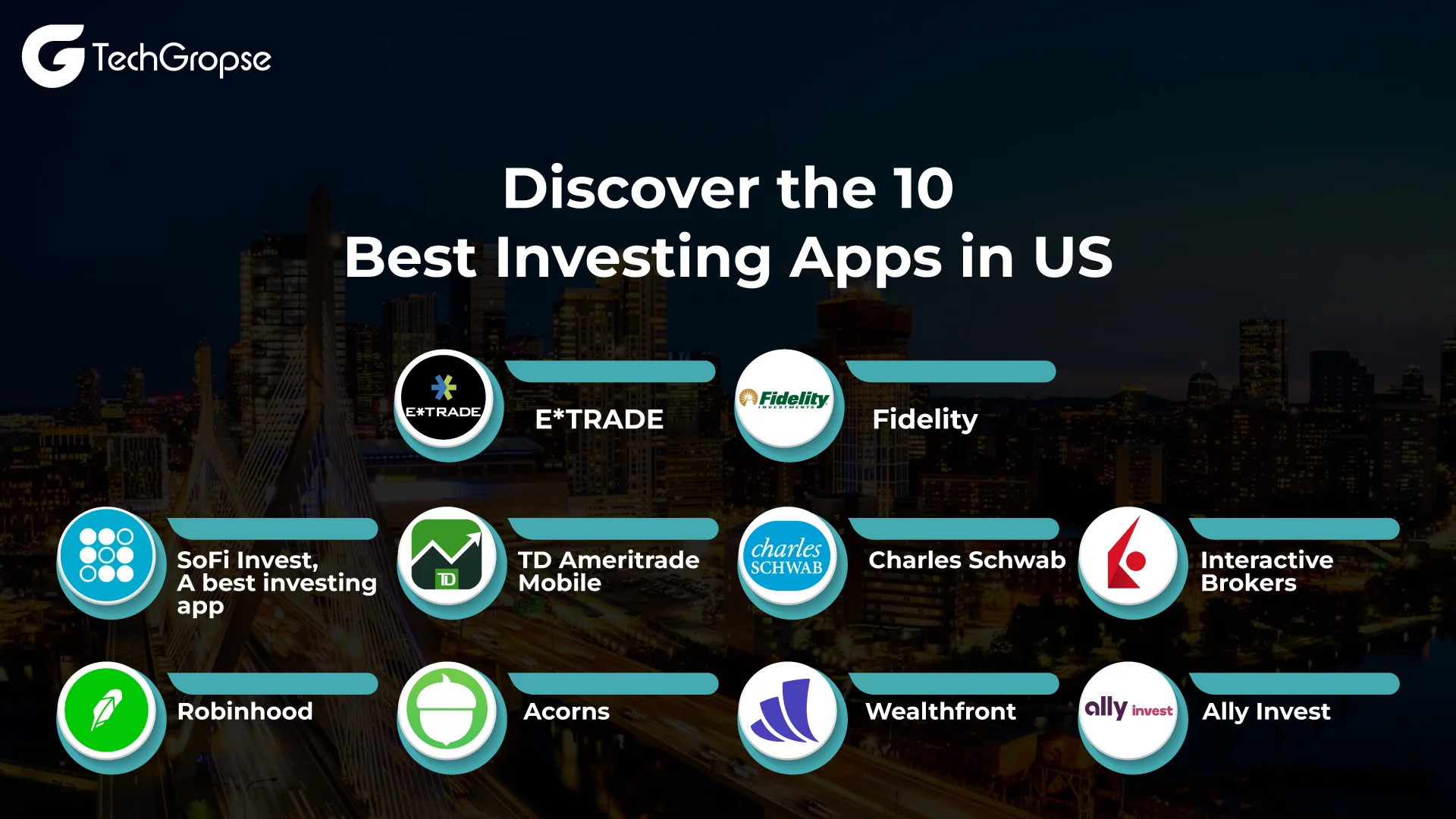
Evaluating the digital financial landscape means looking past promotional offers to analyze trade execution quality, margin rates, account types, and long-term reliability. Below is an exhaustive breakdown of the 7 best apps to use for investing, categorized by their strengths to help you make an informed decision aligned with your financial strategy.
Understanding Your Investment Style and Requirements
Before selecting a mobile trading platform, you must establish your primary investment style. Financial apps generally cater to distinct segments of the market:
- Self-Directed Investors: Individuals who prefer to research, select, and manage their own equities, exchange-traded funds (ETFs), mutual funds, and fixed-income products.
- Active Traders: Participants who execute frequent trades, utilize technical analysis charts, trade options, or require access to margin accounts.
- Passive Investors: Savers who prefer automated strategies, such as robo-advising, where an algorithm rebalances a diversified portfolio based on risk tolerance.
- Beginners: Users requiring intuitive interfaces, educational modules, low or zero minimum deposit requirements, and fractional shares.
Regulatory bodies such as the Financial Industry Regulatory Authority (FINRA) and the Securities and Exchange Commission (SEC) emphasize that investors should verify whether an application provider is a registered broker-dealer and a member of the Securities Investor Protection Corporation (SIPC). SIPC membership provides crucial protection for customer assets up to $500,000 (including a $250,000 limit for cash) in the event of brokerage failure, though it does not protect against market losses.
The 7 Best Apps to Use for Investing
1. Fidelity Investments (Best Overall for Comprehensive Investing)
Fidelity stands out as an industry heavyweight that successfully bridges the gap between absolute beginners and sophisticated long-term investors. Its mobile application offers access to a massive suite of investment products without imposing onerous fees.
- Key Asset Classes: Stocks, ETFs, mutual funds, options, bonds, CDs, and international equities.
- Pricing and Fees: $0 commission for online U.S. stock and ETF trades. Fidelity offers numerous zero-fee index mutual funds with no investment minimums.
- Standout Features: Fractional shares via "Stocks by the Slice," robust educational content, comprehensive research tools, and cash management accounts with debit cards.
- Pros: Exceptional research capabilities, no account minimums, solid customer service infrastructure including physical branch access.
- Cons: The sheer breadth of features and menus can feel overwhelming for novice users who simply want to buy a single index fund.
2. Charles Schwab (Best for Research and Customer Service)
Charles Schwab is widely respected for its commitment to investor education, deep market research, and exceptional customer support. The acquisition of TD Ameritrade integrated advanced trading technology into the Schwab ecosystem.
- Key Asset Classes: Equities, ETFs, mutual funds, options, futures, fixed income, and foreign exchange.
- Pricing and Fees: $0 online equity and ETF commissions. Competitive pricing on options contracts.
- Standout Features: Access to independent third-party research, thematic investing options, and fractional share trading (Stock Slices).
- Pros: Top-tier customer support available 24/7, extensive educational webinars and articles, no account fees or minimums for standard brokerage accounts.
- Cons: Cash sweep yields on uninvested cash can be lower compared to specialized high-yield savings accounts or money market funds unless manually configured.
3. Vanguard (Best for Long-Term Buy-and-Hold Investors)
Vanguard is structurally unique because it is client-owned, meaning the fund shareholders own the company. This ownership structure aligns the firm’s interests with long-term investors seeking low-cost index funds and ETFs.
- Key Asset Classes: Mutual funds, ETFs, stocks, bonds, and certificates of deposit.
- Pricing and Fees: Industry pioneer in low expense ratios. $0 commission for online stock, ETF, and Vanguard mutual fund trades.
- Standout Features: Direct access to some of the world's most popular index funds and targeted retirement date funds.
- Pros: Unmatched reputation for low-cost investing, excellent for retirement-focused buy-and-hold strategies.
- Cons: The mobile app interface is functional but historically utilitarian, lacking the gamified or ultra-modern aesthetic found in newer fintech startups. It is less suited for active day trading.
4. Robinhood (Best for Beginners and Simplified Trading)
Robinhood revolutionized the brokerage industry by introducing commission-free trading and a clean, minimalist mobile interface that lowered the barrier to entry for millions of retail investors.
- Key Asset Classes: U.S. stocks, ETFs, options, American Depositary Receipts (ADRs), and select cryptocurrencies.
- Pricing and Fees: $0 commission on standard trades. Optional Robinhood Gold subscription offers higher yields on uninvested cash and professional research.
- Standout Features: Fractional shares starting at $1, instant deposits, and an exceptionally intuitive user experience.
- Pros: Extremely easy to navigate; fast account opening process; excellent for fractional investing with small capital amounts.
- Cons: Historically criticized for gamification of trading; limited traditional retirement account offerings compared to legacy brokers; customer service is primarily digital-first.
5. Webull (Best for Active Traders and Technical Analysis)
Webull caters to intermediate and advanced traders who want advanced charting capabilities, extended trading hours, and analytical tools directly on their mobile devices without paying steep platform fees.
- Key Asset Classes: Stocks, ETFs, options, and cryptocurrencies.
- Pricing and Fees: $0 commission for standard stock and ETF trades.
- Standout Features: Advanced technical indicators, customizable charting tools, paper trading (simulated trading for strategy testing), and extended hours trading (pre-market and after-hours).
- Pros: Deep analytical data on mobile, no deposit minimums for standard accounts, robust paper trading simulator.
- Cons: Interface can be visually cluttered and confusing for casual long-term investors; options and margin mechanics require a strong understanding of risk.
6. Betterment (Best Robo-Advisor for Hands-Off Investors)
For individuals who want to grow their wealth without manually selecting individual stocks or rebalancing portfolios, Betterment provides automated, goal-based investing through robo-advising algorithms.
- Key Asset Classes: Globally diversified portfolios built primarily of low-cost ETFs.
- Pricing and Fees: Annual management fee of around 0.25% for the digital plan, with higher tiers available for access to human financial planners.
- Standout Features: Automated portfolio rebalancing, tax-loss harvesting (to help offset capital gains taxes), and goal-based buckets (retirement, home purchase, emergency fund).
- Pros: Completely hands-off experience; sophisticated tax optimization strategies executed automatically; low barrier to entry.
- Cons: Lack of control over individual security selection; ongoing management fees do not apply if you build your own portfolio at a broker like Fidelity or Vanguard.
7. M1 Finance (Best for Automated Custom Portfolios)
M1 Finance utilizes a unique "Pie" concept, allowing users to build custom asset allocation models or choose from expert-curated portfolios, automating investments whenever funds are deposited.
- Key Asset Classes: Stocks and ETFs.
- Pricing and Fees: Free basic tier with $0 commission trading. M1 Plus subscription unlocks morning trading windows and lower borrowing rates.
- Standout Features: Automated rebalancing based on your custom "Pie" percentages, fractional shares, and integrated high-yield savings and credit options.
- Pros: Excellent for disciplined, automated long-term investing; highly customizable portfolio weighting.
- Cons: Limited trading windows (typically once or twice daily depending on tier), making it unsuitable for day traders or those requiring real-time execution control.
Comparative Overview of Investment Apps
| App Name | Primary Focus | Account Minimum | Commission Fees | Best For |
|---|---|---|---|---|
| Fidelity | Comprehensive Brokerage | $0 | $0 | All-around investing, research, and retirement |
| Charles Schwab | Research & Customer Service | $0 | $0 | Customer support and independent research |
| Vanguard | Long-Term Index Investing | $0 (Fund minimums apply) | $0 | Buy-and-hold index fund investors |
| Robinhood | Simplified Mobile Trading | $0 | $0 | Beginners wanting fractional shares |
| Webull | Active & Technical Trading | $0 | $0 | Technical chart analysis and extended hours |
| Betterment | Automated Robo-Advising | $0 | 0.25% annual fee | Hands-off investors and automated rebalancing |
| M1 Finance | Custom Automated Portfolios | $100 ($500 for retirement) | $0 | Automated custom portfolio building ("Pies") |
Critical Factors to Evaluate Before Opening an Account
When choosing an application from the options above, look closely at structural and operational variables that impact your long-term returns:
1. Account Types and Tax Efficiency
Ensure the platform supports the specific registration types you require. Standard taxable brokerage accounts are flexible but offer no tax advantages. If you are saving for retirement, look for Traditional IRAs, Roth IRAs, or employer-sponsored integrations. Platforms like Fidelity and Schwab offer robust tax-advantaged account structures.
2. Execution Quality and Payment for Order Flow (PFOF)
Many zero-commission retail brokerages route customer orders through market makers in exchange for payment for order flow. While execution prices are generally competitive, active traders should examine a broker's execution quality reports to ensure they receive price improvement rather than wide bid-ask spreads.
3. Security Protocols
Because financial apps hold sensitive personal data and capital, verify that the provider implements industry-standard security measures. Look for two-factor authentication (2FA), biometric login (Face ID/fingerprint), and bank-level encryption. Additionally, verify SIPC protection status and whether cash sweep programs are held in FDIC-insured partner banks.
Common Mistakes to Avoid When Starting
- Chasing Short-Term Trends: Utilizing mobile apps to trade high-volatility assets based on social media hype often leads to severe capital losses. Long-term wealth building typically relies on consistent, diversified allocations.
- Ignoring Expense Ratios: Even if a broker charges $0 commission to buy a fund, the fund itself charges an annual expense ratio. Always review the underlying costs of ETFs and mutual funds.
- Overtrading: Frequent buying and selling racks up hidden costs through wider spreads, potential tax implications, and behavioral fatigue. Stick to a documented investment thesis.
Frequently Asked Questions
Can I lose more money than I deposit in an investing app?
In a standard cash account, your losses are strictly limited to the amount of money you invest. However, if you apply for and are approved for a margin account—allowing you to borrow money from the broker to buy securities—your losses can exceed your initial deposit, making margin trading a high-risk activity unsuited for beginners.
Are free investing apps safe to use?
Yes, provided they are regulated U.S. broker-dealers registered with the SEC and members of FINRA and SIPC. "Free" usually refers to zero-commission stock and ETF trades; these firms generate revenue through interest on uninvested cash (cash sweeps), margin lending, securities lending, or optional premium subscription tiers.
What is the difference between a stock and an ETF?
An individual stock represents fractional ownership in a single corporation. An Exchange-Traded Fund (ETF) is a pooled investment security that holds a basket of underlying assets—such as hundreds of different stocks or bonds—allowing investors to achieve instant diversification with a single transaction.
How do fractional shares work?
Fractional shares allow investors to purchase a fraction of a whole share of stock or an ETF if their capital is lower than the asset's per-share market price. For example, if a stock trades at $500 per share, an investor with $50 can purchase 0.1 shares, receiving proportional dividends and capital appreciation.
Do I have to pay taxes on investments inside an app?
Tax obligations depend entirely on the account type. In a standard taxable brokerage account, you owe capital gains taxes when you sell an asset for a profit, and you owe taxes on any distributed dividends or interest. In tax-advantaged accounts like a Roth IRA, investments grow tax-free, and qualified withdrawals are tax-free.
Final Recommendation
For most individual investors seeking a balance of power, security, and long-term utility, Fidelity Investments or Charles Schwab serve as premier choices due to their comprehensive asset offerings and lack of account fees. If you prefer a completely automated, hands-off approach to wealth accumulation, opt for Betterment or M1 Finance. Assess your personal financial literacy, risk tolerance, and time horizon before funding any digital brokerage account.